
 EDU教育网邮箱注册申请

前言介绍
arXiv(发音为“ archive ”——X 代表希腊字母 chi ⟨χ⟩)是一个开放获取的电子预印本和后印本(称为e-prints)存储库,经过审核后批准发布,但不接受同行评审。它由数学、物理学、天文学、电气工程、计算机科学、定量生物学、统计学、数学金融和经济学领域的科学论文组成,可以在线访问。在数学和物理的许多领域,几乎所有科学论文在同行评审期刊上发表之前都会在 arXiv 存储库中自行存档。一些出版商还允许作者存档经过同行评审的后印本。arXiv.org 自 1991 年 8 月 14 日开始,于 2008 年 10 月 3 日突破了 50 万篇文章的里程碑,到 2014 年底已达到 100 万篇文章 ,到 2014 年底已达到 200 万篇文章。截至2021年4月,每月提交率约为16,000篇文章。现由美国康奈尔大学图书馆全面负责 arXiv 的运营和发展的行政和财务责任。2022 年 1 月,arXiv 开始与DataCite合作为文章分配DOI
注册流程

信息填写

Register for the first time (step 2 of 2)
Email: xxx@stu.xxx.edu
Username: xxx#4 Fields with * are required.
Please supply your correct name and affiliation.
It is a violation of our policies to misrepresent your identity or institutional affiliation. Claimed affiliation should be current in the conventional sense: e.g., physical presence, funding, email address, mention on institutional web pages, etc. Misrepresentation of identity or affiliation, for any reason, is possible grounds for immediate and permanent suspension.
Full Name: (these fields accept pidgin TeX (\’o) for foreign characters)
*First or Given Name *Last or Family Name

我们填写完星号必填内容,点击Register注册,会提示给edu邮箱发一封验证码邮件。
账号确认

Verify E-mail验证邮件 Enter Verification Code 输入验证码
To verify your E-mail you will need the verification code that we sent you via E-mail. The easiest way to give us the verification code is to click on the link near the top of the message we’ll send you. Unfortunately, the link doesn’t work with every E-mail program, so you may need to enter your verification code by hand. The verification code consists of twelve letters and/or digits with a dash in the middle: it looks something like “8GQUZR-P8NFDZ”.
要验证您的电子邮件,您将需要我们通过电子邮件发送给您的验证码。向我们提供验证码的最简单方法是单击我们将向您发送的消息顶部附近的链接。 遗憾的是,该链接并不适用于所有电子邮件程序,因此您可能需要手动输入验证码。验证码由十二个字母和/或数字组成,中间有破折号。

注册成功

Your account is now verified. Welcome to arXiv.org您的帐户现已验证。 欢迎来到 arXiv.org
START NEW SUBMISSION 开始新的提交,我们点击此项。
提交文章

Start Submission 开始提交You may pause in the submission process at any stage and return to your submission from your user page at https://arxiv.org/user您可以在任何阶段暂停提交过程,然后从您的用户页面返回提交内容:https://arxiv.org/user
We must have current contact information, especially your email address. Verify your name and institutional affiliation; make sure that we’ve segmented your first and last names correctly and that any accented characters are properly represented. Return to the registration form to update your information. If your e-mail address xxx@stu.xxx.edu is no longer valid, then you must change your E-mail address BEFORE proceeding.
我们必须拥有当前的联系信息,尤其是您的电子邮件地址。 验证您的姓名和所属机构; 确保我们已正确分割您的名字和姓氏,并且所有重音字符均得到正确表示。 返回注册表以更新您的信息。 如果您的电子邮件地址 xxx@stu.xxx.edu 不再有效,那么您必须在继续操作之前更改您的电子邮件地址。
Verify Your Contact Information 验证您的联系信息
I certify that the above information is correct. 我保证以上信息正确无误。
Submission Agreement 提交协议
By submitting to arXiv I have read and accept the Submission Agreement通过提交到 arXiv,我已阅读并接受提交协议
If you are under 18 years of age: Please ask an older co-author to submit the work. If that is not possible you must complete the arXiv parent/guardian consent form before proceeding.如果您未满 18 岁:请请年长的合著者提交作品。 如果不可能,您必须先填写 arXiv 家长/监护人同意书,然后才能继续。
Authorship 作者身份
I am submitting as an author of this article 我以本文作者身份提交
I am not an author but have obtained pre-authorization from arXiv to submit as a third-party submitter我不是作者,但已获得 arXiv 的预授权,可以作为第三方提交者提交
License Statement 许可声明
All articles and source files posted on arXiv.org can be viewed and downloaded by anyone.任何人都可以查看和下载 arXiv.org 上发布的所有文章和源文件。
Archive and Subject Class 档案和学科类别
Please read the category descriptions carefully to ensure you select the best-fitting category for your submission. Failure to do so may significantly delay the listing of your submission, and creates additional work for our volunteer moderators.
请仔细阅读类别描述,以确保您选择最适合您提交的类别。 如果不这样做,可能会严重延迟您提交的内容的列出,并给我们的志愿者版主带来额外的工作。
xxxx#4 已注册为物理学组的作者
If your desired submission archive does not appear below, or you wish to change any defaults, return to your registration form and make any necessary changes.如果您想要的提交存档没有出现在下面,或者您希望更改任何默认值,请返回您的注册表并进行任何必要的更改。
Choose a primary classification for this submission:为此提交选择主要分类:
Submission files 提交文件

Your submission to the archive must be in one of the following formats (listed in order of preference):您向存档提交的内容必须采用以下格式之一(按优先顺序列出):
(La)TeX, AMS(La)TeX, PDFLaTeX
PDF (not generated from TeX)
HTML for conference proceeding indexes
To upload a .zip or .tar.gz click browse and select the compressed file. arXiv will uncompress it.要上传 .zip 或 .tar.gz,请单击“浏览”并选择压缩文件。 arXiv 将解压缩它。
You can upload all your files at once as a single .tar.gz or .zip file, or upload individual files as needed.您可以将所有文件作为单个 .tar.gz 或 .zip 文件一次性上传,也可以根据需要上传单个文件。
TeX source uploaded to arXiv will be made publicly available.上传到 arXiv 的 TeX 源代码将公开。
邮箱获取
为什么叫正规edu邮箱,因为市面上99%的edu邮箱全是盗号的,无法做到长期使用,而且功能访问都有限制,且密码丢失商家也无法协助找回,所以市面上几乎没有店铺有能力做美国永久真实edu,所以下面推荐美国4号edu是市面上唯一可以完全属于自己拥有的永久美国有效edu邮箱。
我们推荐的这款美国edu邮箱,是真正做自己学术信息的,是海外大学管理员直接开号,可以绑定属于自己的信息,这就是和其他邮箱的关键区别。
全球只有美国的国家为.edu结尾,如自定义用户名@ftt.edu. 其他国家均为.edu.xxx结尾如 xxx@bd.boes.edu.rs,因此市场上低价edu邮箱均为edu.后面加国家结尾,这些edu邮箱在闲鱼某宝上均价较低在10元左右,在国际教育优惠均有较大限制,因为大多数国际教育优惠都是美国的,无法认证更多主流国外产品,如现在流行的AI教育优惠。
如果预算足够,建议购买以下介绍款:
美国高端4号edu邮箱附带证明文件和学生卡,收发邮件功能正常,可在任何客户端登陆使用, 因为大多数国际教育优惠为了薅羊毛,在认证资格的时候,需要提供学生卡和邮箱系统一致,才可以申请成功。国际认可度更高,可以用来学术交流、学术科研网站注册、论文投稿、留学推荐信等正式场合使用。
这篇介绍文章是专业做海外edu的edu官方商家独家产品,商家为美国大学海外管理员:
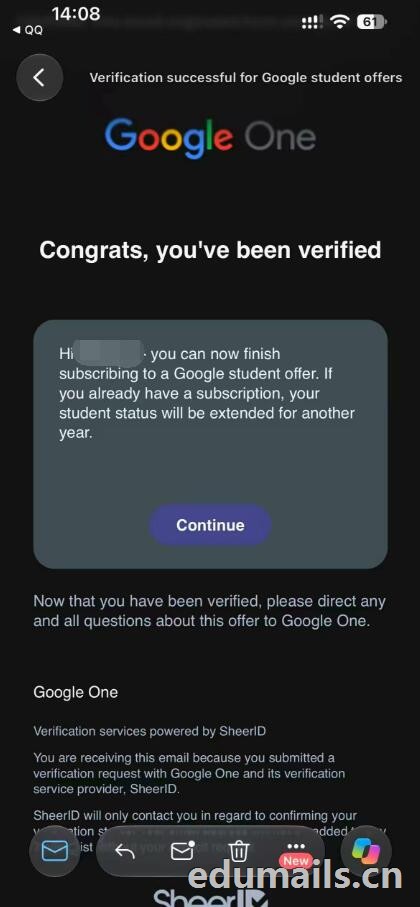
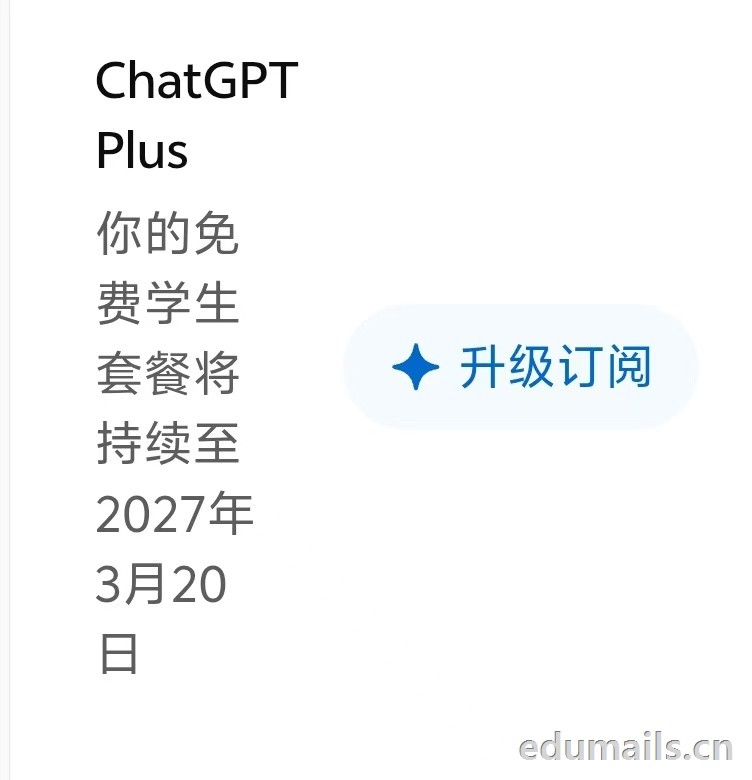
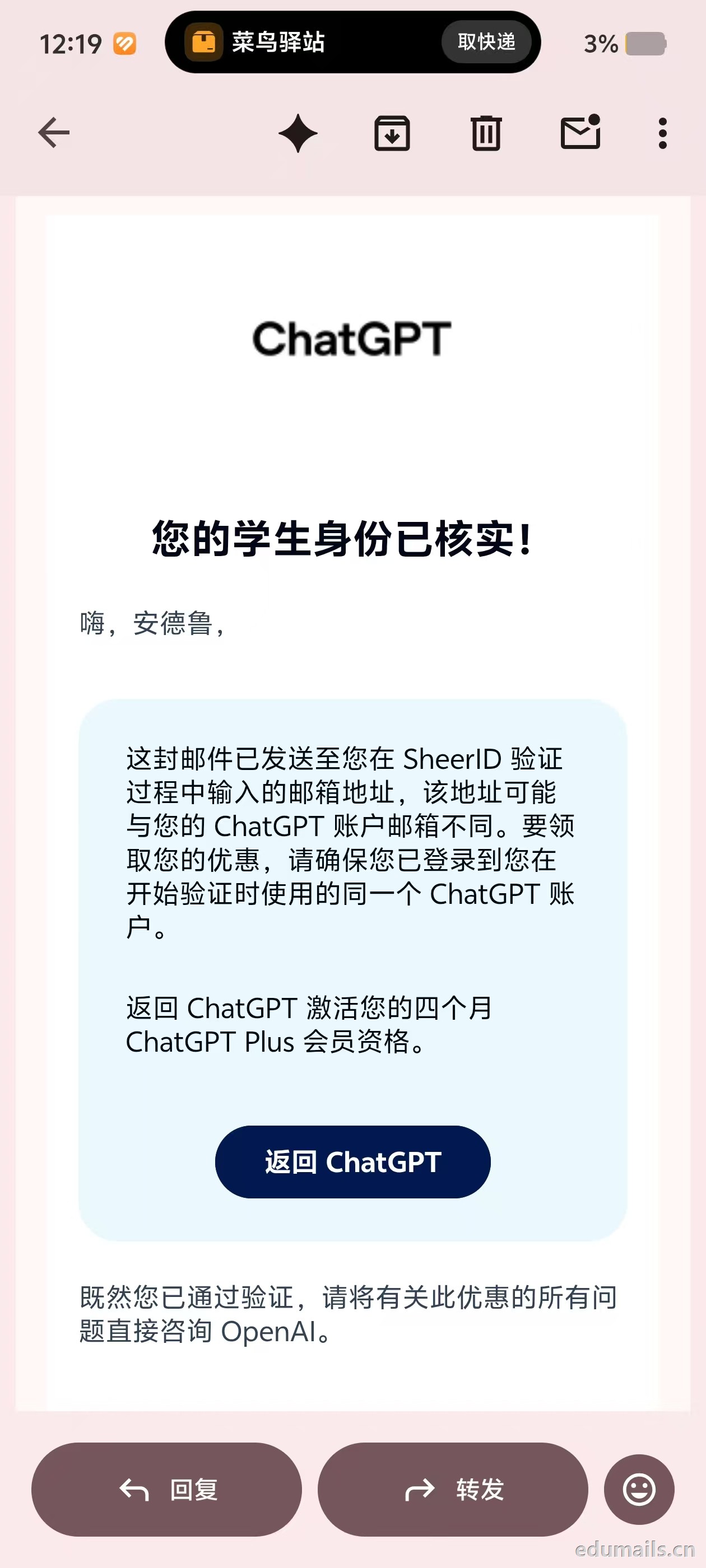
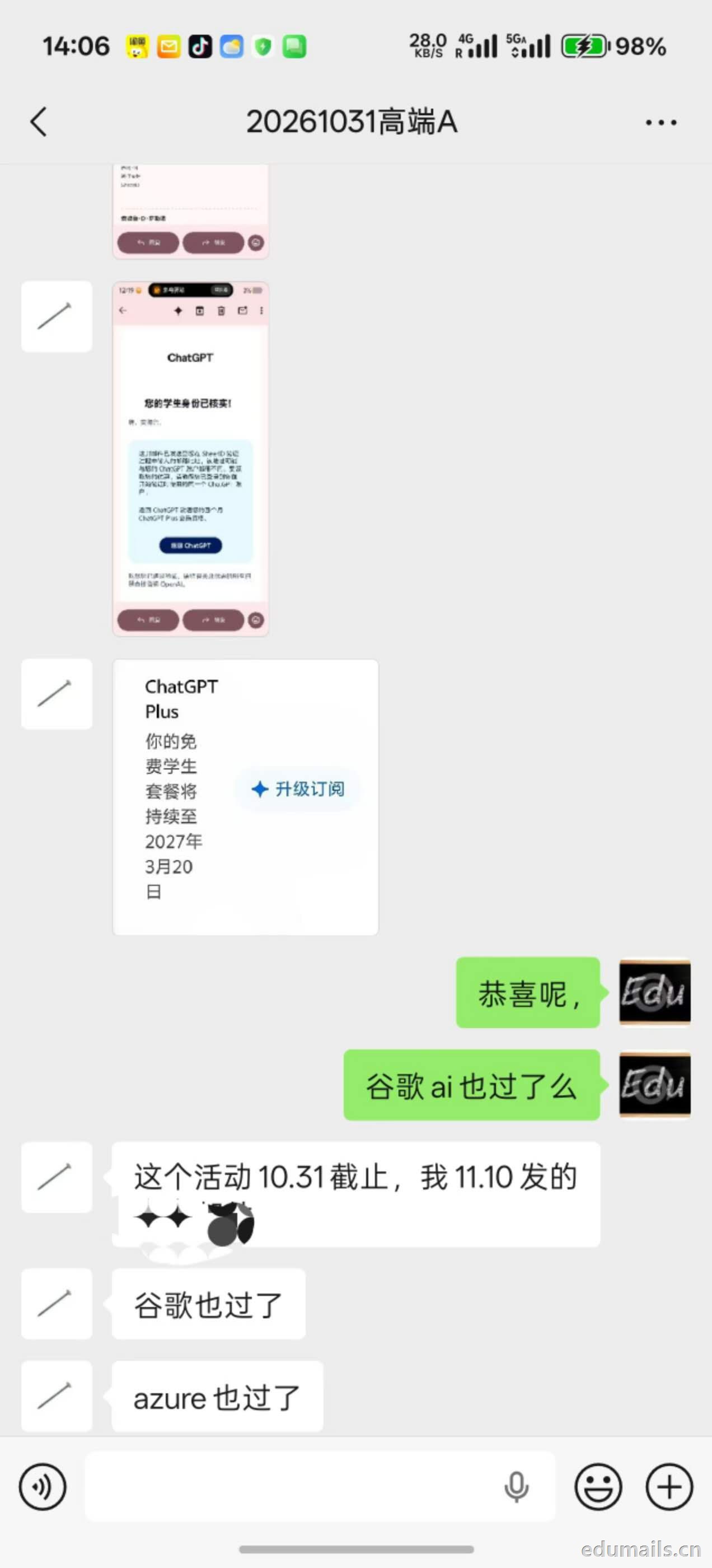
 教育优惠不是「免费送 Pro 会员」。——
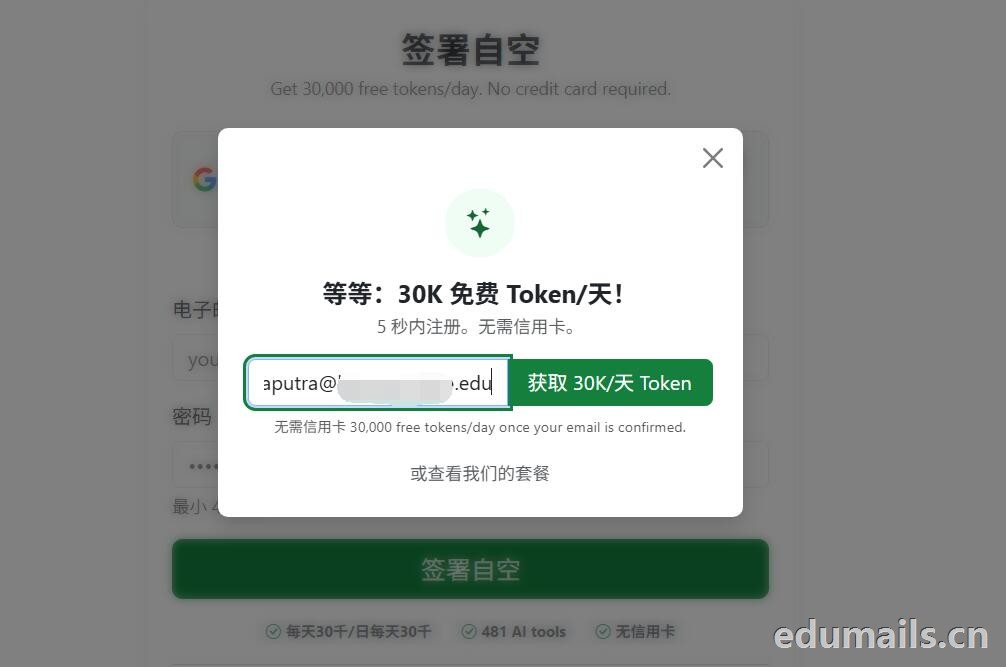 然后我们打开edu邮箱收件箱输入网站注册的邮箱验证码即可完成账号确认。
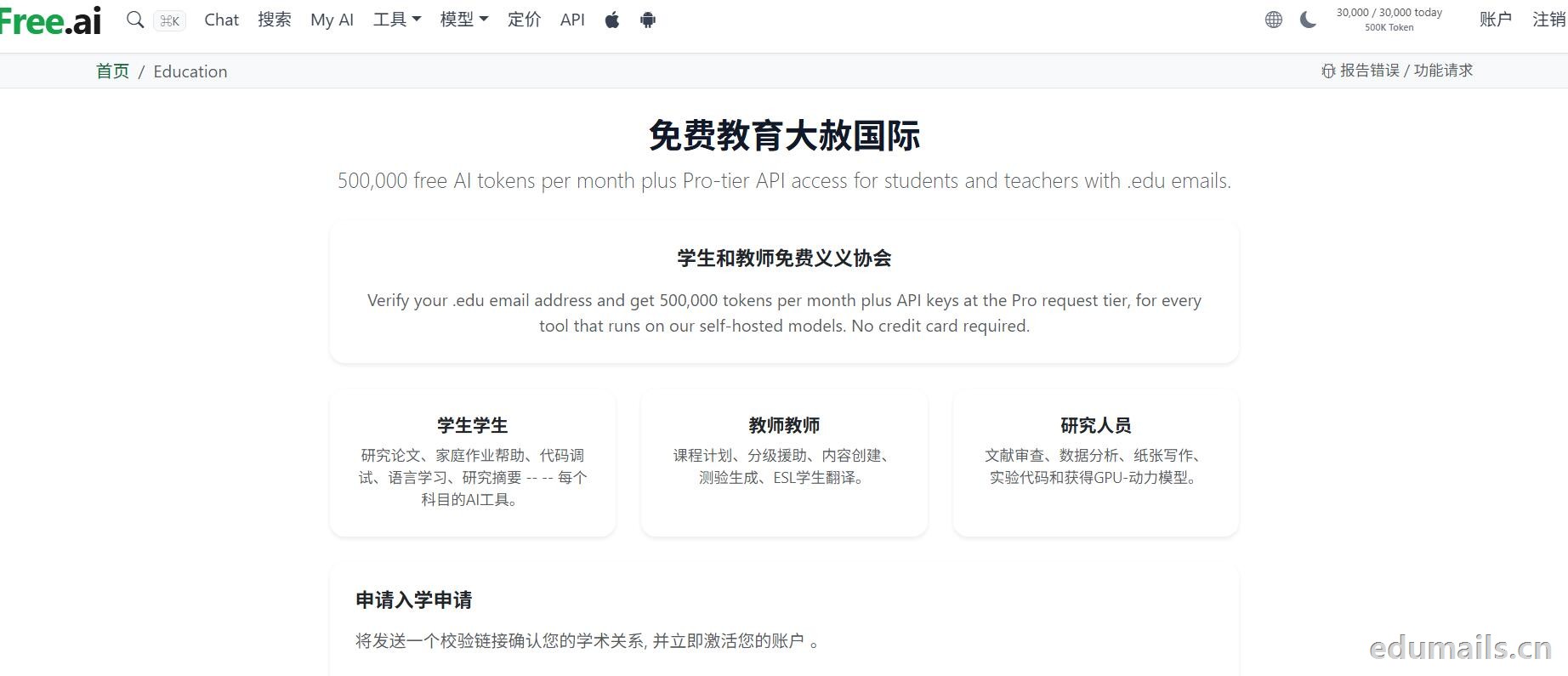
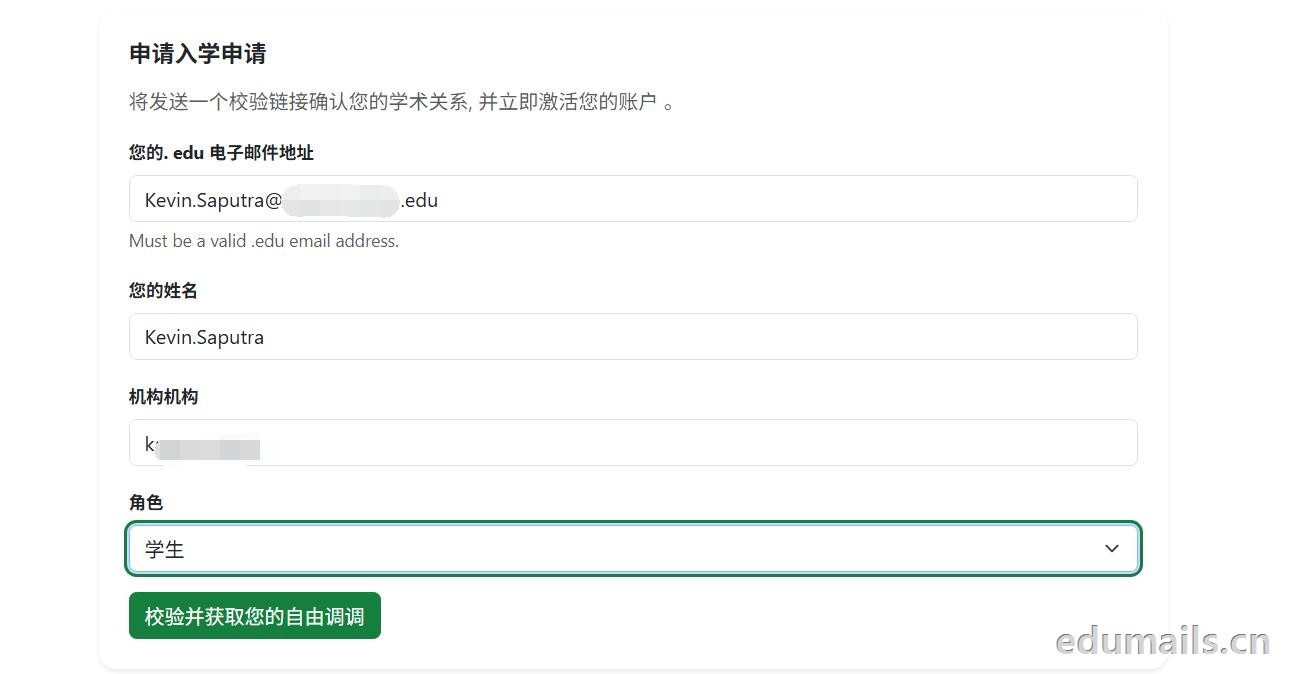 我们在您的. edu 电子邮件地址部分填写美国.edu结尾邮箱,姓名随便填,机构名称也可以随便,角色随便选。然后点击校验。
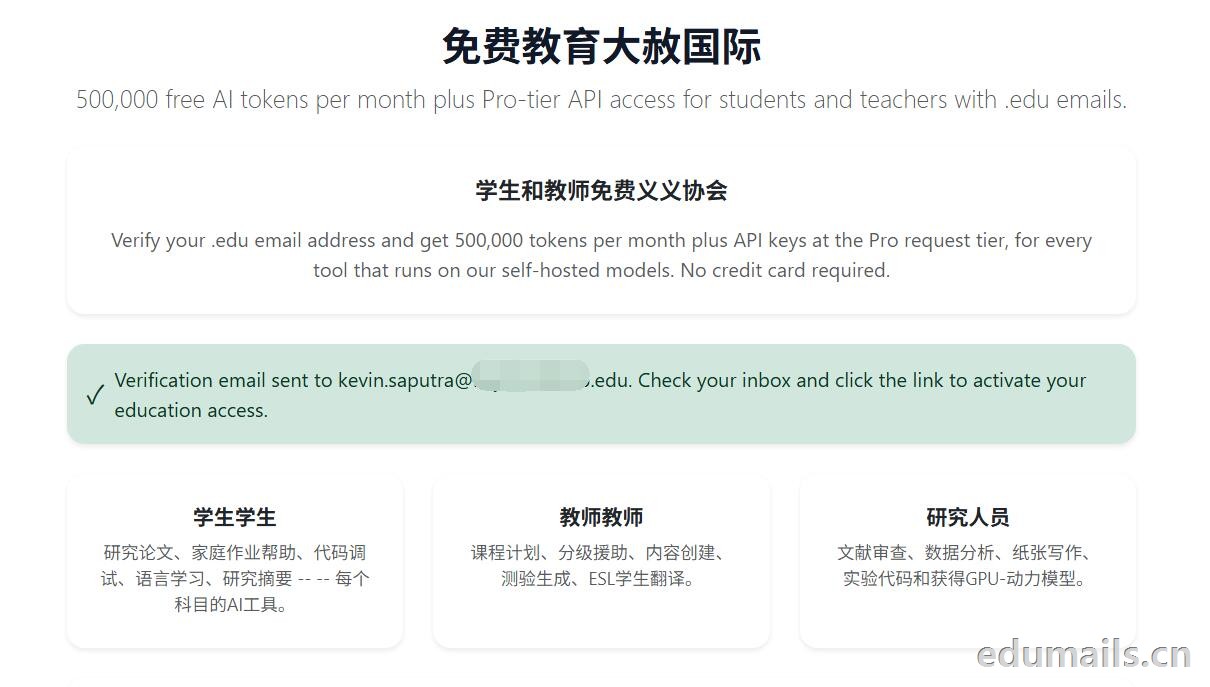 Verification email sent to kevin.saputra@xxxx.edu. Check your inbox and click the link to activate your education access.
验证邮件已发送至 kevin.saputra@xxxx.edu。请查看您的收件箱,并点击其中的链接以激活您的教育版访问权限。
我们打开edu邮箱的收件箱,会秒收到来自标题为”验证学校邮箱以获取 Free.ai 教育版权限“的验证邮件,如下图所示:
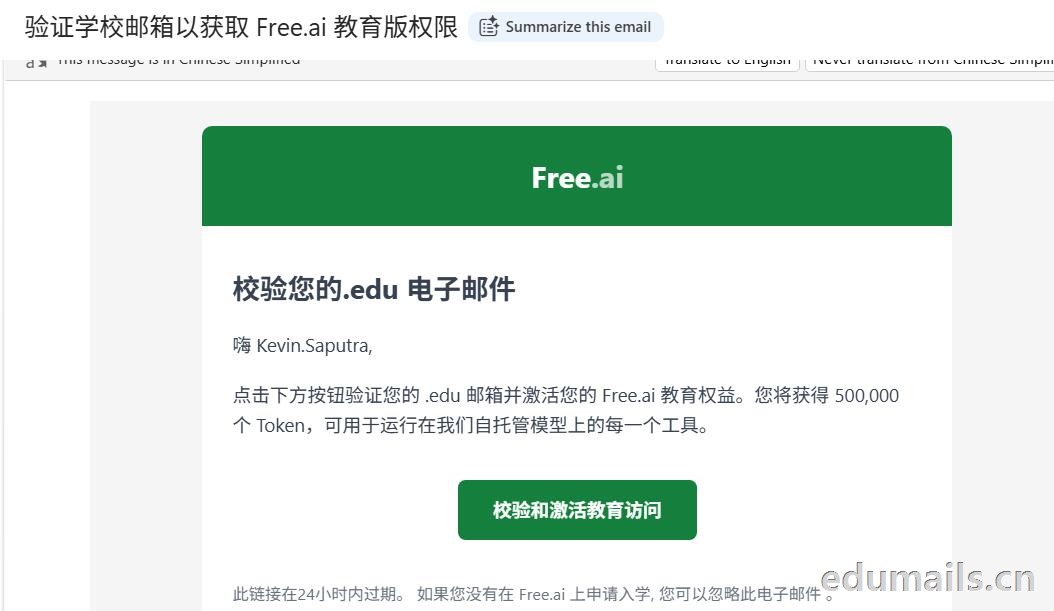 校验您的.edu 电子邮件,嗨 Kevin.Saputra,点击下方按钮验证您的 .edu 邮箱并激活您的 Free.ai 教育权益。您将获得 500,000 个 Token,可用于运行在我们自托管模型上的每一个工具。
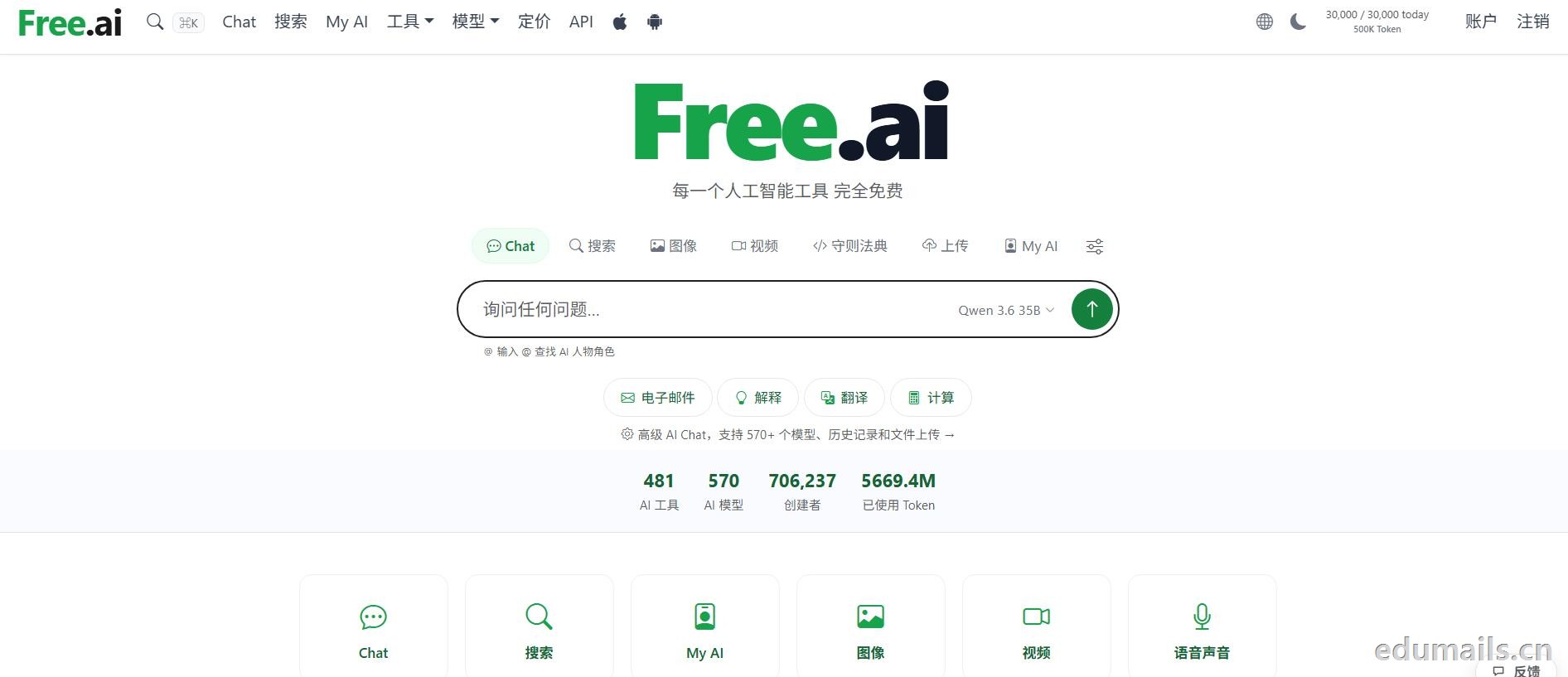
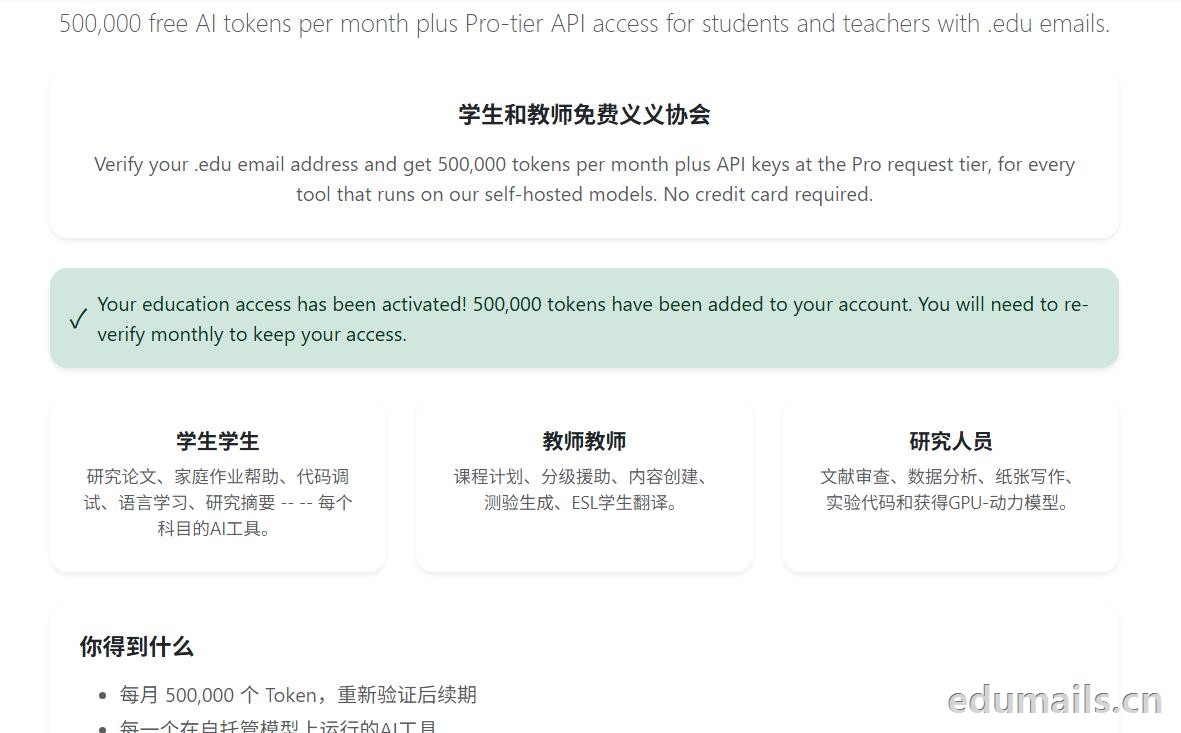 我们点击账户页面,Free.ai 账户页显示
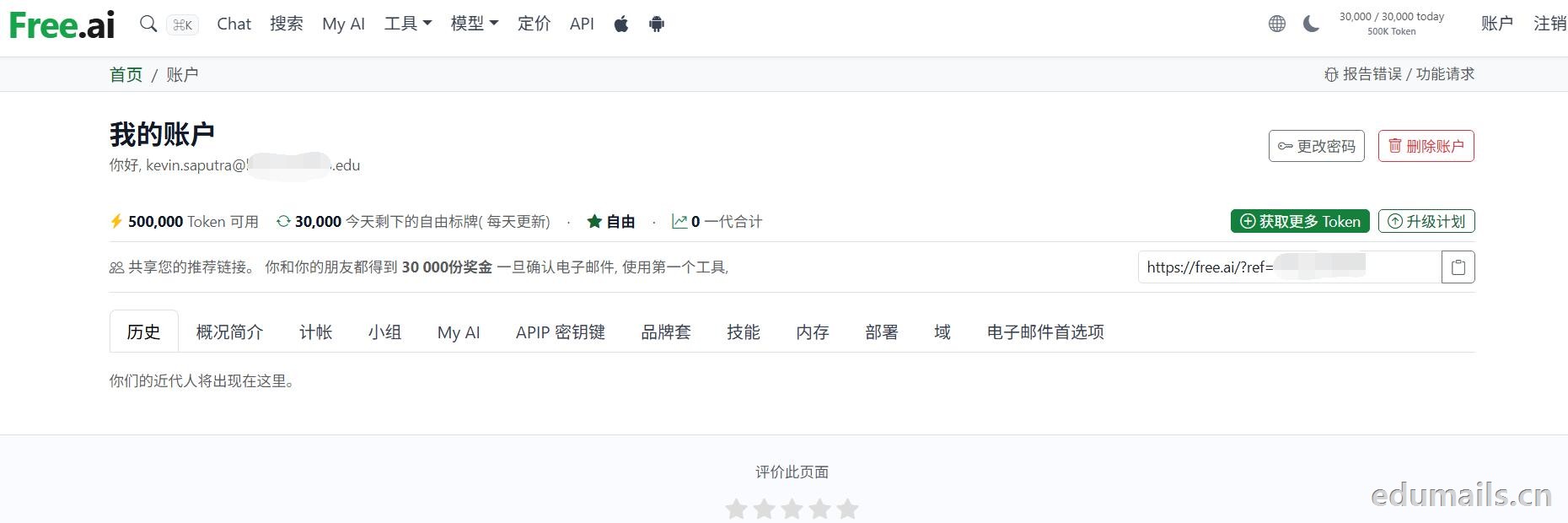 查看地址:https://free.ai/account/
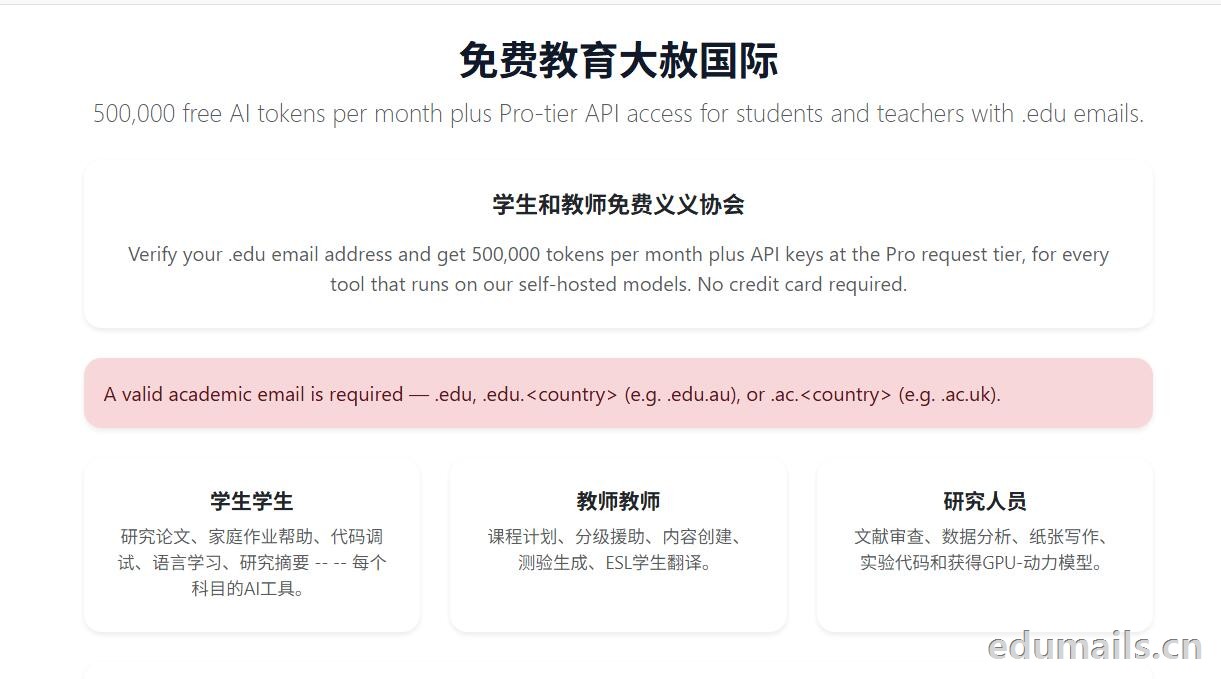 唯一的解决办法就是给官方发技术支持邮件,附带自己的在读证明和其他资质文件,进行人工授权,官方不保证成功通过。Email hello@free.ai or visit /contact/
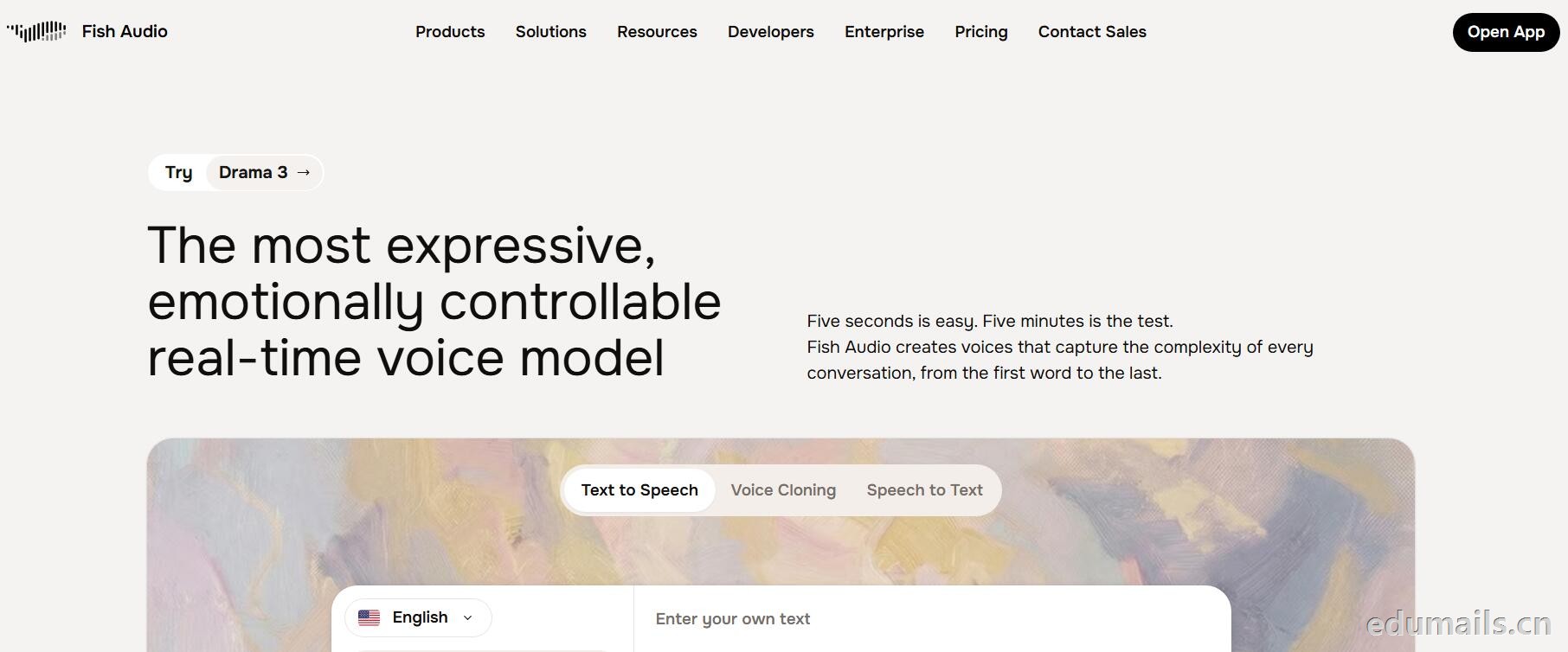
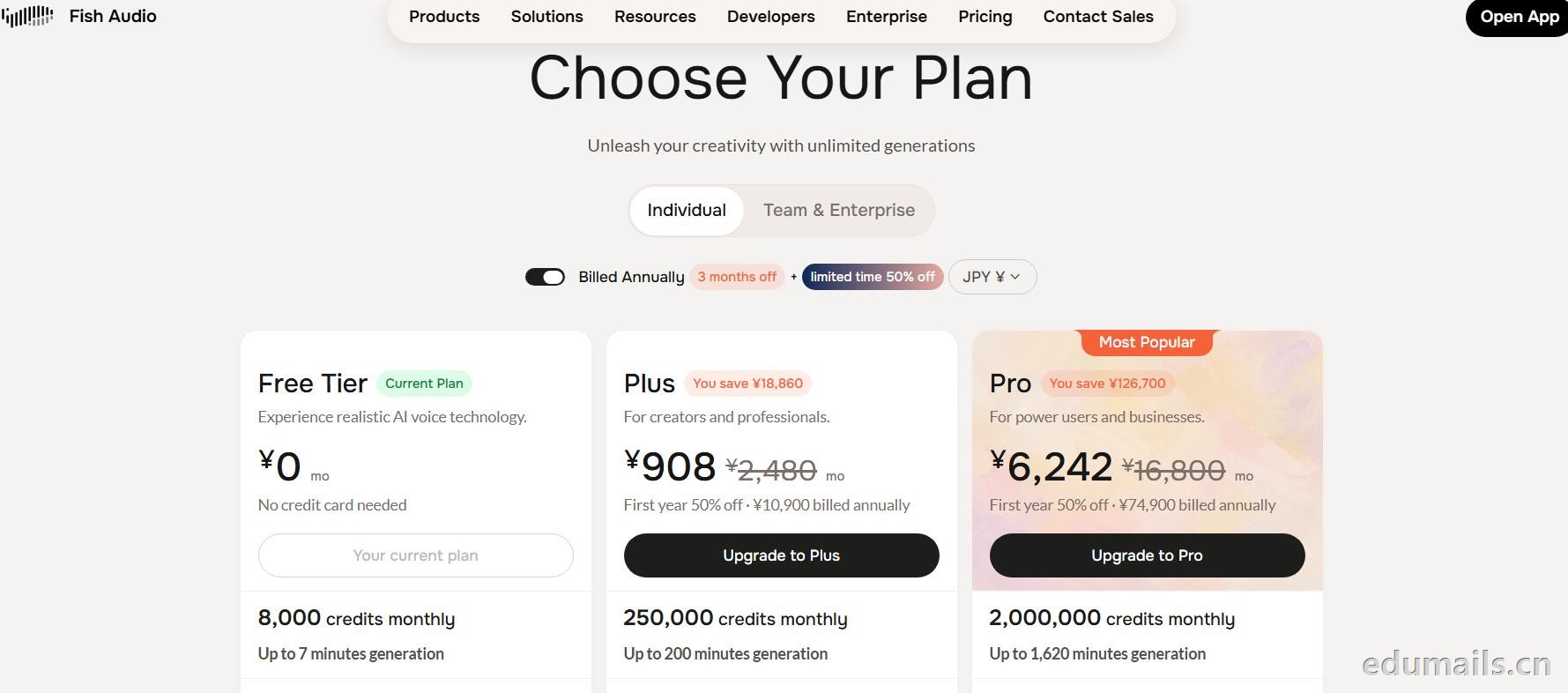
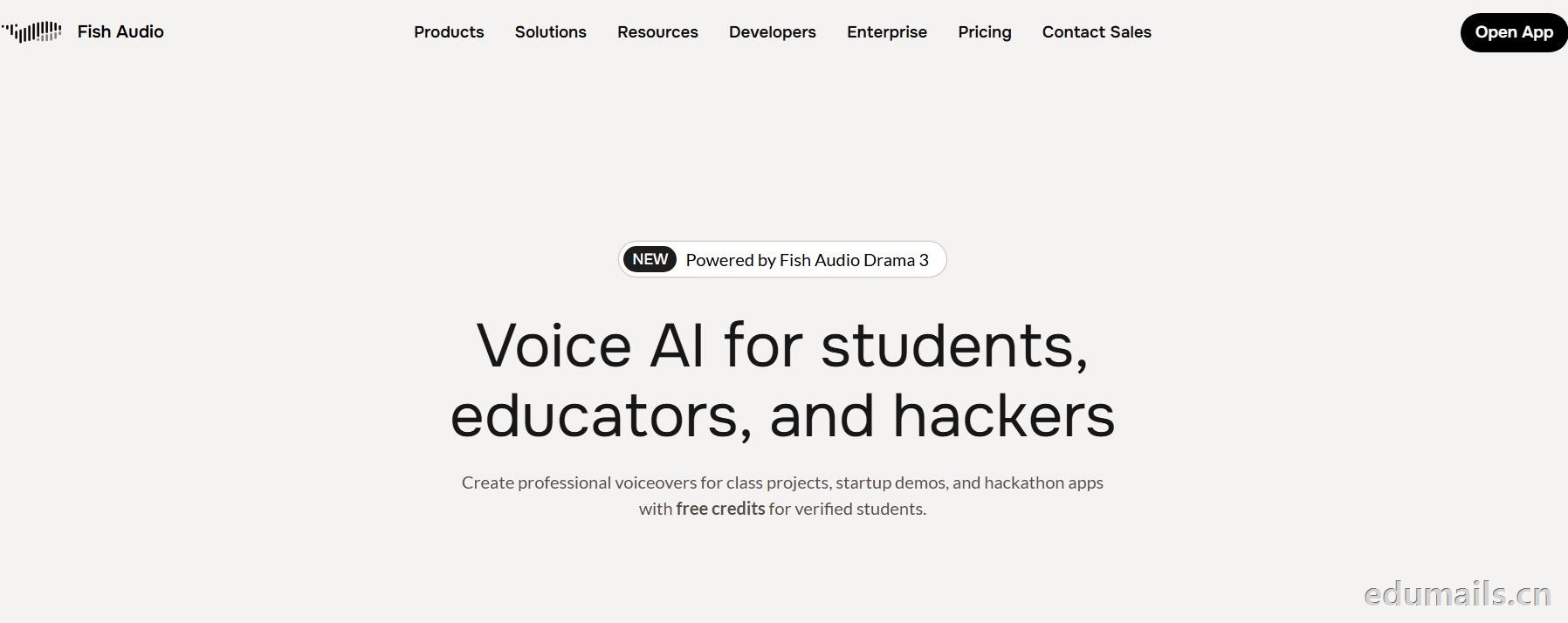 英文领取链接:https://fish.audio/app/claim/students/
中文领取链接: https://fish.audio/zh-CN/app/claim/students/
官方积分赠送:https://fish.audio/?fpr=edu 点击后即可获取1W积分
用 .edu 学生邮箱认证,领“免费积分”,做课堂/黑客松/毕设/校园项目配音和声音克隆,但不能商用。学生、教育工作者、黑客松选手都算目标人群。
免费积分(数额不公开,叫“generous credits”)可用全部语音模型、TTS、声音克隆(10 秒录音复刻音色)支持多语言(页面写 8 种/83 种说法不一,以账号内为准),含 完整 API 权限(接代码、做 Demo、黑客松 App 都能用),可申请当“校园大使”:每月额外积分 + 抢先体验新功能。
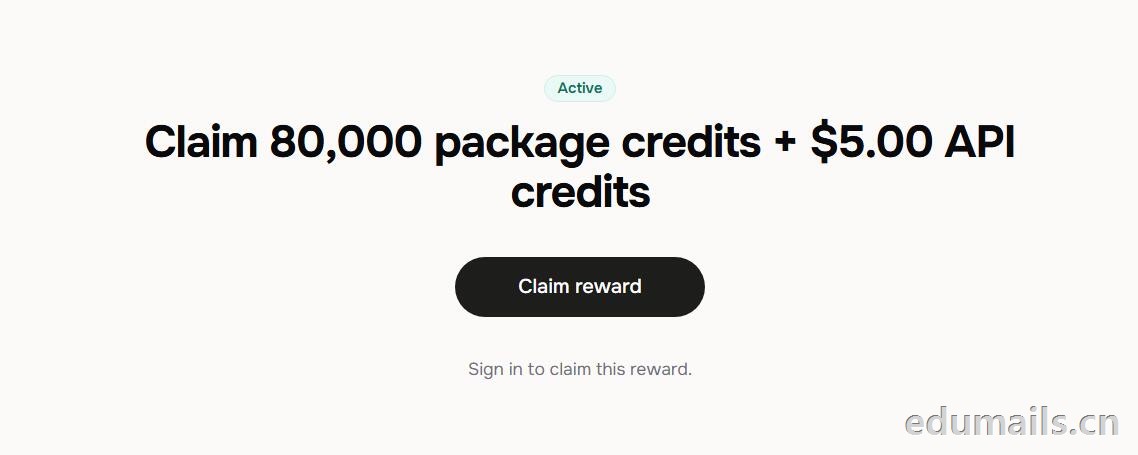 根据本站测试:额度为Claim 80,000 package credits + $5.00 API credits 领取 80,000套餐积分+$5.00 API 积分
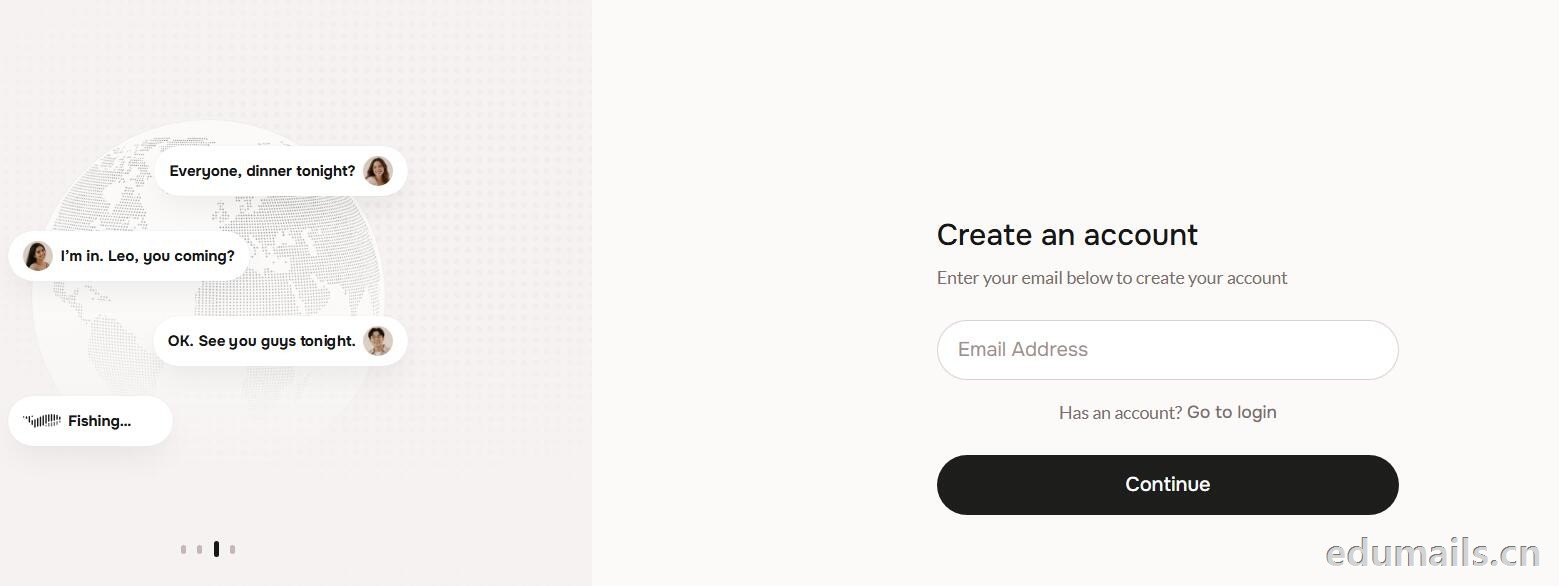
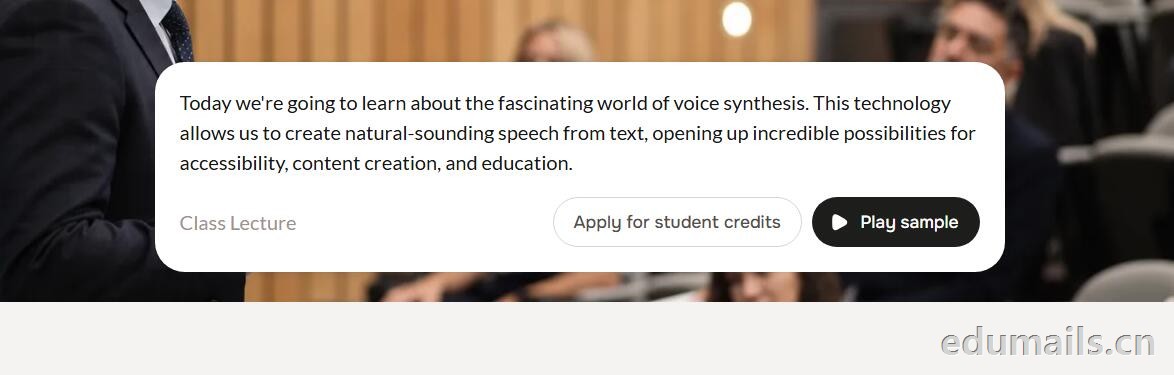 提示创建账户:https://fish.audio/auth/signup/ 我们直接用edumailshop.com的美国edu邮箱进行注册演示。通过官方积分赠送活动:https://fish.audio/?fpr=edu 点击后即可获取1W积分.
Ps:我们如果在其他地方购买美国edu邮箱,一定要问是否为正规的,因为很多邮箱都是盗用的扫号来的,无法修改密保,也无法保证邮箱使用时间,所以我们不要贪图便利在某鱼购买。
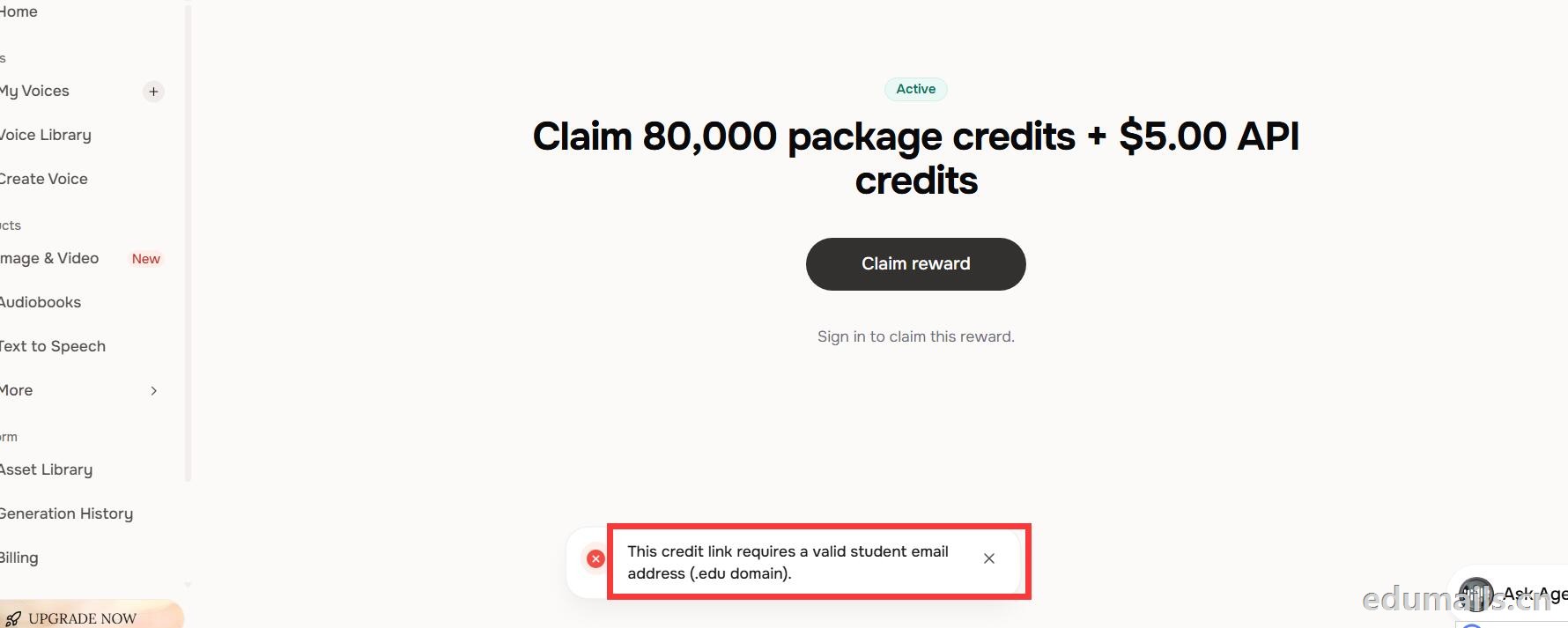 我们查看团队设置https://fish.audio/zh-CN/app/team/?tab=usage 里面是没有领取80,000积分的赠送额度。只有赠送的8000额度。
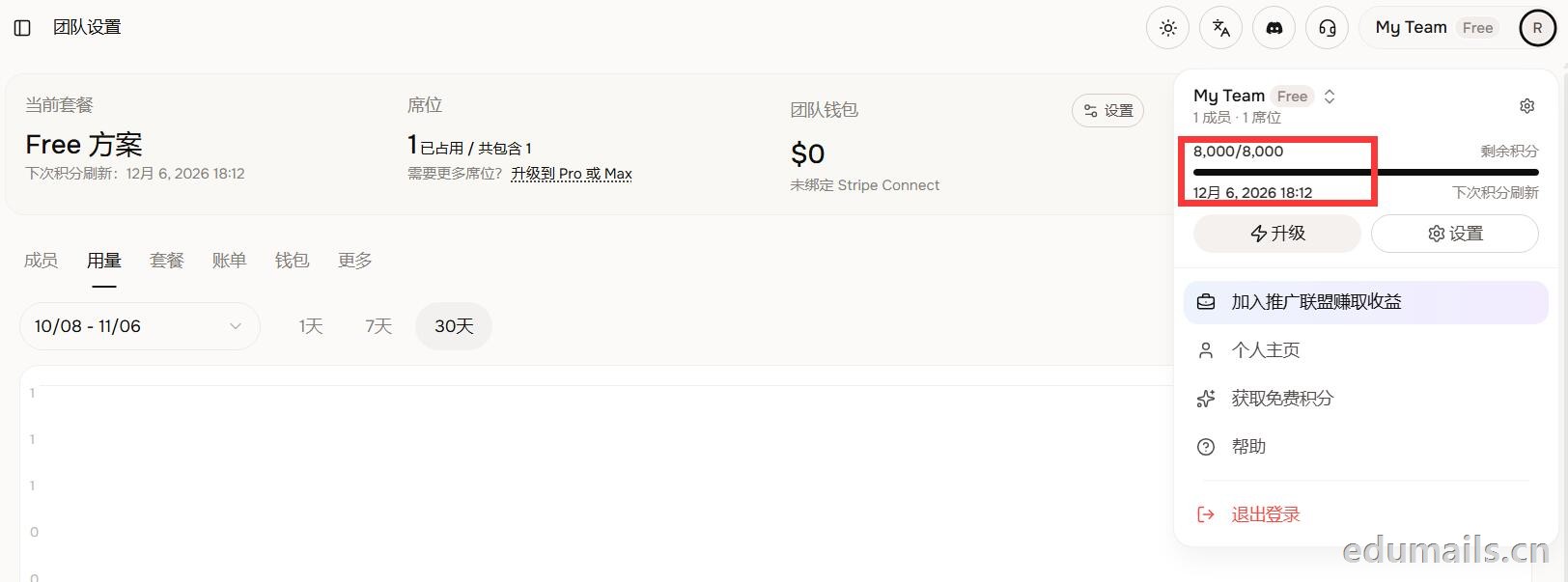 (失败)余额仍卡在8,000/8,000,无任何入账流水,只拿到普通免费版基础额度,属于典型的认证或链接未生效。
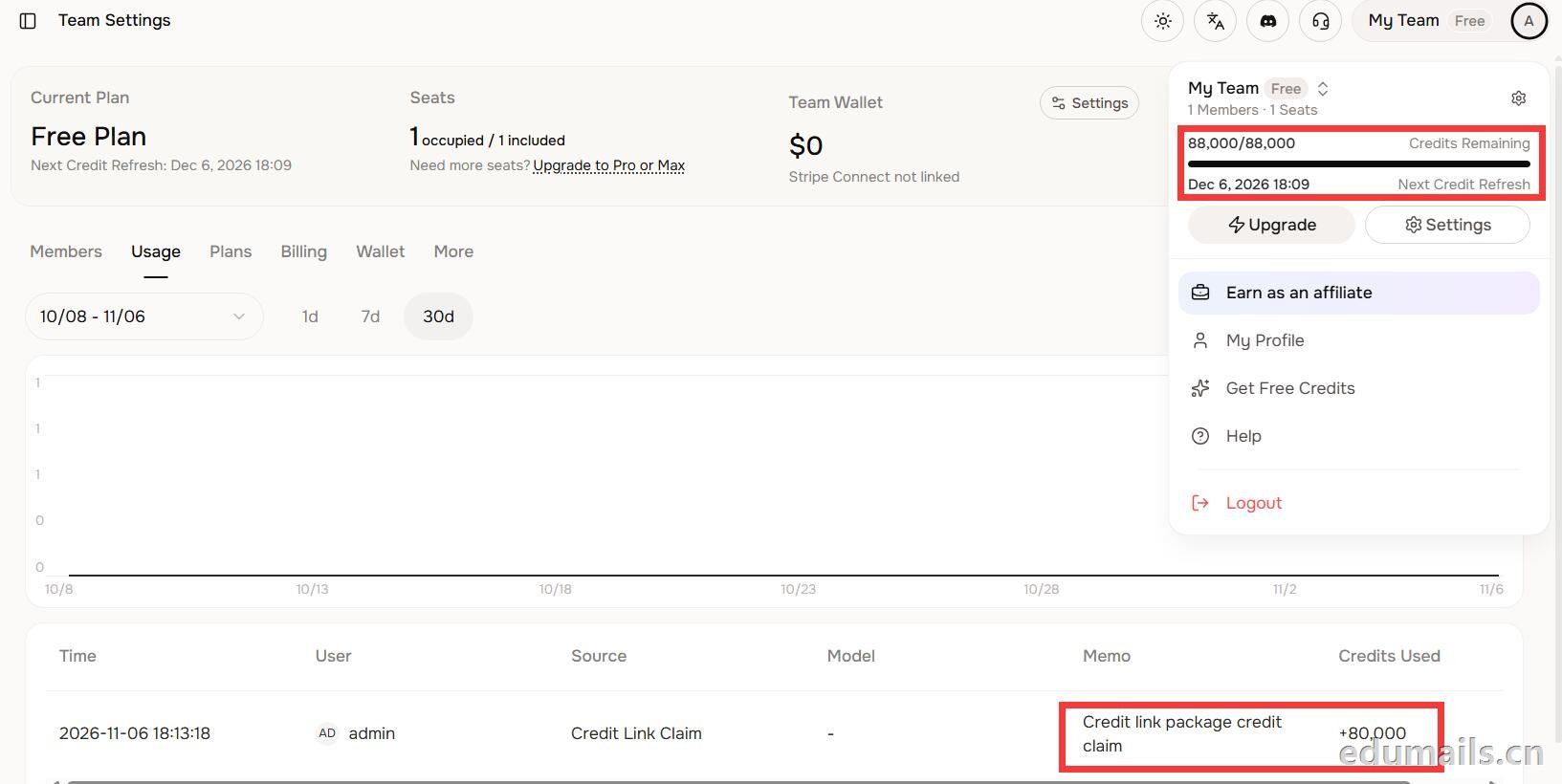 后台显示余额88,000/88,000,下方流水明确记录“Credit link package credit claim +80,000”,说明在基础免费额度(8,000)外,成功白嫖了8万教育包积分,这正好印证了上一轮说的“额外大额积分”,下次刷新在12月6日。
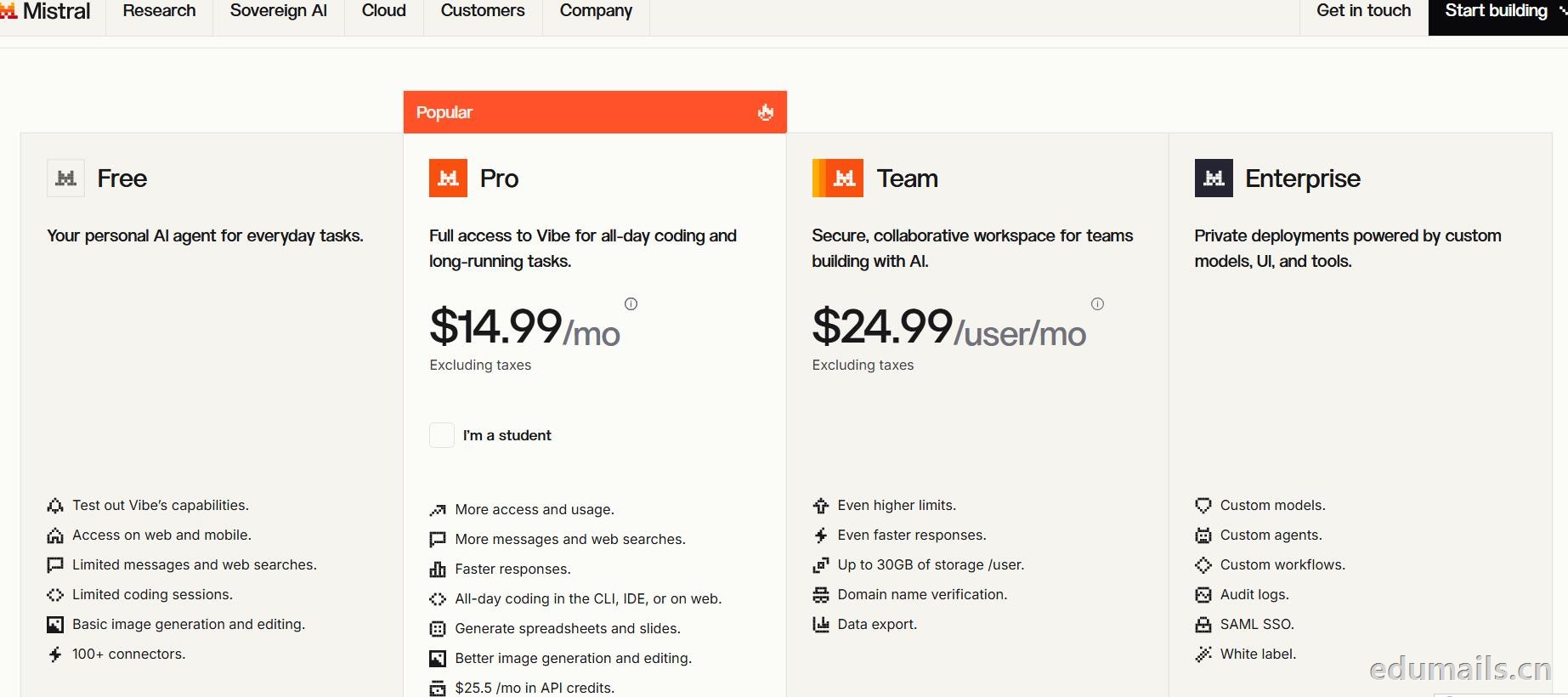
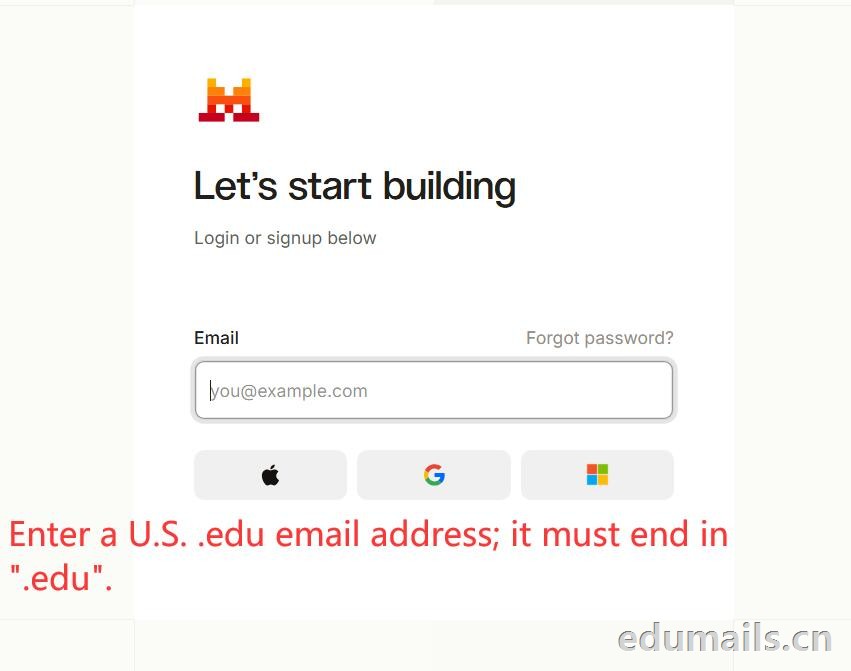
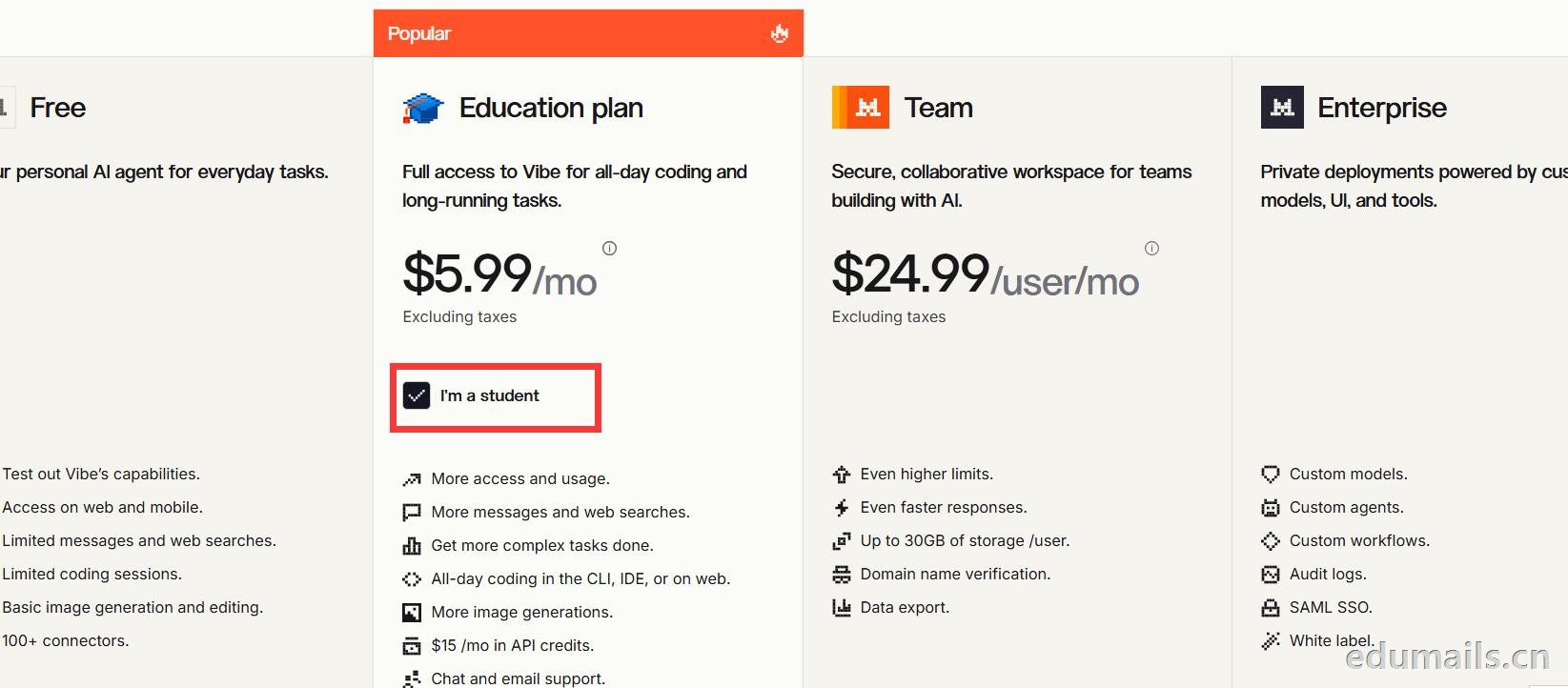 Mistral 的 Education 计划并不是一套独立套餐,而是面向符合条件的学生与教师提供的 Pro 折扣版本。获得优惠的唯一凭证,是由教育机构签发的机构邮箱;Gmail、iCloud、Outlook 等个人或通用域名邮箱无法通过核验,学生证、在读证明、确认信等书面材料也明确不被接受,不能作为替代。
订阅入口位于价格页的「I'm a student」按钮,也可直接打开 Education 计划页面完成流程:既可以用机构邮箱注册一个全新的 Mistral 账号,也可以在已有账号中先把绑定邮箱改为机构邮箱再订阅。
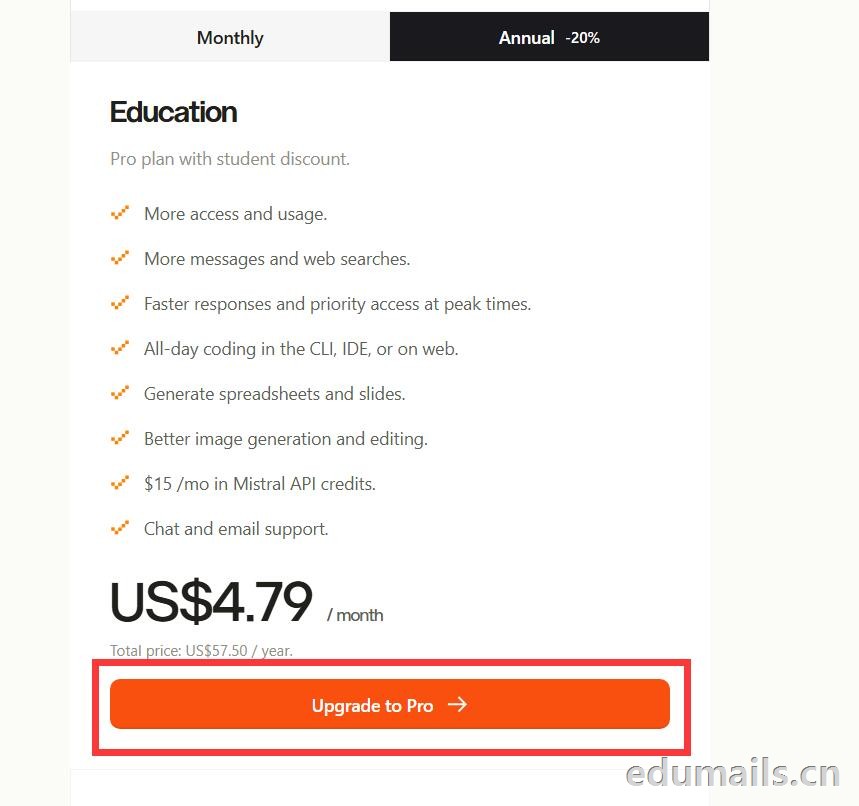
 如果我们的邮箱地址不符合官方学术资格要求,我们点击Upgrade to Pro 是无法点击,为灰色显示。
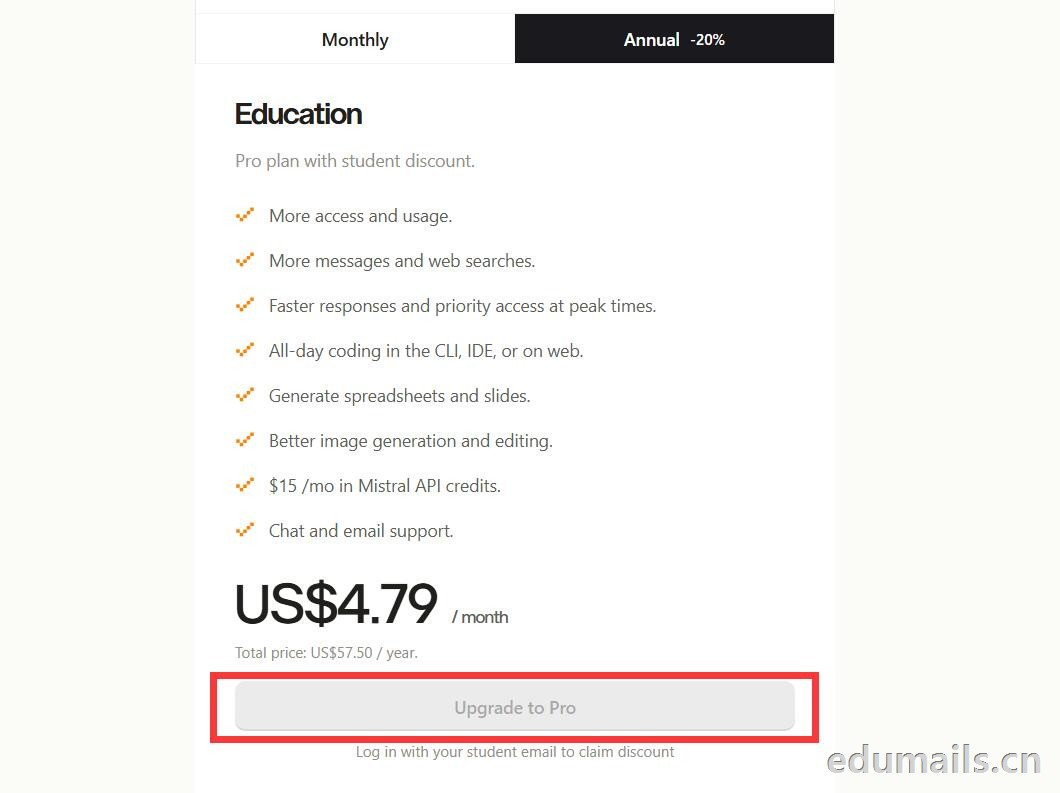 如果我们的邮箱地址符合官方学术资格要求,我们点击Upgrade to Pro 是高亮黄色显示,是可以继续点击下一步。
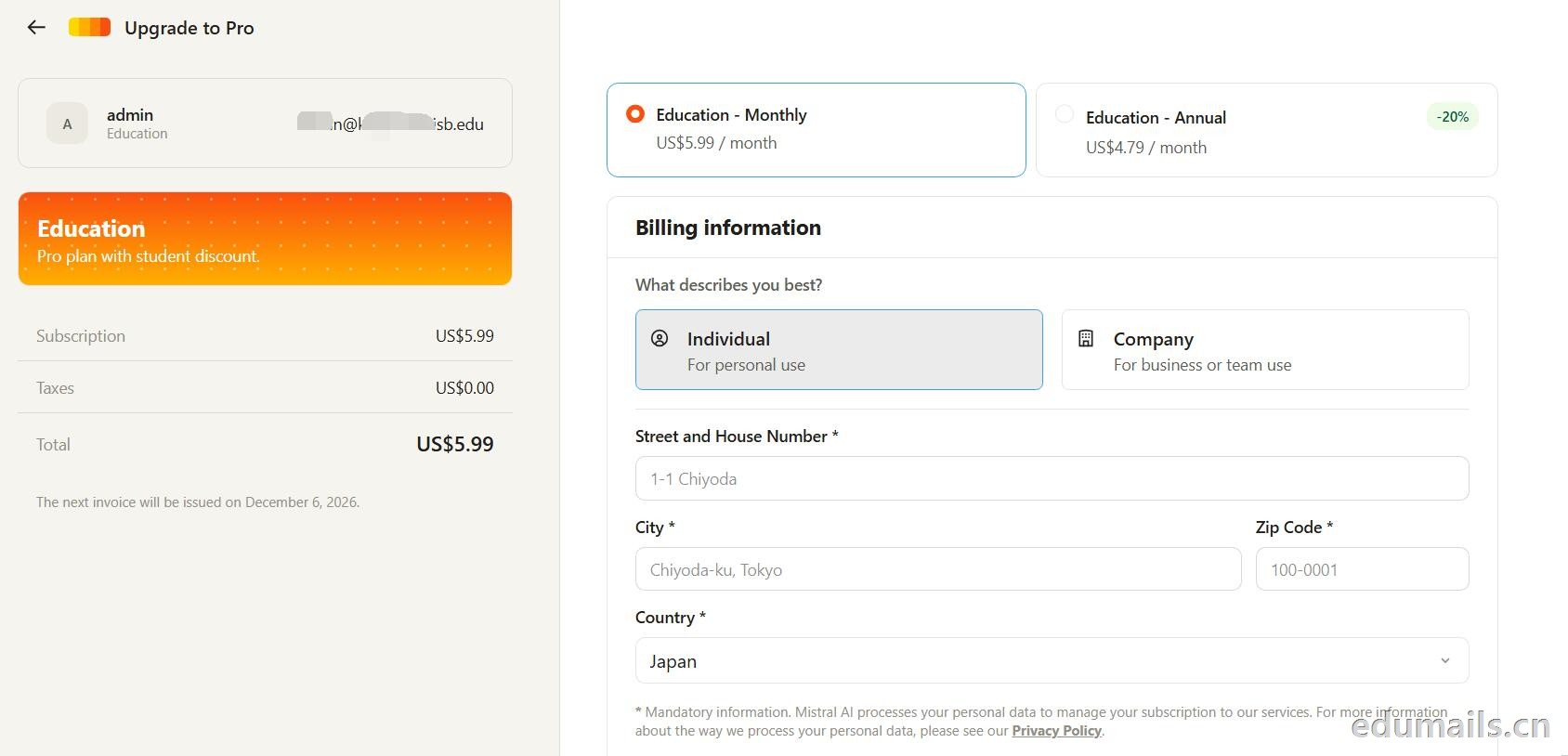 走到支付这一步,教育优惠的折扣感最直观:界面左侧会明确打出“Pro plan with student discount”,只要绑定了


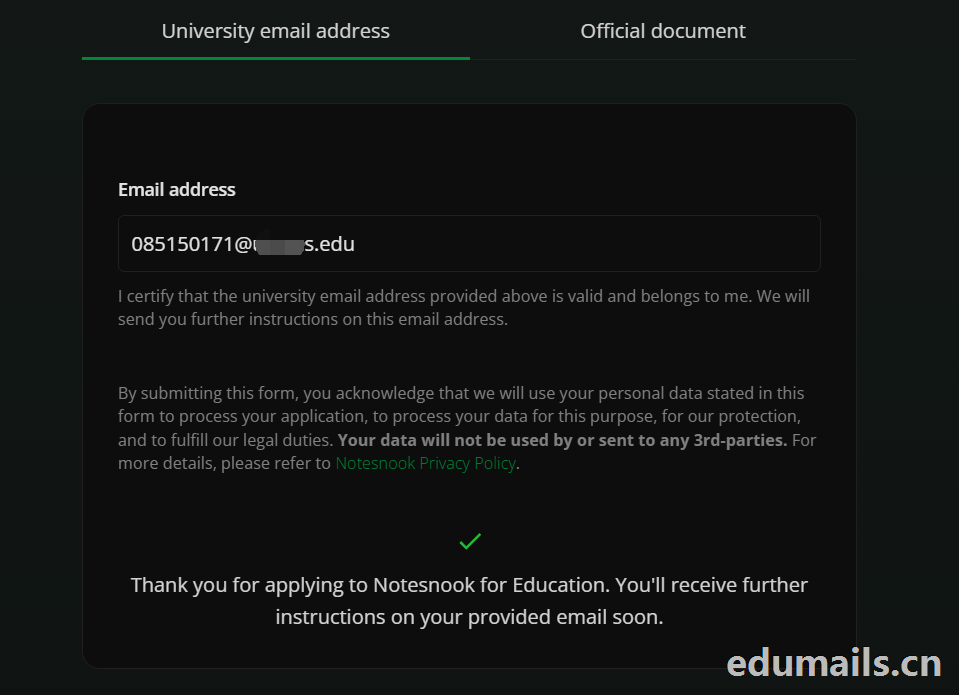 Thank you for applying to Notesnook for Education. You'll receive further instructions on your provided email soon.
如果我们的美国edu邮箱符合秒过要求,则如上图展示效果:感谢您申请 Notesnook 教育版。您很快就会在所提供的邮箱中收到后续指引。
我们打开edu邮箱提示收到
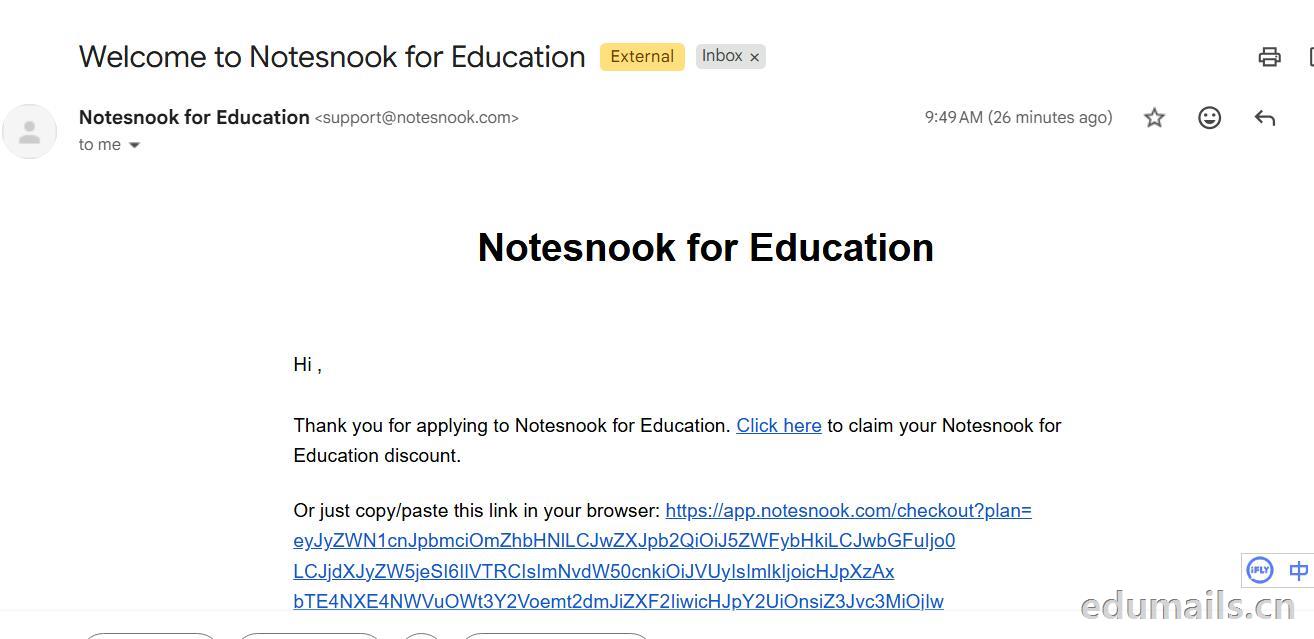 Thank you for applying to Notesnook for Education. Click here to claim your Notesnook for Education discount. 感谢您申请 Notesnook 教育版。点击此处领取您的 Notesnook 教育版折扣。

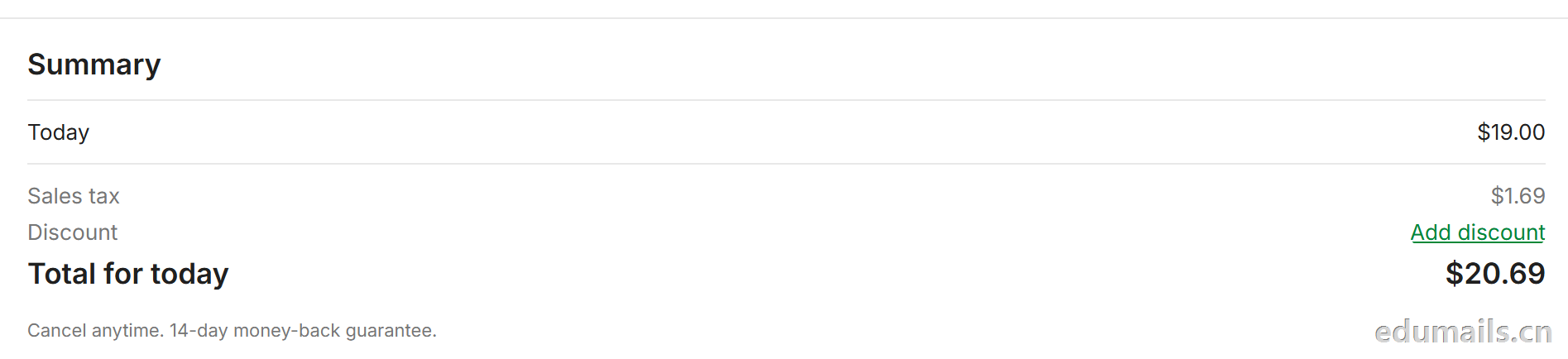 我们看到价格是20美金,官方支持paypal、信用卡支付,如果没有支付方式可以找代付解决。

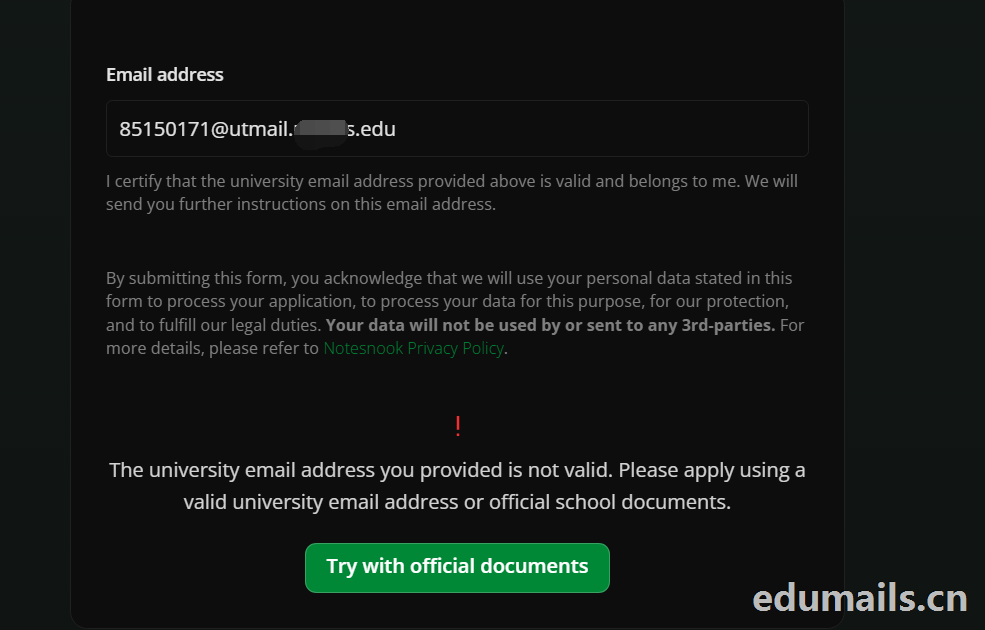 The university email address you provided is not valid. Please apply using a valid university email address or official school documents.
您提供的大学电子邮箱地址无效。请使用有效的大学电子邮箱地址或学校官方文件进行申请。我们点击Try with official documents,按照要求提供相关学校官方文件即可通过。
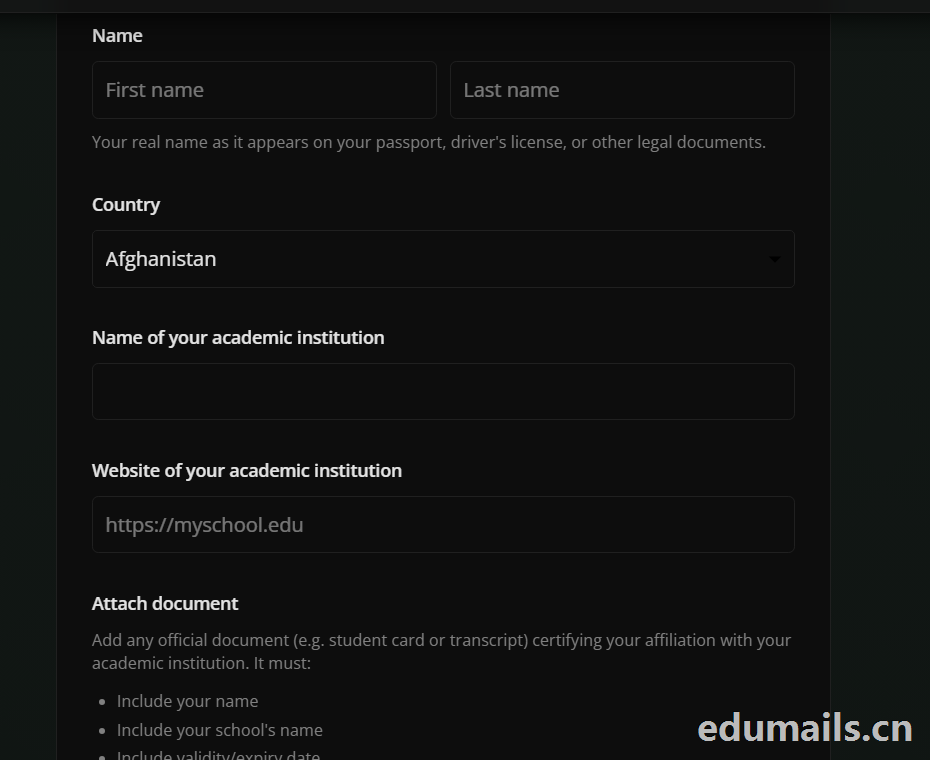

 我们再接着点击Choose Pro,弹出教育资格注册认证页面:如下图所示:Use a work or .edu email for faster verification,使用工作邮箱或 .edu 邮箱以加快验证速度,要求我们必须使用美国.edu结尾邮箱进行注册。
 我们的美国edu邮箱会收到来自no-reply@lightning.ai发送标题为“Confirm your email to finish creating your Lightning AI account”的邮箱验证邮件:
 我们点击完成认证,再次回到价格页面,点击学术价格,弹出如下图所示:
 Select organization to upgrade 我们默认选择即可,提示Upgrade to Academic,会弹出学术价格内容:
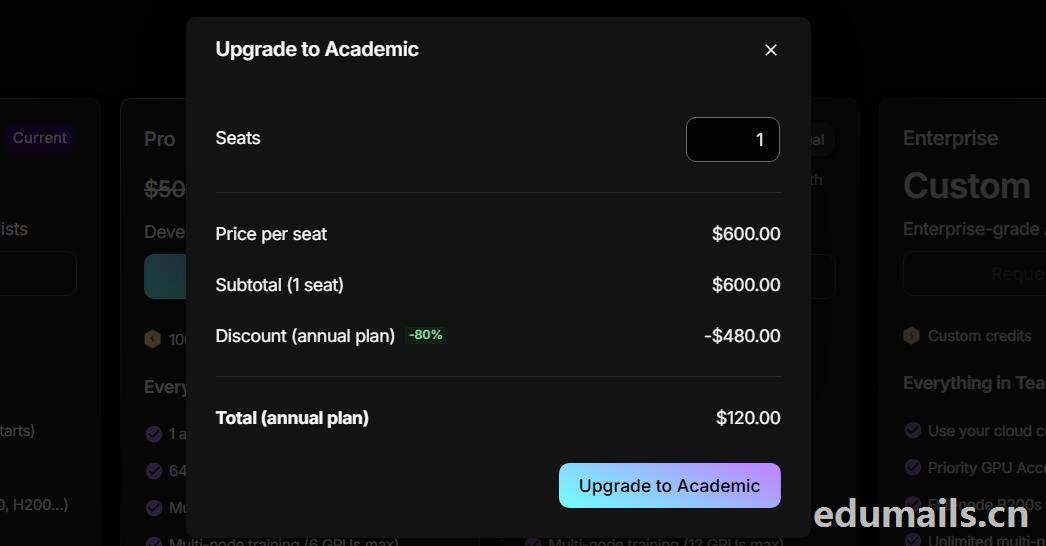 席位(Seats):1 个,每席位原价:$600.00/年,小计(1 个席位):$600.00,年付折扣:-80%,减免 $480.00
最终年付总价:$120.00
最后我们点击:Upgrade to Academic
也就是:学术版 Pro 年付原价 $600,打 2 折后 $120/年,折合 $10/月。需要用学术邮箱/学术身份开通。


 ZH
 EN