
 EDU Education Network Email Registration Application
Introduction
强撸有风险,上车需谨慎,本来一直想写一篇关于free office365撸取方式的汇总教程,回头想想基本上都是野路子,并且有的吧,限制太多,好吧我承认,我太懒了;鉴于小白太多,并且通过教育邮箱撸的难度有点小高,所以写了这篇文章,目前网上有以下几类撸的office365版本难度极低,其中正规路子有E5版本,我自己撸了一个目前用了6个月,稳定性还蛮高的啊,野路子就多了,某某大佬不定期送,在线邮箱申请直接撸等等,
Precautions: the network to use these resources, be sure to ensure data security, loss is not terrible, the fear is leaking, in addition to multi-disk backup is also a good choice.
PS: will always be updated, note that do not be afraid to reclaim the password through the mailbox, because the administrator of the password reset to close, so the mailbox reset is a meaningless thing at present.
OFFICE365 A1
OneDrive 5T Self-Opening -office365 A1-5T- with API
1.https://xkx.me Copy the email and open this link to registerhttps://signup.microsoft.com/signup?sku=Education
2.https://365.mxke.pw (Administrator requirements needFrequently Used Mailboxesor elseYou'll be deleted.)
3.https://a1.zxd.workers.dev/ Fill in the information directly as required
4.http://www.yopmail.com/
Special Reminder: This email address just copy the email ID, 不需要复制@yopmail.com, when registering please use the email ID + @one.sch.lv that's all!
如:zzysite@one.sch.lv
5.https://a1_sc.a1od.workers.dev/
6.https://a1_free365.a1od.workers.dev/
7.https://mail365.xyz Copy the email and open this link to registerhttps://signup.microsoft.com/signup?sku=Education
8.https://od.lones.workers.dev/
9.https://a1.lx.workers.dev/
10.https://azzzzzz.lx.workers.dev/
11.http://office.zx.al/
12.https://od.wulel.cn/ You need to verify your cell phone number, but you can go to Baidu to find a code-accepting platform to get your cell phone number verified.
13.http://my.ehsrr.com/ Copy the email and open this link to registerhttps://signup.microsoft.com/signup?sku=Education
14.http://free365.azurewebsites.net/
15.https://zcnp.azurewebsites.net/
16.https://od.kbbldh.workers.dev/
17.http://zcmail.azurewebsites.net/
18.https://www.1tb.fun/
19.https://od.malahu.tk/
20.https://malahu.n5.myws.ca/
21.https://od.wulel.cn/
22.https://od.wulel.com/
23http://mail.0du.win/?mailhost=mullinsmarion.org
Microsoft global sub number self-service opening This global subscription for A1p (Education Edition) (5TB Onedrive + desktop version office) Address: a1p.huiju.in
23.https://flagschools.com/
24.Step 1 open http://mail.0du.win/第二步填入后缀mp040cisce.org Step 3 fill in your favorite prefixes
Application Steps
Simple tutorial - here to ODAGG as an example, open the site, the upper right corner, showing a temporary e-mail, copy the e-mail address is ready to start messing.
For students, click to register.portalTeacher's Edition Click to register:portal
Registration time to fill in the name of the relevant information, to obtain the verification code, the verification code just in the temporary mailbox side, get the verification code, fill in the registration office365
Onedrive, the deployment will take a few minutes, due to the epidemic Microsoft regulations OneDrive needs 24 hours to take effect, after which you can see the space for 5T
OFFICE365 A1P Edition
Updated March 27, 2021 Resources are limited and reserved for those who need them, thank you. https://www.apioffice.workers.dev/ [pro-tested]
# Updated May 19, 2020 http://24mail.chacuo.net/enus
Updated May 30, 2020 https://sky.zjuczs.workers.dev [Pro-tested and usable
Here need to pay attention to is slightly different from the above registration, as for A1 and A1P what is the difference, A1P is more of a desktop version of Office 365, the rest are the same.
First of all, the process and the above are the same, free e-mail to get the verification code to register, but this need to verify the mailbox or phone number, it does not matter!
1.http://www.yopmail.com/
Special Reminder: This email address just copy the email ID, 不需要复制@yopmail.com, when registering please use the email ID + @ncov.office.gy that's all!
如:getms365@ncov.office.gy
Successful applications need to join the group (Go China! Go Wuhan!) within the group, otherwise it will be deleted:https://account.activedirectory.windowsazure.com/r#/groups
2.http://24mail.chacuo.net/
Special Reminder: This mailbox only need to copy the mailbox ID, 不需要复制@chacuo.net, when registering, please use the mailbox ID + @stu.mao.office.gy that is!
如:getms365@stu.mao.office.gy
Successful applications need to be added within the groups (Nruan.com and Office365) or they will be deleted:https://account.activedirectory.windowsazure.com/r#/groups
3.http://www.yopmail.com/
Special Reminder: This email only need to copy the email ID, 不需要复制@yopmail.com, when registering please use the email ID + @vip.stu.office.gy that is!
如:getms365@vip.stu.office.gy
Successful applications need to be added within the groups (Nruan.com and Office365) or they will be deleted:https://account.activedirectory.windowsazure.com/r#/groups
OFFICE365 A3 Edition
1.http://www.yopmail.com/
Special Note: This email address is just a copy of the email ID, 不需要复制@yopmail.com, when registering please use the email ID + @mut.sch.lv that's all!
如:getms365@mut.sch.lv
You need to join the group (Nruan.com) after your application is successful or you will be deleted:https://account.activedirectory.windowsazure.com/r#/groupsi
Just jerk it off and you're good to go.
# Microsoft A3 global sub-number self-service opening ,
# plus exchange group 733546032 onedrive can be upgraded 25T
#5TB Onedrive + desktop office + win10 genuine activation # Note that if you use win10 activation, uninstall the APP, otherwise the administrator has the authority to manage your computer https://od.zxd.workers.dev/ #May 19, 2020 more https:// stulive.com/
OFFICE365 E3 Edition
http://free365.smrsw.org/ (5TB Onedrive + Office for Desktop)
office2019
Most office2019 keys found on the Internet are more than the number of network activation, this time you need to activate the phone, find a web page to enter their installation ID can be generated after the corresponding activation ID, do not need to really go to the phone to operate, pro-test success.
Key:GNPGT-Q3DDK-KW9PX-334J6-MKP6G
Office 2019 download method one, open the link to download:
http://officecdn.microsoft.com/p ... oPlus2019Retail.img
Download method II.
office 2019 baidu.com download:
Link. https://pan.baidu.com/s/1FylwGe8VvrCXkYONBAFtfg Extract code: p4a6
Download method III.
Thunderbolt Download:
cn_office_professional_plus_2019_x86_x64_dvd_5e5be643.iso (3.52 GB)
Phone activation page:https://webact.185.hk/index.php
newest
【2021/09/05】【Open for a limited time】【E-mailbox self-service】A1P【Unlimited】Self-help Jerking
Temporary e-mail address: http://mail.0du.win/?mailhost=cque.org
Register at (Preferred: Teachers [no texting]): https://signup.microsoft.com/signup?sku=Education
2022 Latest
interviewshttps://ed-u.topAfter entering the casually registered website account, e-mail address to fill in casually. You can get a free a1p sub-account, activate office on the line, it is best not to store important information.
[20220423] AZURE100 Temporary Mailboxes
Temporary e-mail address: http://mail.0du.win/?mailhost=questarstudent.org
[20220526] Application address: office.imgbed.co
Microsoft global sub-number self-service opening (no OneDrive) This sub-number is only used to activate the desktop version of office, the activation code can be filled in randomly
2 for microsoft365 education edition office desktop A1P+5TOnedrive US account activity



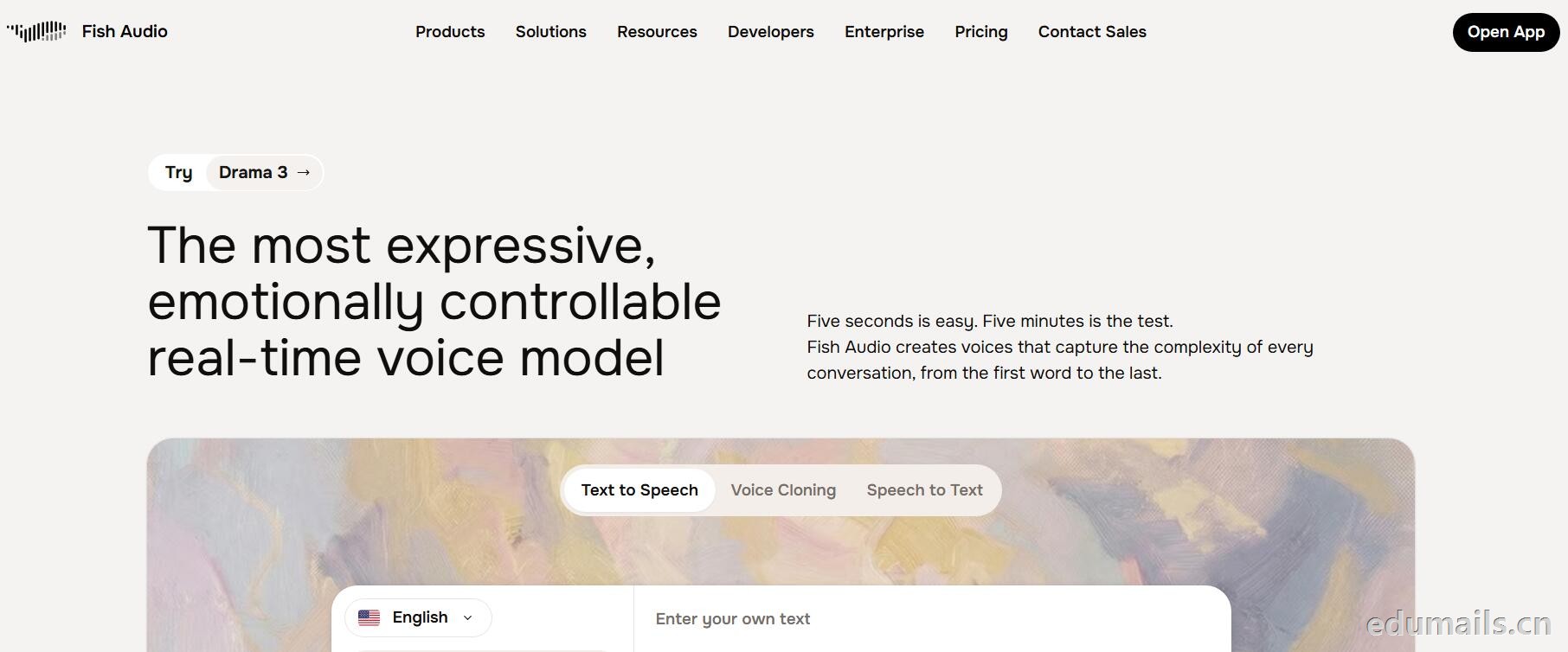
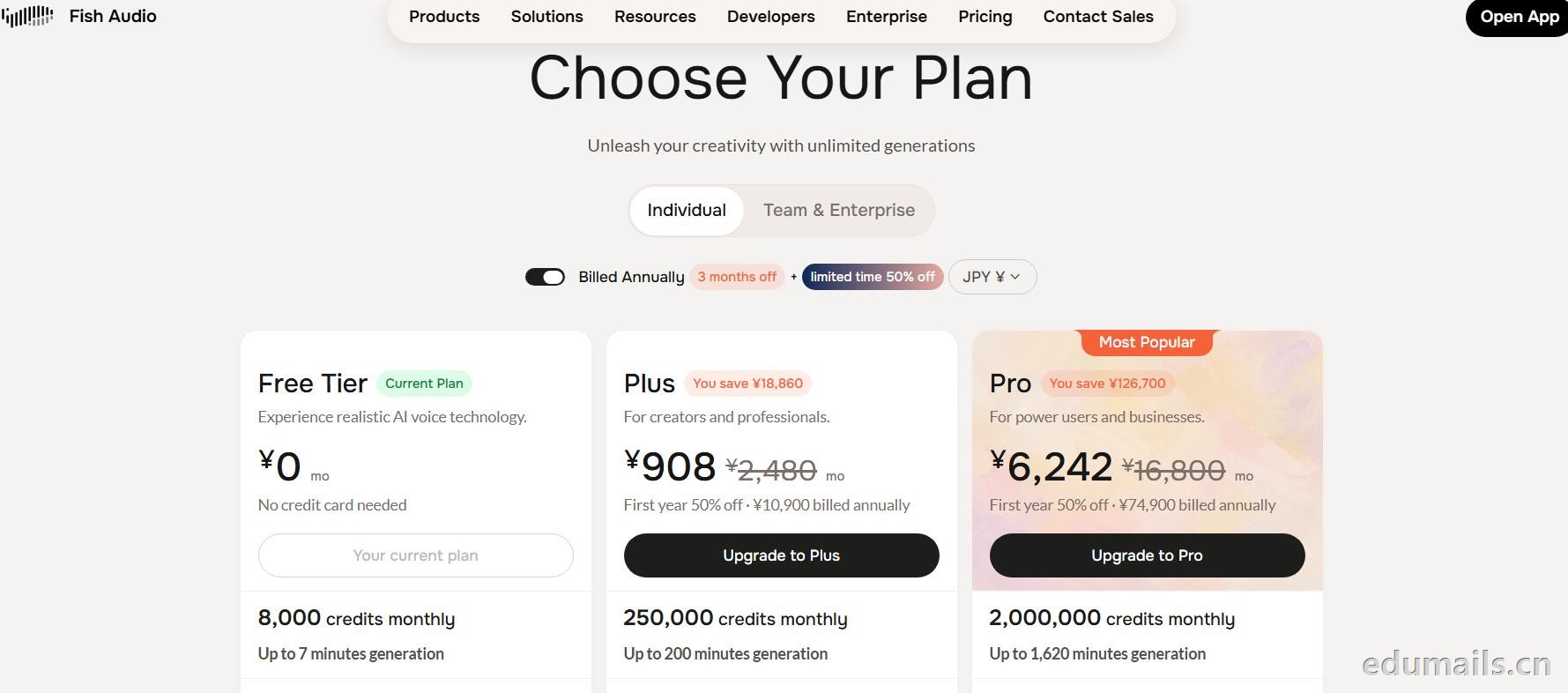
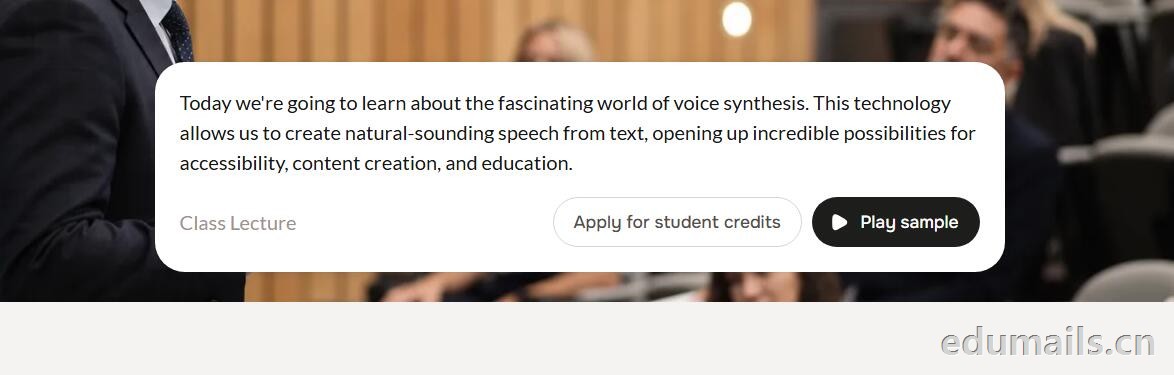
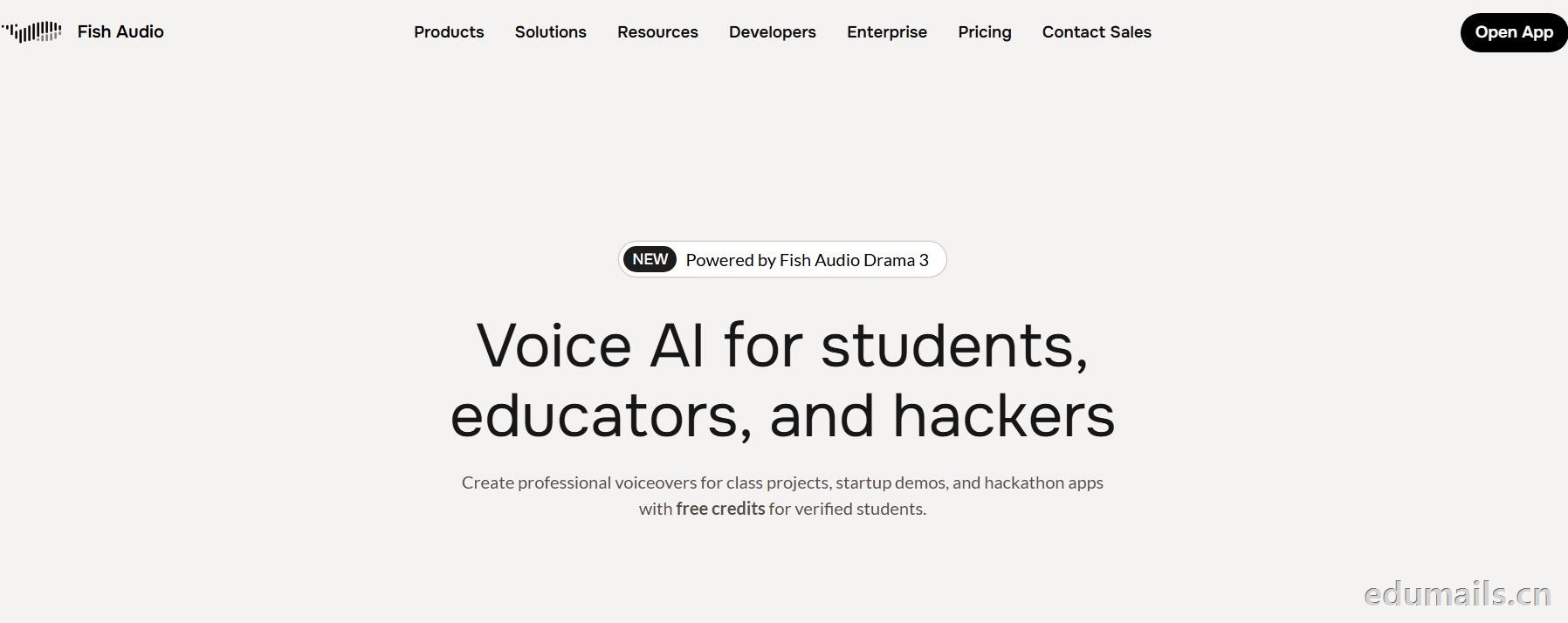 英文领取链接:https://fish.audio/app/claim/students/
中文领取链接: https://fish.audio/zh-CN/app/claim/students/
用 .edu 学生邮箱认证,领“免费积分”,做课堂/黑客松/毕设/校园项目配音和声音克隆,但不能商用。学生、教育工作者、黑客松选手都算目标人群。
免费积分(数额不公开,叫“generous credits”)可用全部语音模型、TTS、声音克隆(10 秒录音复刻音色)支持多语言(页面写 8 种/83 种说法不一,以账号内为准),含 完整 API 权限(接代码、做 Demo、黑客松 App 都能用),可申请当“校园大使”:每月额外积分 + 抢先体验新功能。
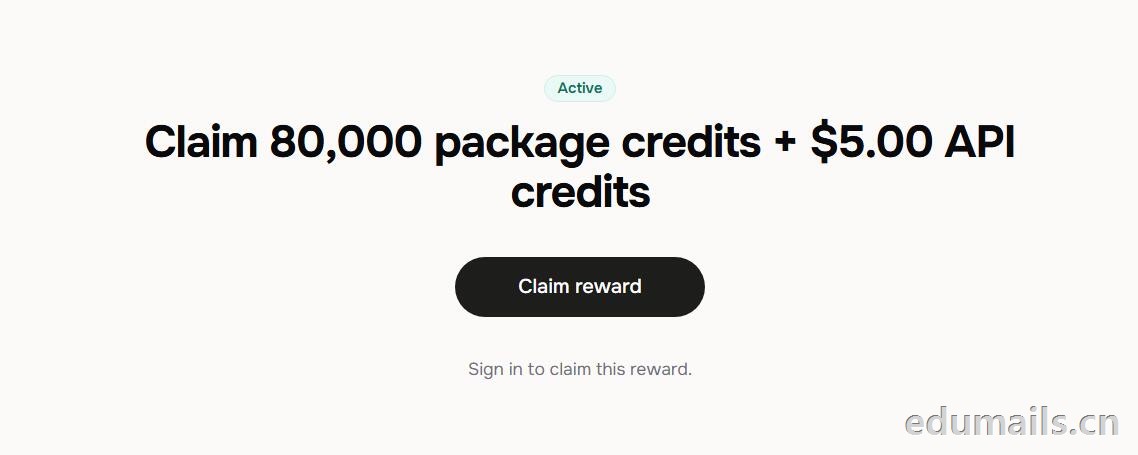 根据本站测试:额度为Claim 80,000 package credits + $5.00 API credits 领取 80,000套餐积分+$5.00 API 积分
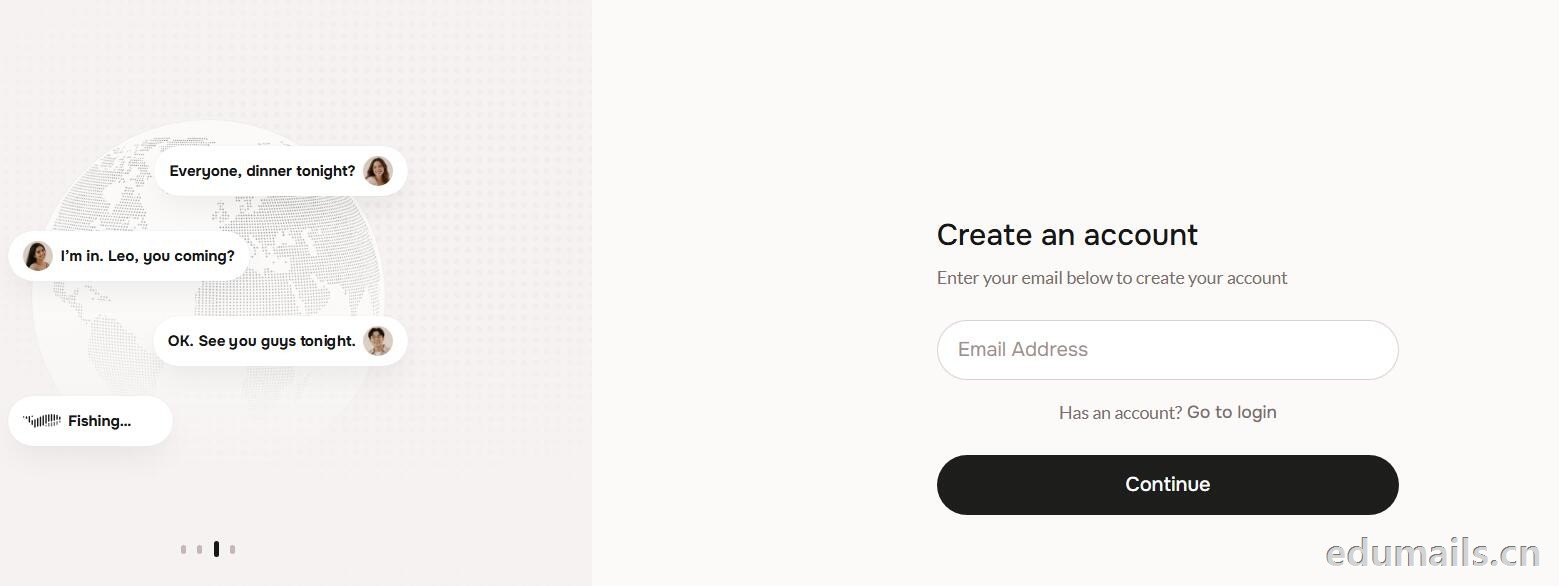
 提示创建账户:https://fish.audio/auth/signup/ 我们直接用美国edu邮箱进行注册演示。
Ps:我们如果在其他地方购买美国edu邮箱,一定要问是否为正规的,因为很多邮箱都是盗用的扫号来的,无法修改密保,也无法保证邮箱使用时间,所以我们不要贪图便利在某鱼购买。
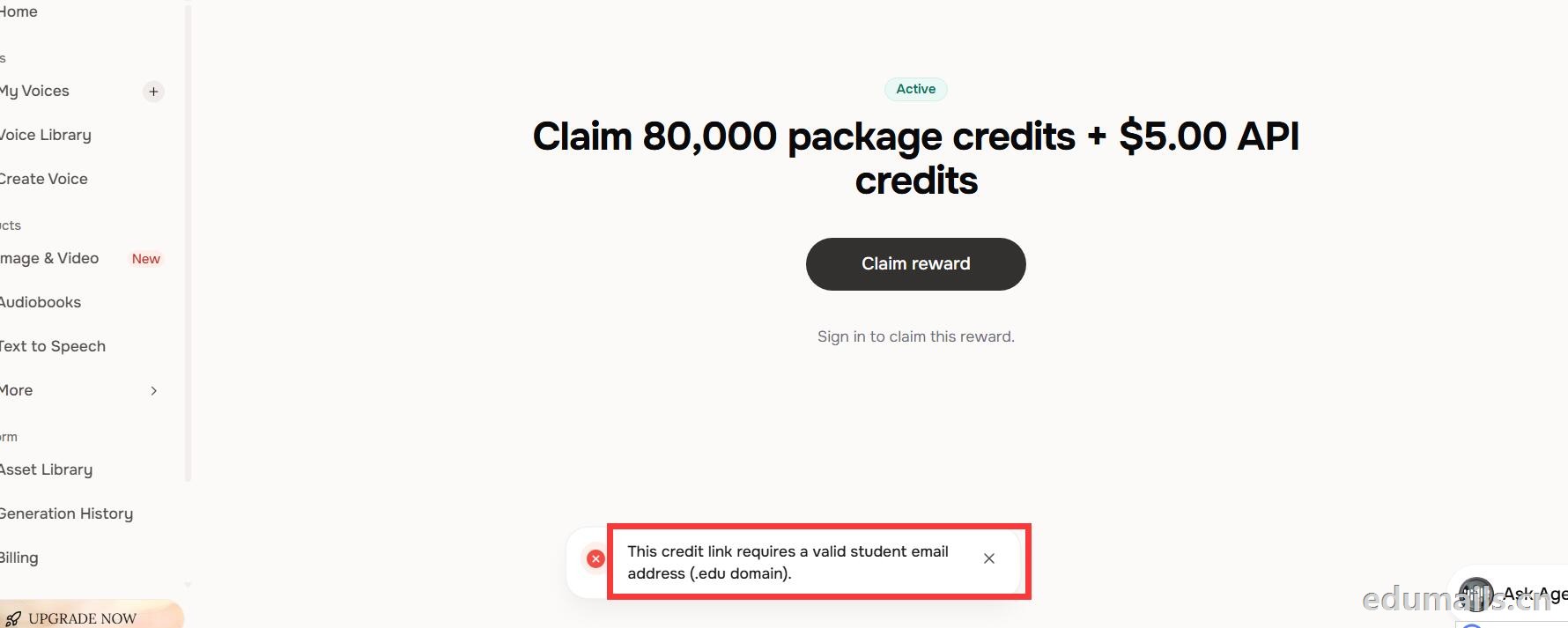 我们查看团队设置https://fish.audio/zh-CN/app/team/?tab=usage 里面是没有领取80,000积分的赠送额度。只有赠送的8000额度。
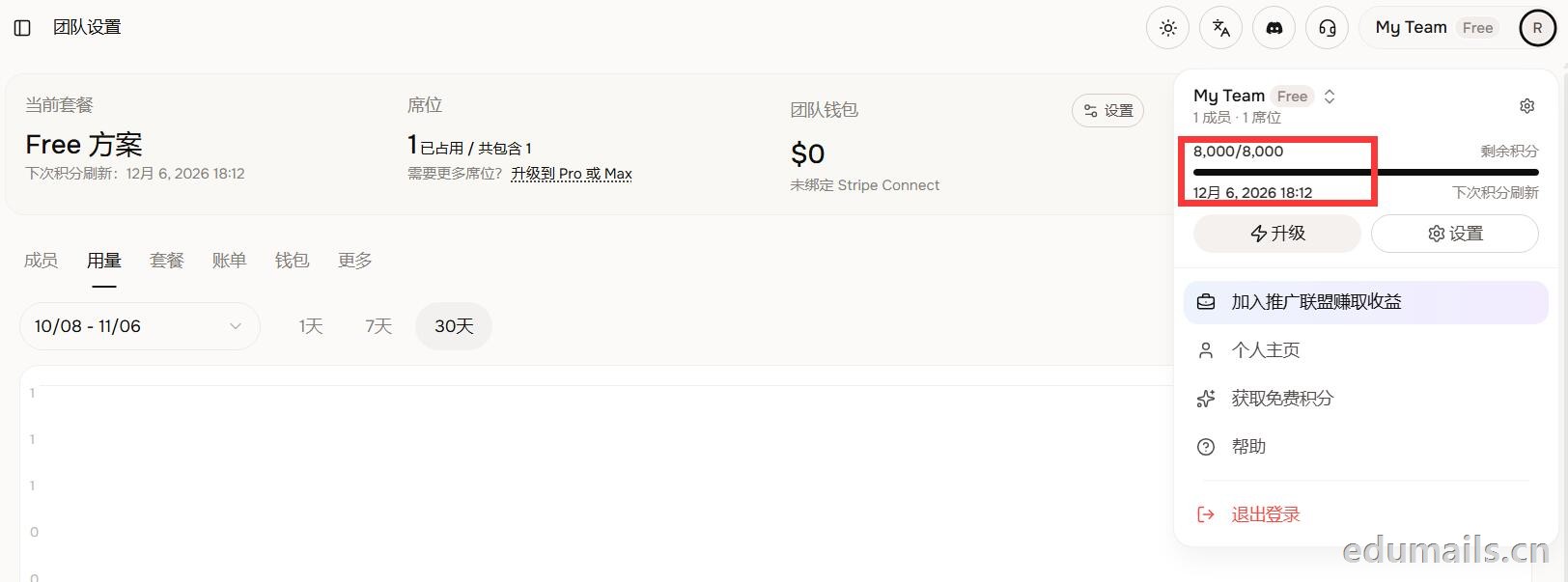 (失败)余额仍卡在8,000/8,000,无任何入账流水,只拿到普通免费版基础额度,属于典型的认证或链接未生效。
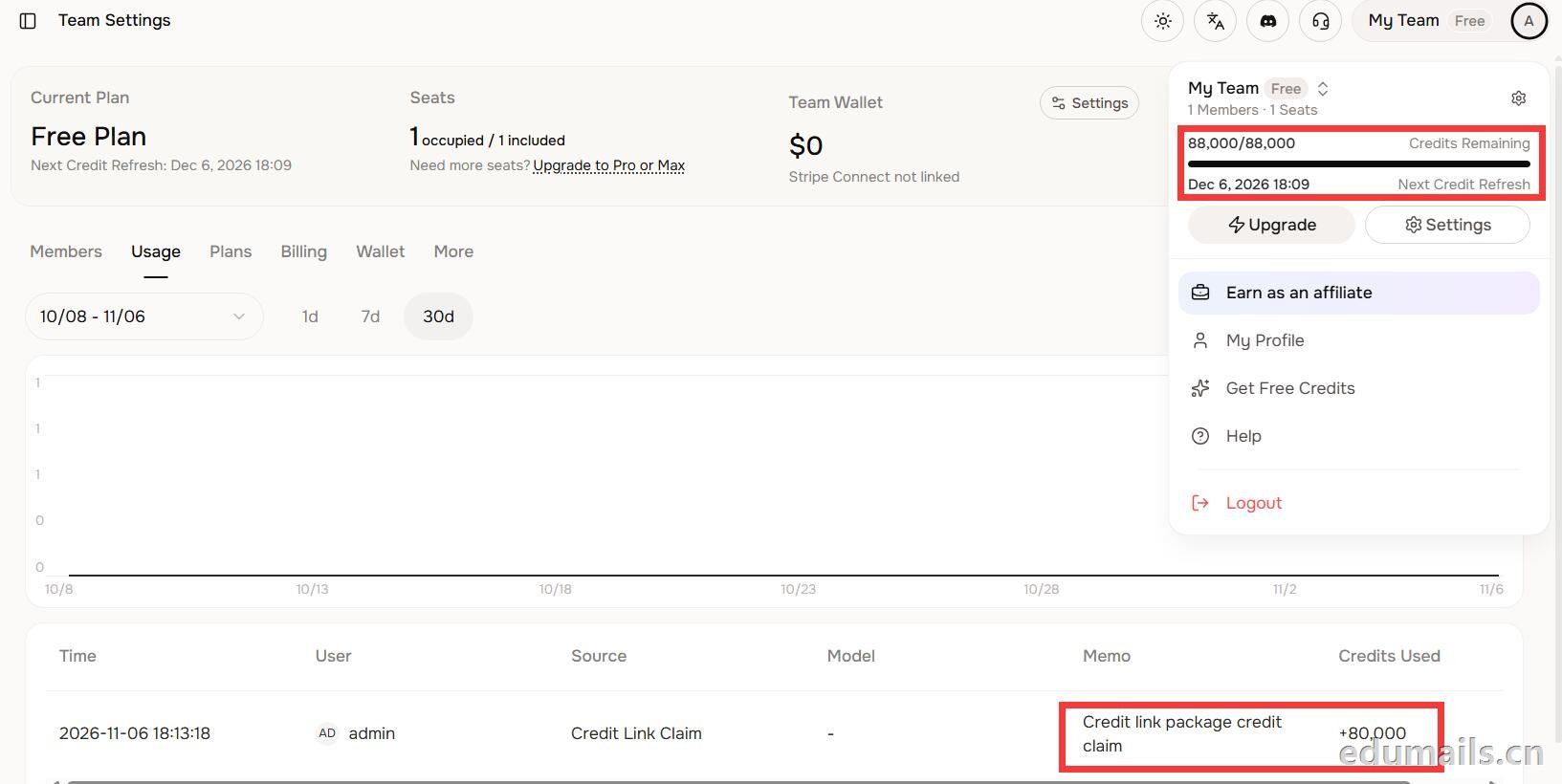 后台显示余额88,000/88,000,下方流水明确记录“Credit link package credit claim +80,000”,说明在基础免费额度(8,000)外,成功白嫖了8万教育包积分,这正好印证了上一轮说的“额外大额积分”,下次刷新在12月6日。
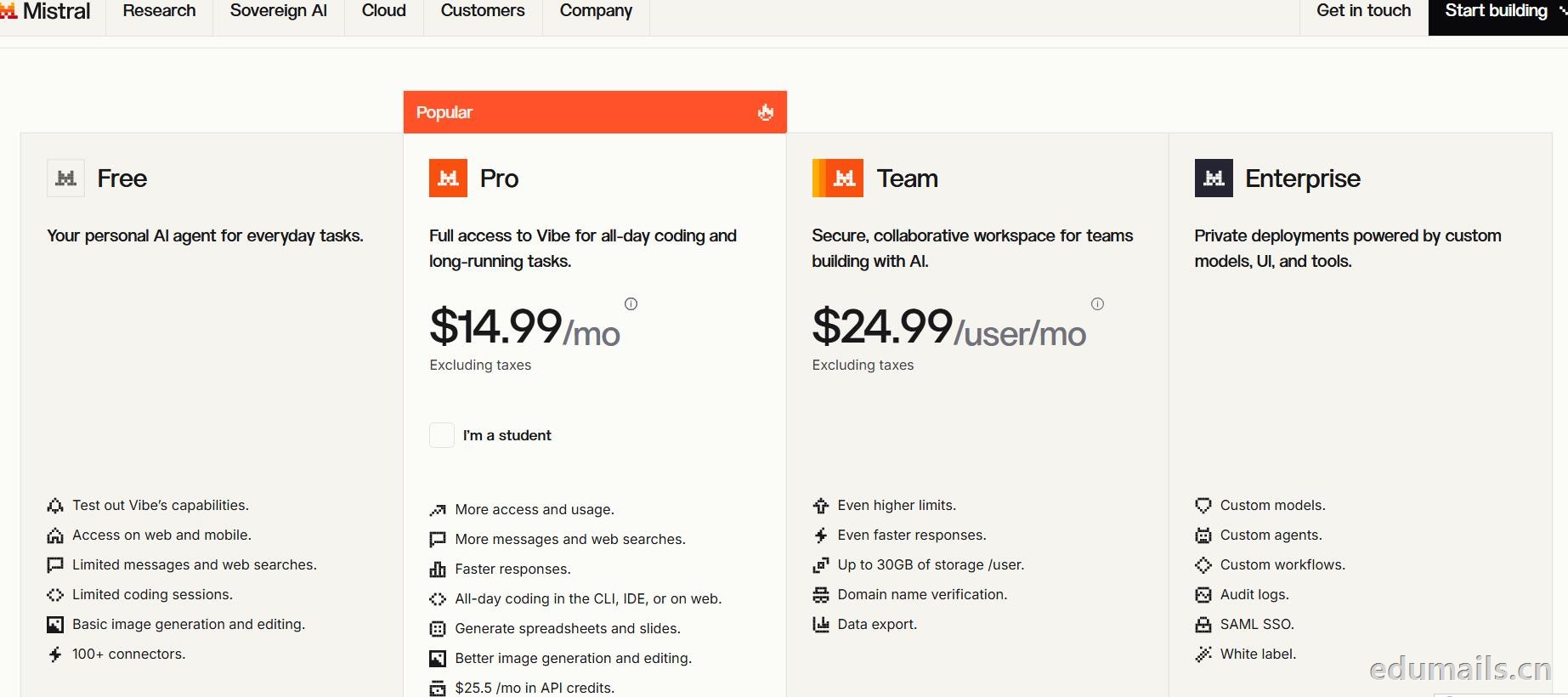
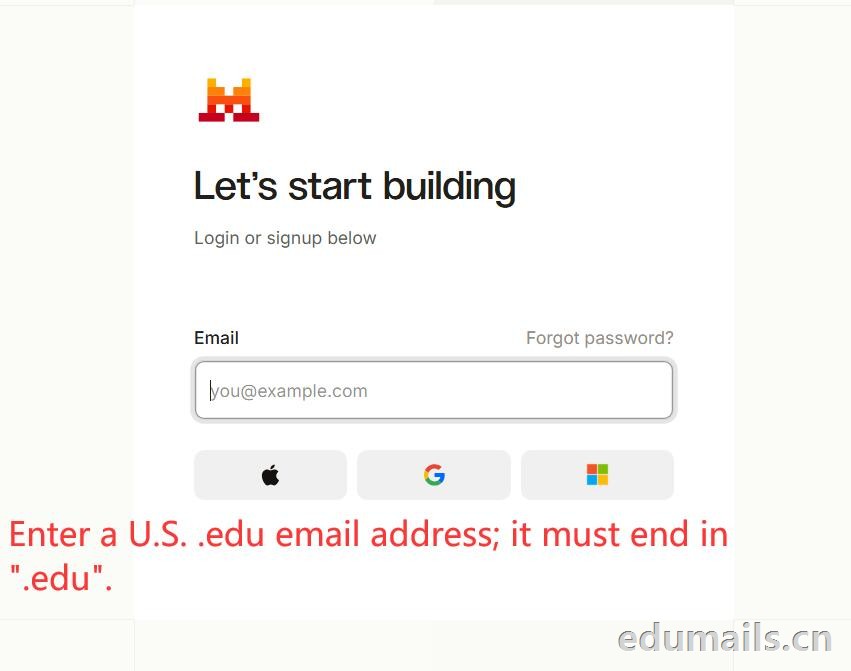
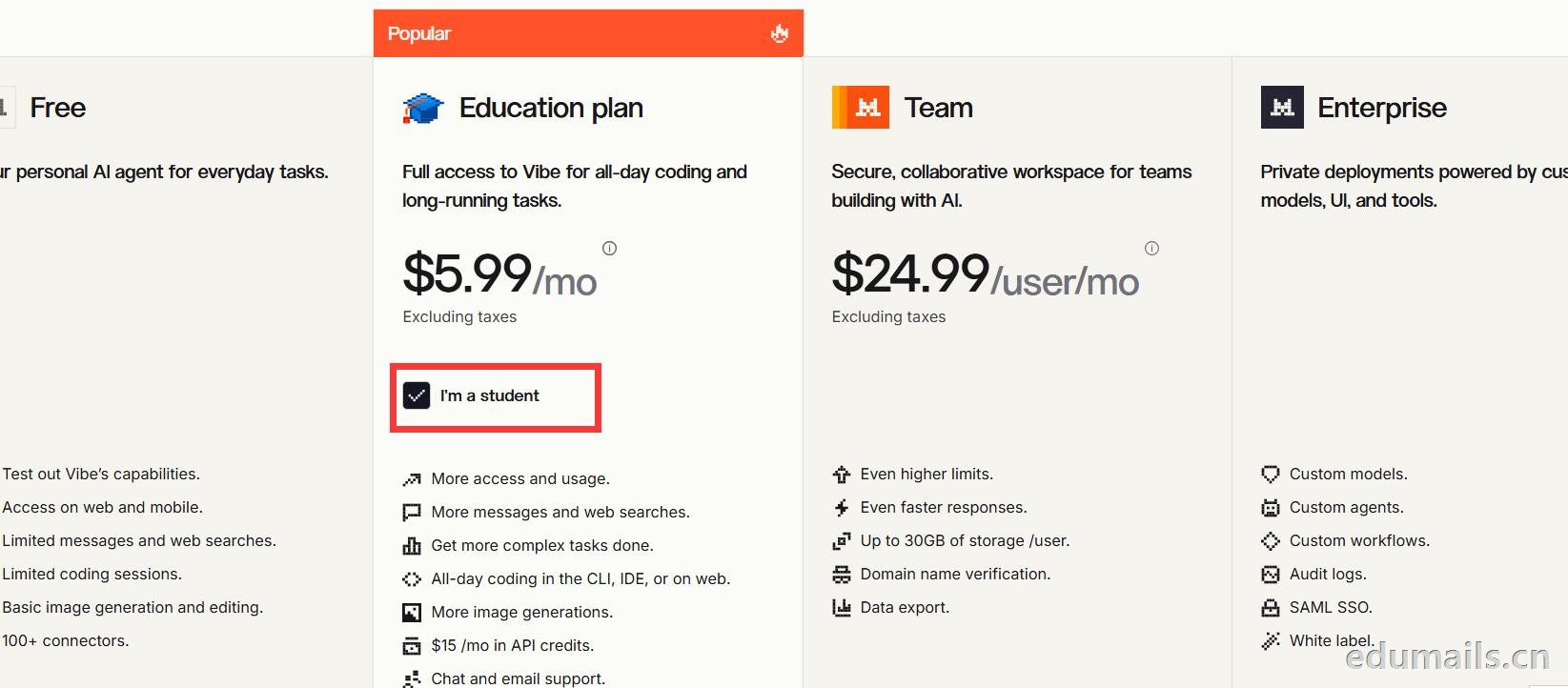 Mistral 的 Education 计划并不是一套独立套餐,而是面向符合条件的学生与教师提供的 Pro 折扣版本。获得优惠的唯一凭证,是由教育机构签发的机构邮箱;Gmail、iCloud、Outlook 等个人或通用域名邮箱无法通过核验,学生证、在读证明、确认信等书面材料也明确不被接受,不能作为替代。
订阅入口位于价格页的「I'm a student」按钮,也可直接打开 Education 计划页面完成流程:既可以用机构邮箱注册一个全新的 Mistral 账号,也可以在已有账号中先把绑定邮箱改为机构邮箱再订阅。
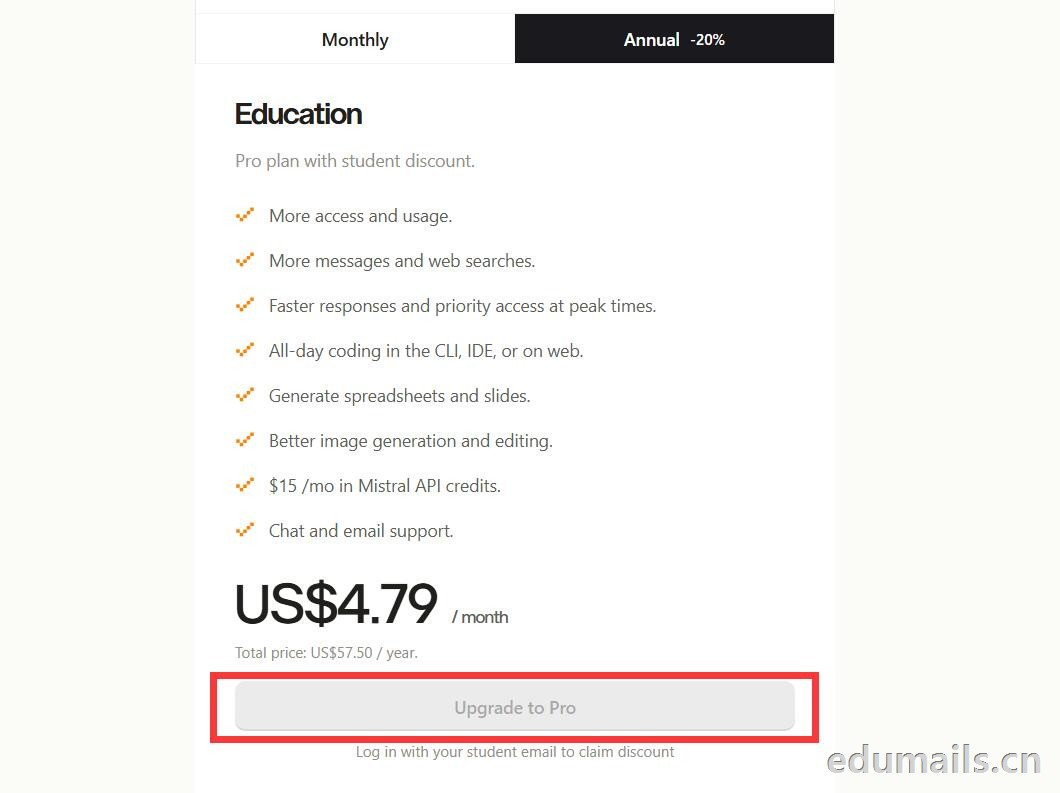
 如果我们的邮箱地址不符合官方学术资格要求,我们点击Upgrade to Pro 是无法点击,为灰色显示。
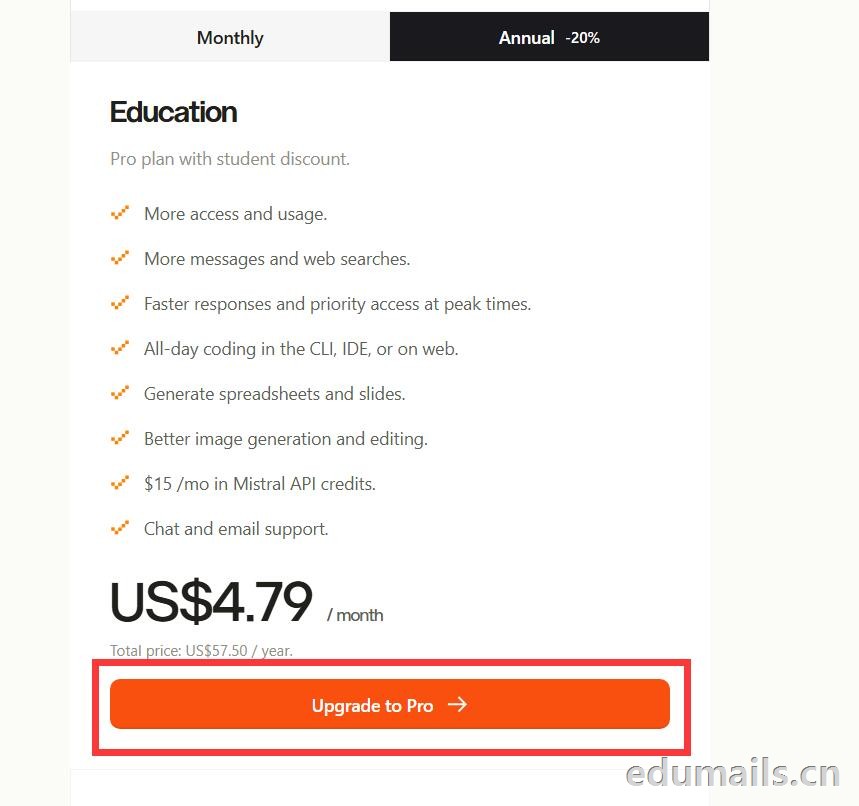
 如果我们的邮箱地址符合官方学术资格要求,我们点击Upgrade to Pro 是高亮黄色显示,是可以继续点击下一步。
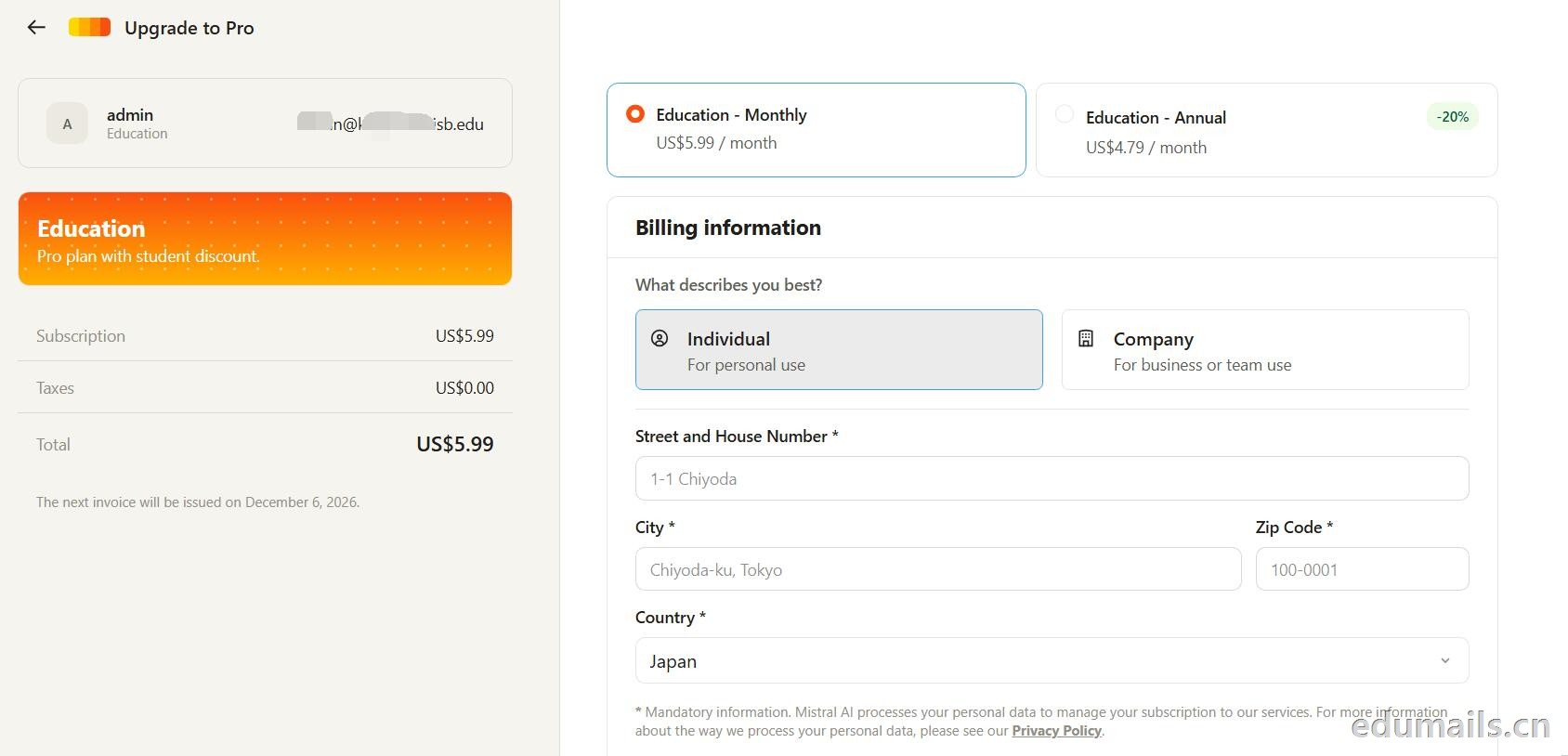 走到支付这一步,教育优惠的折扣感最直观:界面左侧会明确打出“Pro plan with student discount”,只要绑定了


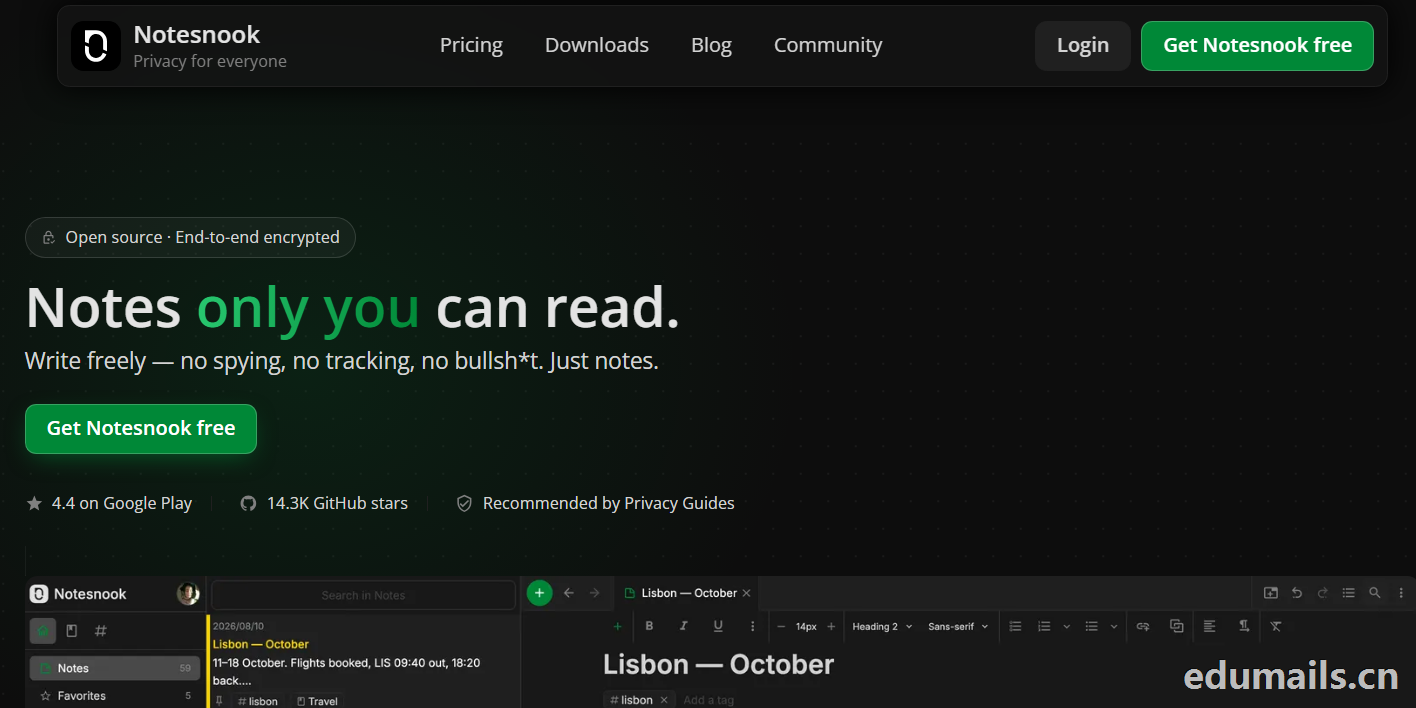
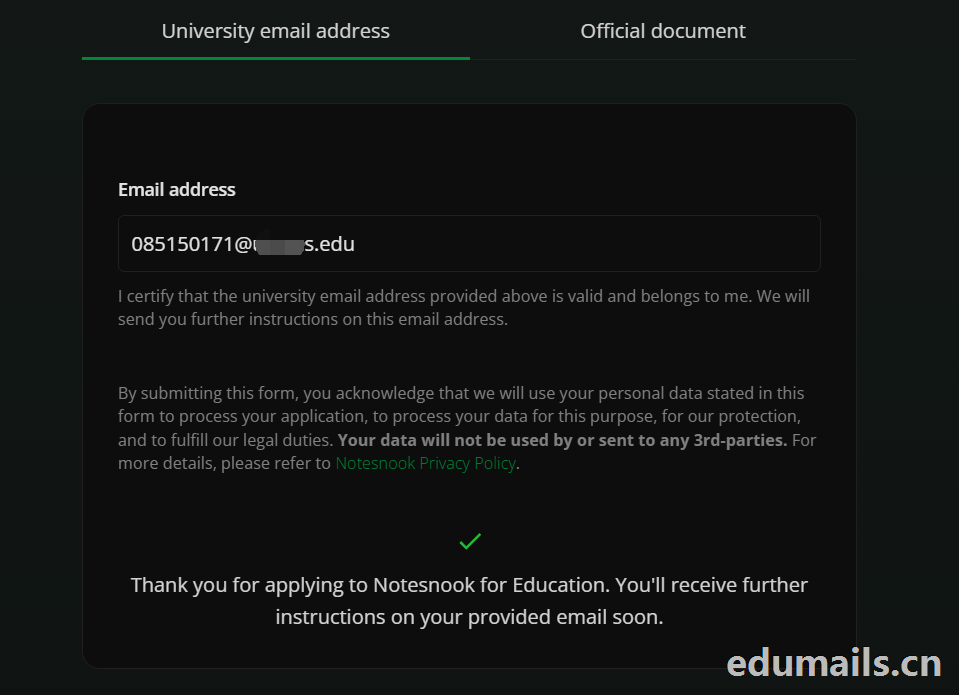 Thank you for applying to Notesnook for Education. You'll receive further instructions on your provided email soon.
如果我们的美国edu邮箱符合秒过要求,则如上图展示效果:感谢您申请 Notesnook 教育版。您很快就会在所提供的邮箱中收到后续指引。
我们打开edu邮箱提示收到
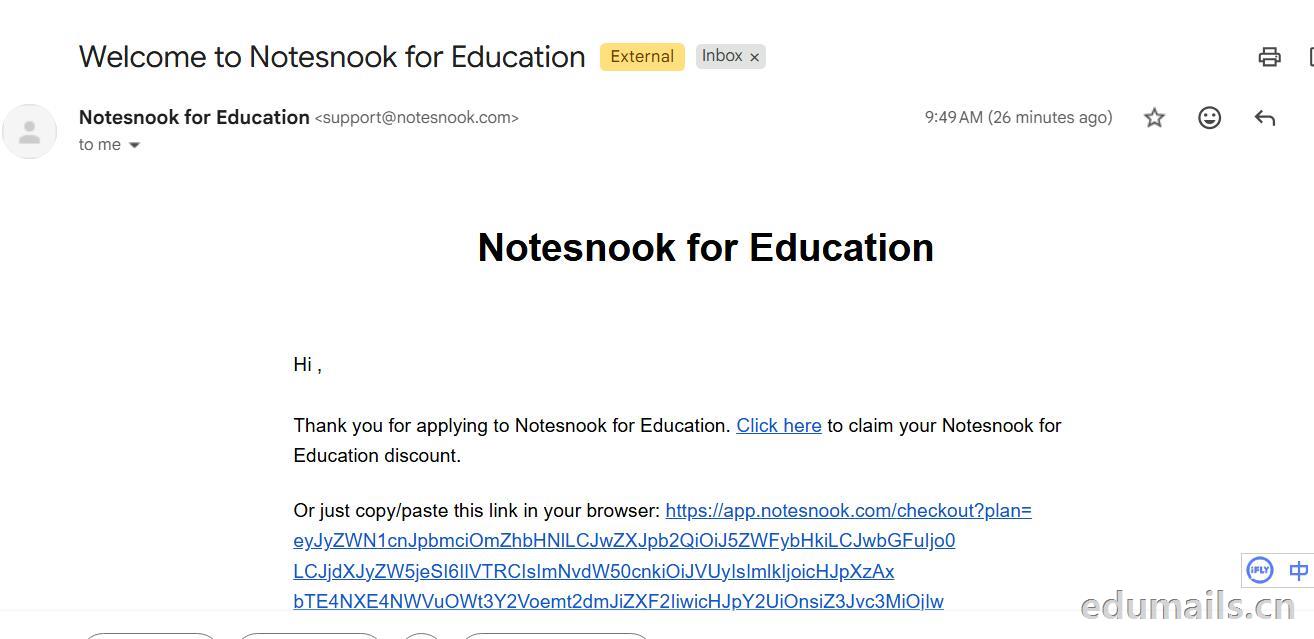 Thank you for applying to Notesnook for Education. Click here to claim your Notesnook for Education discount. 感谢您申请 Notesnook 教育版。点击此处领取您的 Notesnook 教育版折扣。

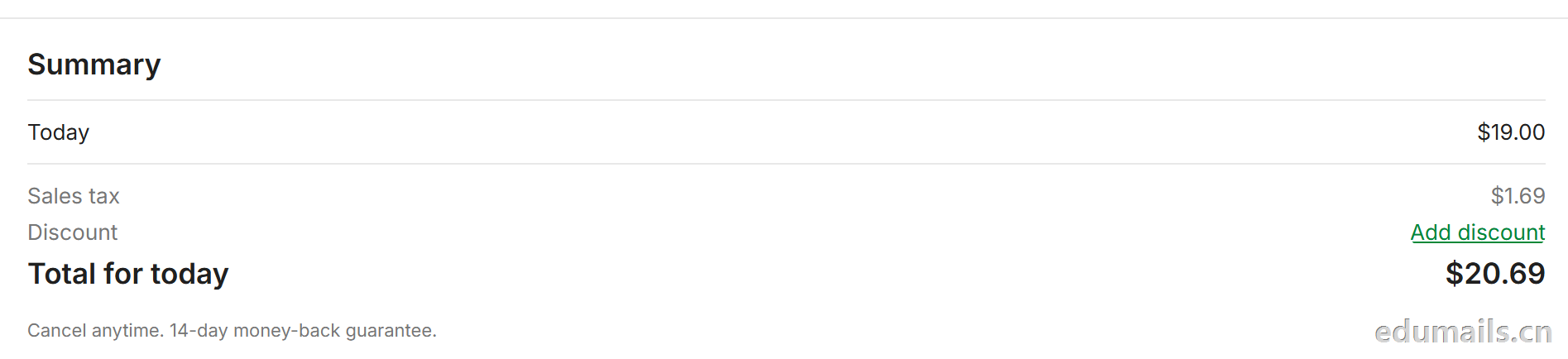 我们看到价格是20美金,官方支持paypal、信用卡支付,如果没有支付方式可以找代付解决。

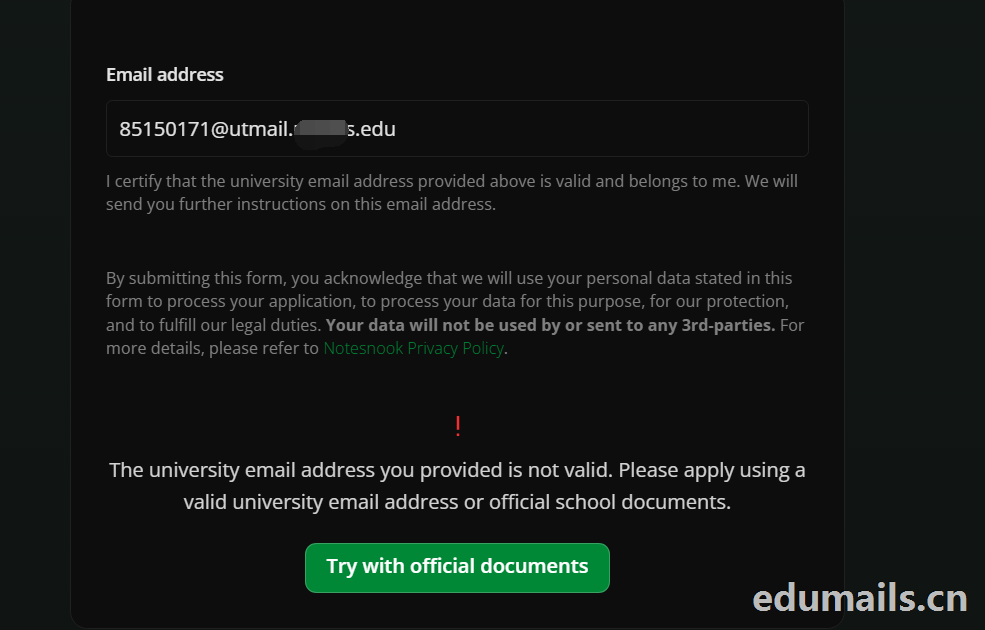 The university email address you provided is not valid. Please apply using a valid university email address or official school documents.
您提供的大学电子邮箱地址无效。请使用有效的大学电子邮箱地址或学校官方文件进行申请。我们点击Try with official documents,按照要求提供相关学校官方文件即可通过。
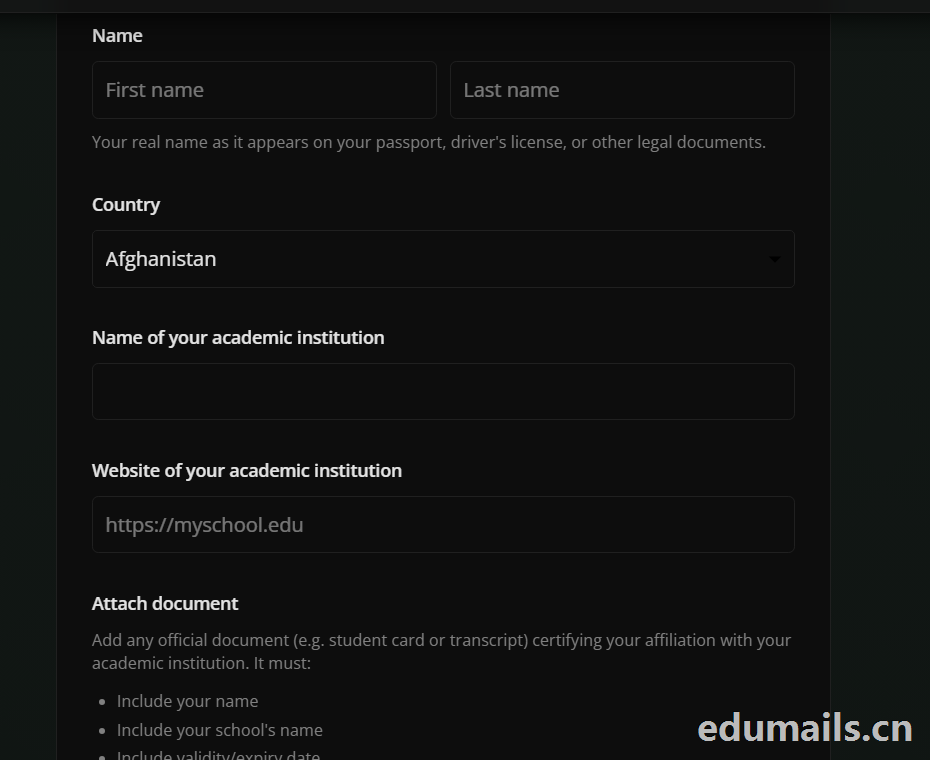

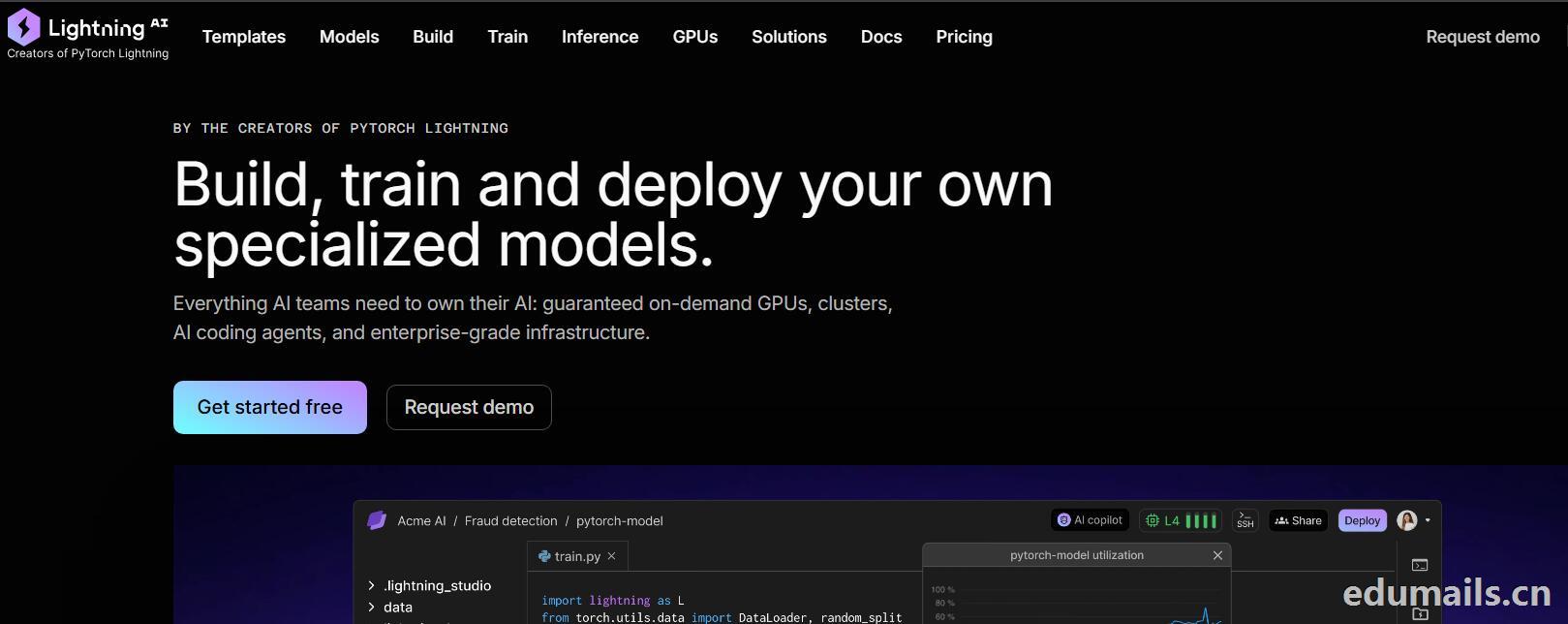
 我们再接着点击Choose Pro,弹出教育资格注册认证页面:如下图所示:Use a work or .edu email for faster verification,使用工作邮箱或 .edu 邮箱以加快验证速度,要求我们必须使用美国.edu结尾邮箱进行注册。
 我们的美国edu邮箱会收到来自no-reply@lightning.ai发送标题为“Confirm your email to finish creating your Lightning AI account”的邮箱验证邮件:
 我们点击完成认证,再次回到价格页面,点击学术价格,弹出如下图所示:
 Select organization to upgrade 我们默认选择即可,提示Upgrade to Academic,会弹出学术价格内容:
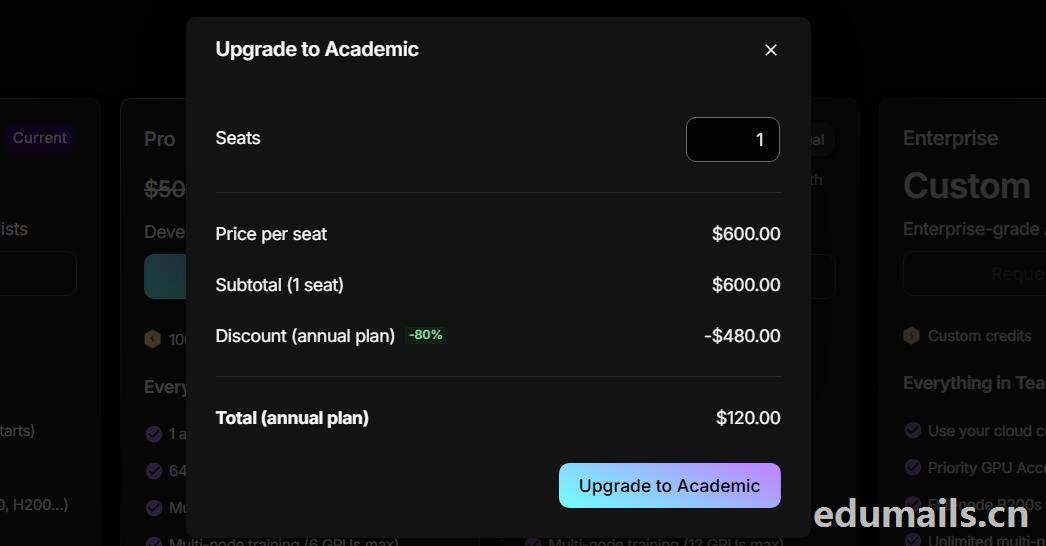 席位(Seats):1 个,每席位原价:$600.00/年,小计(1 个席位):$600.00,年付折扣:-80%,减免 $480.00
最终年付总价:$120.00
最后我们点击:Upgrade to Academic
也就是:学术版 Pro 年付原价 $600,打 2 折后 $120/年,折合 $10/月。需要用学术邮箱/学术身份开通。

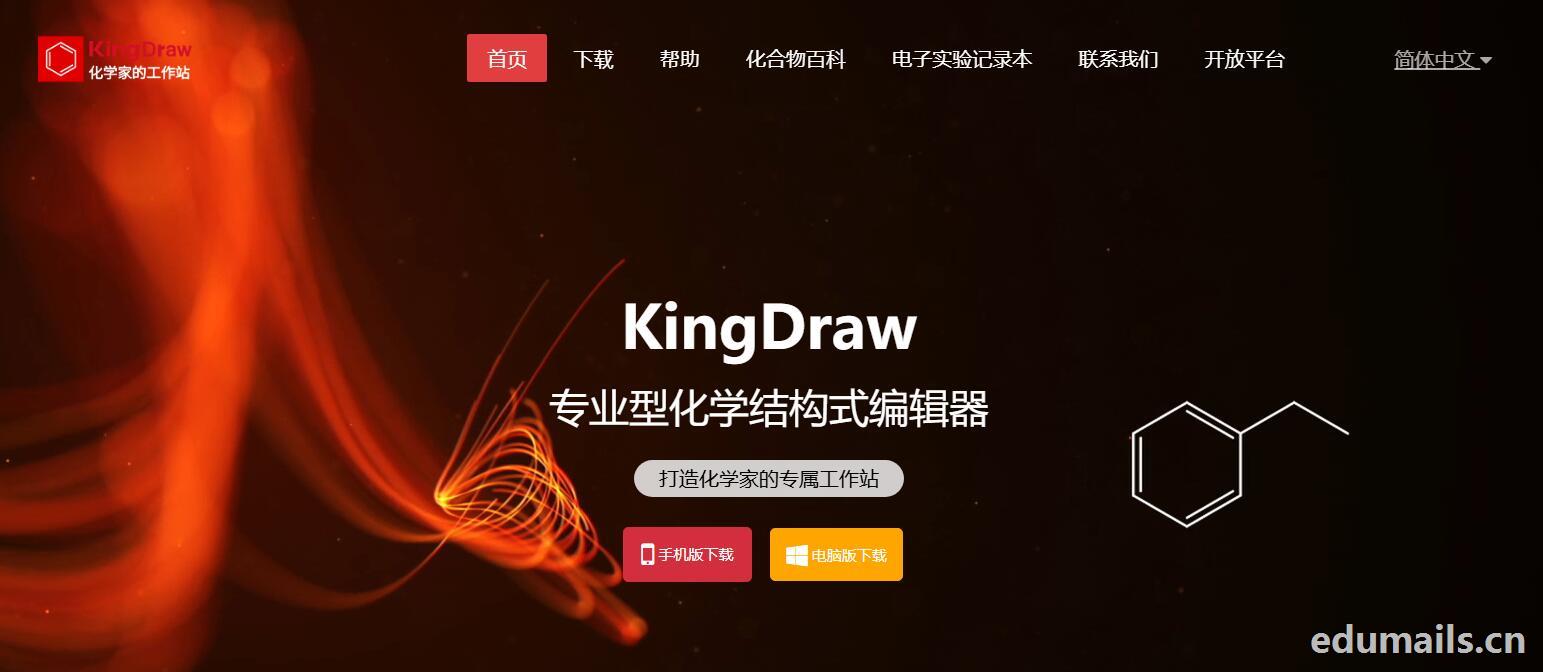
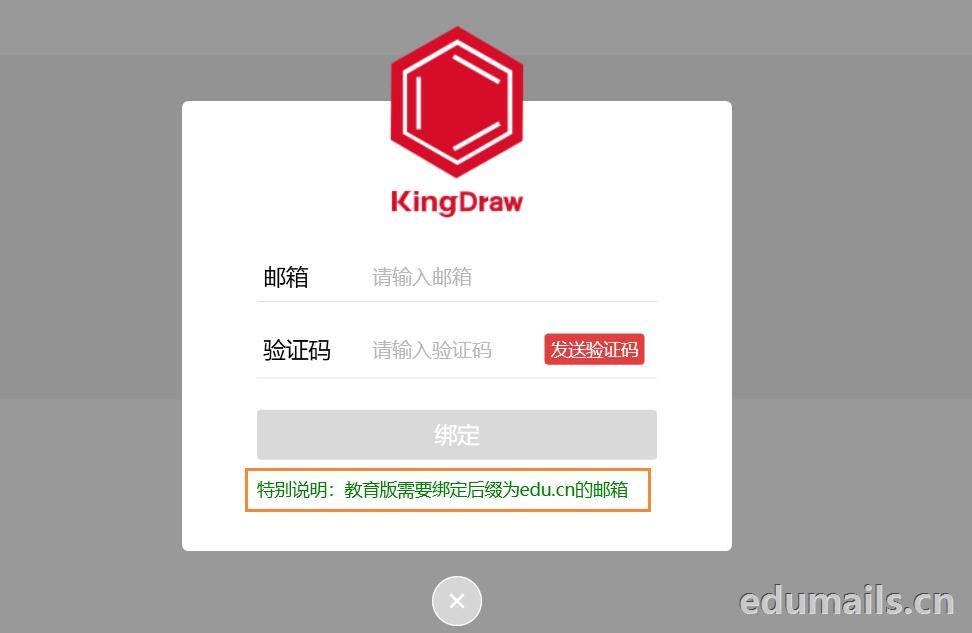
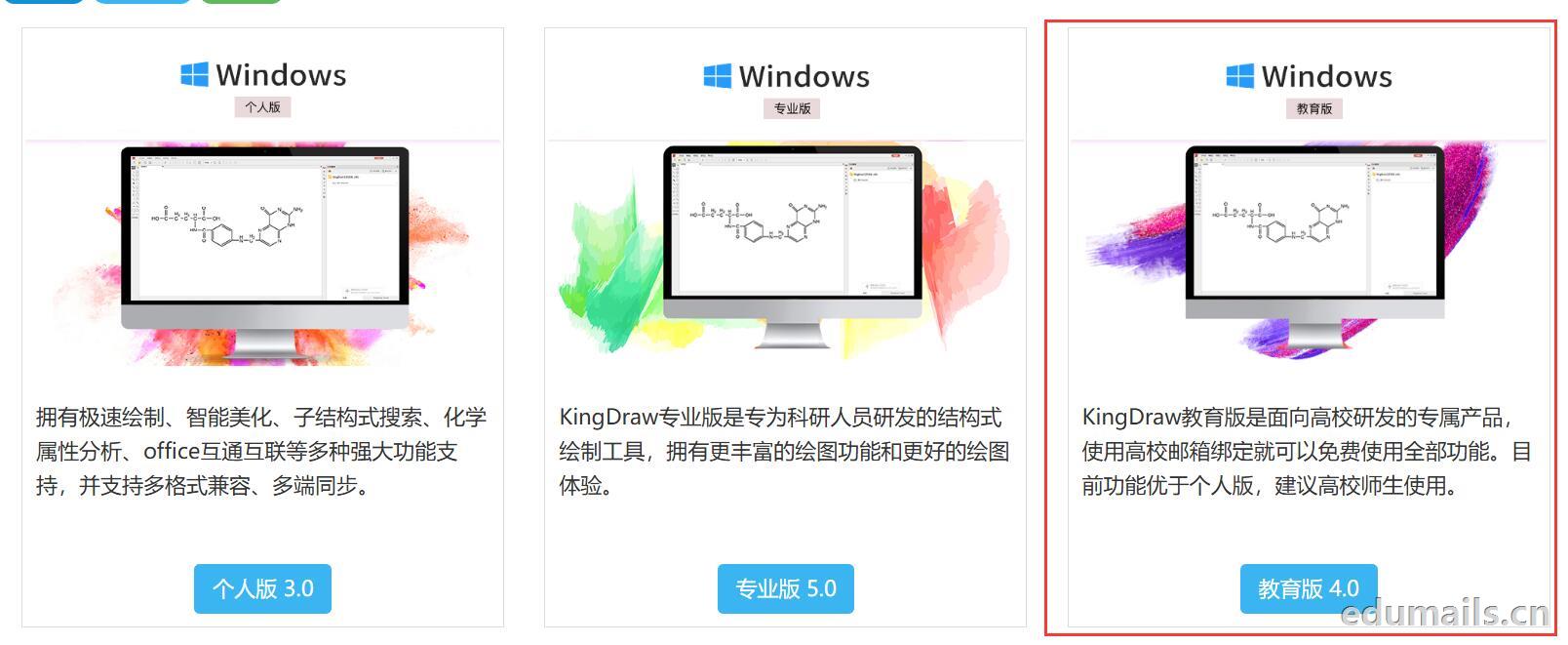 我们下载安装完成KingDraw教育版后,点击登陆提示如下图,我们选择邮箱方式注册,在这里我们可以用任何邮箱注册KingDraw账户。
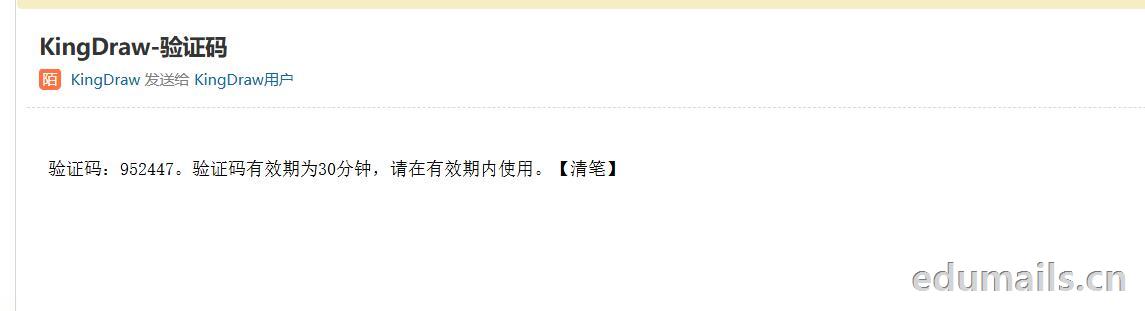
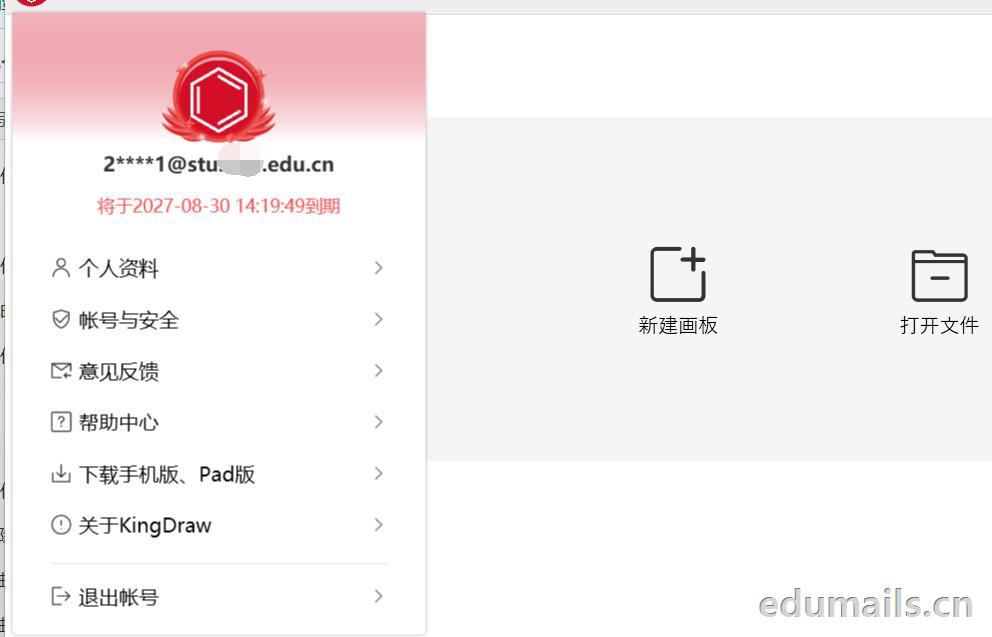
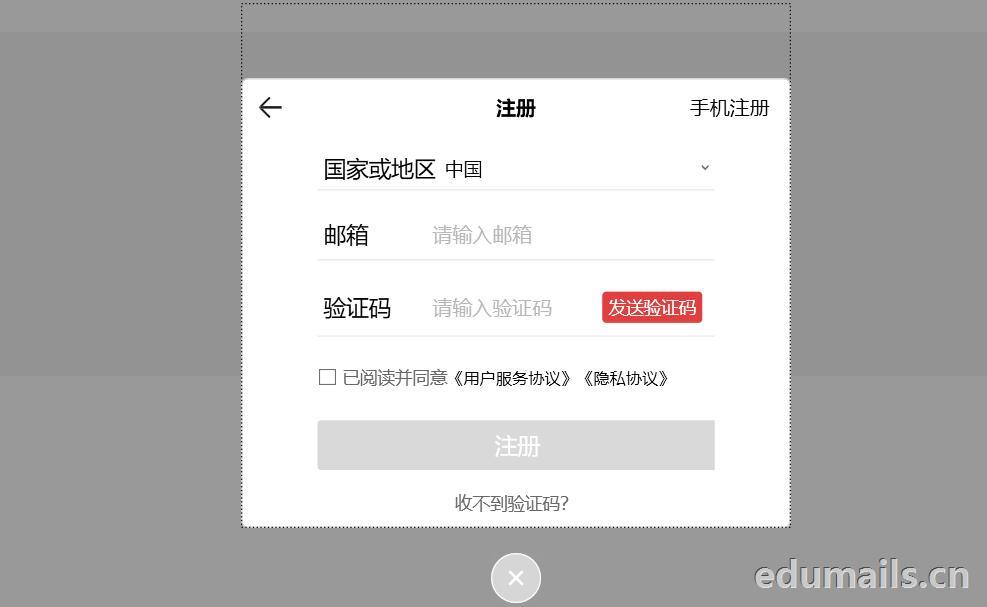 我们用任意邮箱注册完KingDraw账户后,提示绑定educn邮箱,我们可以用代收服务进行educn代收邮件认证。
 https://www.edumails.cn/chemdraw.html

 ZH
 EN