
 EDU Education Network Email Registration Application
1: Which Samsung devices can be redeemed for two years of 100GB free storage?
This offer is available on smartphones and tablets with OneDrive built-in, and you'll get 100GB of free storage for 2 years when you enable OneDrive.
2: If the 100 GB free storage offer expires after two years, what should I do with the data stored in OneDrive?
After your two-year subscription expires, you can still access and download everything stored on OneDrive, but you won't be able to upload new files to your OneDrive storage and will have to find alternative storage. Each OneDrive account comes with 15 GB of free storage, and you can purchase additional storage if you run out.
3: If I want to continue to use the storage space after the offer has expired, how much will the user have to pay?
Users have many options for purchasing storage space. You can find a variety of plans and prices on the Manage Storage page of your OneDrive account.
4: If I want to increase the storage space during the two-year discount period, how much will the user have to pay?
Users have many options for purchasing storage space. You can find a variety of plans and prices on the Manage Storage page of your OneDrive account.
5: What happens to Samsung's 100 GB offer if the user has another storage space offer for their OneDrive account?
Each storage space offer is independent of the other, and the total amount of storage space available to the user is the sum of the offers. Therefore, if a user redeems 100 GB of storage space from another offer, together with the original 15 GB of free space per account, there is a total of 115 GB of storage space, and if the user redeems the free storage space offer from Samsung, he/she will get an additional 100 GB of storage space for two years, and the total amount of storage space will be 215 GB. However, different offers have different expiration dates, so the total amount of storage space available may change during the two-year offer from Samsung. However, different offers have different expiration dates, so the total available storage capacity may change during the two-year offer period.
6: Will current users get the same storage discount as new Galaxy S6 users?
Yes, all Galaxy S6 buyers will receive the same two years of free 100GB storage regardless of their existing account. All Galaxy S6 buyers receive the same two years of 100 GB of free storage, regardless of their existing account.
7: How can I redeem 100 GB of free storage for two years?
Users simply open the OneDrive app on the S6 and a detailed description of the two-year 100 GB free storage offer will appear on the screen; after logging in to the account, the device will pop up another screen to confirm whether users want to get the 100 GB for two years and upload videos or photos to OneDrive. once the redemption is confirmed, users will receive a notification of the total amount of available storage space. Once the redemption is confirmed, you will be notified of the total available storage capacity.
8: If a user purchases another new device that qualifies for this offer, how will the discounted space be calculated?
The two-year 100 GB free space offer from Samsung can only be redeemed once per Microsoft account. Therefore, if a user purchases another device, that user will not be able to redeem another two-year 100GB offer.
9: If more than one unit is purchased that qualifies for this offer, will the customer receive additional storage space?
The two-year, 100 GB free storage offer from Samsung can only be redeemed once per Microsoft account. Therefore, if a user purchases another device, that user will not be able to redeem another two-year 100GB offer.
10: If I sell my Galaxy S6 to someone else, will the offer still be valid?
If the user sells the Galaxy S6 to someone else, the two years of 100GB of storage can still be used for the duration of the two-year offer.
11: If a user buys a used Galaxy S6, can he/she still redeem the offer?
You may only redeem the OneDrive free storage offer once per device. Purchasers of a pre-owned Galaxy S6 can only redeem the offer if OneDrive is built into the device and the previous user has not yet redeemed the offer.
12: If a user has already redeemed the 100GB space offer on the old device and is now using the new device and logging into the same account, does this mean that the user will only be able to use the basic 5GB of free storage?
Yes. If the two-year 100 GB offer expires, will users only be able to use the basic 5 GB of free storage?
13: If a user has already redeemed the offer with his/her old account, can he/she still register a new account on the Note8 device and get the 100GB free storage offer for two years?
Yes. If a new account is created, the user can redeem the 100 GB free storage offer for two years with the new account.
14: If a user decides to continue using the old account, is there an option to increase the storage space capacity?
Users have to pay for the upgrade to increase the storage space.
15: Will there be a notification that the device has been redeemed for the two-year 100GB free storage offer?
Yes. This notification will appear once the user agrees to the terms and redeems the 100 GB free storage offer. However, to see if there is a redeemable offer on your own, it is recommended that you go to the OneDrive app and tap Settings > Personal Account > which will display the storage plan and total capacity. Eligible device accounts should have a total of 105 GB of free storage.
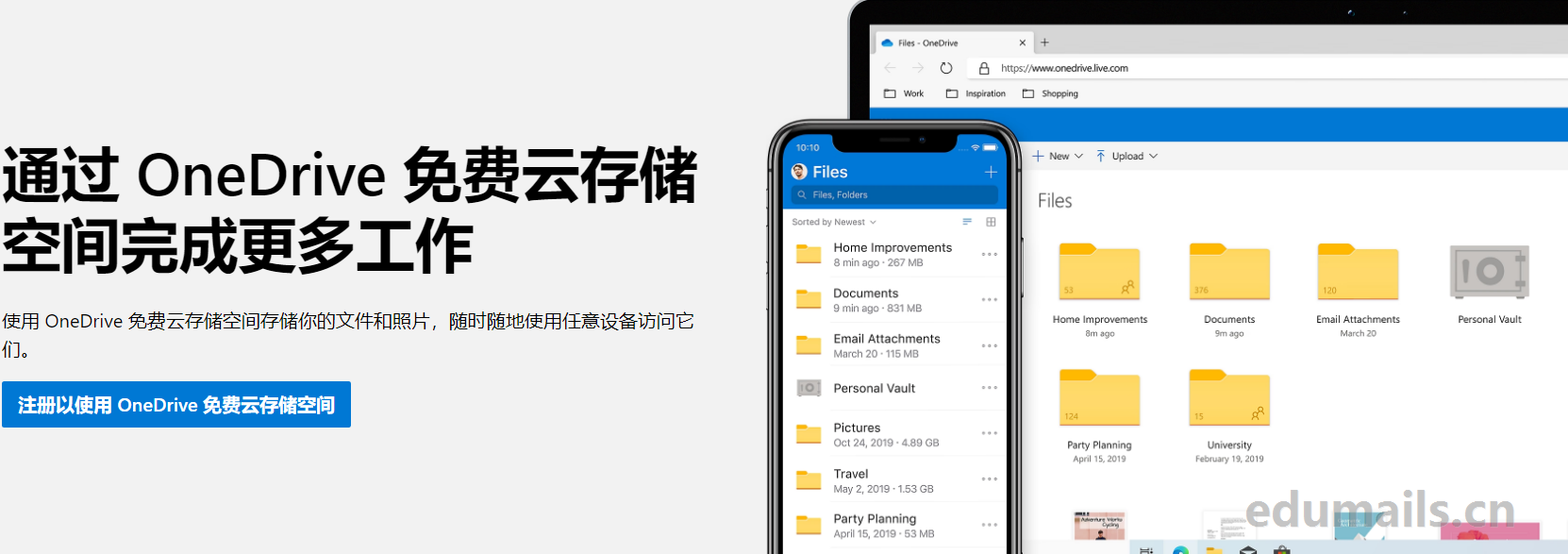
Samsung cell phone users receive free 100GB capacity of Microsoft's web drive OneDrive
You need to add a link to this site to republish it:EDU Education Network Email Registration Application " Samsung cell phone users receive free 100GB capacity of Microsoft's web drive OneDrive
Recommended
 Free unlimited white johns OneDrive cloud disk network exclusive, what you see is what you get
- Get Free OneDrive 5T Account 2020 Share Comes with Cloud Drive Mounting
- CenturyLink online version of office365 and OneDrive cloud disk purchase registration application popularization tutorial debut
- Microsoft OneDrive web drive free upgrade to 25T capacity tutorial
- office365 onedrive education edition market price analysis & purchase guide debut
- Domestic edu.cn education network mailbox free application onedrive2T lifetime cloud disk space
- 【副业风口】抓住流量刚需,0成本开启副业!日入300+的流量卡代理合伙人免费招募啦!
- 一站式生活服务优惠活动全网最全长期更新


 英文领取链接:https://fish.audio/app/claim/students/
中文领取链接: https://fish.audio/zh-CN/app/claim/students/
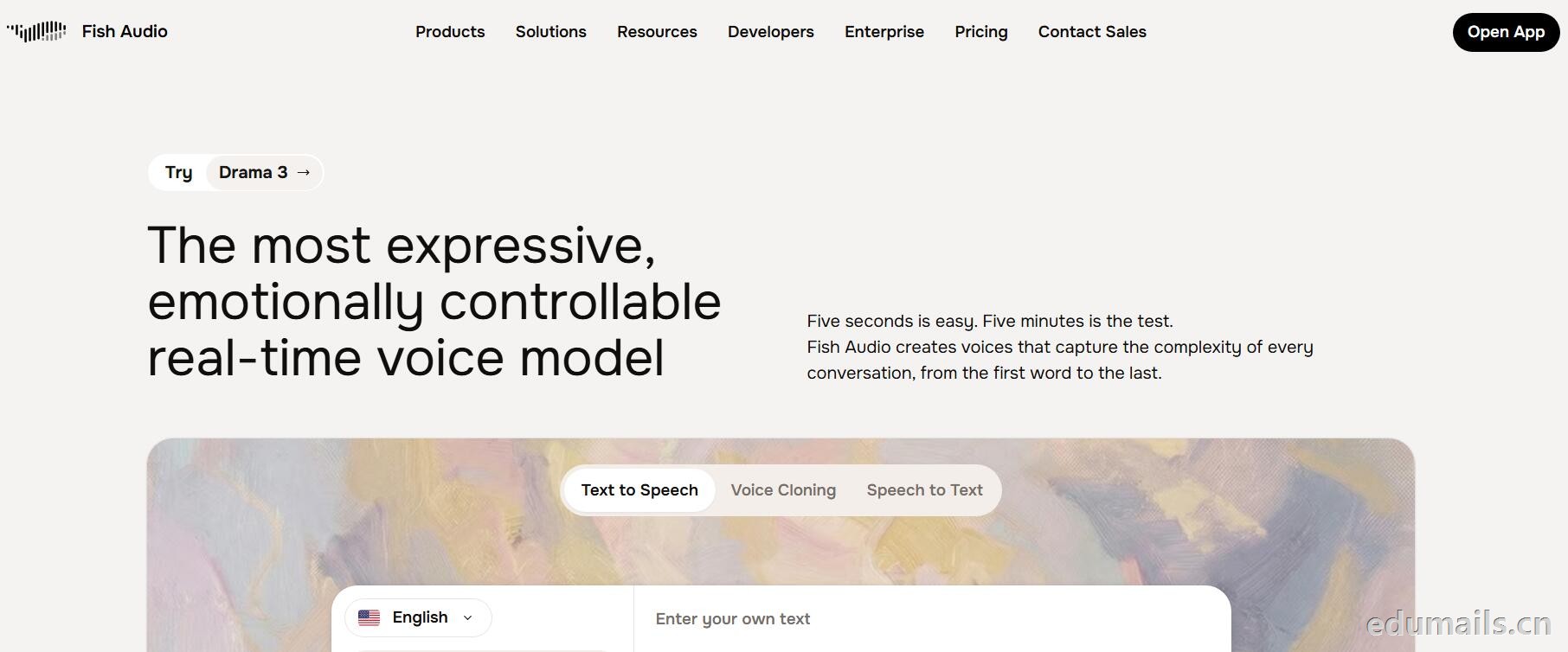
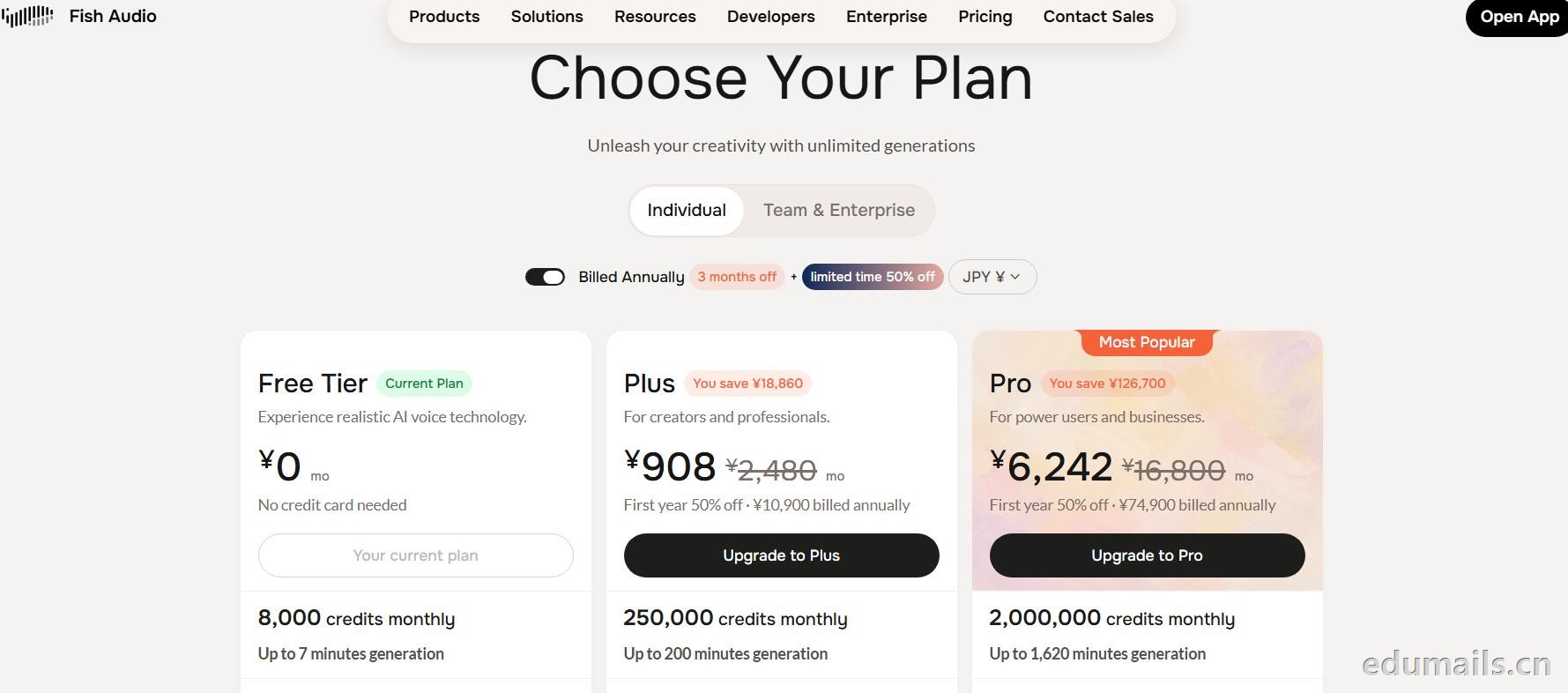
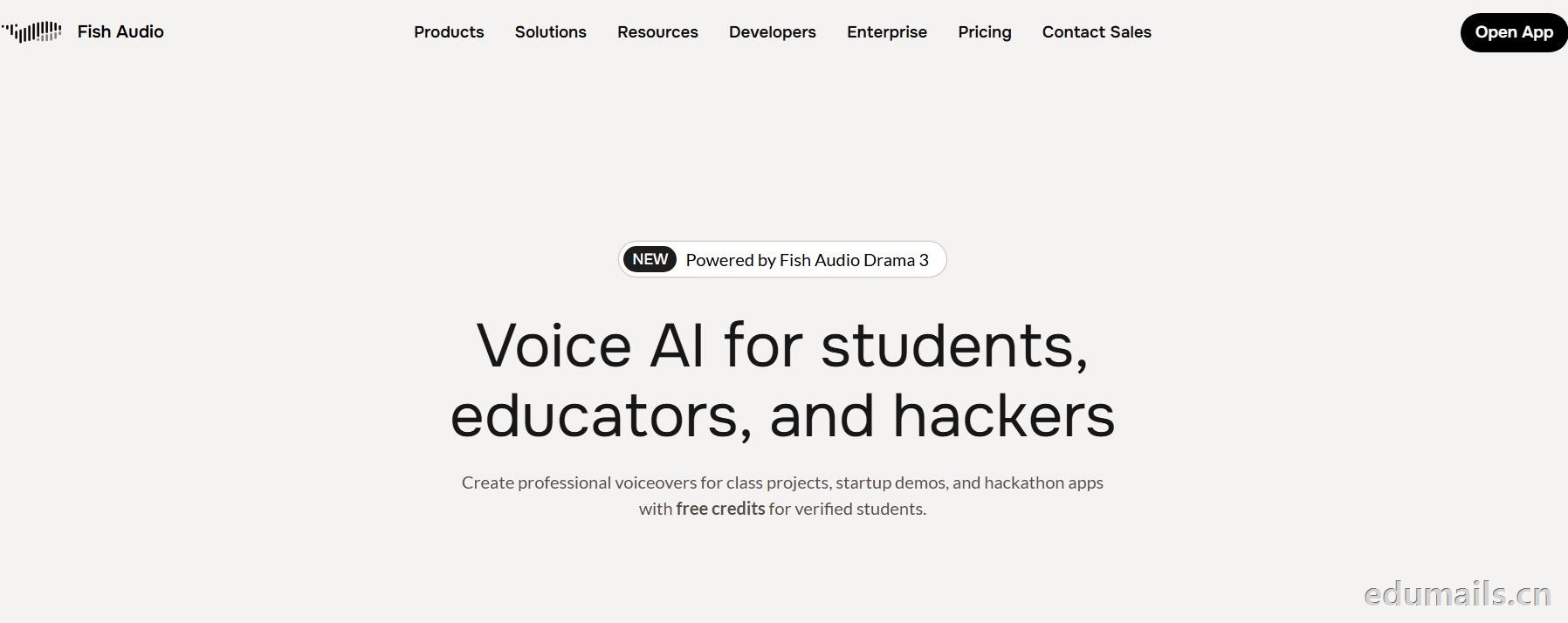
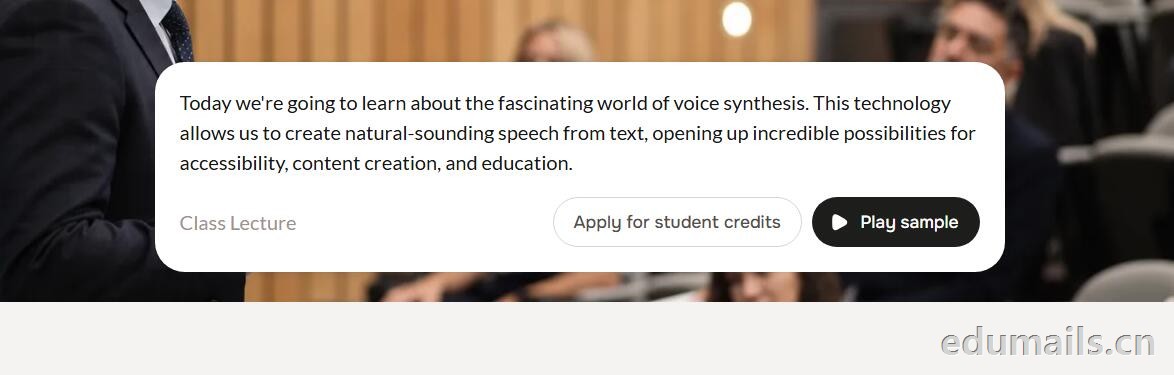
用 .edu 学生邮箱认证,领“免费积分”,做课堂/黑客松/毕设/校园项目配音和声音克隆,但不能商用。学生、教育工作者、黑客松选手都算目标人群。
免费积分(数额不公开,叫“generous credits”)可用全部语音模型、TTS、声音克隆(10 秒录音复刻音色)支持多语言(页面写 8 种/83 种说法不一,以账号内为准),含 完整 API 权限(接代码、做 Demo、黑客松 App 都能用),可申请当“校园大使”:每月额外积分 + 抢先体验新功能。
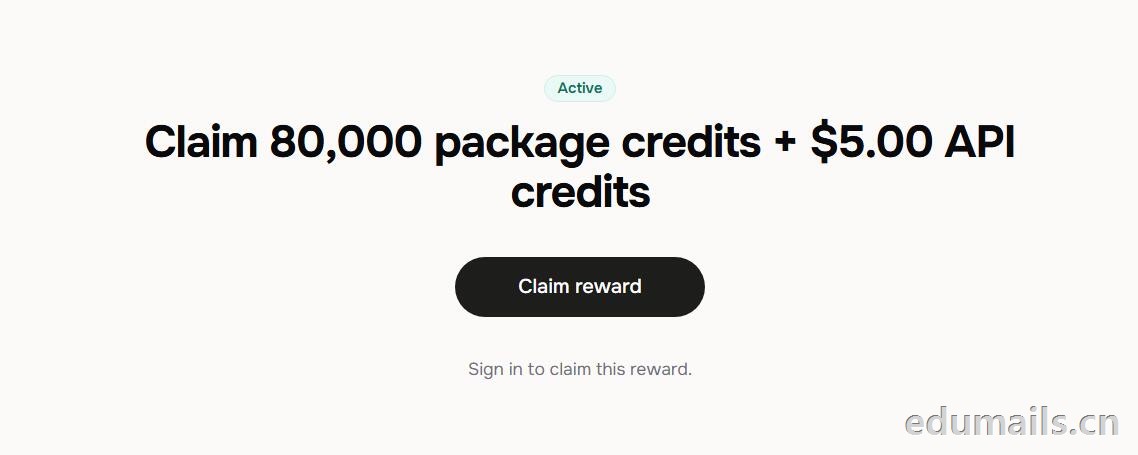 根据本站测试:额度为Claim 80,000 package credits + $5.00 API credits 领取 80,000套餐积分+$5.00 API 积分
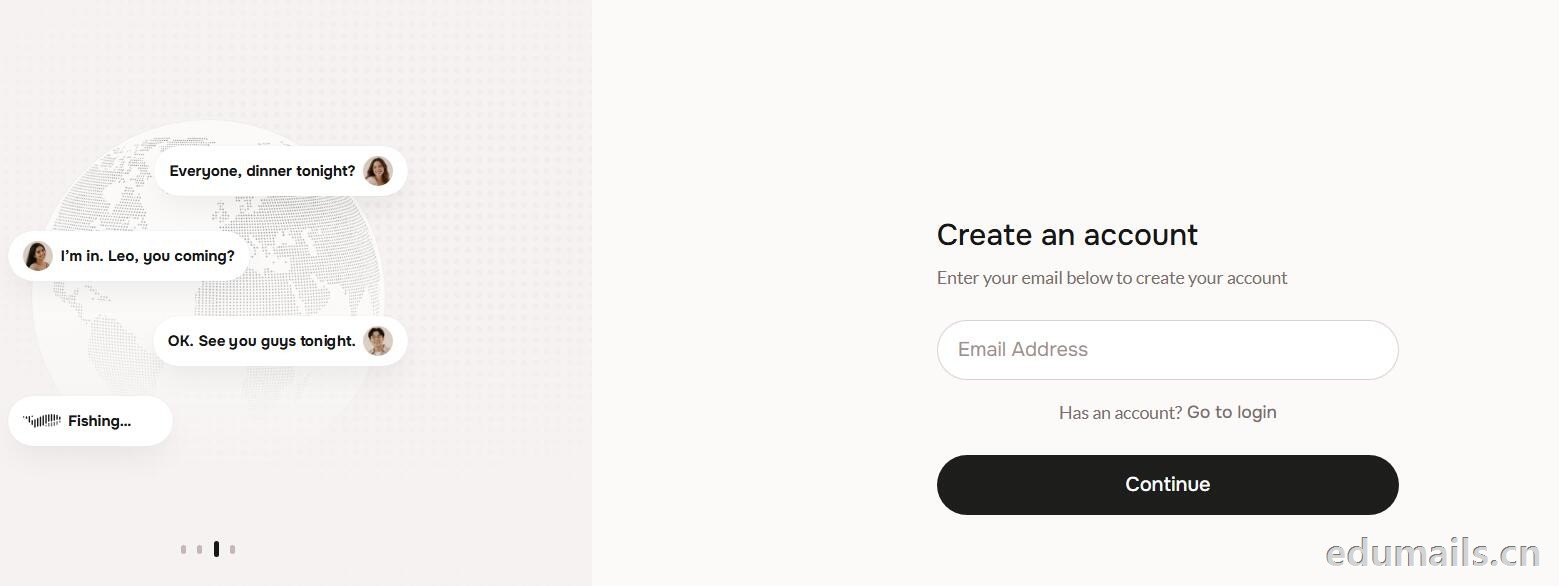
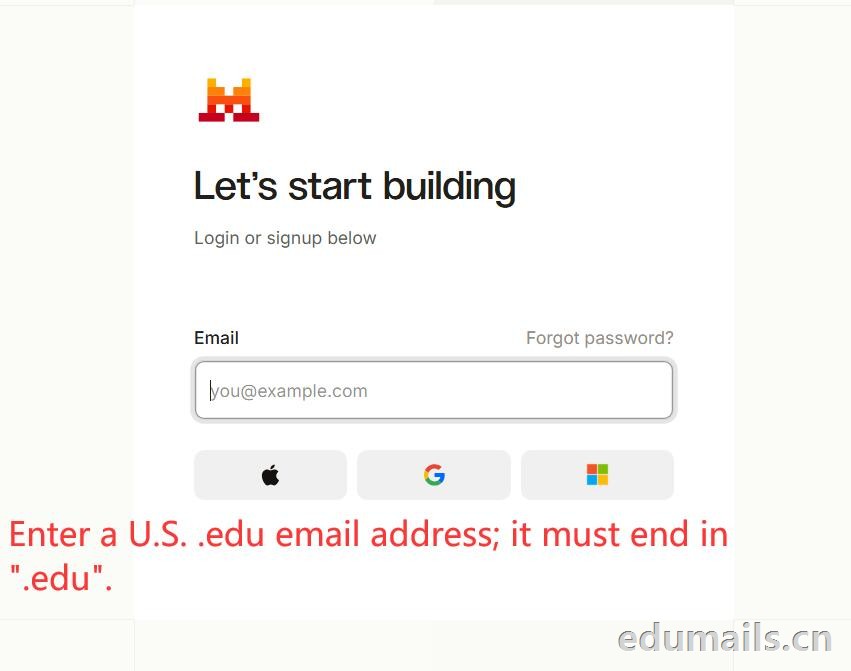
 提示创建账户:https://fish.audio/auth/signup/ 我们直接用美国edu邮箱进行注册演示。
Ps:我们如果在其他地方购买美国edu邮箱,一定要问是否为正规的,因为很多邮箱都是盗用的扫号来的,无法修改密保,也无法保证邮箱使用时间,所以我们不要贪图便利在某鱼购买。
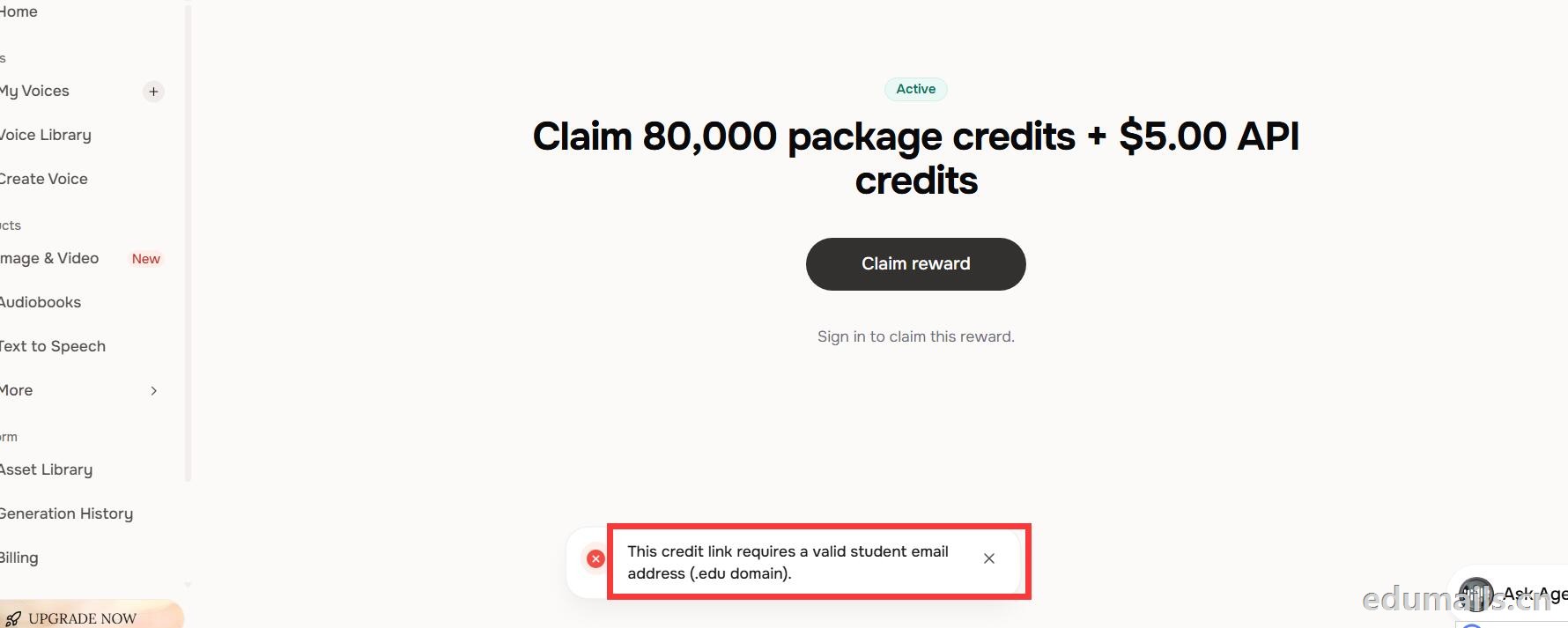 我们查看团队设置https://fish.audio/zh-CN/app/team/?tab=usage 里面是没有领取80,000积分的赠送额度。只有赠送的8000额度。
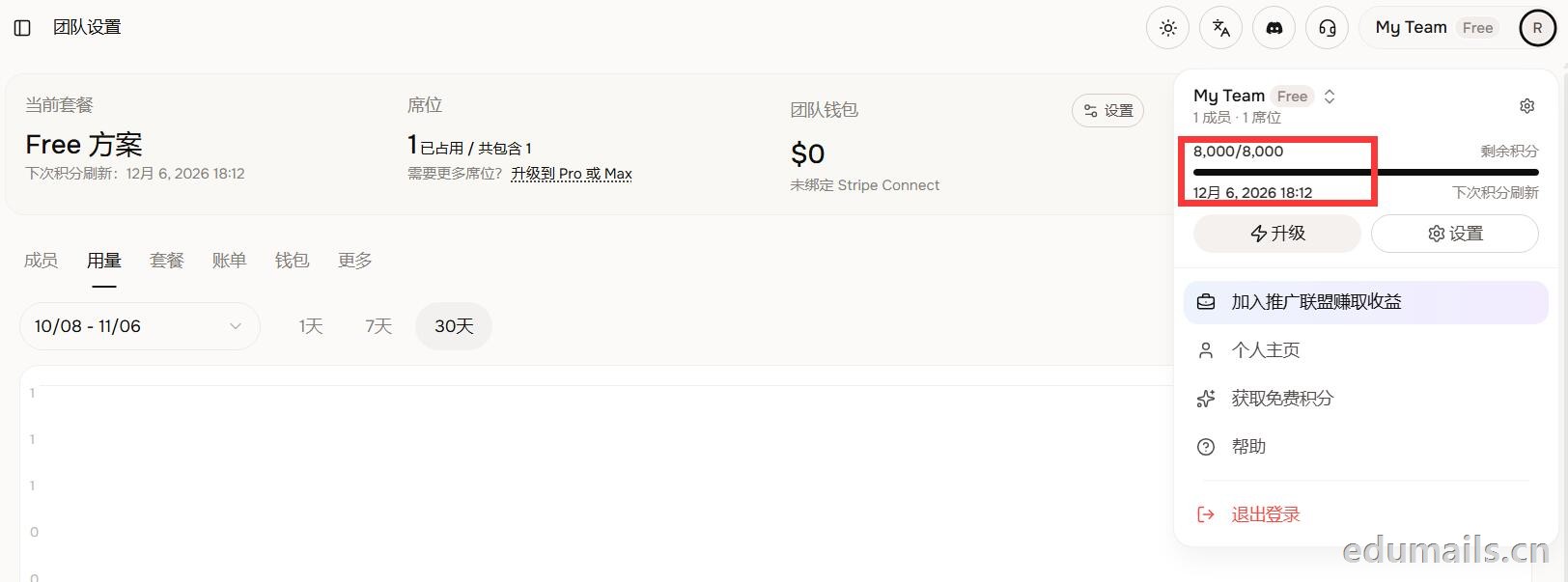 (失败)余额仍卡在8,000/8,000,无任何入账流水,只拿到普通免费版基础额度,属于典型的认证或链接未生效。
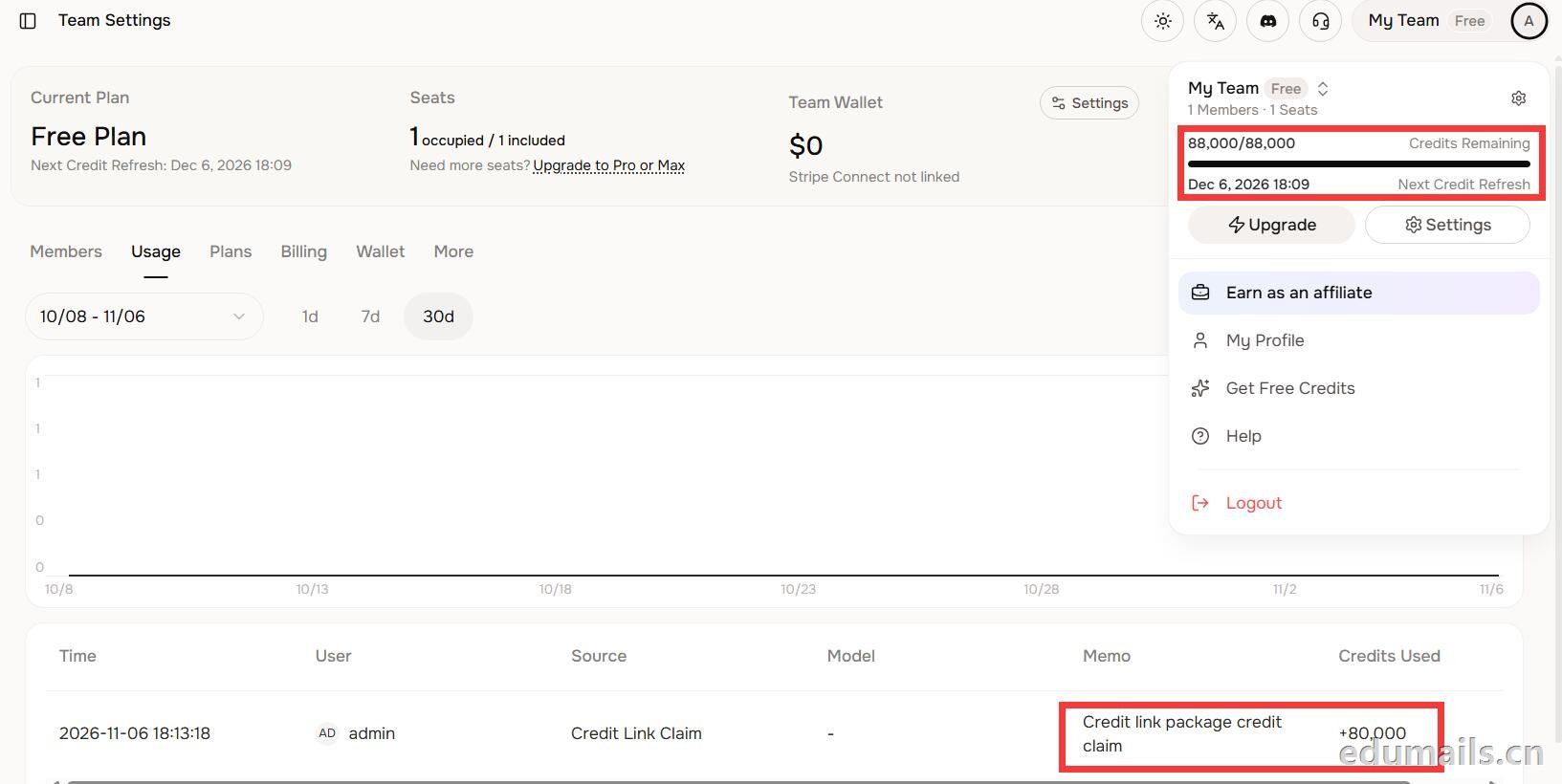 后台显示余额88,000/88,000,下方流水明确记录“Credit link package credit claim +80,000”,说明在基础免费额度(8,000)外,成功白嫖了8万教育包积分,这正好印证了上一轮说的“额外大额积分”,下次刷新在12月6日。
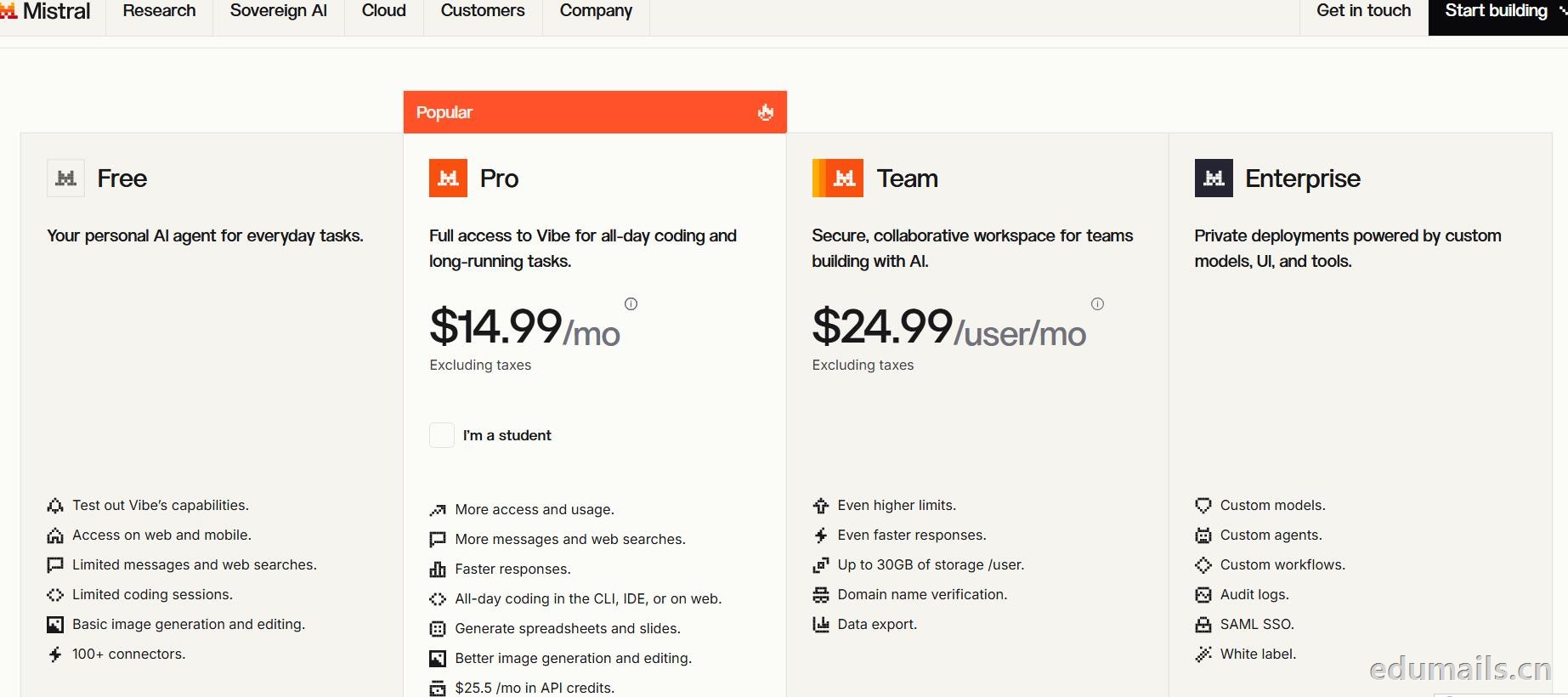
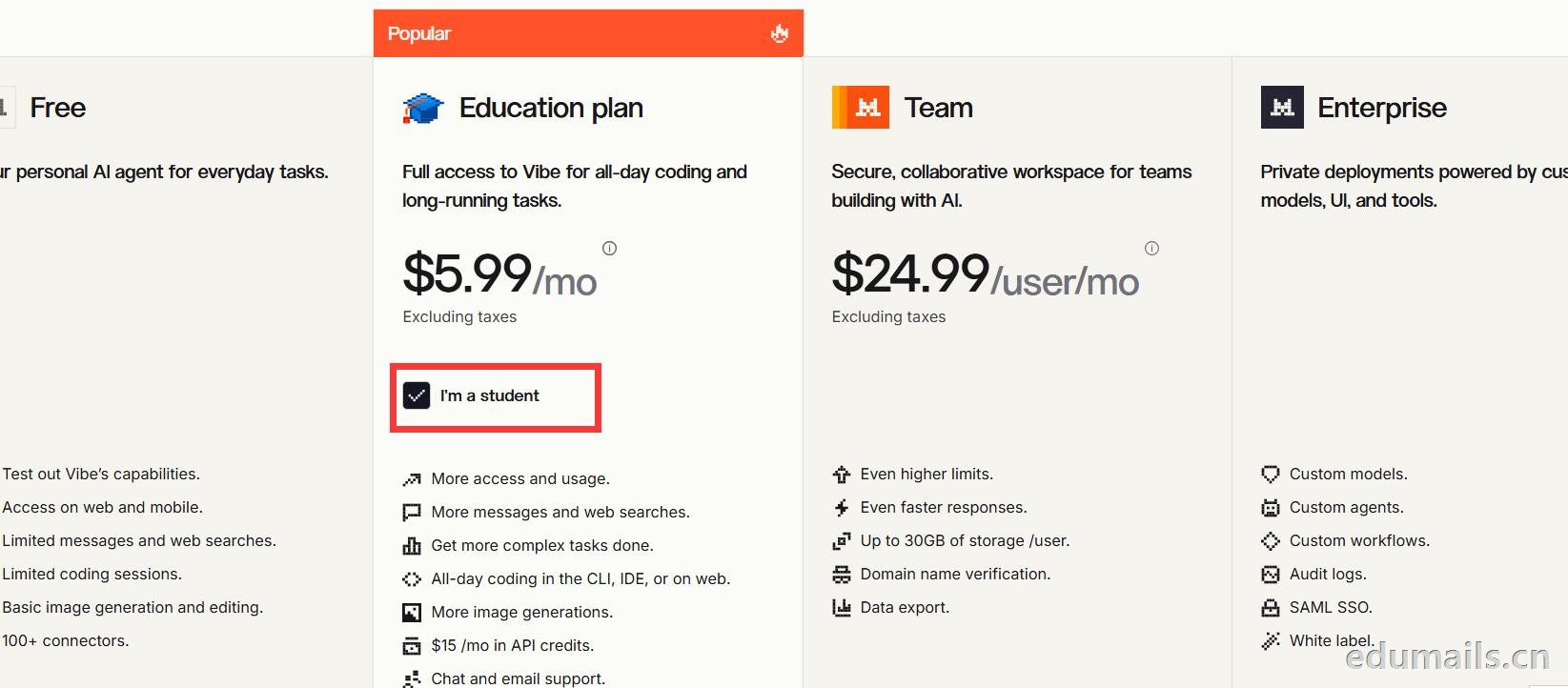 Mistral 的 Education 计划并不是一套独立套餐,而是面向符合条件的学生与教师提供的 Pro 折扣版本。获得优惠的唯一凭证,是由教育机构签发的机构邮箱;Gmail、iCloud、Outlook 等个人或通用域名邮箱无法通过核验,学生证、在读证明、确认信等书面材料也明确不被接受,不能作为替代。
订阅入口位于价格页的「I'm a student」按钮,也可直接打开 Education 计划页面完成流程:既可以用机构邮箱注册一个全新的 Mistral 账号,也可以在已有账号中先把绑定邮箱改为机构邮箱再订阅。
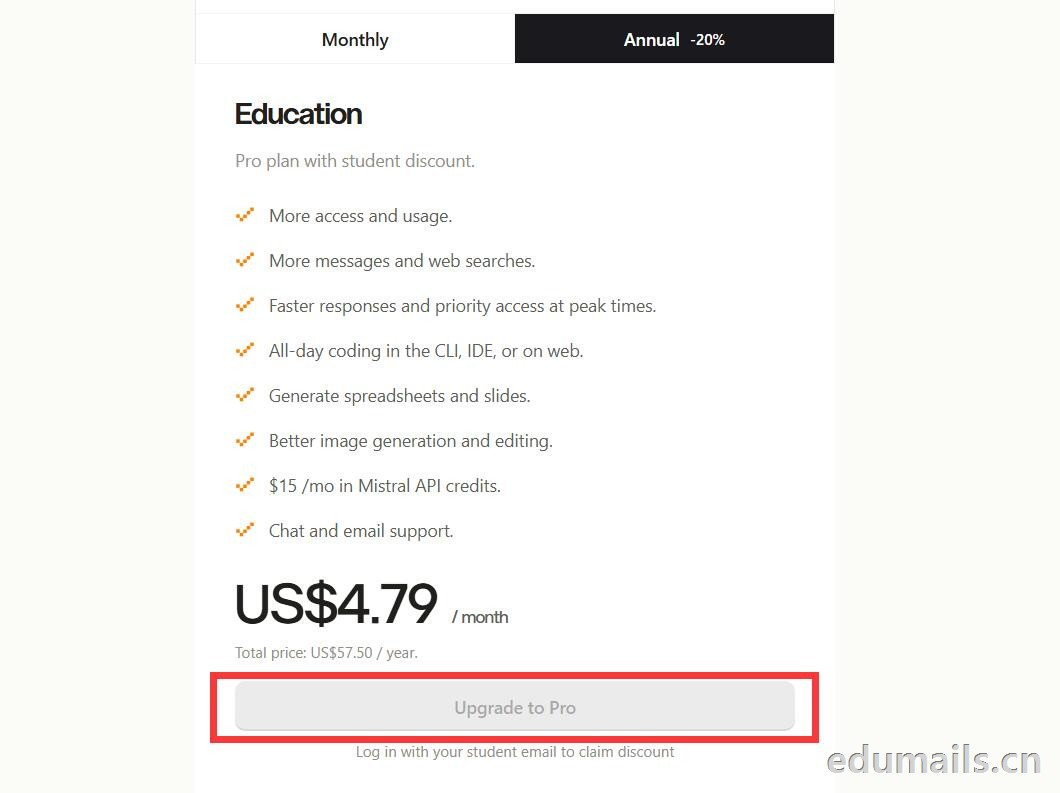
 如果我们的邮箱地址不符合官方学术资格要求,我们点击Upgrade to Pro 是无法点击,为灰色显示。
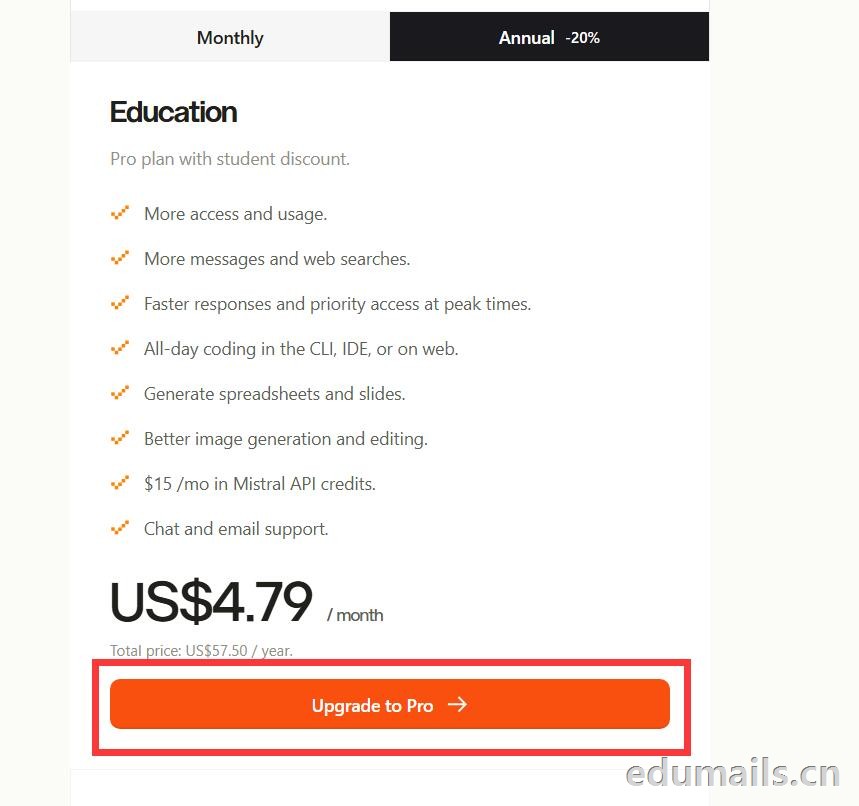
 如果我们的邮箱地址符合官方学术资格要求,我们点击Upgrade to Pro 是高亮黄色显示,是可以继续点击下一步。
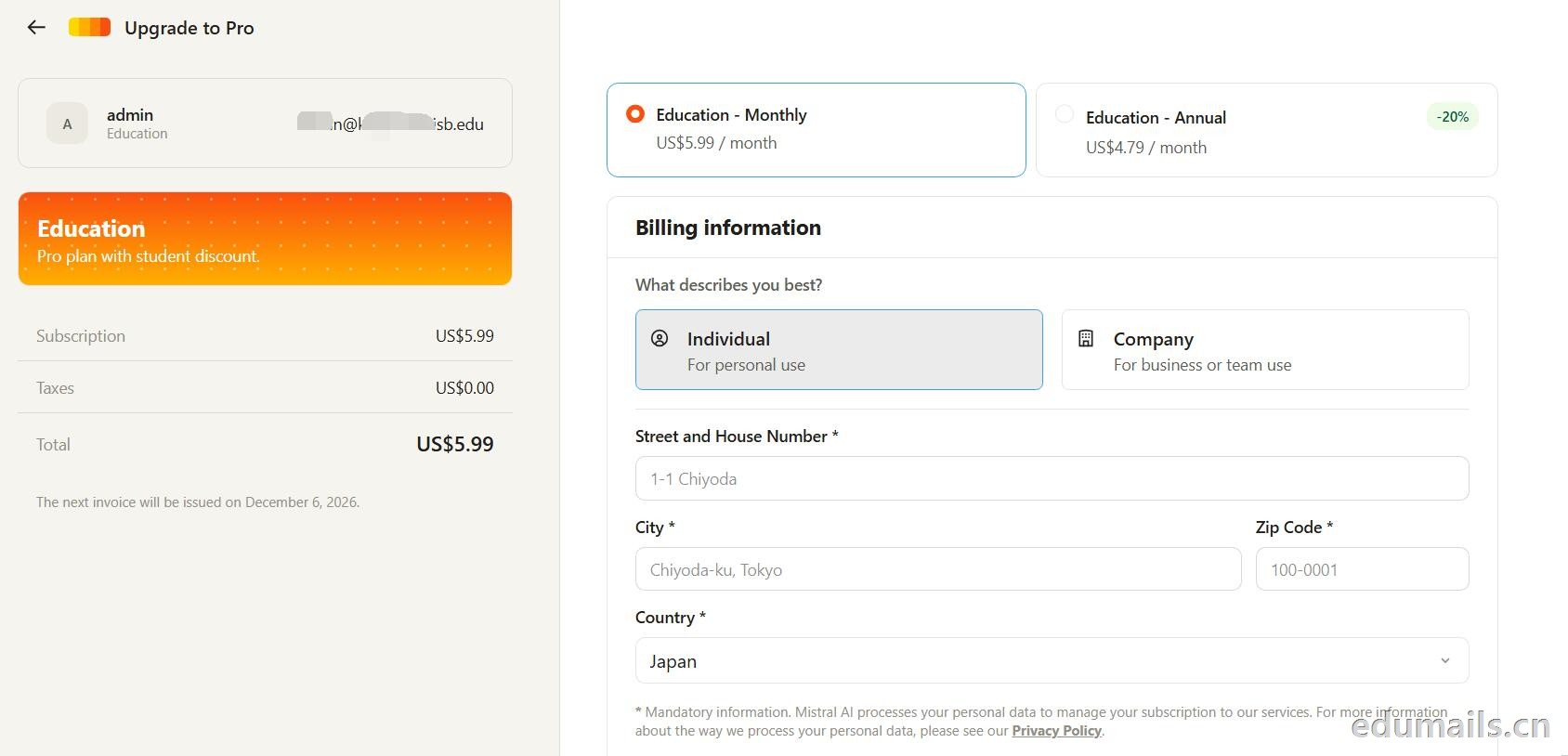 走到支付这一步,教育优惠的折扣感最直观:界面左侧会明确打出“Pro plan with student discount”,只要绑定了


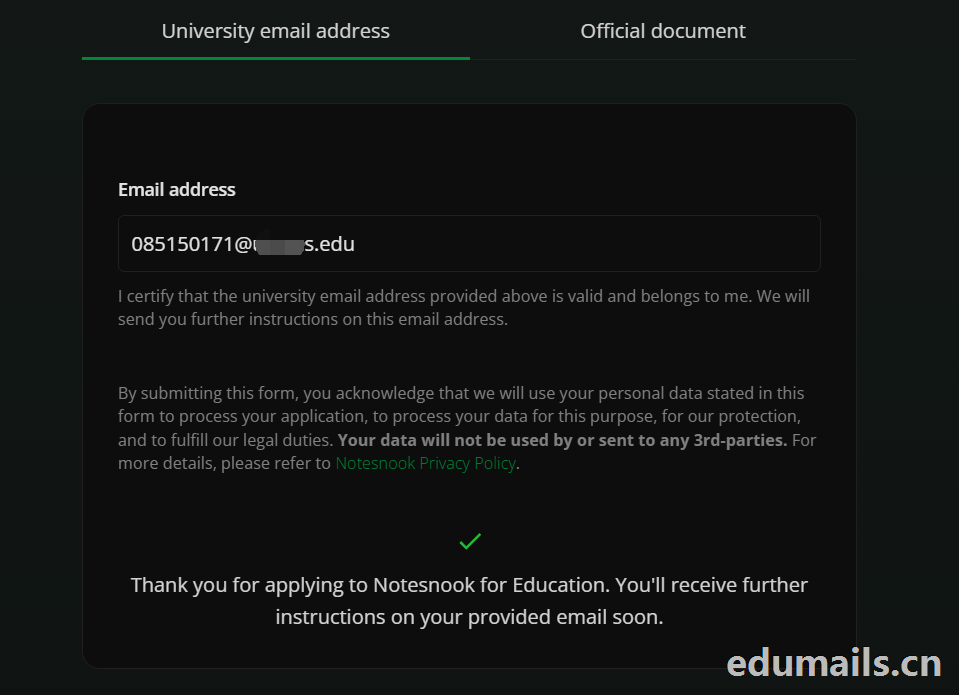 Thank you for applying to Notesnook for Education. You'll receive further instructions on your provided email soon.
如果我们的美国edu邮箱符合秒过要求,则如上图展示效果:感谢您申请 Notesnook 教育版。您很快就会在所提供的邮箱中收到后续指引。
我们打开edu邮箱提示收到
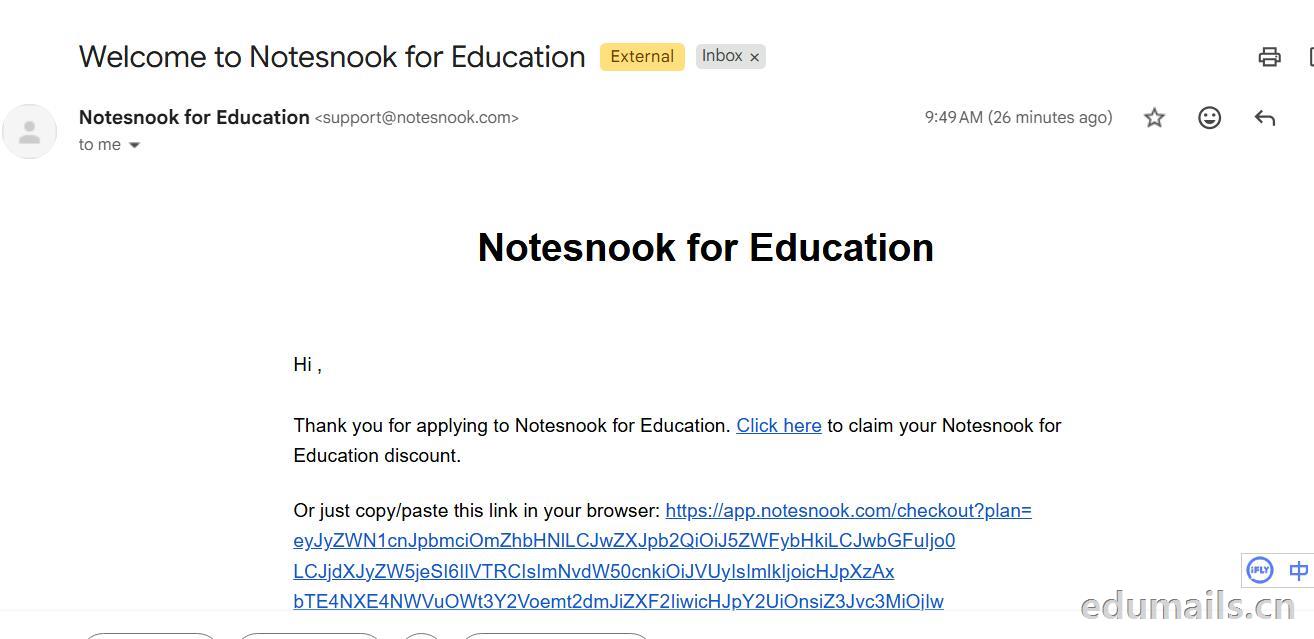 Thank you for applying to Notesnook for Education. Click here to claim your Notesnook for Education discount. 感谢您申请 Notesnook 教育版。点击此处领取您的 Notesnook 教育版折扣。

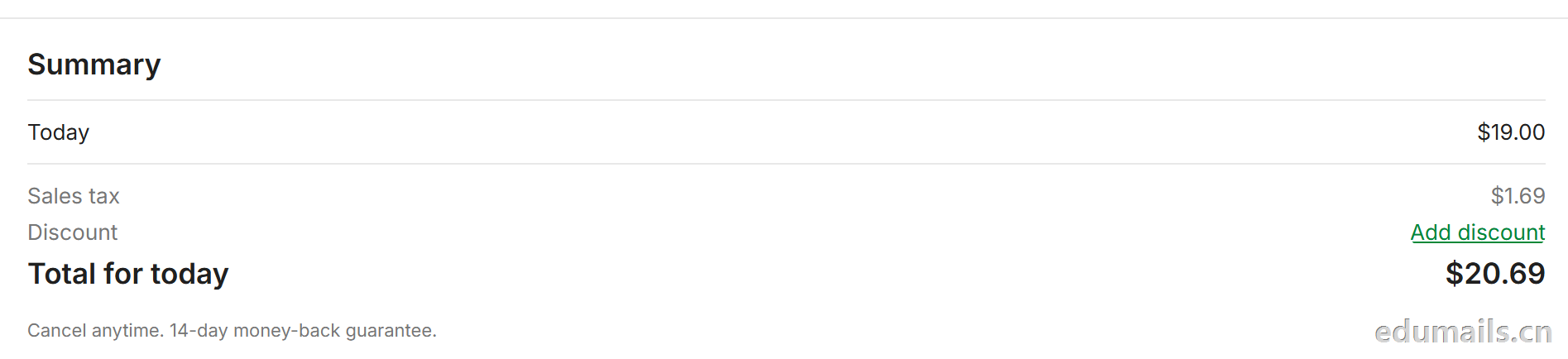 我们看到价格是20美金,官方支持paypal、信用卡支付,如果没有支付方式可以找代付解决。

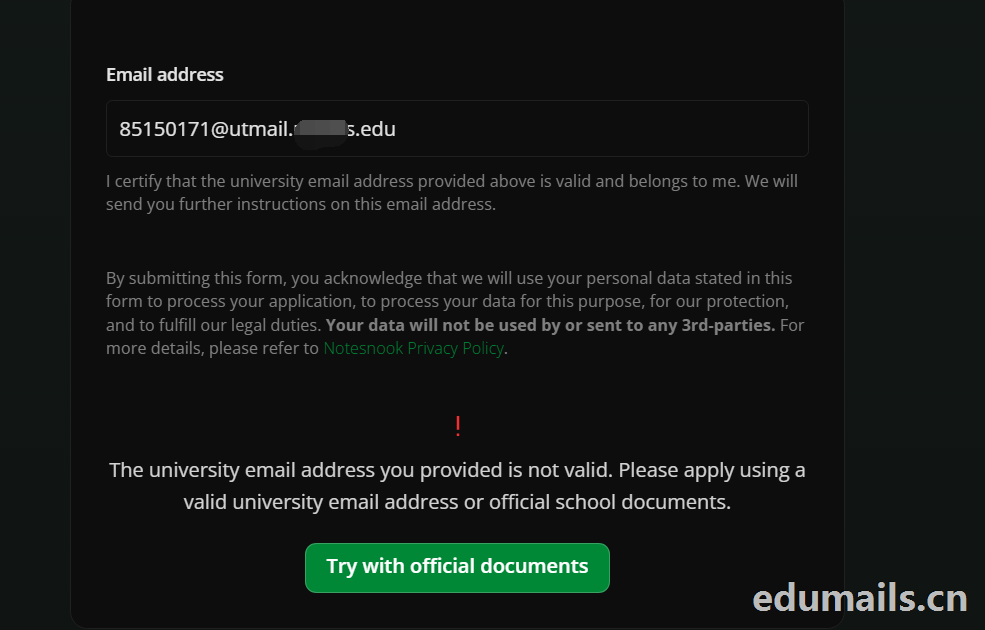 The university email address you provided is not valid. Please apply using a valid university email address or official school documents.
您提供的大学电子邮箱地址无效。请使用有效的大学电子邮箱地址或学校官方文件进行申请。我们点击Try with official documents,按照要求提供相关学校官方文件即可通过。
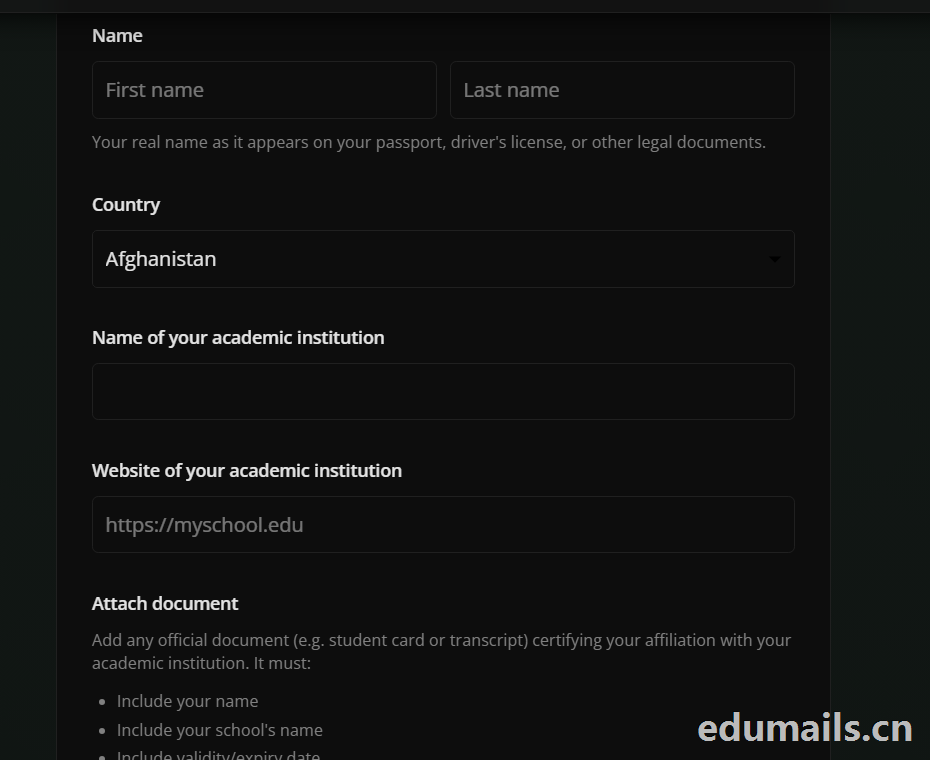
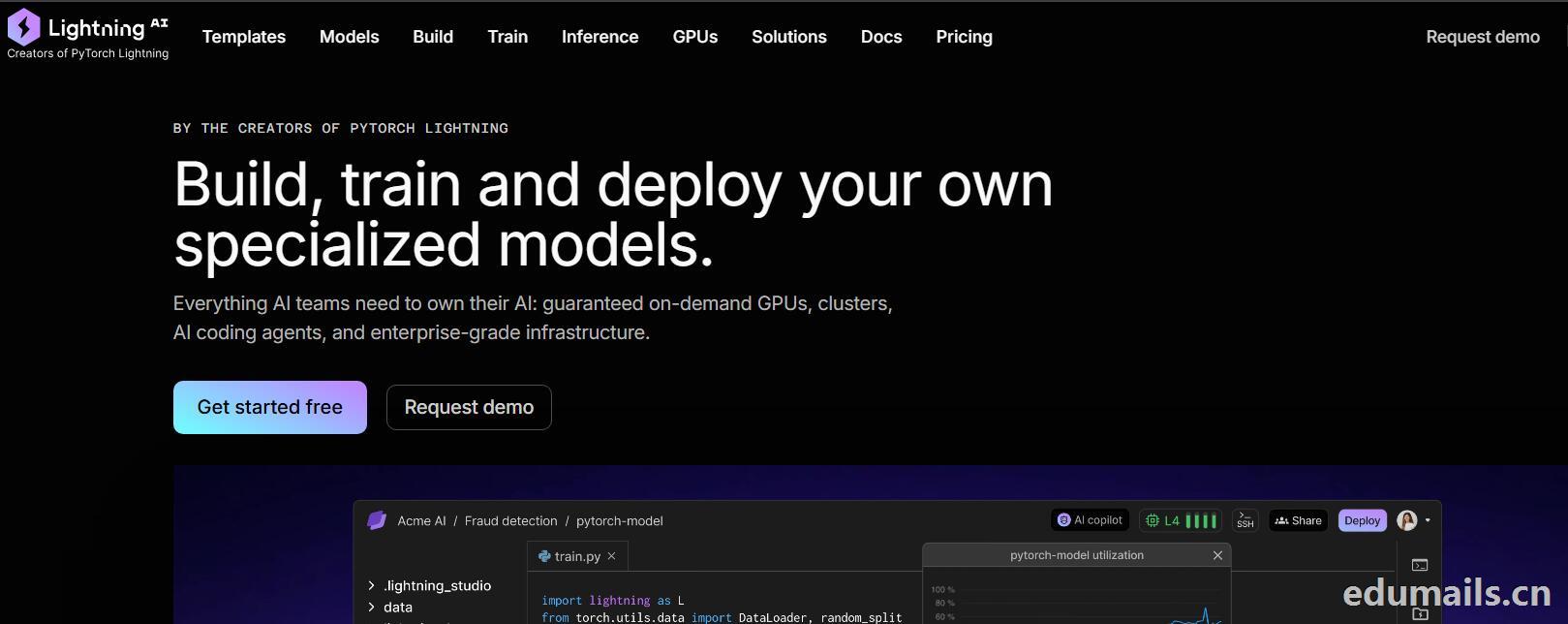

 我们再接着点击Choose Pro,弹出教育资格注册认证页面:如下图所示:Use a work or .edu email for faster verification,使用工作邮箱或 .edu 邮箱以加快验证速度,要求我们必须使用美国.edu结尾邮箱进行注册。
 我们的美国edu邮箱会收到来自no-reply@lightning.ai发送标题为“Confirm your email to finish creating your Lightning AI account”的邮箱验证邮件:
 我们点击完成认证,再次回到价格页面,点击学术价格,弹出如下图所示:
 Select organization to upgrade 我们默认选择即可,提示Upgrade to Academic,会弹出学术价格内容:
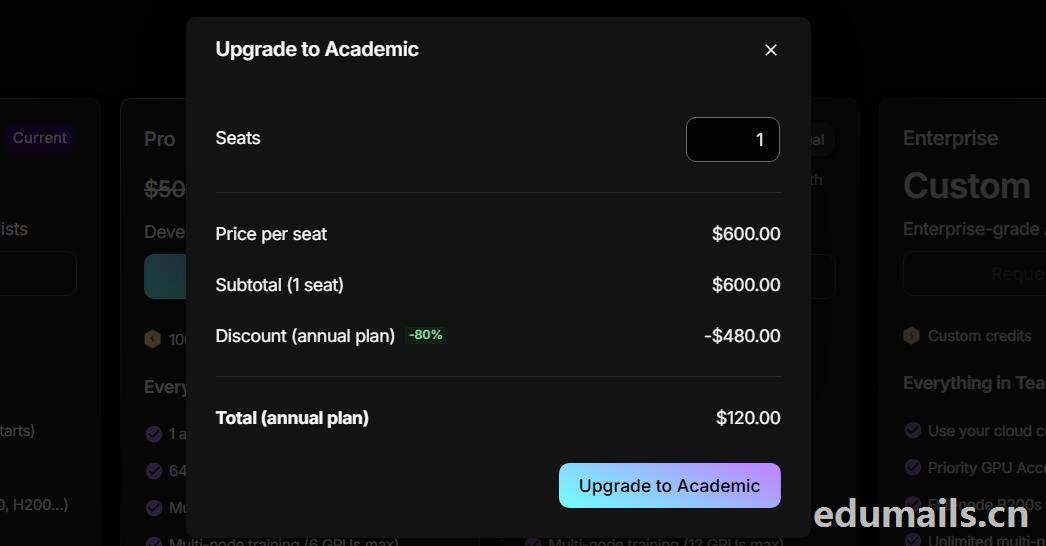 席位(Seats):1 个,每席位原价:$600.00/年,小计(1 个席位):$600.00,年付折扣:-80%,减免 $480.00
最终年付总价:$120.00
最后我们点击:Upgrade to Academic
也就是:学术版 Pro 年付原价 $600,打 2 折后 $120/年,折合 $10/月。需要用学术邮箱/学术身份开通。

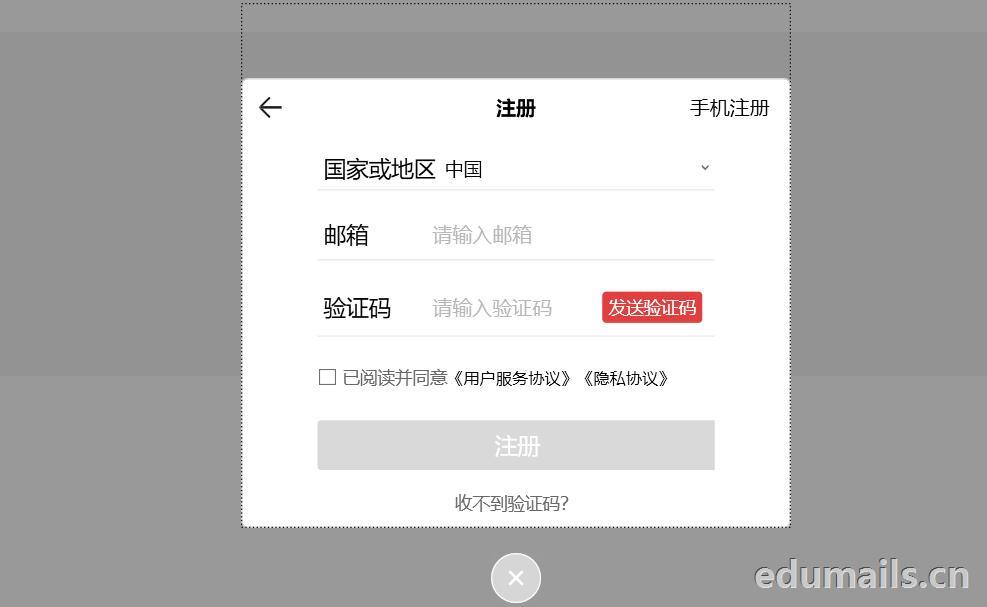
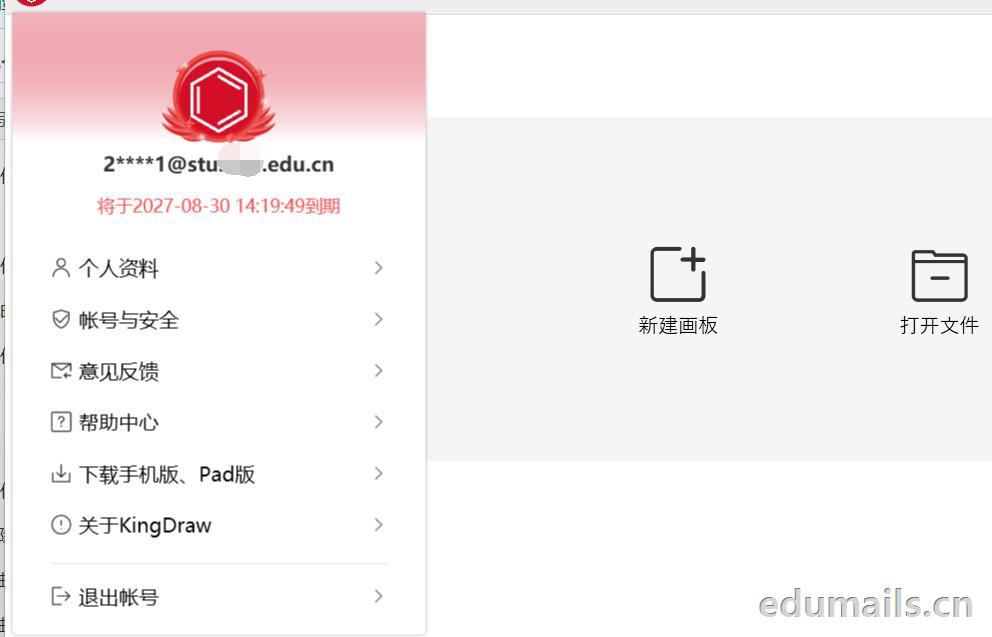
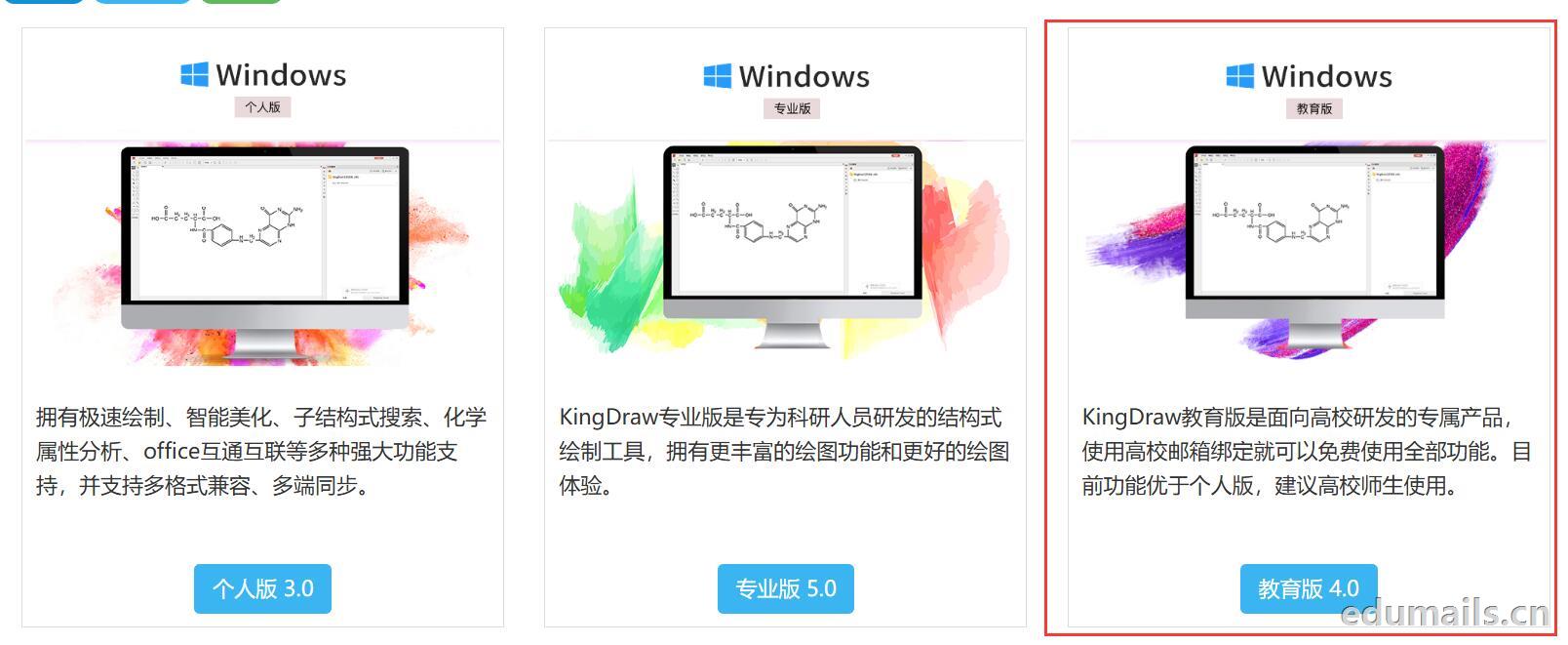 我们下载安装完成KingDraw教育版后,点击登陆提示如下图,我们选择邮箱方式注册,在这里我们可以用任何邮箱注册KingDraw账户。
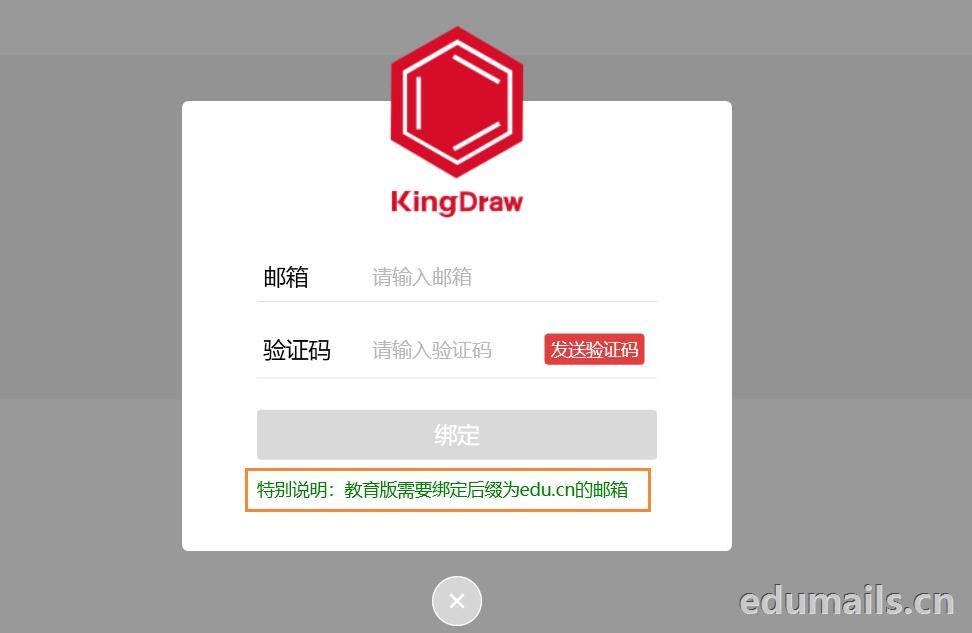
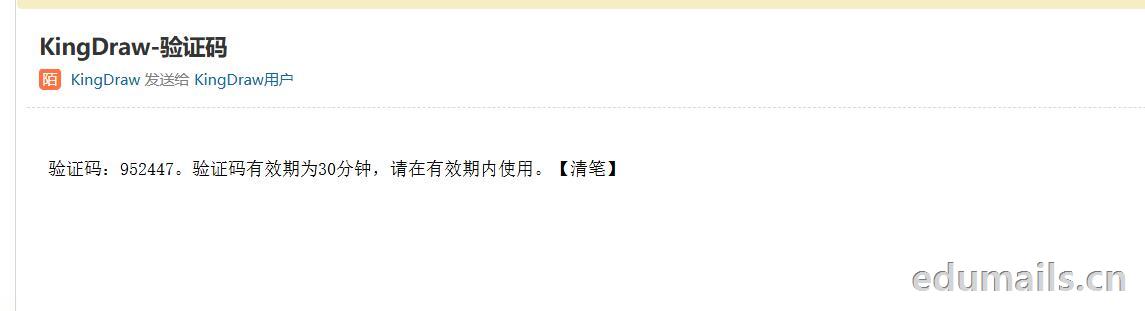
 我们用任意邮箱注册完KingDraw账户后,提示绑定educn邮箱,我们可以用代收服务进行educn代收邮件认证。
 https://www.edumails.cn/chemdraw.html

 ZH
 EN