
 EDU Education Network Email Registration Application

Introduction
Previously we popularized the article about OneDrive choices, which answered in detail what it means to have no administrators, and also answered the user's concerns about file privacy and security issues, and today we're going to reproduce it again haha.
OneDrive's free users only 5GB, which is obviously not enough, you can buy Office 365 to get 1TB of space, you can get free 1-5TB of space through the education mailbox, this is a really fragrant method, during the university now the school basically give students edu mailboxes, you can use it, through the enterprise to get 5TB of space. microsoft OneDrive software can be configured with multiple education and enterprise accounts, this site through the OneDrive client form of multi-account management storage switch. How to safely use the educational version of OneDrive, about these, in fact, is very simple, I personally feel that it is completely unnecessary to buy a home version or business version of the 1TB, the use of OneDrive's domestic education without an administrator version of the account, it is enough, you buy your own 1TB is a year 1 renewal, do not renew Microsoft will have to reset the file to 5GB; with the domestic education without an administrator version of the account Forever! 1TB, domestic no administrator on the Microsoft side, capacity 1TB, you can solve the netizen's data privacy concerns, I myself are using, I personally think it is more cost-effective.
Today to share with you is the international version of the administrator account, 5TOneDrive version, we all know that Microsoft's default is 1T, but I do not know why the open is 5T, the server is in Hong Kong, the user feedback said that the speed is very fast, there is no administrator, of course, there is no api permissions la, so you can not access to the third-party private cloud disk software.
Problem solving
What is Administratorless OneDrive Desktop Edition?
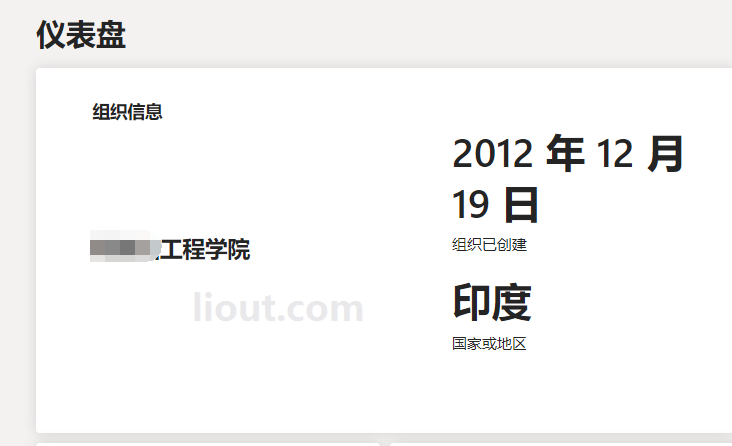
No administrator is the office desktop version of the school no one manages the software, generally this type of account is theoretically lifelong use, because it does not involve graduation in school or not, so there is no administrator to delete the number of cases. The following figure shows the administrator-free status of the desktop version of office account home page. The bottom corner has a gear like A, the English word is administrator

Can I become an administrator?
Many users come up to ask, I can this account is the administrator account? I bought the account in Taobao is not the administrator, you buy this after I am the administrator? I've actually met many buyers who have asked this question, I try to understand what they mean, probably like this, I can not manage my cloud disk files, manage my documents and so on, do you think?
Administrator the meaning of this precise is a school only one administrator, for example: you buy a house, can not say that this piece of land is also my right, you are only a user, the land has only one ownership; Similarly, the ultimate ownership of the administrator account is the school, the owner of the school domain name, the following figure can be seen, to become an administrator first to have the ownership of the school domain name.


Is there an administrator my files are safe?
Because some netizens old in the forum posting Baidu know some platforms to see netizens messy answer that the administrator can see the file. I give an example can? You buy a house, you ask the government, I bought this house, you will not go out of business the next day, you will not know my family passbook under the bed or in the cabinet. The satellites in the sky won't see who I'm sleeping with under the covers.
As I've written on many articles, Microsoft officially has a set of privacy policies and administrative permissions. No administrator at any level has the permission to view a user's OneDrive files, administrators only have the permission to add, delete, change, and check user account information, and only if a user actively shares their files can anyone else see them. If you follow the argument that administrators can see files, then Microsoft is the biggest administrator.
How long do you think this will actually last?
Let's see.Microsoft Official TermsYou can use this program as long as you work at an eligible school. We may verify your eligibility at any time. When your Office 365 for Education plan expires: Office apps go into reduced-feature mode, which means you can view documents, but you can't edit or create new ones. Online services associated with your school email address, such as Office Online and OneDrive, will no longer work. If your plan has expired, you can re-verify your educator status or move to an Office 365 Personal plan to extend your plan.

Although a OneDrive account is assigned to you, it is associated with the school and should be used to store school-appropriate content. The school's IT administrator can change access rights at any time.TheHowever there is no administrator. So therefore there is no way to be deleted, no way to be logged out, no way but to use it for a long time to be able to afford Microsoft's support for education.
Authenticity Demonstration & Netizen Feedback


 Today to share with you is the OneDrive international version of the cloud disk account without administrator, 5TOneDrive version, we all know that Microsoft default is 1T, but I do not know why open out of the 5T, the server is in Hong Kong, the user feedback said that the speed is very fast, there is no administrator, of course, there is no api permissions ah, so can not be accessed to the third-party private cloud disk software. OneDrive cloud disk speed for users to experience their own reference.
Opened a couple of numbers last night and found them to be 1T, opened a couple of new ones this morning on the 21st and they were 5T... well, it's a metaphysical thing... does it have something to do with usernames? Not known.
There are still a handful of OneDrive Cloud Drive Permanent Account Unmanaged 5T versions on third-party platforms that are sold out, but there are still OneDrive Cloud Drive Permanent Account Unmanaged 1T versions that can be dealt with at the moment.Purchase Address


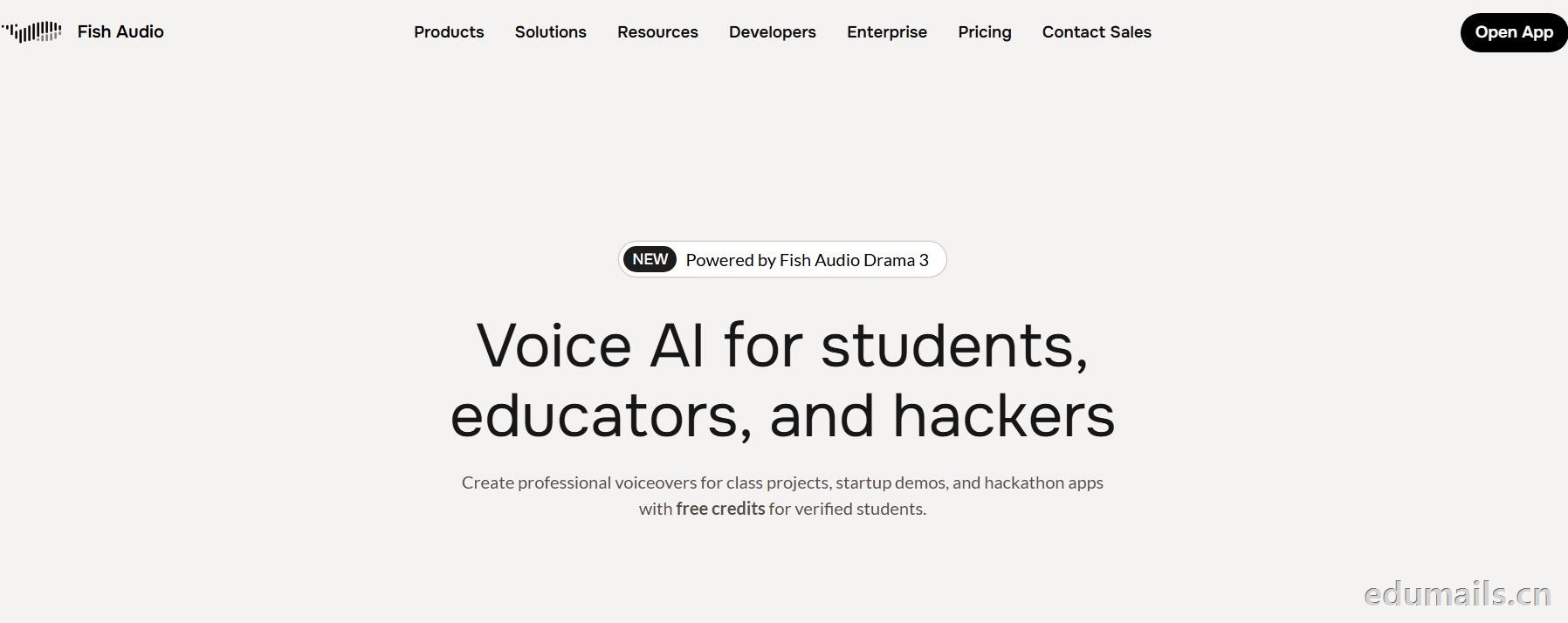 英文领取链接:https://fish.audio/app/claim/students/
中文领取链接: https://fish.audio/zh-CN/app/claim/students/
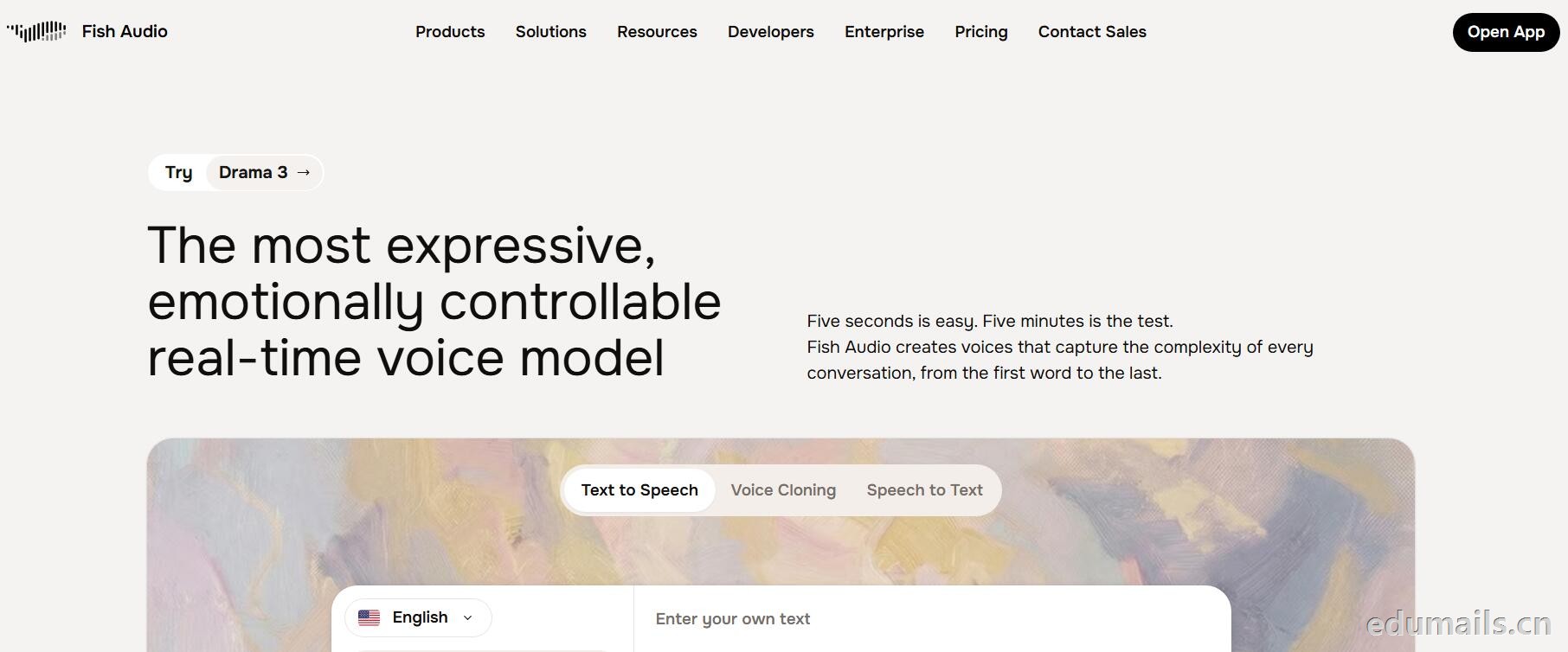
用 .edu 学生邮箱认证,领“免费积分”,做课堂/黑客松/毕设/校园项目配音和声音克隆,但不能商用。学生、教育工作者、黑客松选手都算目标人群。
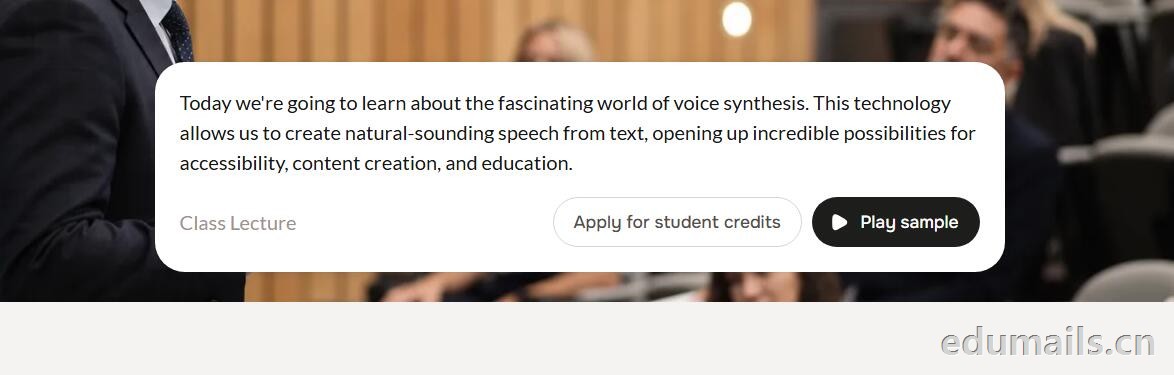
免费积分(数额不公开,叫“generous credits”)可用全部语音模型、TTS、声音克隆(10 秒录音复刻音色)支持多语言(页面写 8 种/83 种说法不一,以账号内为准),含 完整 API 权限(接代码、做 Demo、黑客松 App 都能用),可申请当“校园大使”:每月额外积分 + 抢先体验新功能。
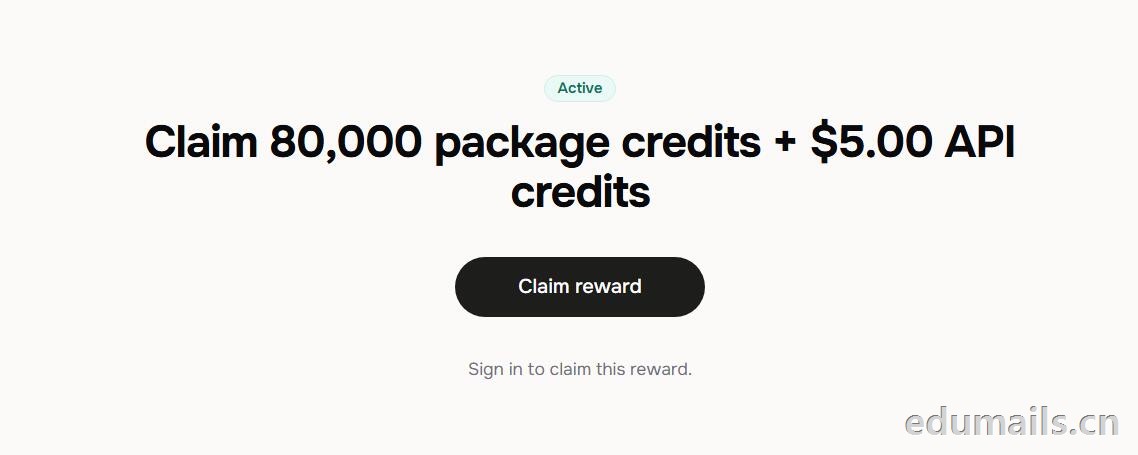 根据本站测试:额度为Claim 80,000 package credits + $5.00 API credits 领取 80,000套餐积分+$5.00 API 积分
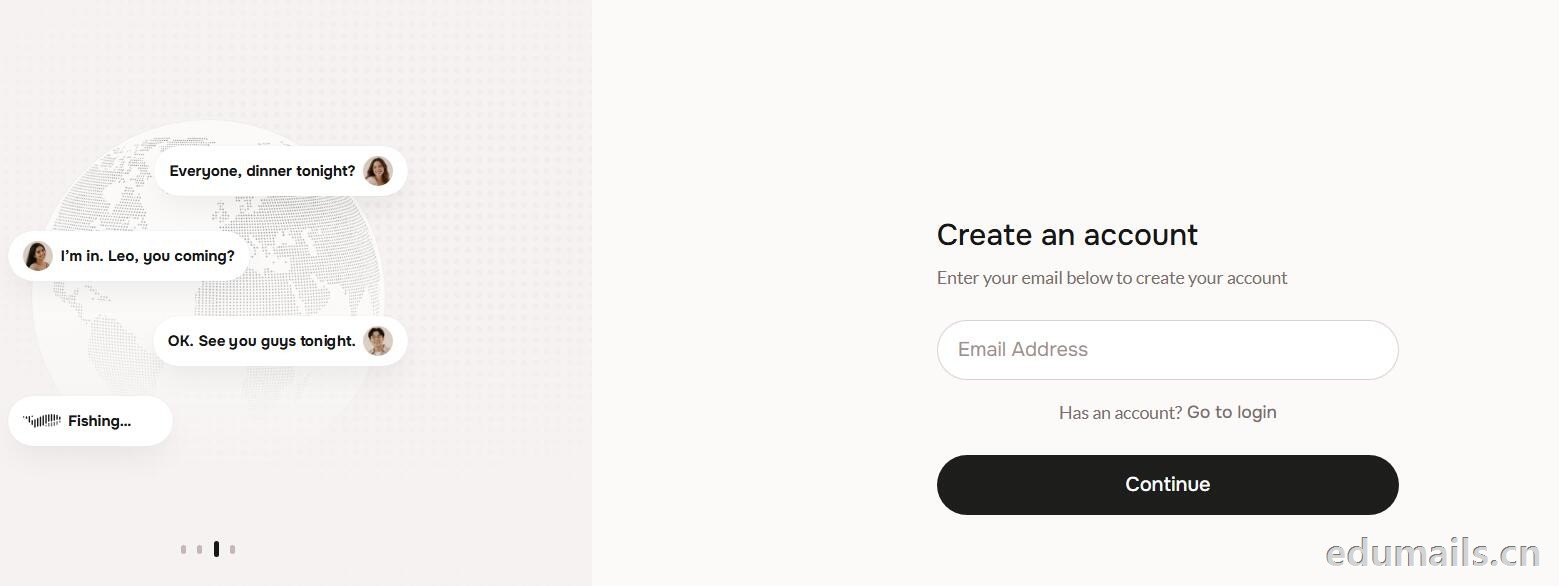
 提示创建账户:https://fish.audio/auth/signup/ 我们直接用美国edu邮箱进行注册演示。
Ps:我们如果在其他地方购买美国edu邮箱,一定要问是否为正规的,因为很多邮箱都是盗用的扫号来的,无法修改密保,也无法保证邮箱使用时间,所以我们不要贪图便利在某鱼购买。
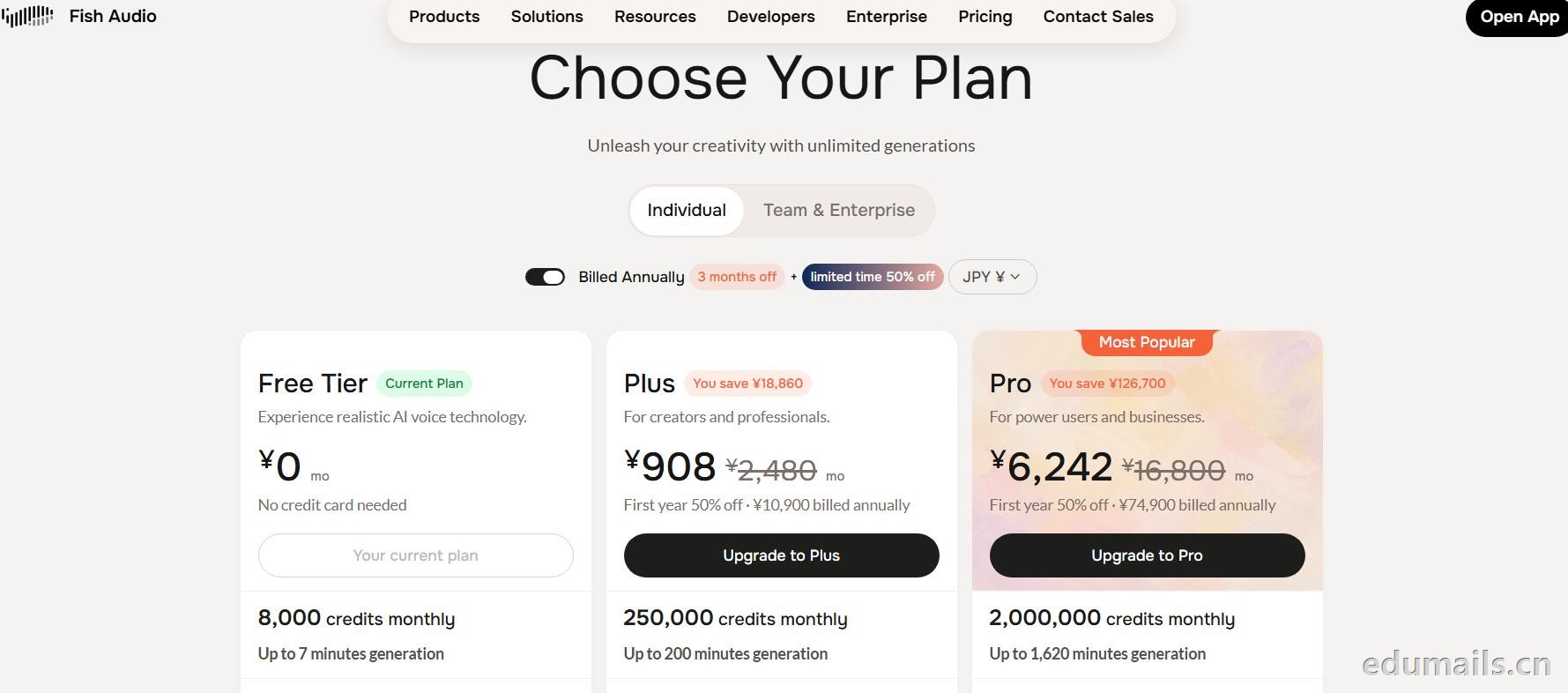
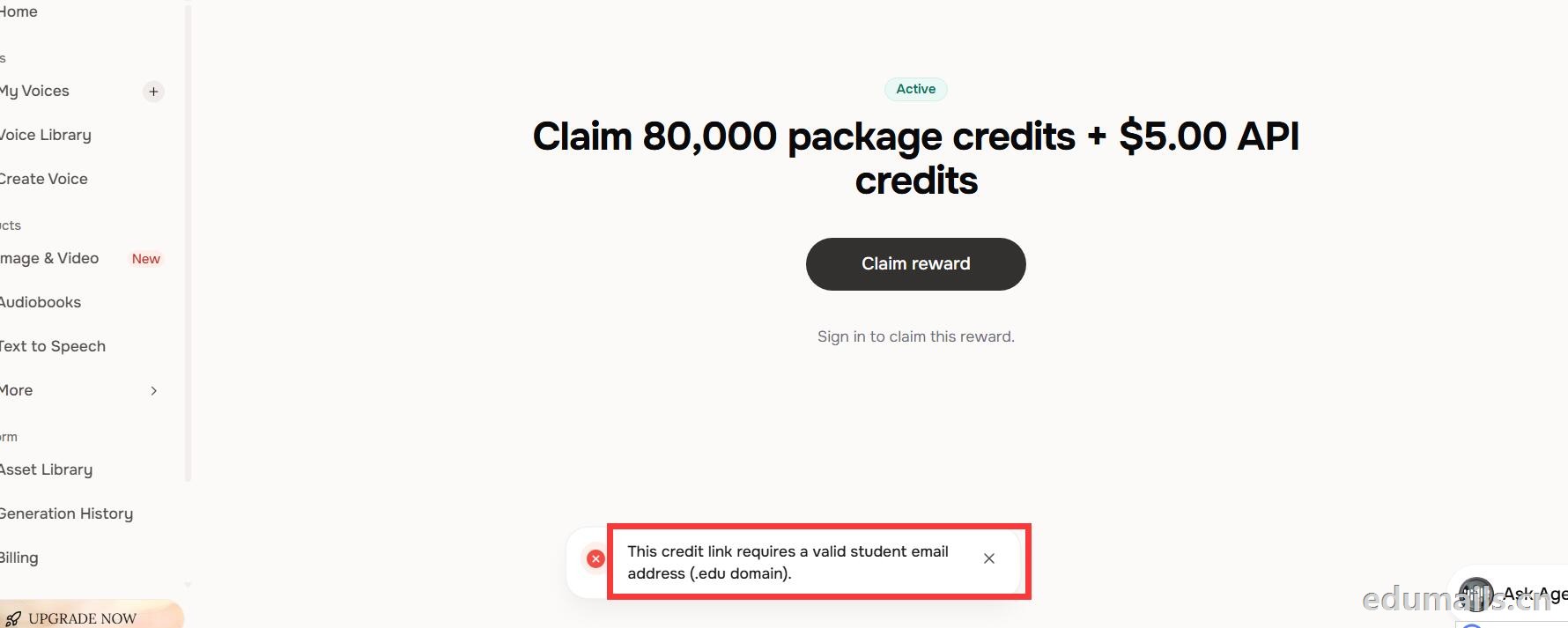 我们查看团队设置https://fish.audio/zh-CN/app/team/?tab=usage 里面是没有领取80,000积分的赠送额度。只有赠送的8000额度。
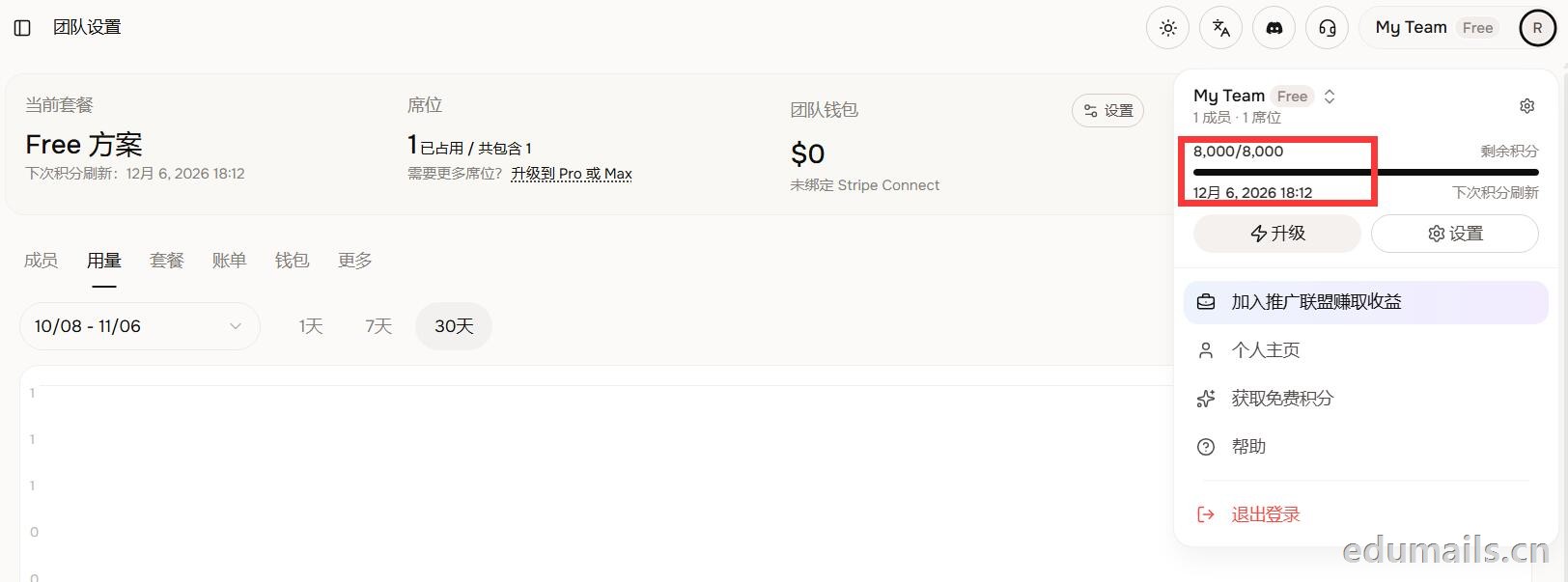 (失败)余额仍卡在8,000/8,000,无任何入账流水,只拿到普通免费版基础额度,属于典型的认证或链接未生效。
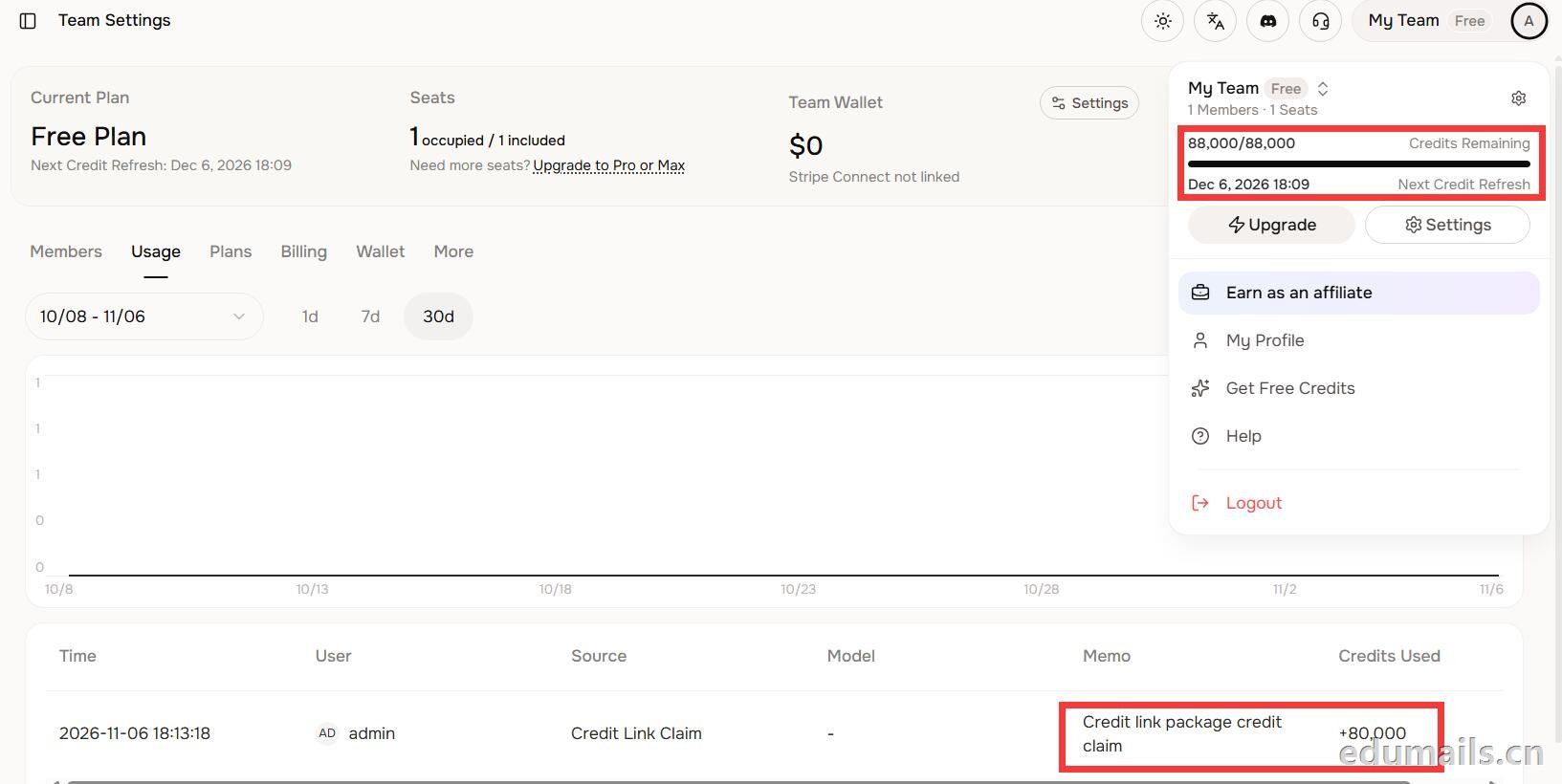 后台显示余额88,000/88,000,下方流水明确记录“Credit link package credit claim +80,000”,说明在基础免费额度(8,000)外,成功白嫖了8万教育包积分,这正好印证了上一轮说的“额外大额积分”,下次刷新在12月6日。
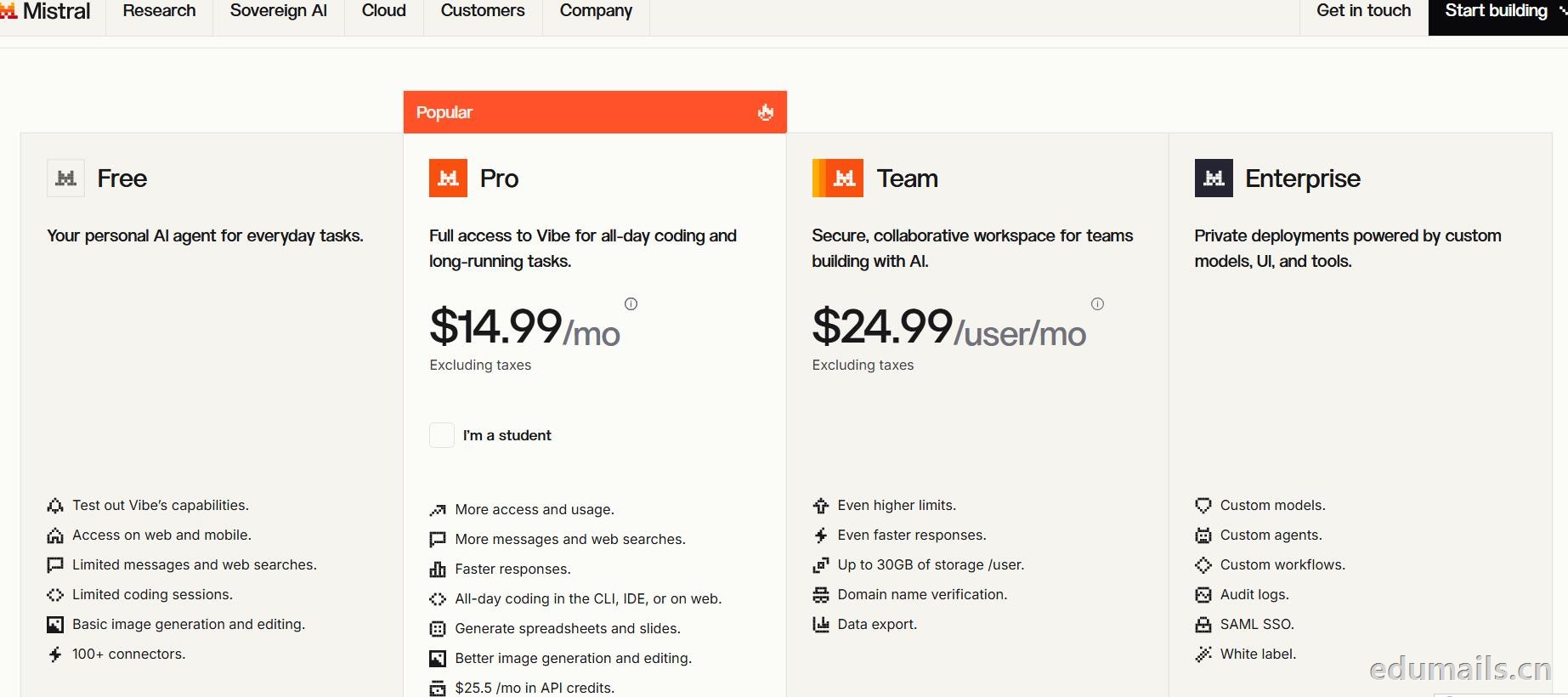
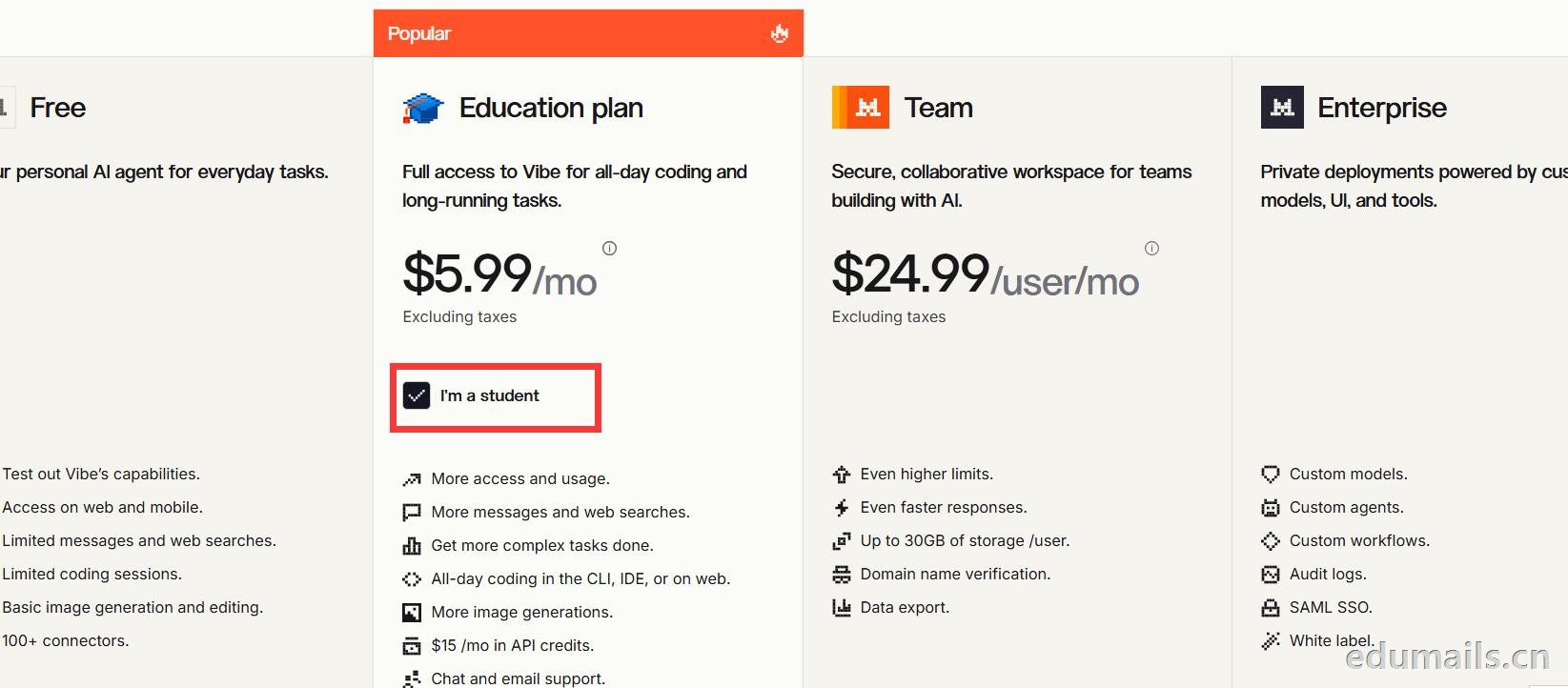 Mistral 的 Education 计划并不是一套独立套餐,而是面向符合条件的学生与教师提供的 Pro 折扣版本。获得优惠的唯一凭证,是由教育机构签发的机构邮箱;Gmail、iCloud、Outlook 等个人或通用域名邮箱无法通过核验,学生证、在读证明、确认信等书面材料也明确不被接受,不能作为替代。
订阅入口位于价格页的「I'm a student」按钮,也可直接打开 Education 计划页面完成流程:既可以用机构邮箱注册一个全新的 Mistral 账号,也可以在已有账号中先把绑定邮箱改为机构邮箱再订阅。
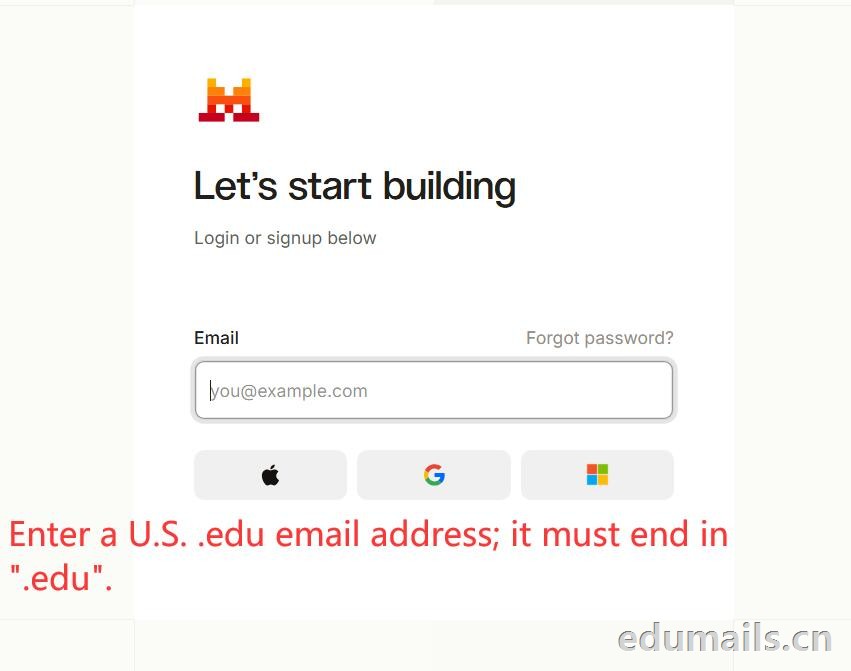 如果我们的邮箱地址不符合官方学术资格要求,我们点击Upgrade to Pro 是无法点击,为灰色显示。
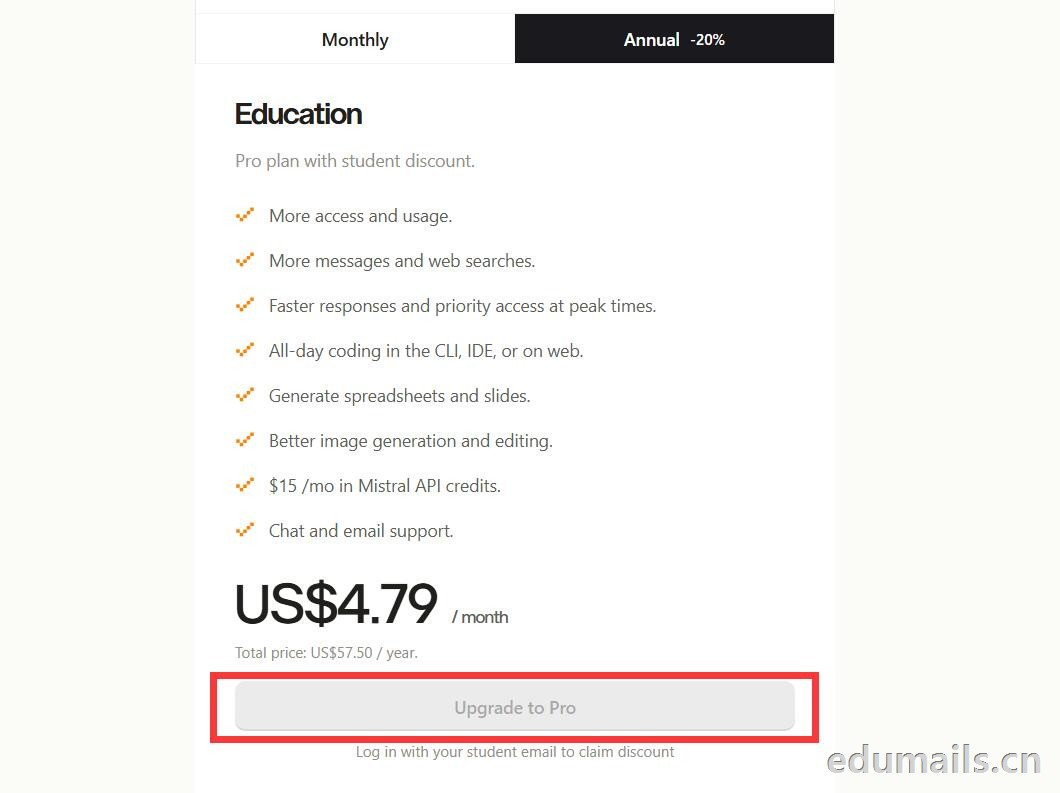 如果我们的邮箱地址符合官方学术资格要求,我们点击Upgrade to Pro 是高亮黄色显示,是可以继续点击下一步。
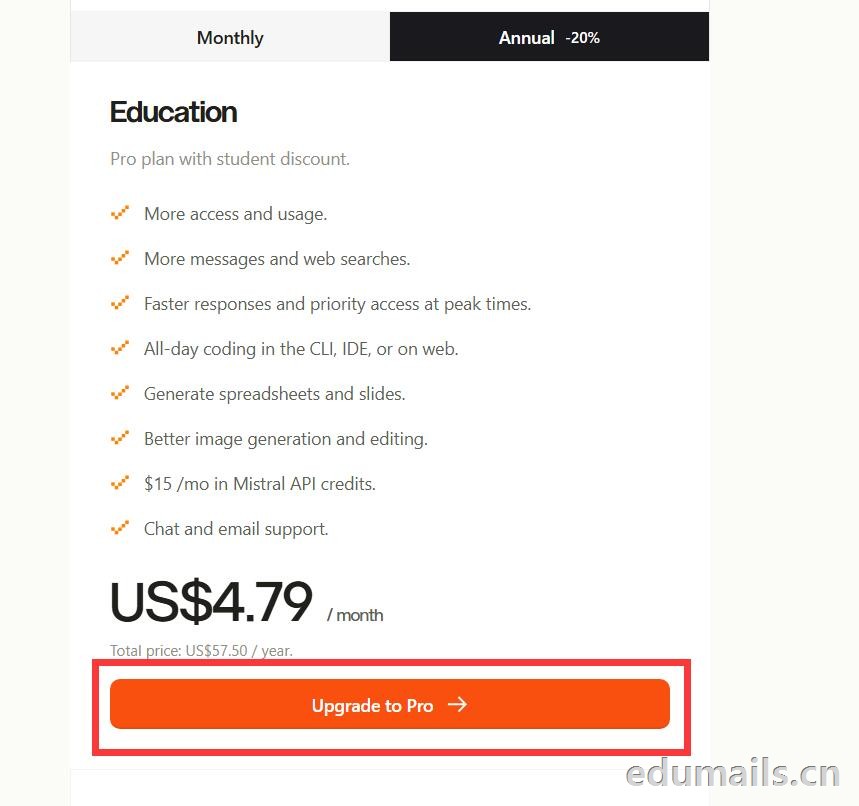
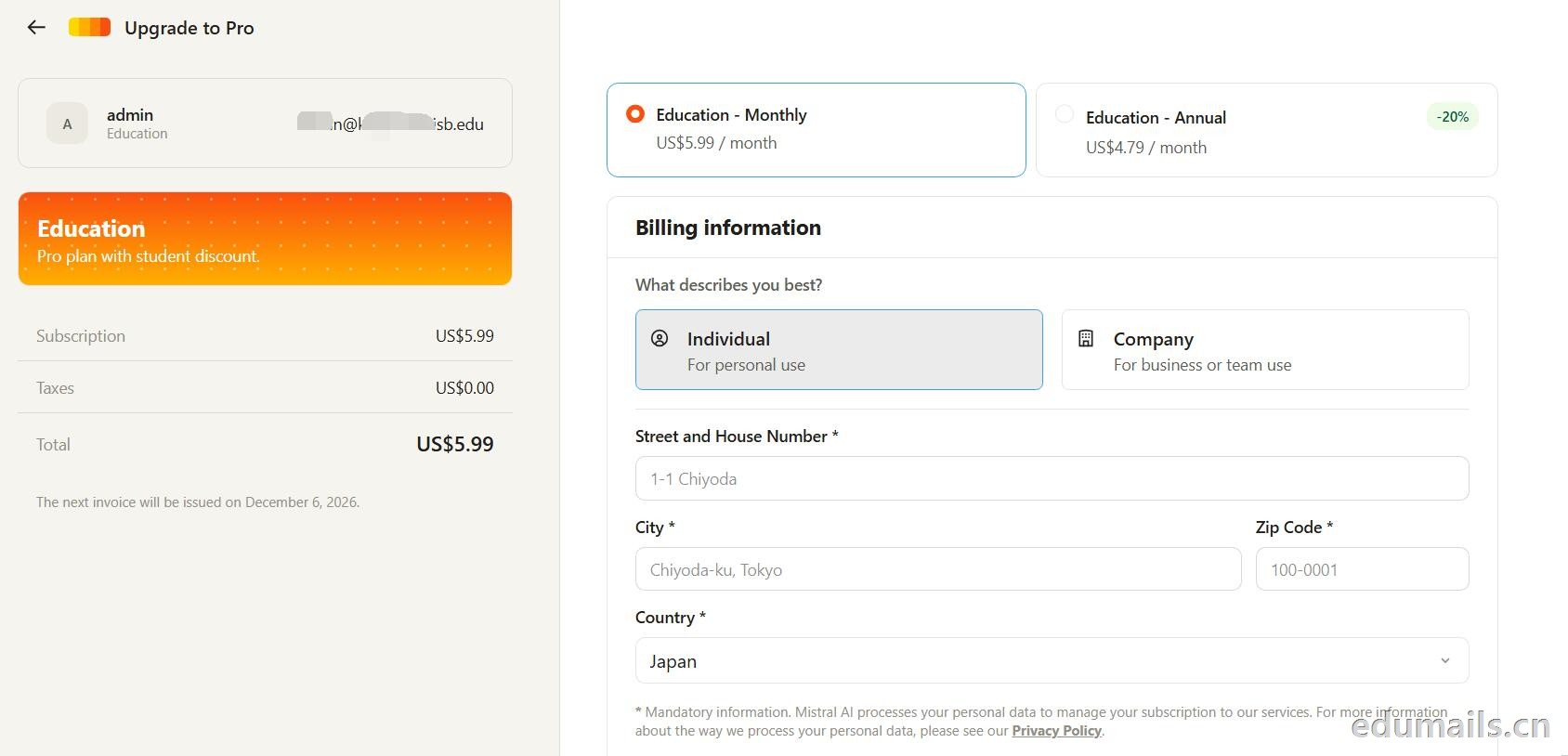 走到支付这一步,教育优惠的折扣感最直观:界面左侧会明确打出“Pro plan with student discount”,只要绑定了


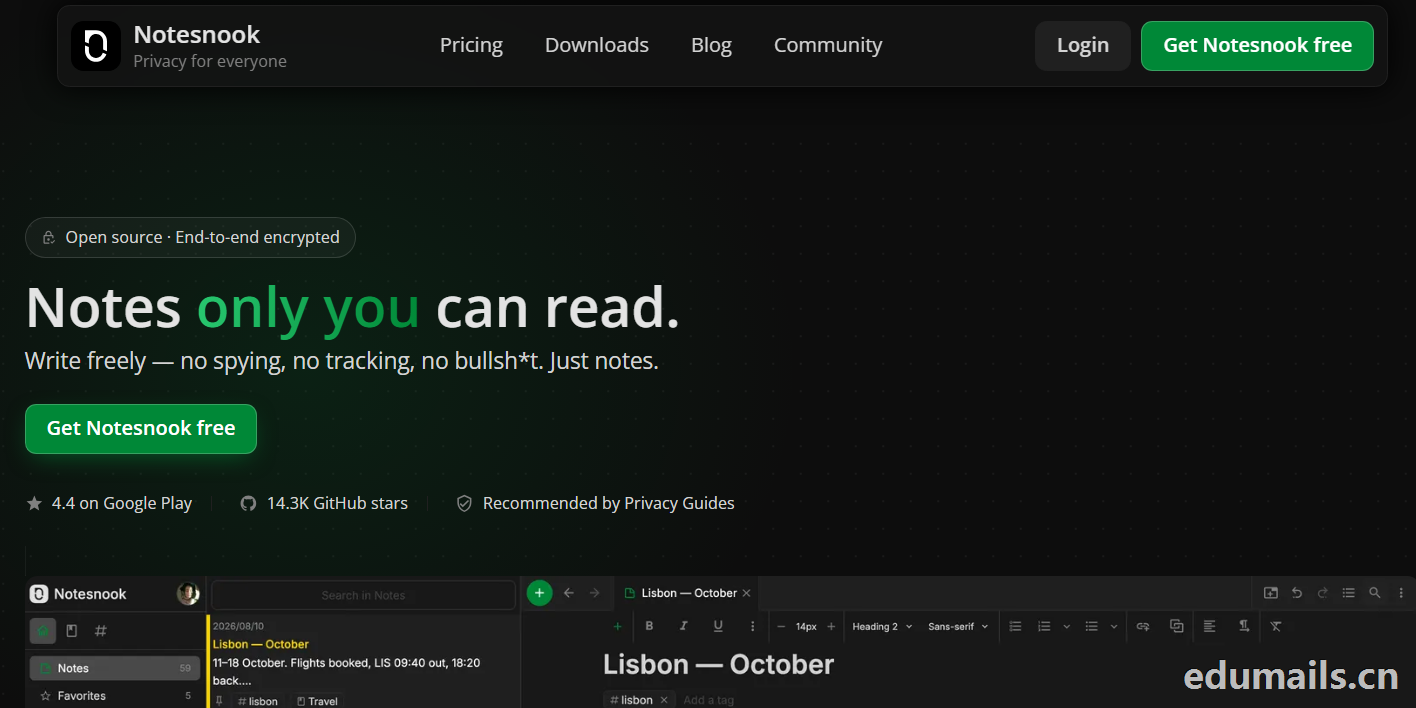
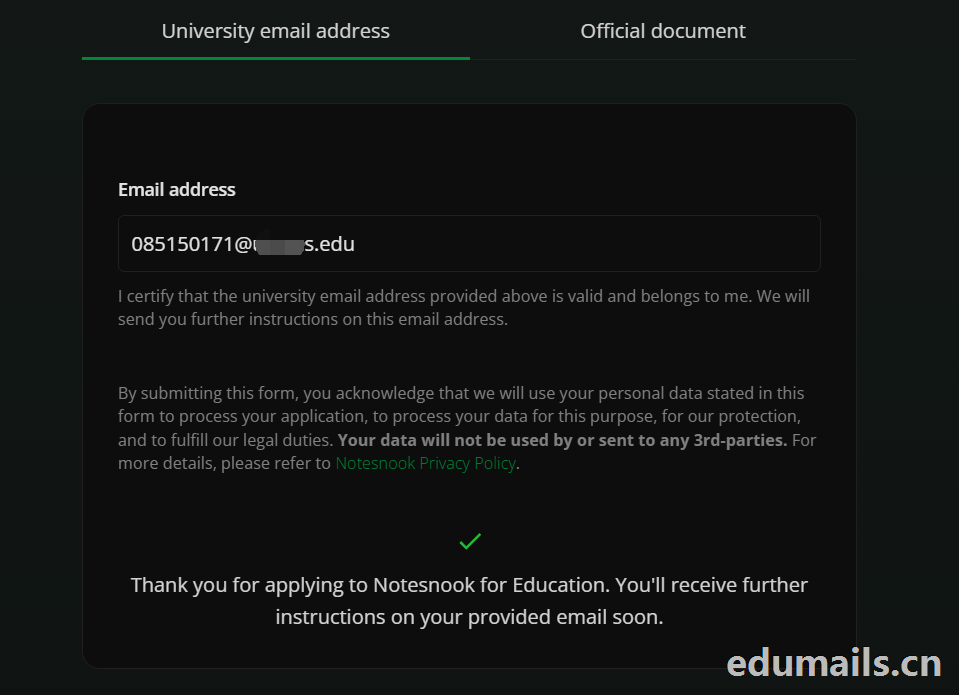 Thank you for applying to Notesnook for Education. You'll receive further instructions on your provided email soon.
如果我们的美国edu邮箱符合秒过要求,则如上图展示效果:感谢您申请 Notesnook 教育版。您很快就会在所提供的邮箱中收到后续指引。
我们打开edu邮箱提示收到
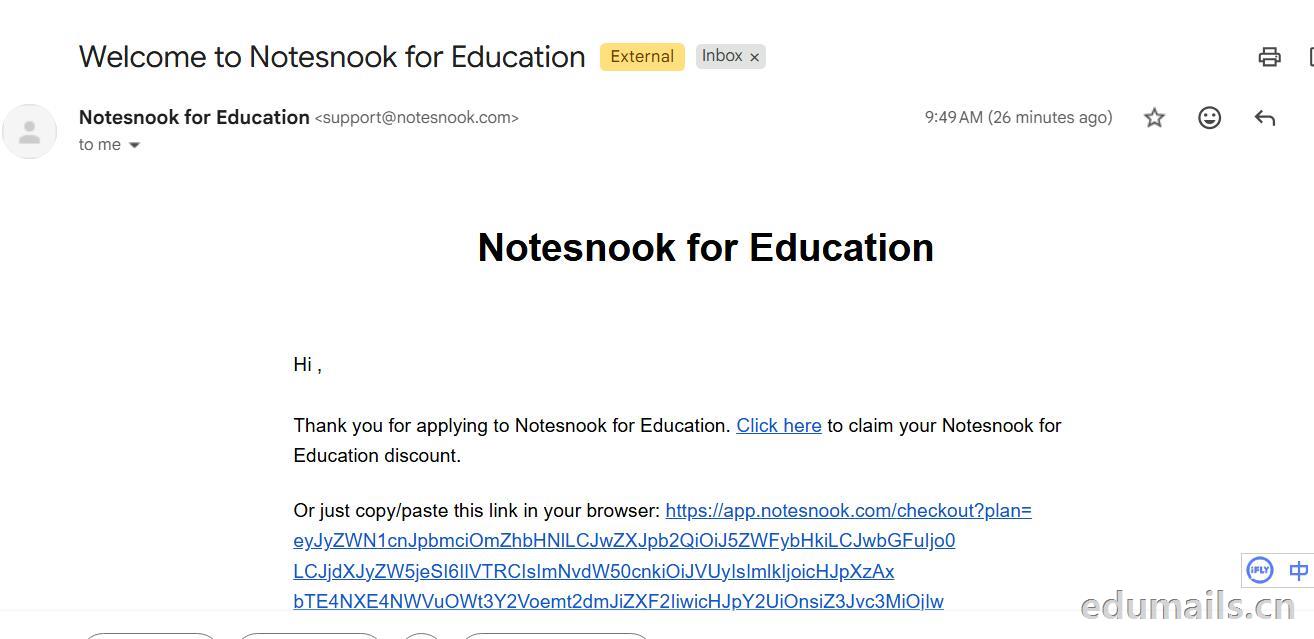 Thank you for applying to Notesnook for Education. Click here to claim your Notesnook for Education discount. 感谢您申请 Notesnook 教育版。点击此处领取您的 Notesnook 教育版折扣。

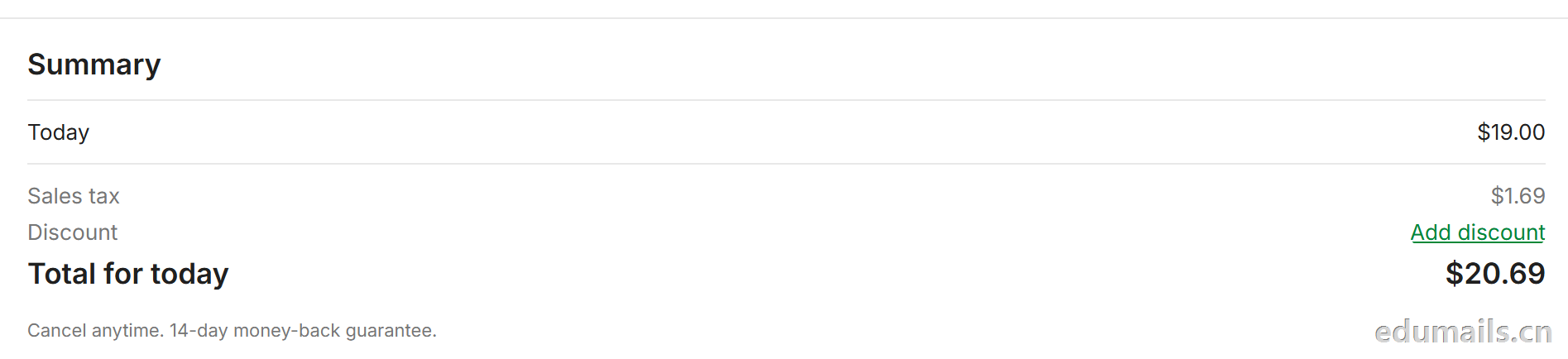 我们看到价格是20美金,官方支持paypal、信用卡支付,如果没有支付方式可以找代付解决。

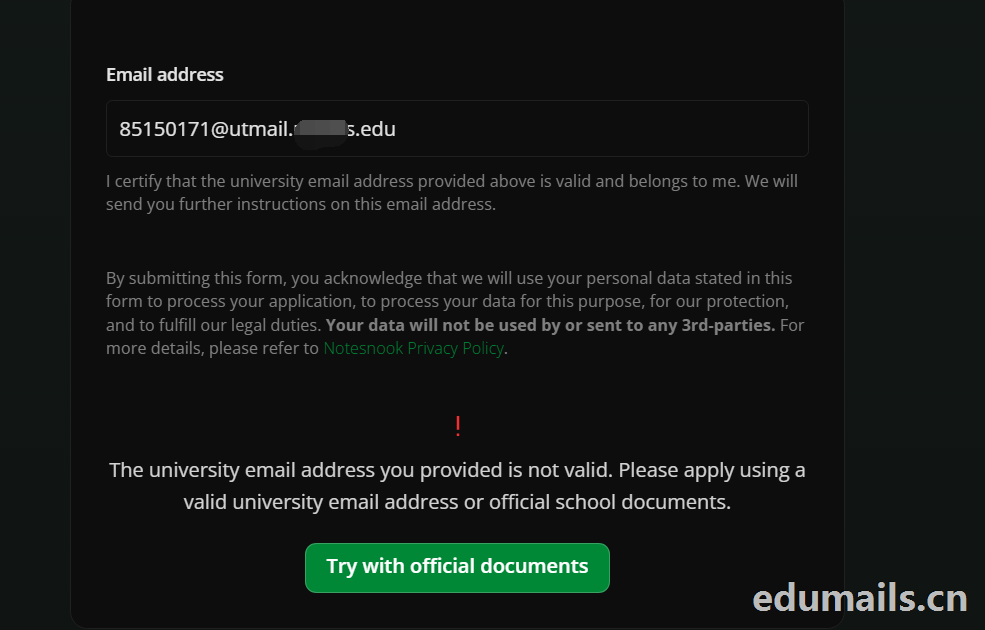 The university email address you provided is not valid. Please apply using a valid university email address or official school documents.
您提供的大学电子邮箱地址无效。请使用有效的大学电子邮箱地址或学校官方文件进行申请。我们点击Try with official documents,按照要求提供相关学校官方文件即可通过。
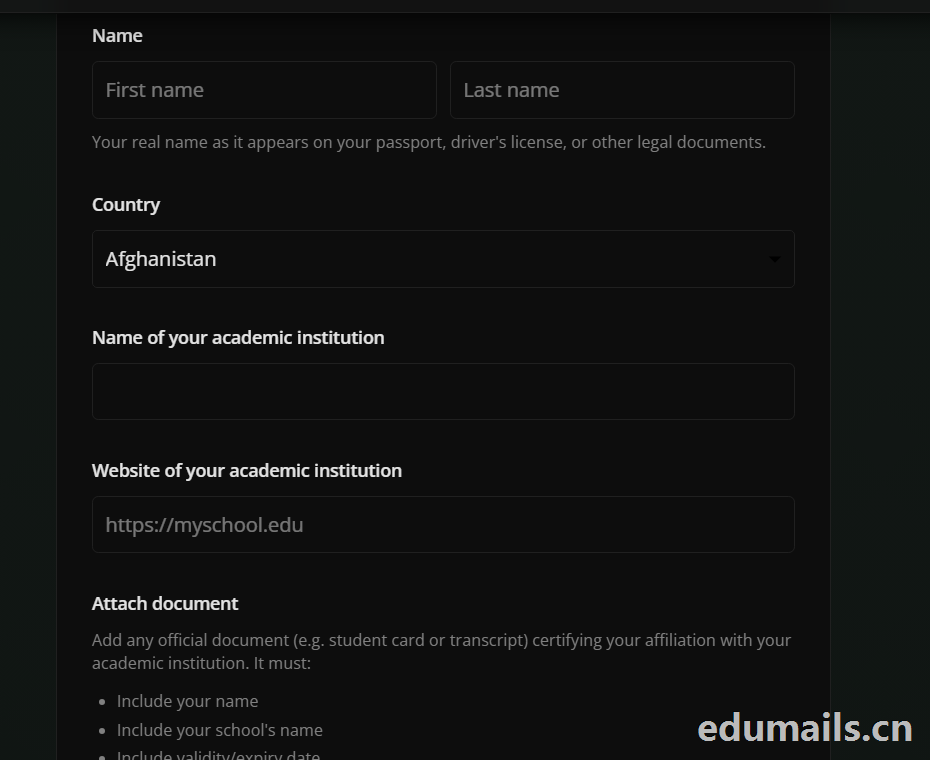

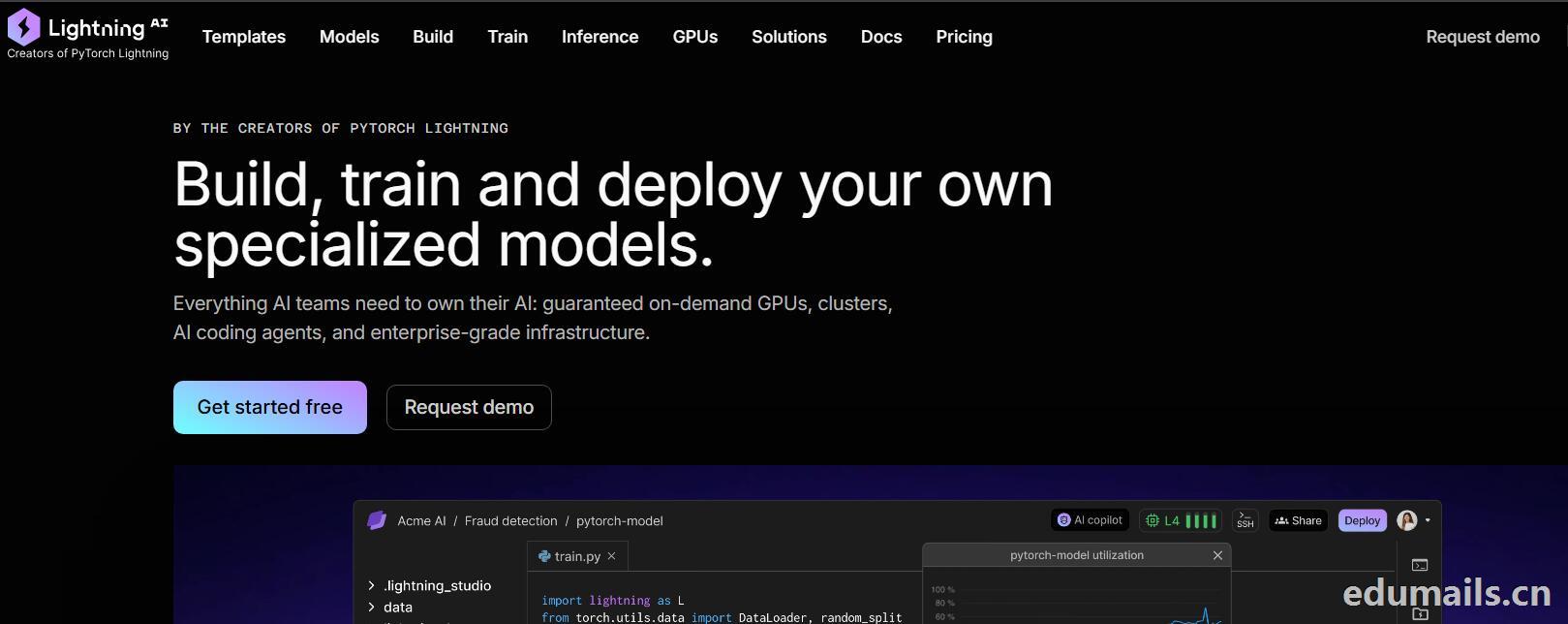
 我们再接着点击Choose Pro,弹出教育资格注册认证页面:如下图所示:Use a work or .edu email for faster verification,使用工作邮箱或 .edu 邮箱以加快验证速度,要求我们必须使用美国.edu结尾邮箱进行注册。
 我们的美国edu邮箱会收到来自no-reply@lightning.ai发送标题为“Confirm your email to finish creating your Lightning AI account”的邮箱验证邮件:
 我们点击完成认证,再次回到价格页面,点击学术价格,弹出如下图所示:
 Select organization to upgrade 我们默认选择即可,提示Upgrade to Academic,会弹出学术价格内容:
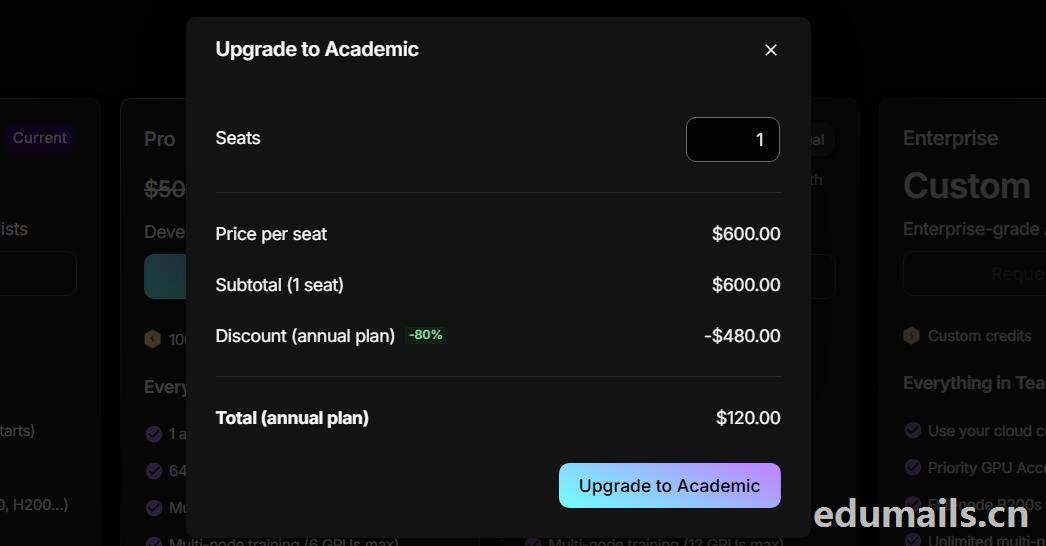 席位(Seats):1 个,每席位原价:$600.00/年,小计(1 个席位):$600.00,年付折扣:-80%,减免 $480.00
最终年付总价:$120.00
最后我们点击:Upgrade to Academic
也就是:学术版 Pro 年付原价 $600,打 2 折后 $120/年,折合 $10/月。需要用学术邮箱/学术身份开通。

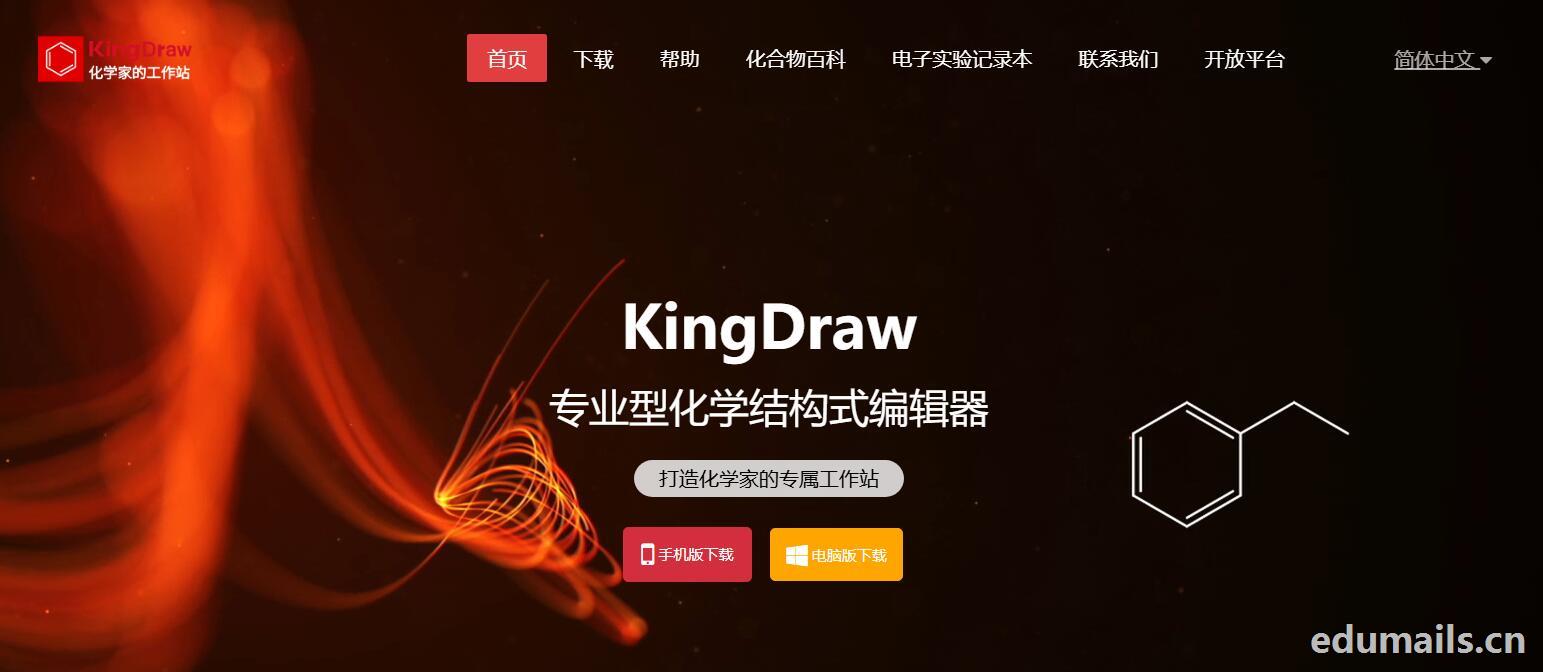
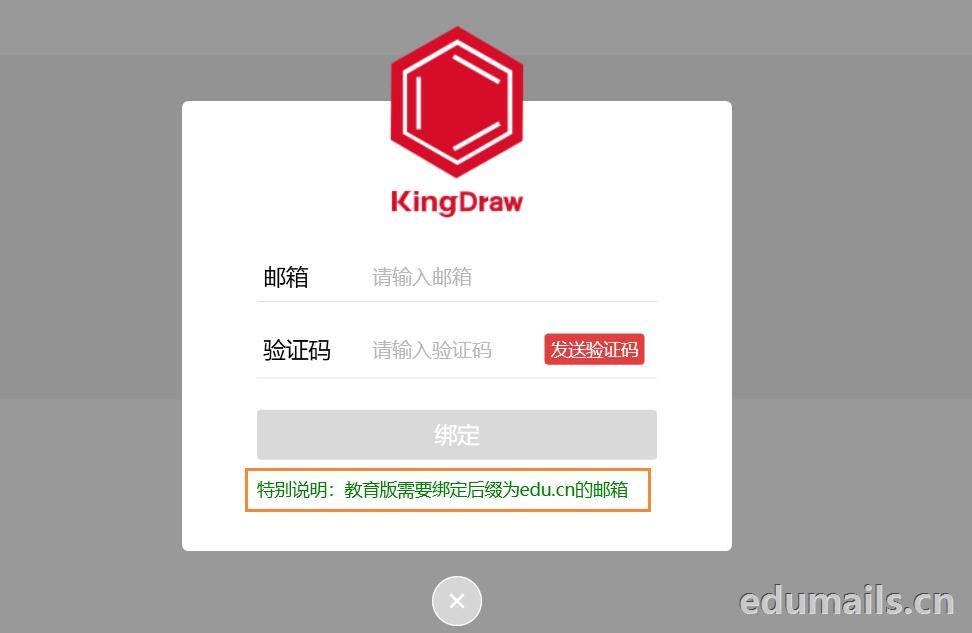
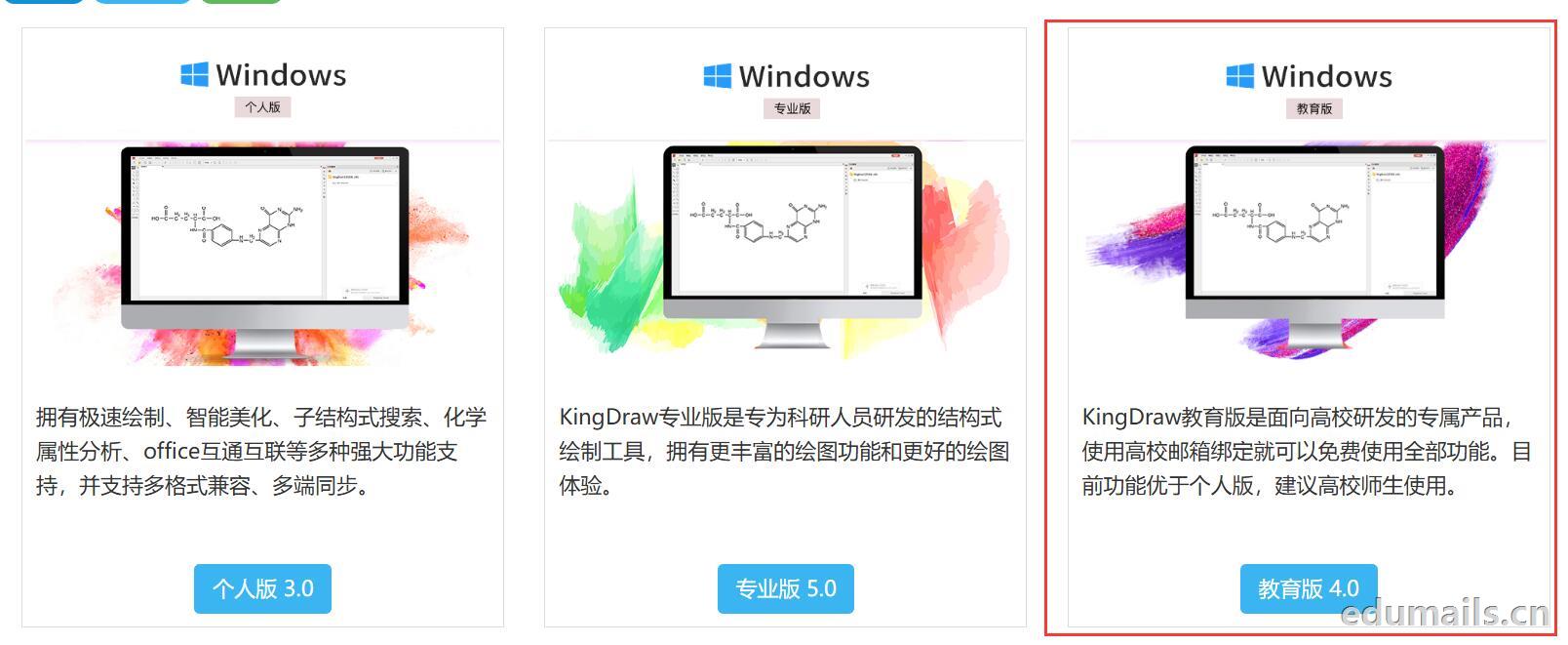 我们下载安装完成KingDraw教育版后,点击登陆提示如下图,我们选择邮箱方式注册,在这里我们可以用任何邮箱注册KingDraw账户。
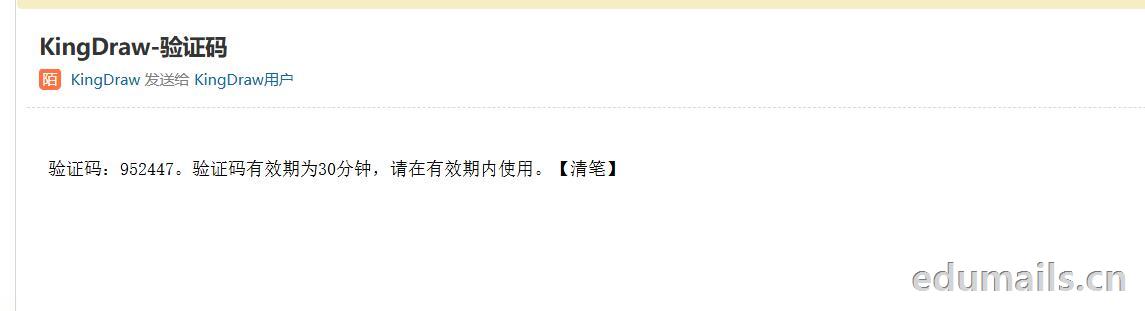
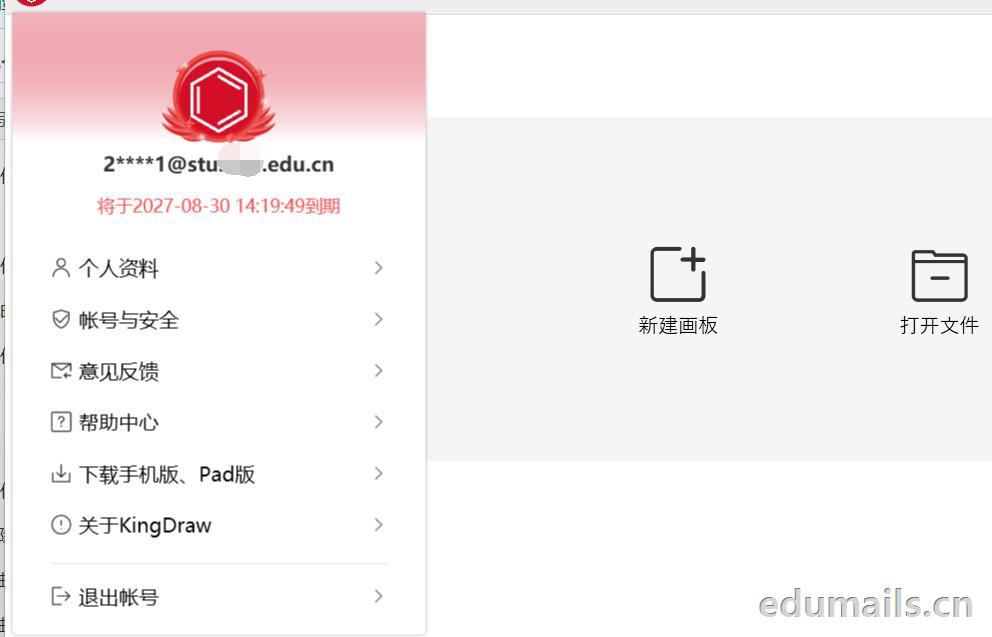
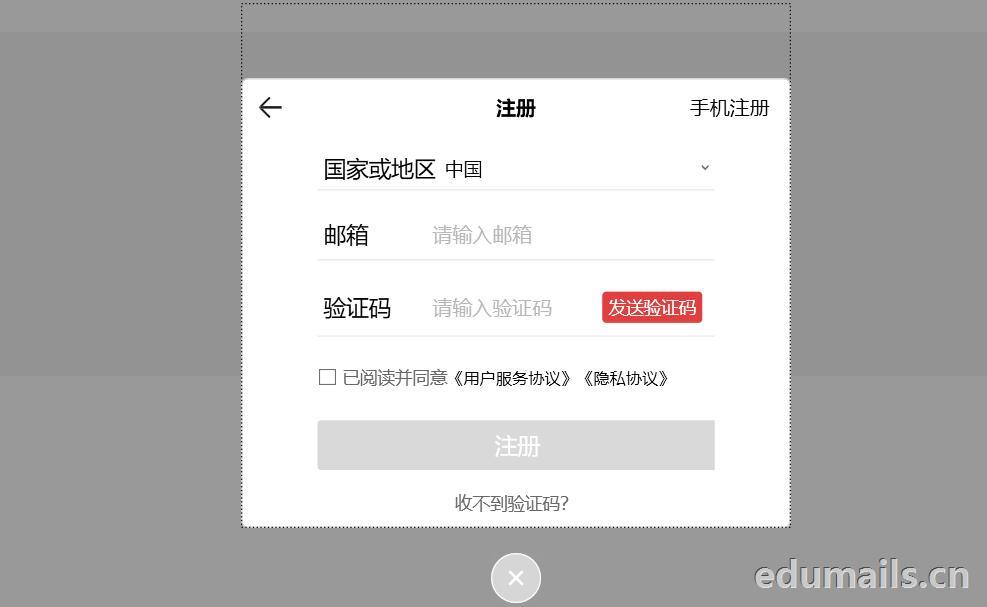 我们用任意邮箱注册完KingDraw账户后,提示绑定educn邮箱,我们可以用代收服务进行educn代收邮件认证。
 https://www.edumails.cn/chemdraw.html

 ZH
 EN
下单地址没看见呀
怎么连教程都没有?
5T不是永久的,它会变成1T
怎么看不到文件?
Said there is a chance to restore 5T, so long or 1t, if the long can be used or can be. Much better than tossing it yourself.