
 EDU Education Network Email Registration Application

Introduction
A brand new note-taking tool that allows you to open the door to a new world, whether it's for your exams, study records, teaching filings, etc...
Founder of wolai.com:I've been a user of the current crop of innovative online services software since about two years ago, and I've tried a number of them including, but not limited to, Notion, Coda, Airtable, Workflowy, and others such as many of you may not know. http://Fibery.io, slite, Monday, etc. ......
Since Notion "borrowed" Airtable to launch forms, I think my ideal model as a tool for information organization and collaboration has basically taken shape. I've become one of the very few Notion users in China who pays close to $10,000, and have dozens of subordinates in my department communicating and collaborating on Notion. It's rare in the industry to see such a radical change in the way we work.
So I started to look for some kind of alternative in China, however, the result was disappointing, whether it was Nail, Flying Book, or Language Sparrow, all of them let me down very much. I even took the initiative to add the WeChat of Yubo, the person in charge of Language Sparrow, and asked him about all the problems with Language Sparrow.
Recommended Reasons
I'm a Notion and RemNote user To be fair, for the average research user, wolai basically solves the pain points associated with both sides.
Product Pricing
wolai charges by workspace, each workspace is a separate paid unit. A newly created workspace is by default a free version for individuals or a trial version for teams (depending on whether you choose to use it for individuals or teams when you sign up or create a new workspace), and you can choose to upgrade a workspace to the corresponding paid version if you need to, with different paid versions providing the corresponding services.
Pricing Detailed Feature Description: https://www.wolai.com/wolai/7TAksv5x4ncBwxGUunJNkq
Education Discount Program
Educational users (schoolchildren, teachers) have the right to purchase the paid version of the space at a 6.5% discount.
For education users, please verify your edu mailbox in your personal settings first, after verification, the verification code of your edu mailbox will be sent to you when you pay for the service, and you can enjoy the education discount after you pass the verification. If your edu mailbox domain suffix does not show "Education Offer" before payment or your school does not have edu mailbox, please contact us!edu@wolai.comWe'll deal with it on a case-by-case basis.
Attention:
- In principle, the "Lifetime Alumni Mailbox" of each institution is not eligible for educational benefits.
- Certain edu mailboxes have been blacklisted due to abuse issues, and blacklisted mailbox domain suffixes will not be eligible for educational discounts (e.g., education mailboxes purchased at a certain treasure that can be registered and sold at will).
- Cooperating institutions can enjoy the right to purchase the paid version at a 50% discount (or less) for students and faculty of the institution, please contact us for cooperation in colleges and universities:
edu@wolai.com
Contributing to the Free Compulsory Education Program
偏远山村地区学校的师生、乡村教师都可以申请完全免费的wolai专业版空间,请邮件联系我们沟通具体免费方案:edu@wolai.com
Public Benefit Organizations Collaborative Free Program
我们为公益组织提供免费的团队版工作空间,具体请与我们取得联系:ngo@wolai.com
Application Process
Register for an account

The first step is to register a wolai account password, wolai.com
liout cordially invites you to register and experience wolai: https://www.wolai.com/signup?invitation=3GQHG92 Invitation code input: 3GQHG92
Bind edu mailbox
We click personal center - personal settings - binding edu email, because wolai is a domestic product, so use the domestic edu email for binding verification.


Our edu mailbox will receive a letter titled "I come to the mail verification code": Hello, welcome to use I come to your mailbox has just registered in the I come to the account, in order to protect the security of your information, we send you an email to verify, if the registration is not initiated by you, please ignore this mail. Please ignore this email if the registration was not initiated by you:

validation failure
If our edu mailbox is not in wolai's whitelist, it will prompt as shown below:
无法查询您的教育邮箱的具体信息,请根据身份发送对应的材,料到edu@wolai.com,我们将会在5个工作日以内进行人工审核。
Enrolled students 1. Student ID card (cover)
2.Student ID card (one person's information on the inside page)
3. Student ID card (Inside - Enrollment record)
4. edu email address 5. wolai account (registered cell phone number)
In-service teachers/educators
1 - Teacher's work certificate, appointment letter or certificate of employment (note not a teaching certificate)
2. edu email address 3. wolai account (registered cell phone number)

Verification Success
We see that the original price of 158 Personal Pro space has become 102 dollars, and there is also a green "student discount" logo, very fragrant.

E-mail access
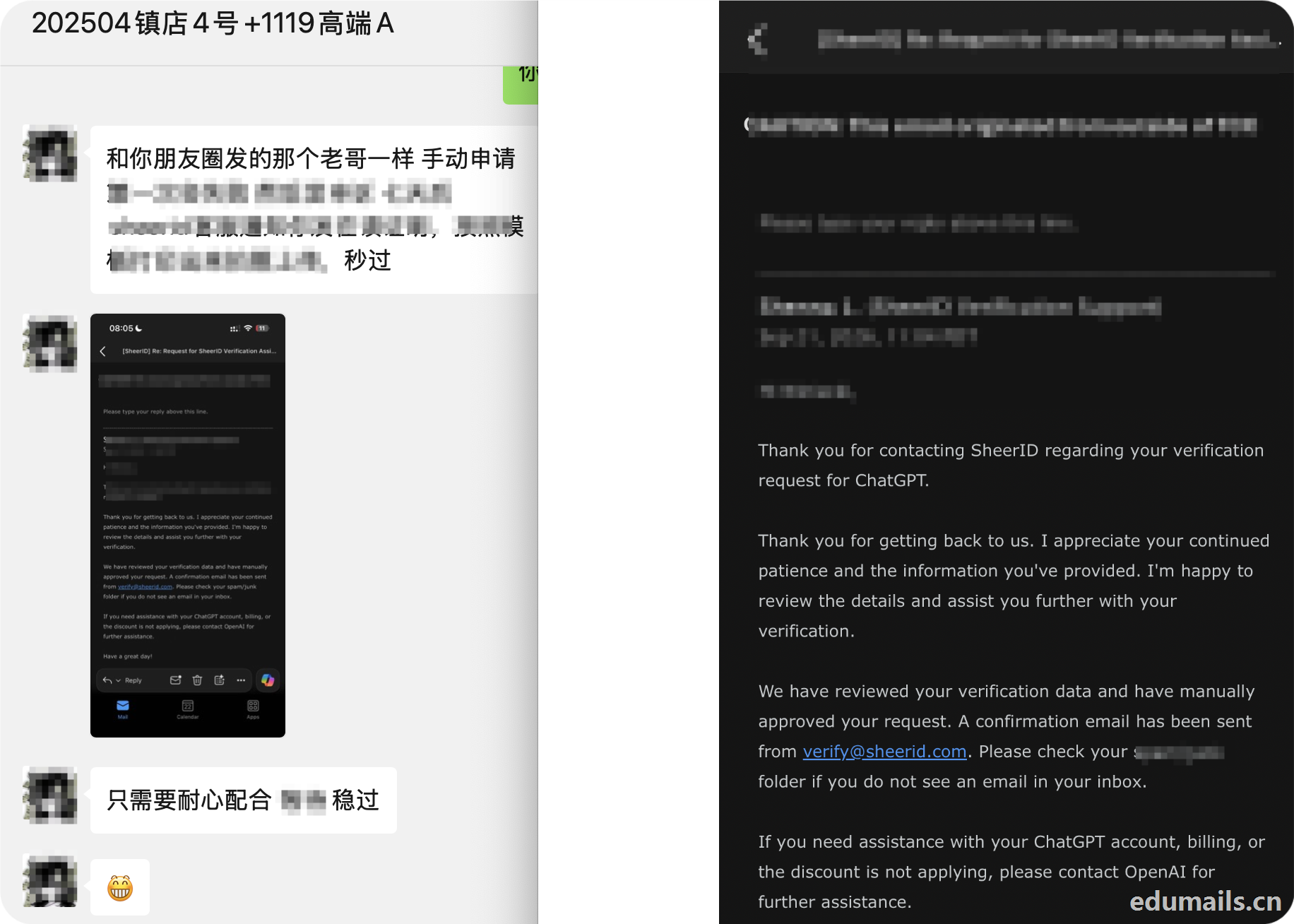
Because of this offer for domestic edu mailbox offer, so can only be taken on behalf of the verification method, on behalf of the receipt of the mail is: you use the e-mail address we provide in the education offer to fill in the fill in the place, click on the OK, our edu mailbox to receive the verification e-mail, forwarded to you, you can click on the verification of the e-mail confirmation link to complete the education certification. Here we recommend the link https://item.taobao.com/item.htm?id=678917007870


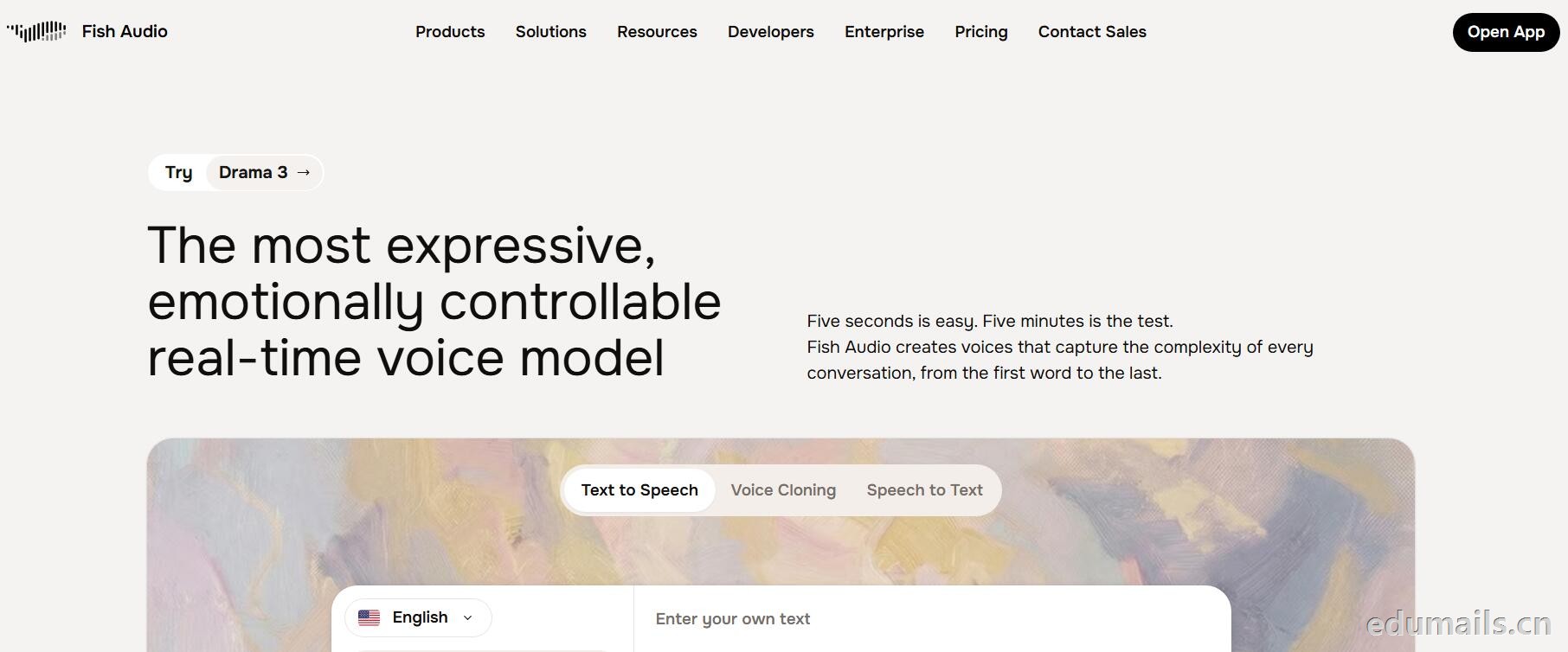
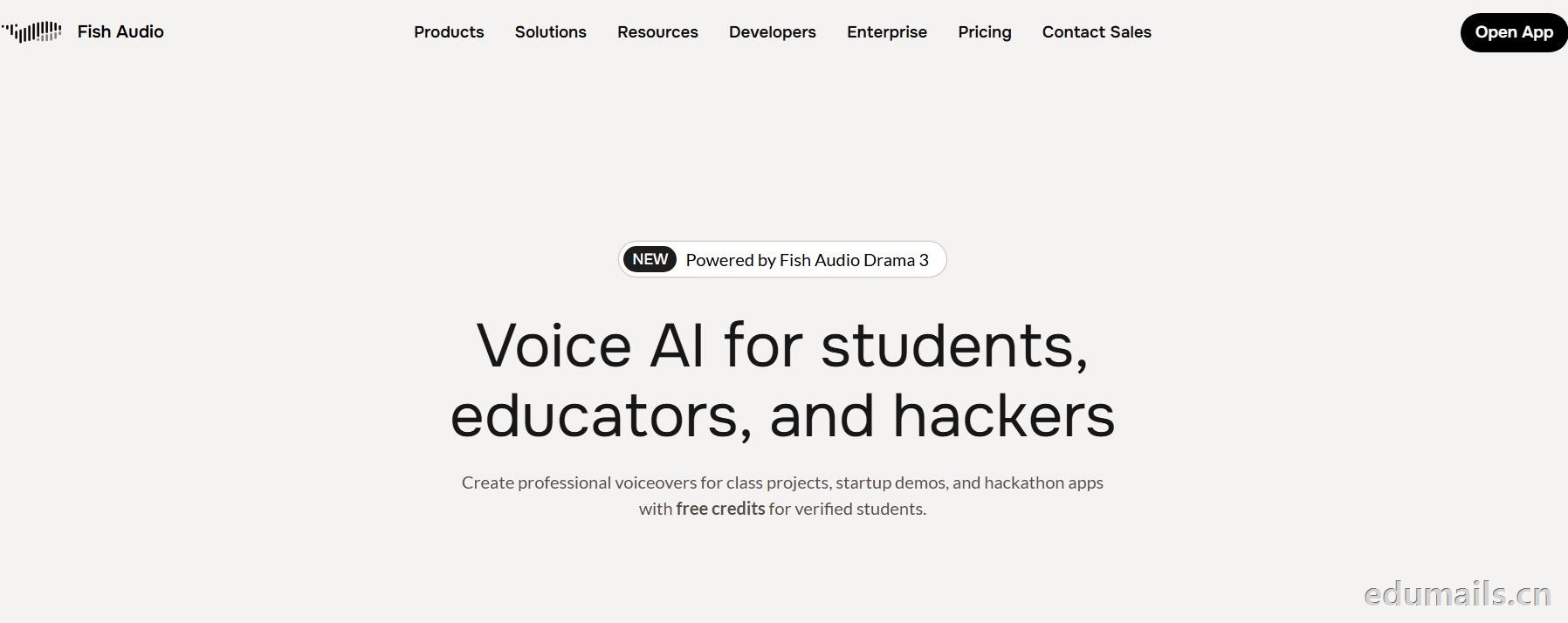 英文领取链接:https://fish.audio/app/claim/students/
中文领取链接: https://fish.audio/zh-CN/app/claim/students/
用 .edu 学生邮箱认证,领“免费积分”,做课堂/黑客松/毕设/校园项目配音和声音克隆,但不能商用。学生、教育工作者、黑客松选手都算目标人群。
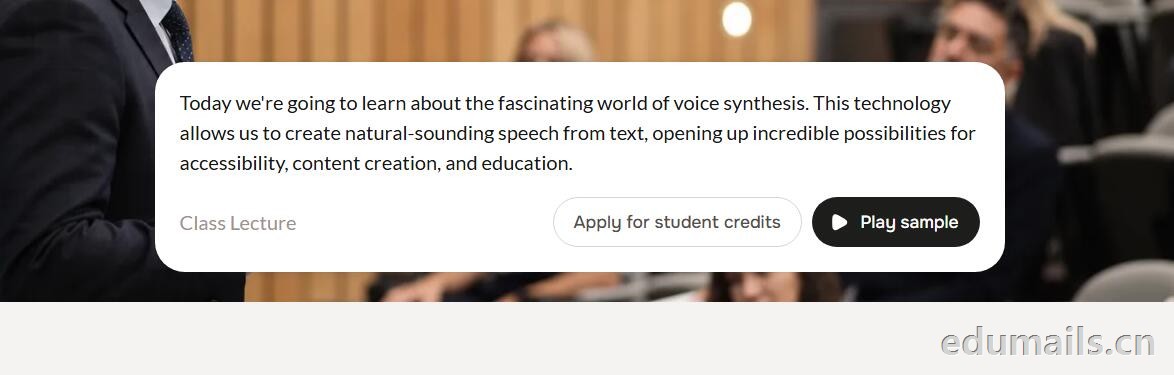
免费积分(数额不公开,叫“generous credits”)可用全部语音模型、TTS、声音克隆(10 秒录音复刻音色)支持多语言(页面写 8 种/83 种说法不一,以账号内为准),含 完整 API 权限(接代码、做 Demo、黑客松 App 都能用),可申请当“校园大使”:每月额外积分 + 抢先体验新功能。
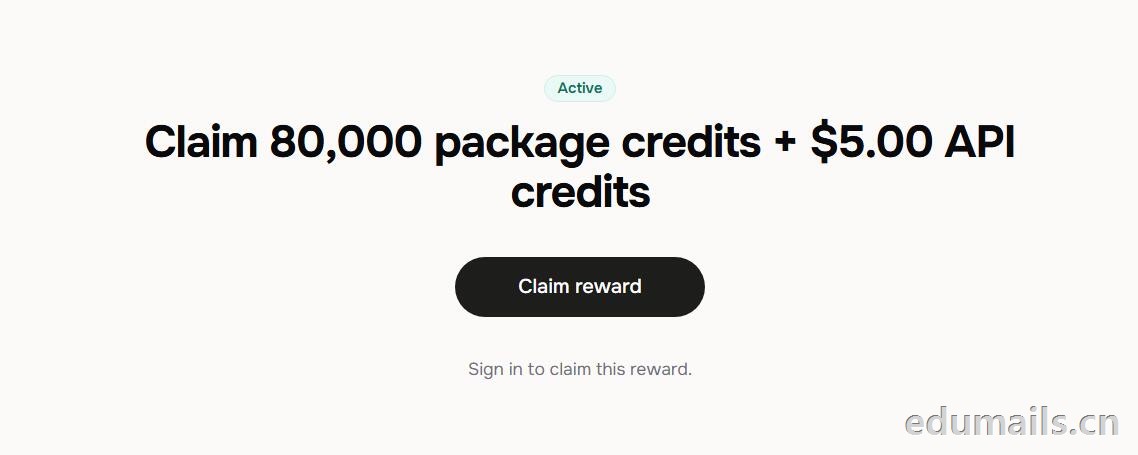 根据本站测试:额度为Claim 80,000 package credits + $5.00 API credits 领取 80,000套餐积分+$5.00 API 积分
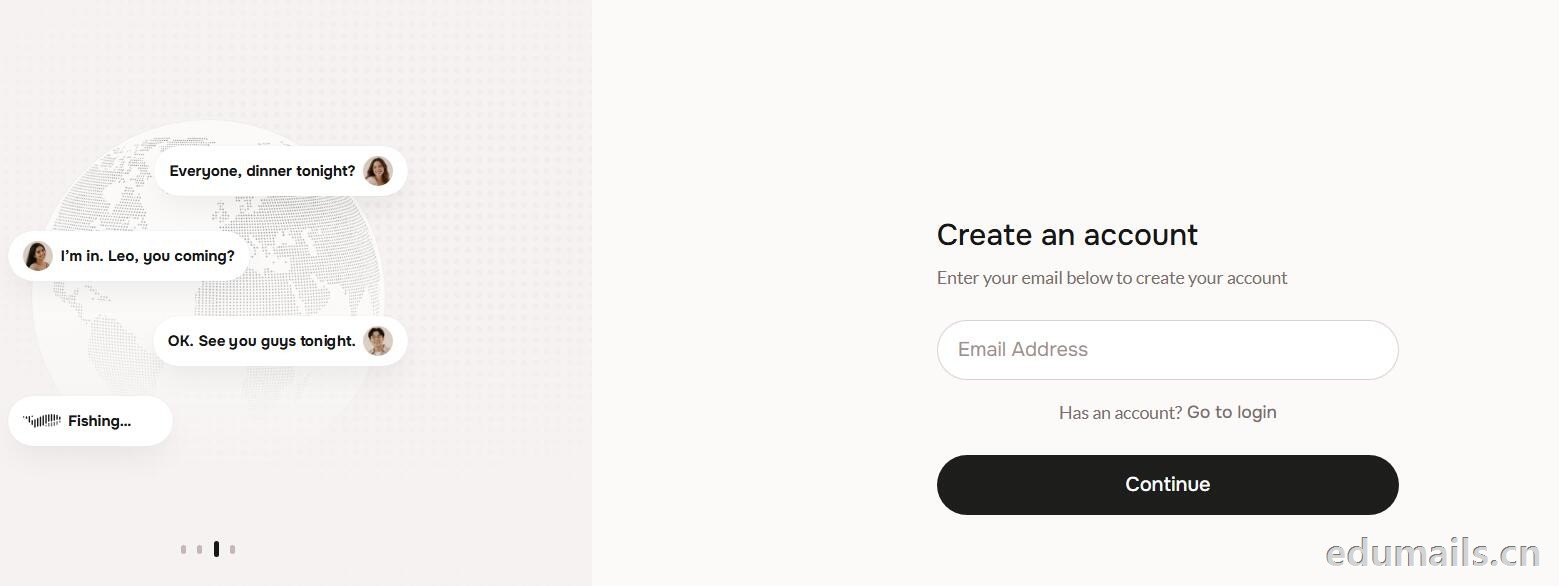
 提示创建账户:https://fish.audio/auth/signup/ 我们直接用美国edu邮箱进行注册演示。
Ps:我们如果在其他地方购买美国edu邮箱,一定要问是否为正规的,因为很多邮箱都是盗用的扫号来的,无法修改密保,也无法保证邮箱使用时间,所以我们不要贪图便利在某鱼购买。
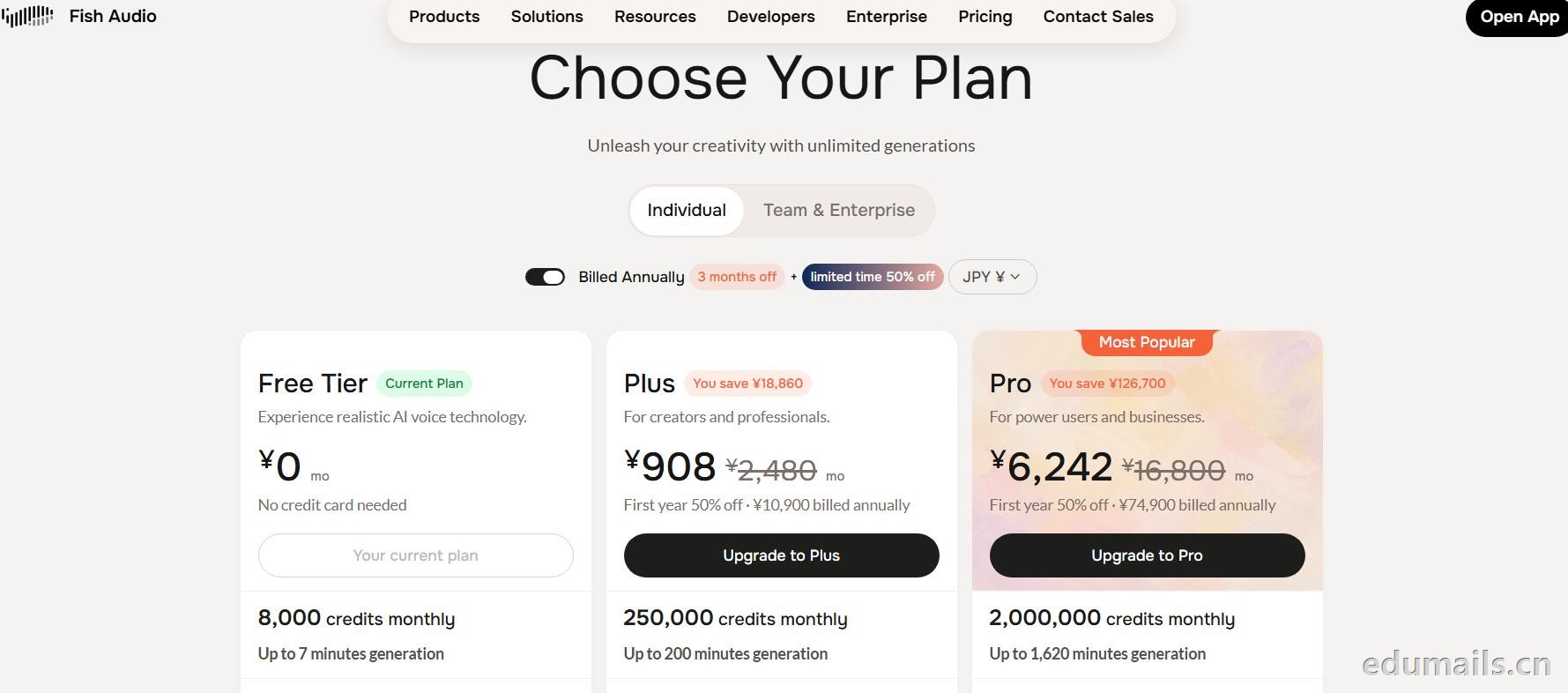
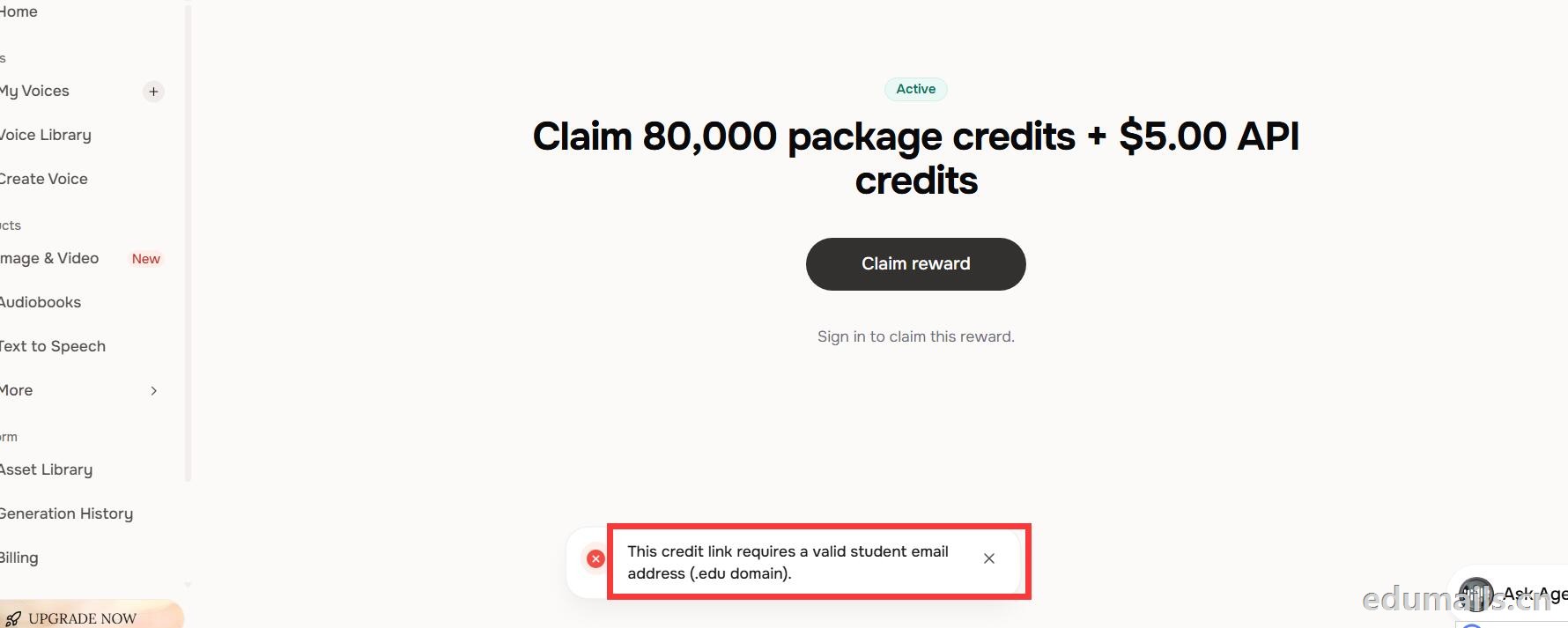 我们查看团队设置https://fish.audio/zh-CN/app/team/?tab=usage 里面是没有领取80,000积分的赠送额度。只有赠送的8000额度。
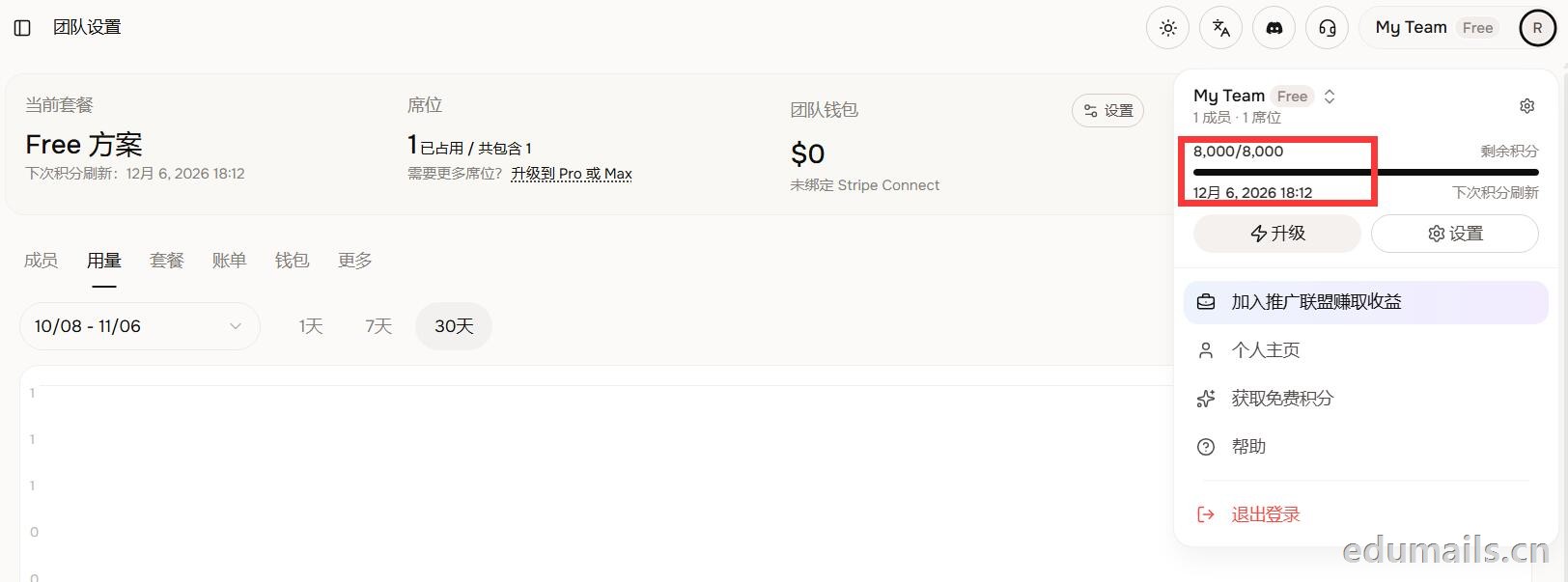 (失败)余额仍卡在8,000/8,000,无任何入账流水,只拿到普通免费版基础额度,属于典型的认证或链接未生效。
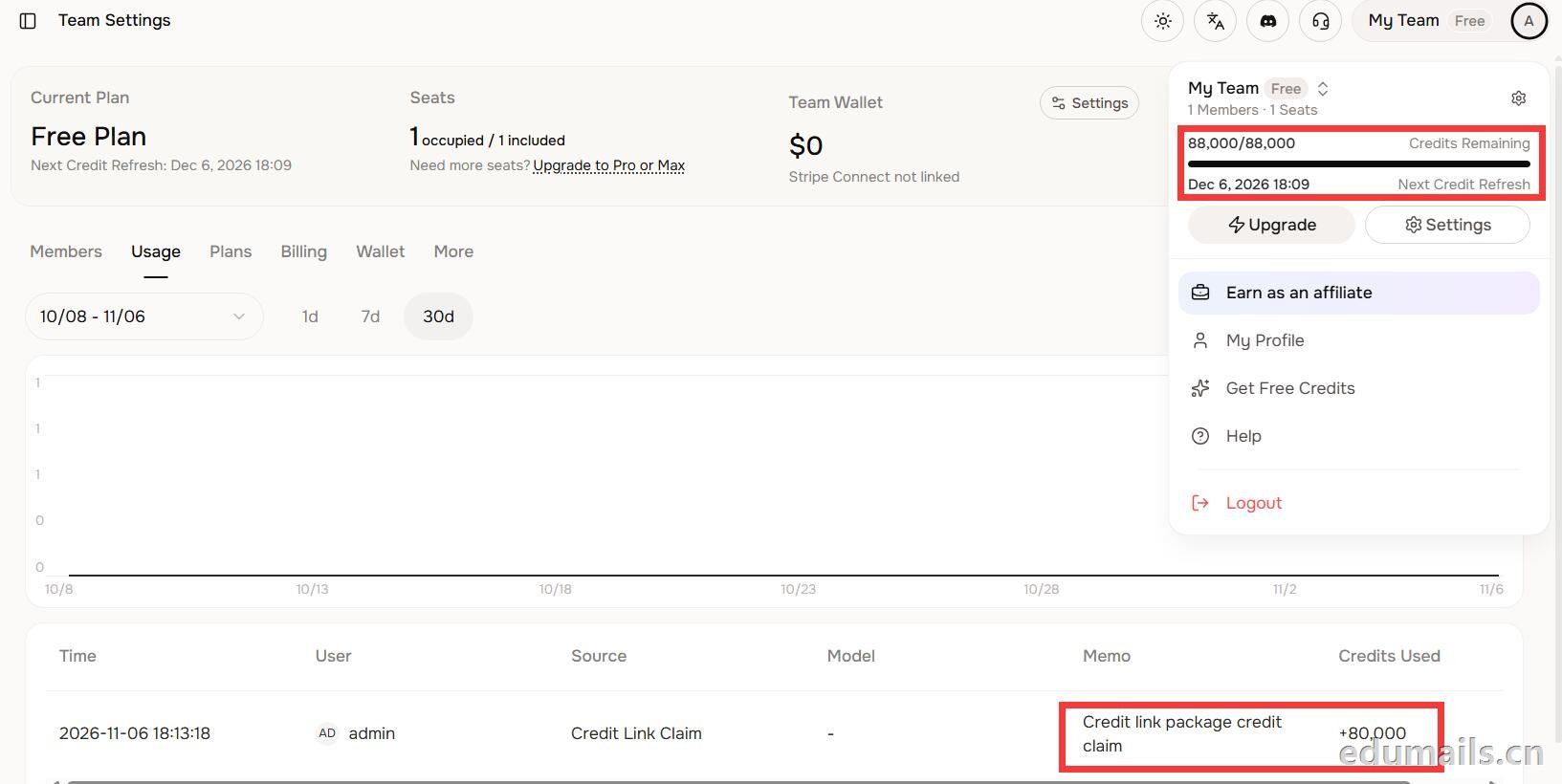 后台显示余额88,000/88,000,下方流水明确记录“Credit link package credit claim +80,000”,说明在基础免费额度(8,000)外,成功白嫖了8万教育包积分,这正好印证了上一轮说的“额外大额积分”,下次刷新在12月6日。

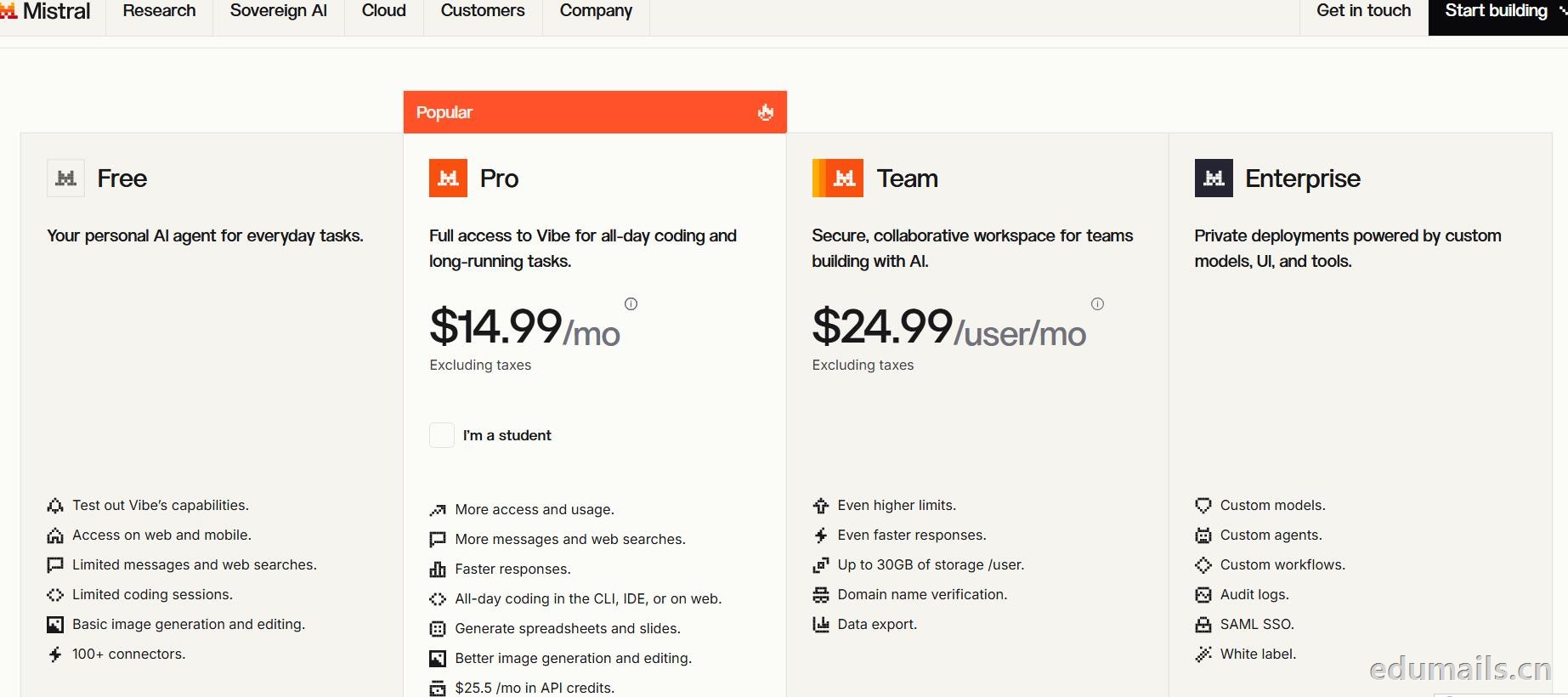
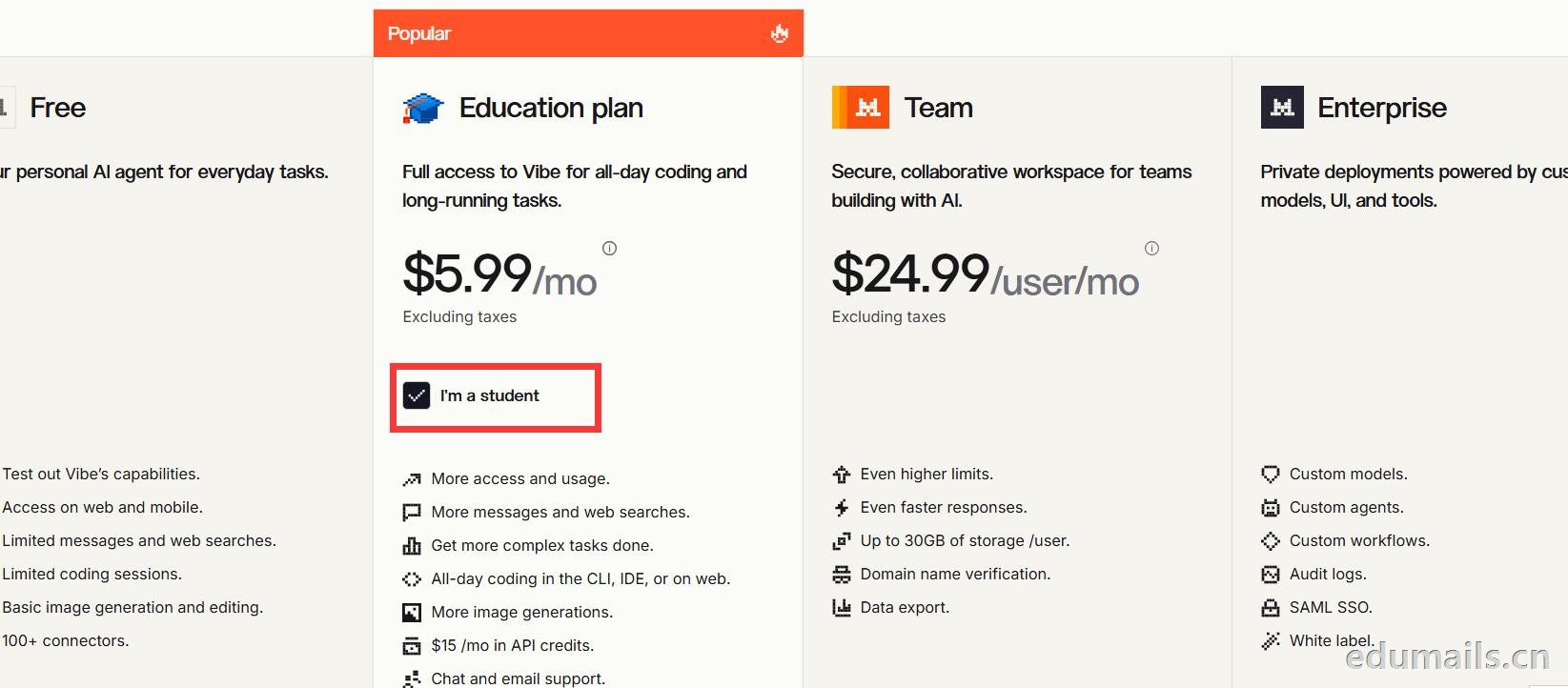 Mistral 的 Education 计划并不是一套独立套餐,而是面向符合条件的学生与教师提供的 Pro 折扣版本。获得优惠的唯一凭证,是由教育机构签发的机构邮箱;Gmail、iCloud、Outlook 等个人或通用域名邮箱无法通过核验,学生证、在读证明、确认信等书面材料也明确不被接受,不能作为替代。
订阅入口位于价格页的「I'm a student」按钮,也可直接打开 Education 计划页面完成流程:既可以用机构邮箱注册一个全新的 Mistral 账号,也可以在已有账号中先把绑定邮箱改为机构邮箱再订阅。
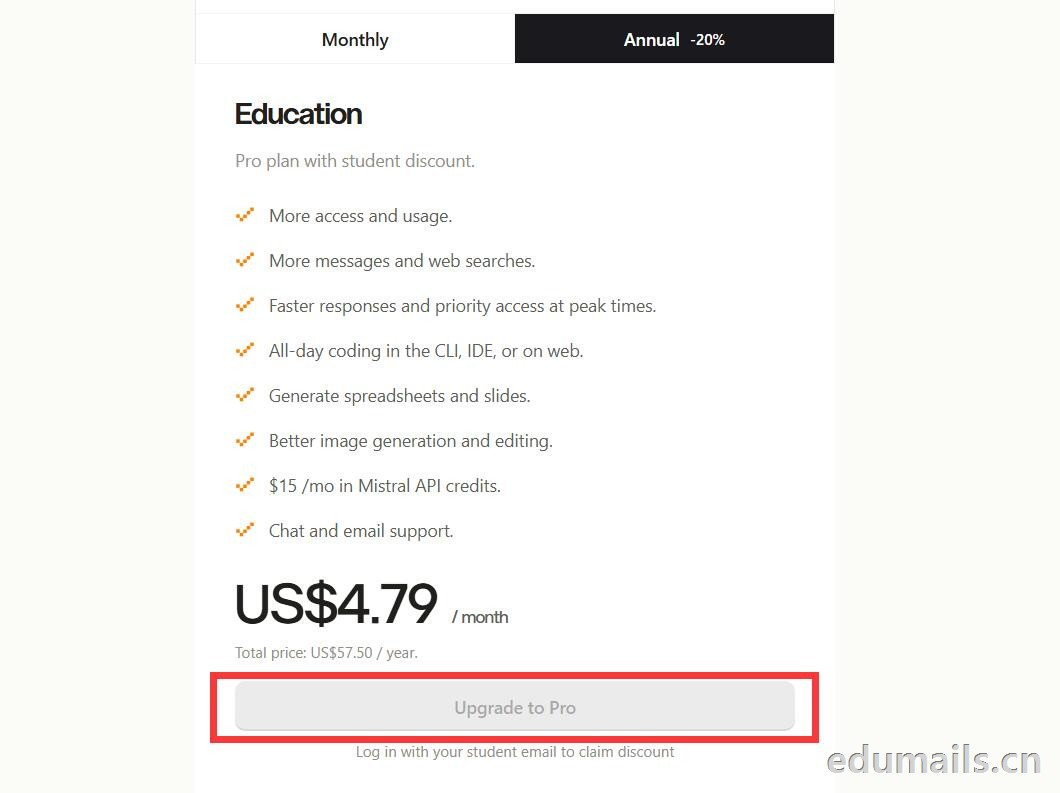
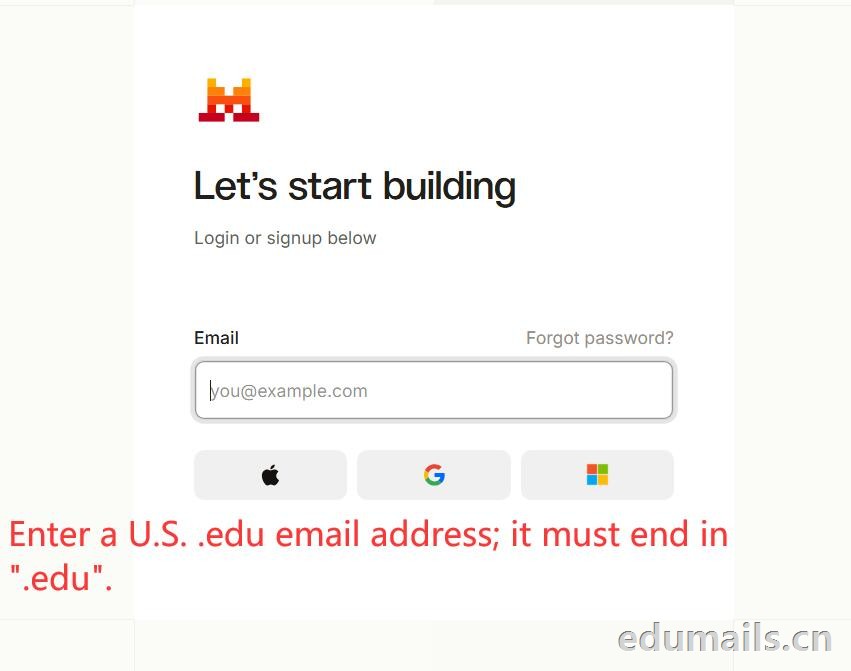 如果我们的邮箱地址不符合官方学术资格要求,我们点击Upgrade to Pro 是无法点击,为灰色显示。
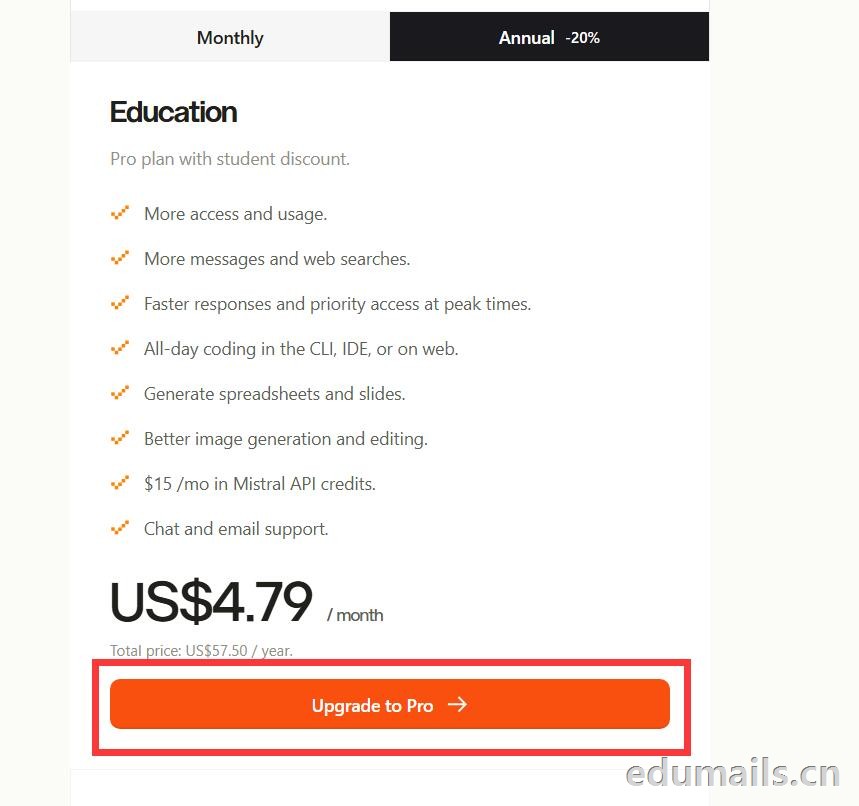
 如果我们的邮箱地址符合官方学术资格要求,我们点击Upgrade to Pro 是高亮黄色显示,是可以继续点击下一步。
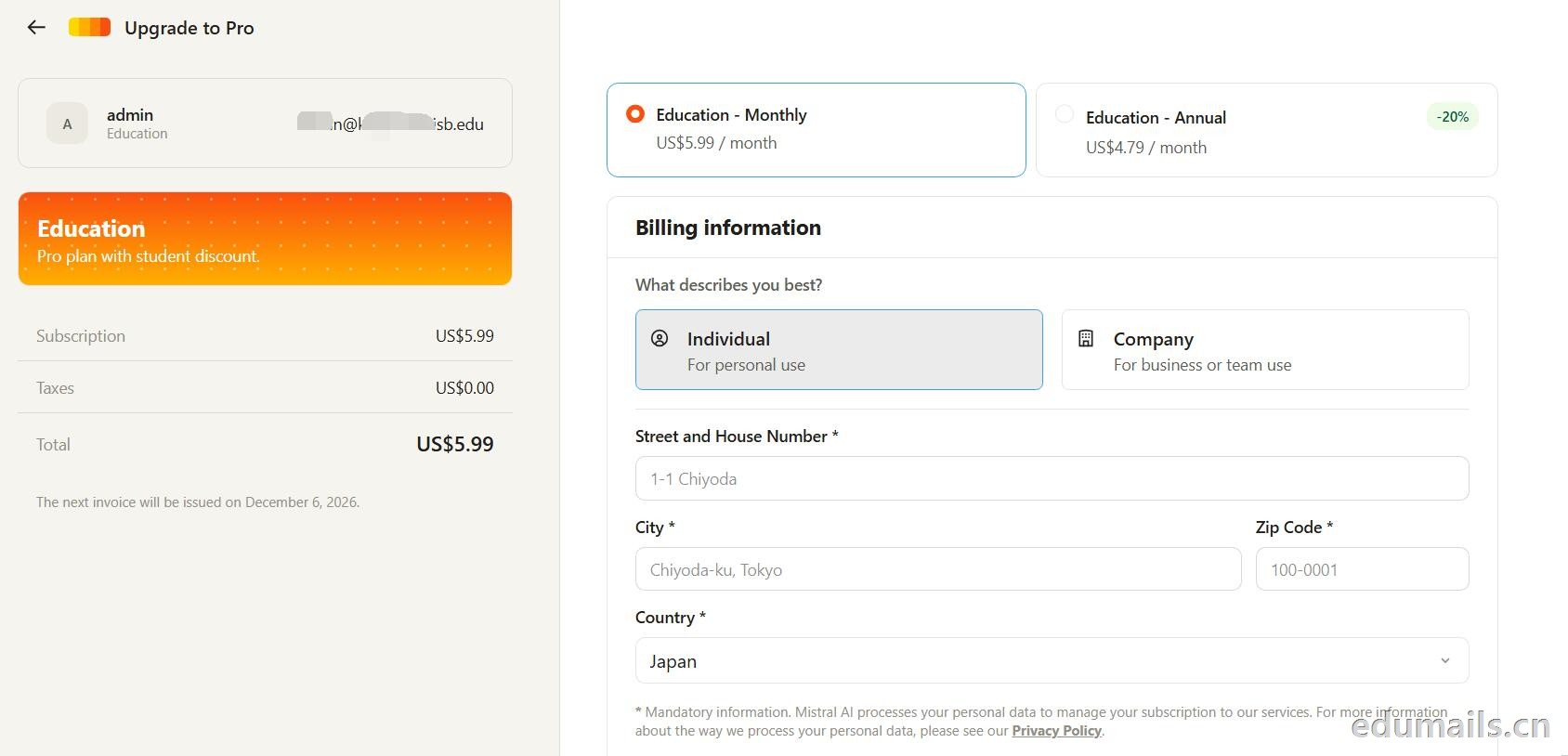 走到支付这一步,教育优惠的折扣感最直观:界面左侧会明确打出“Pro plan with student discount”,只要绑定了


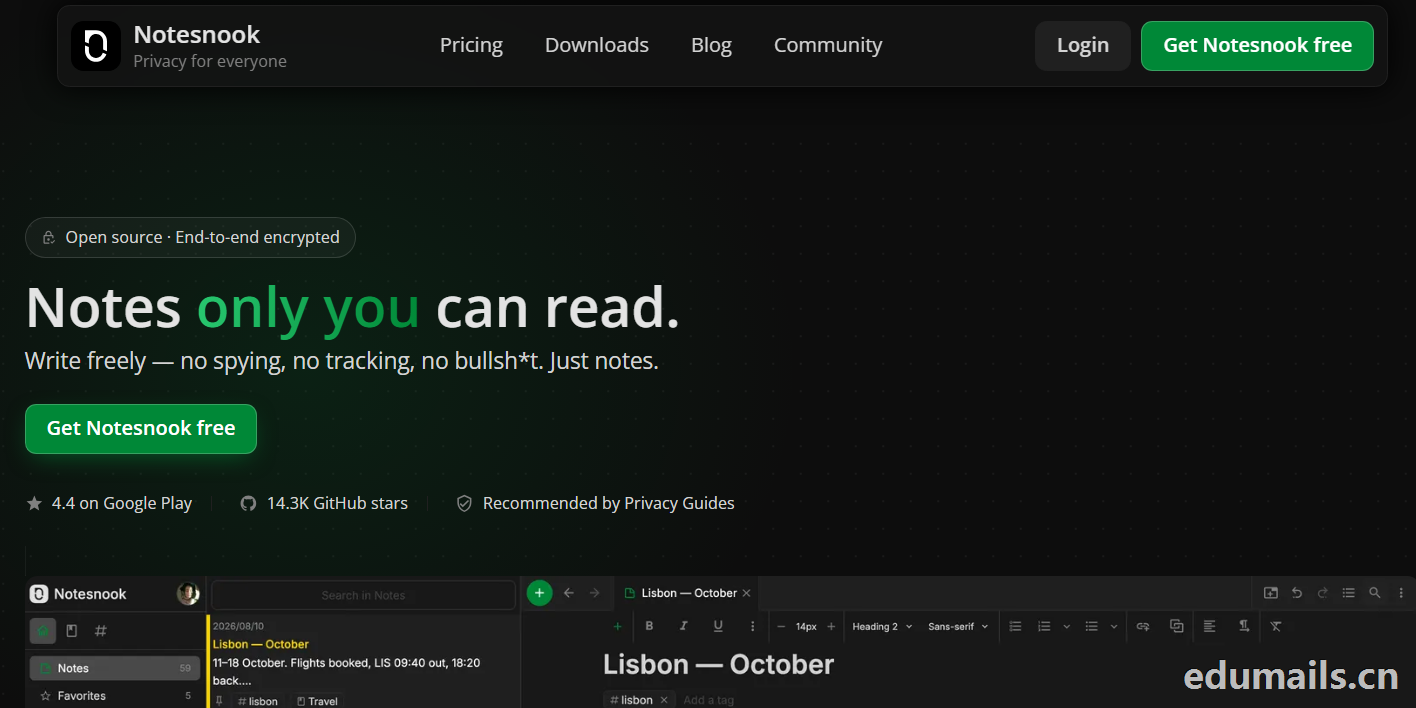
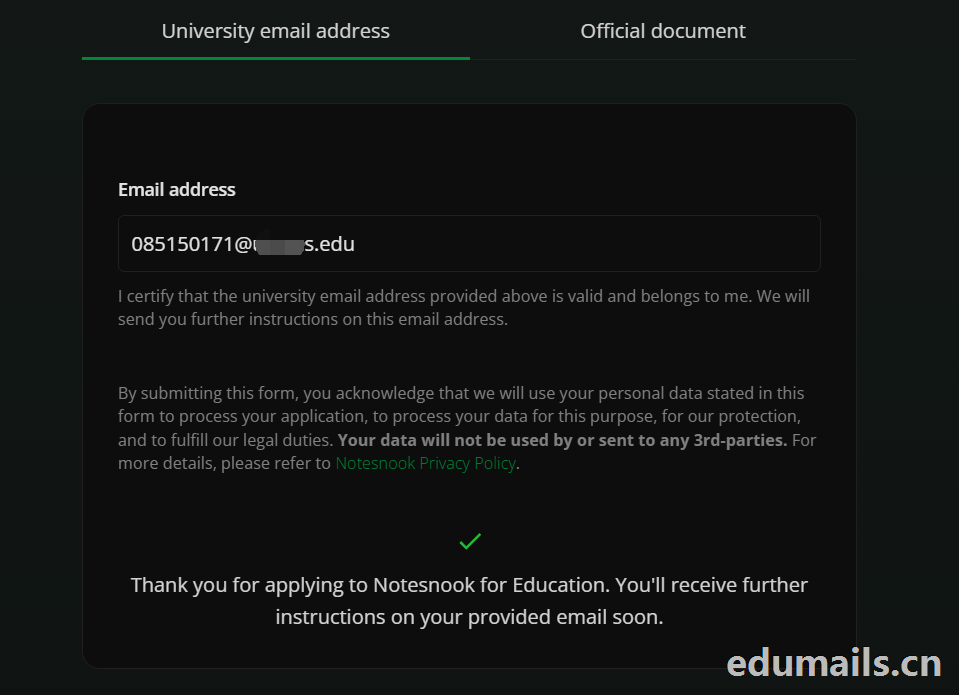 Thank you for applying to Notesnook for Education. You'll receive further instructions on your provided email soon.
如果我们的美国edu邮箱符合秒过要求,则如上图展示效果:感谢您申请 Notesnook 教育版。您很快就会在所提供的邮箱中收到后续指引。
我们打开edu邮箱提示收到
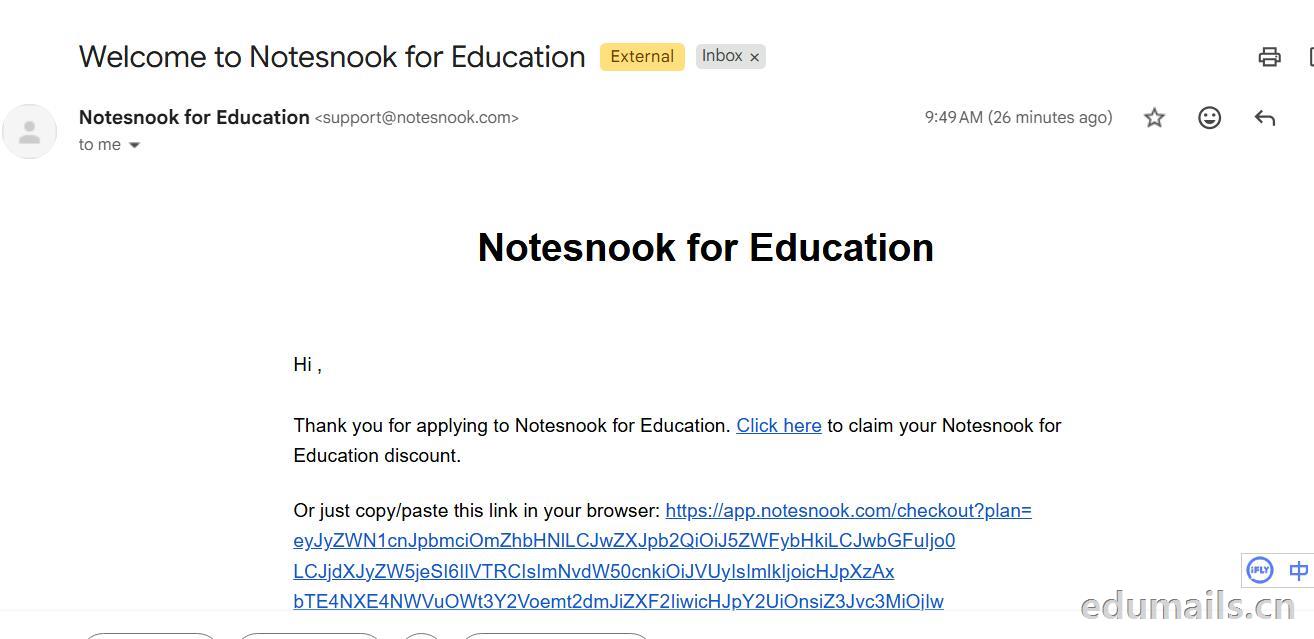 Thank you for applying to Notesnook for Education. Click here to claim your Notesnook for Education discount. 感谢您申请 Notesnook 教育版。点击此处领取您的 Notesnook 教育版折扣。

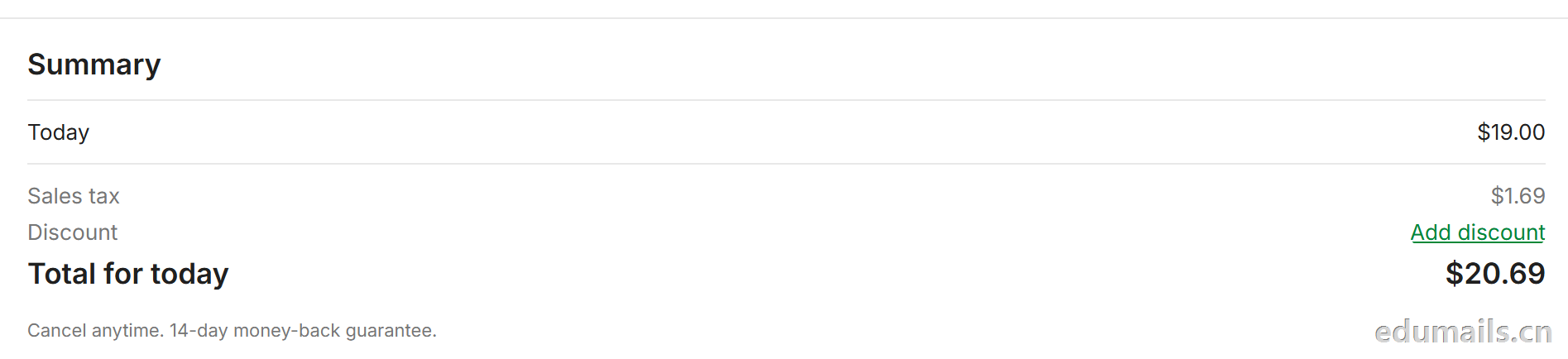 我们看到价格是20美金,官方支持paypal、信用卡支付,如果没有支付方式可以找代付解决。

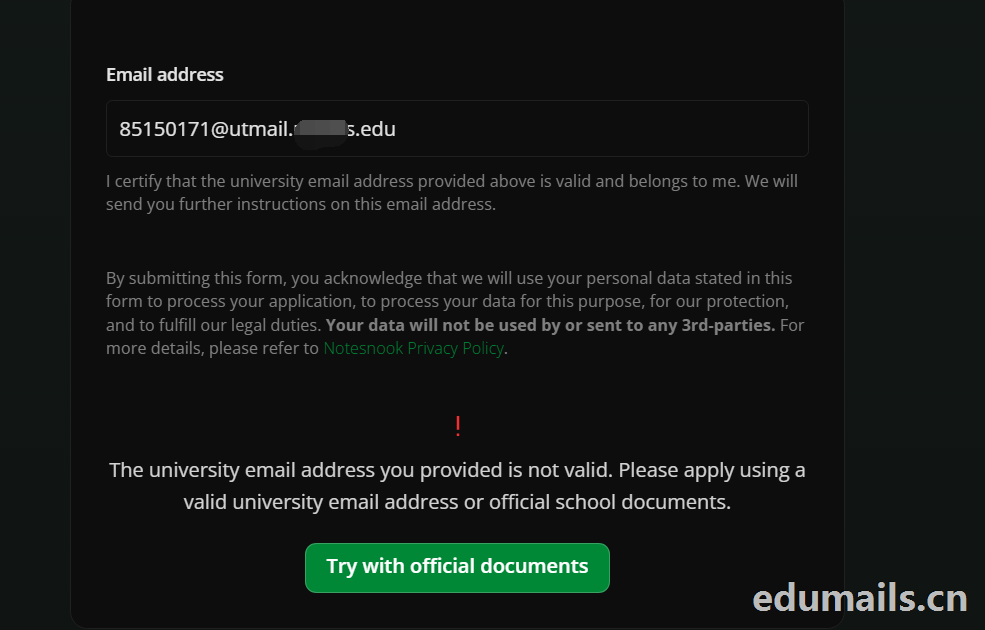 The university email address you provided is not valid. Please apply using a valid university email address or official school documents.
您提供的大学电子邮箱地址无效。请使用有效的大学电子邮箱地址或学校官方文件进行申请。我们点击Try with official documents,按照要求提供相关学校官方文件即可通过。
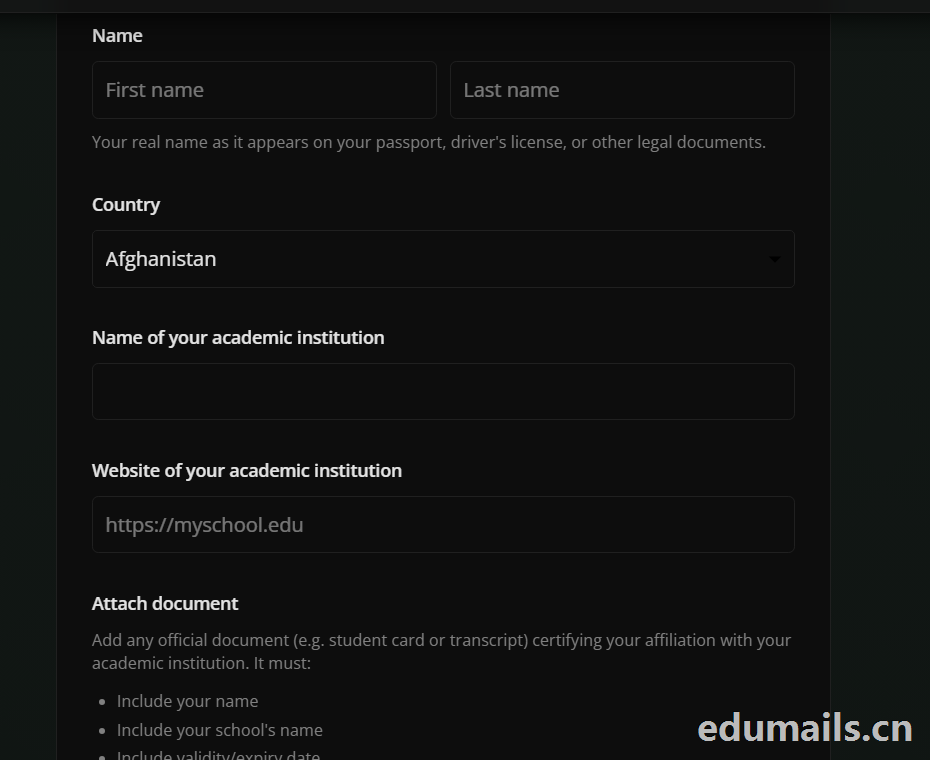

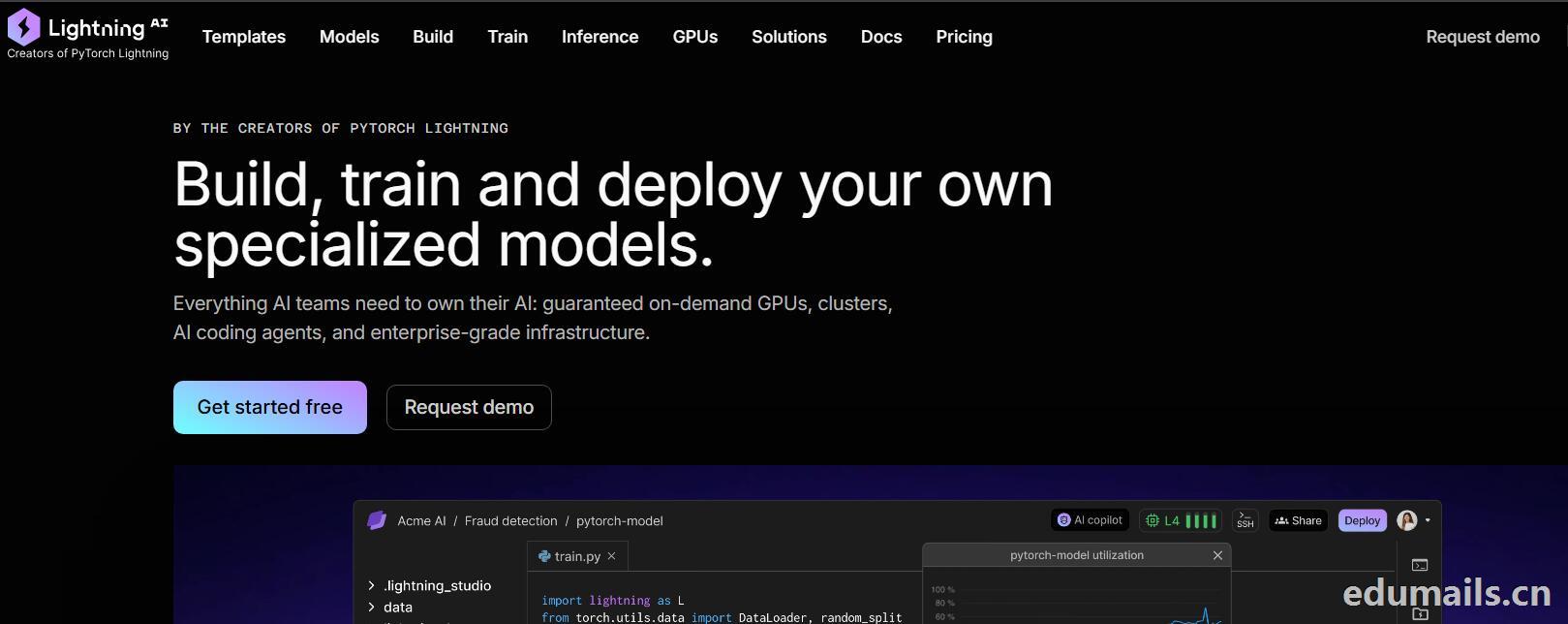
 我们再接着点击Choose Pro,弹出教育资格注册认证页面:如下图所示:Use a work or .edu email for faster verification,使用工作邮箱或 .edu 邮箱以加快验证速度,要求我们必须使用美国.edu结尾邮箱进行注册。
 我们的美国edu邮箱会收到来自no-reply@lightning.ai发送标题为“Confirm your email to finish creating your Lightning AI account”的邮箱验证邮件:
 我们点击完成认证,再次回到价格页面,点击学术价格,弹出如下图所示:
 Select organization to upgrade 我们默认选择即可,提示Upgrade to Academic,会弹出学术价格内容:
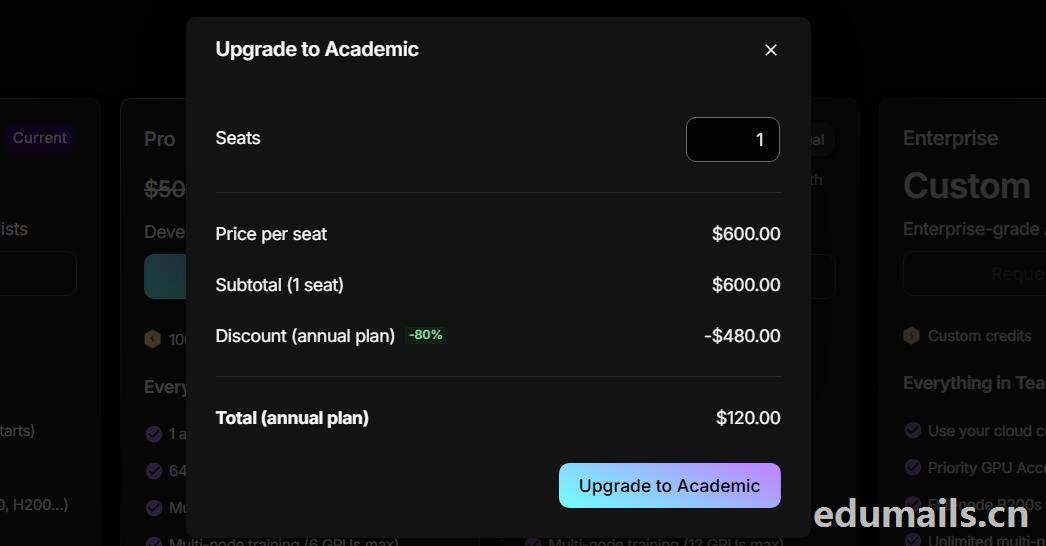 席位(Seats):1 个,每席位原价:$600.00/年,小计(1 个席位):$600.00,年付折扣:-80%,减免 $480.00
最终年付总价:$120.00
最后我们点击:Upgrade to Academic
也就是:学术版 Pro 年付原价 $600,打 2 折后 $120/年,折合 $10/月。需要用学术邮箱/学术身份开通。

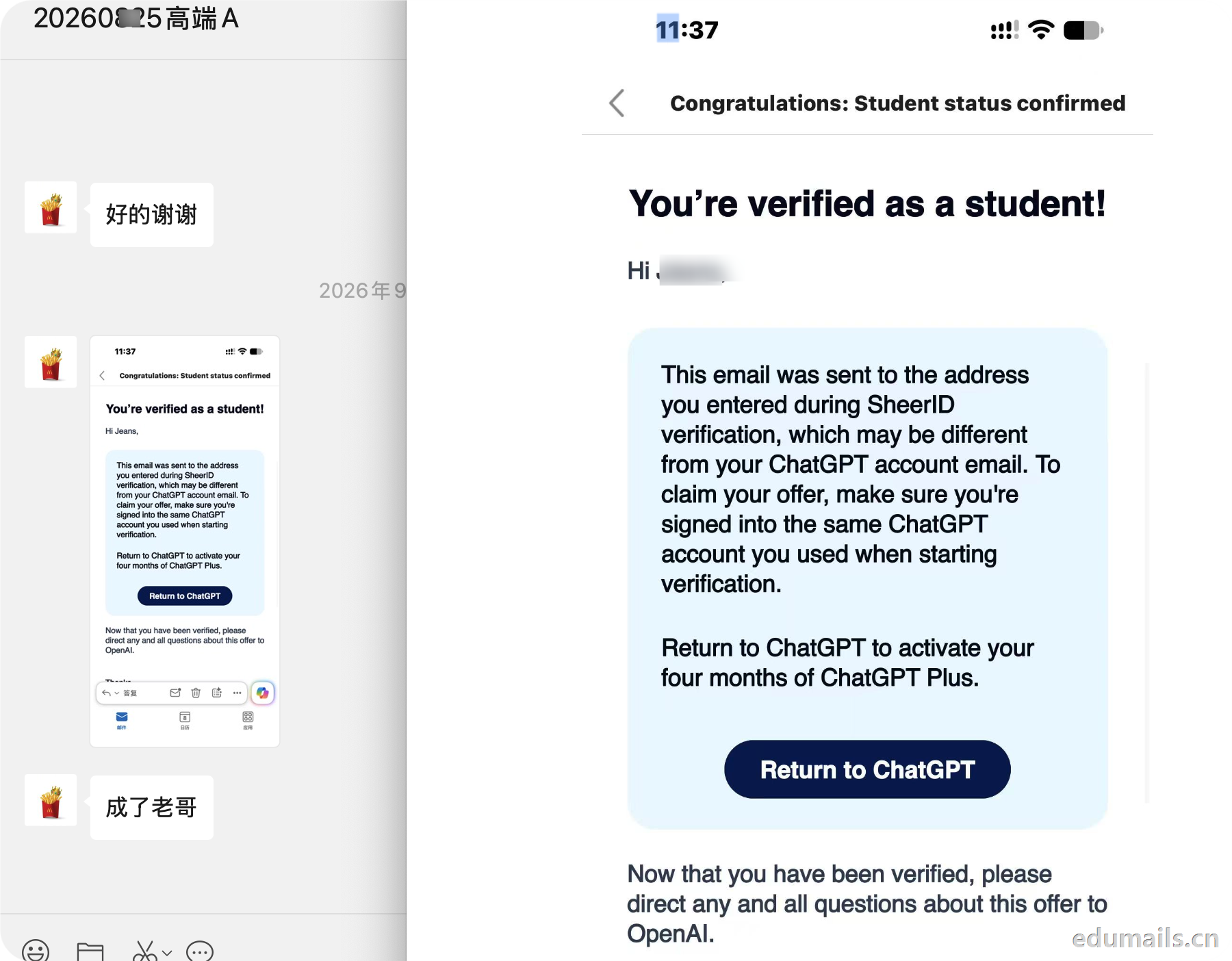
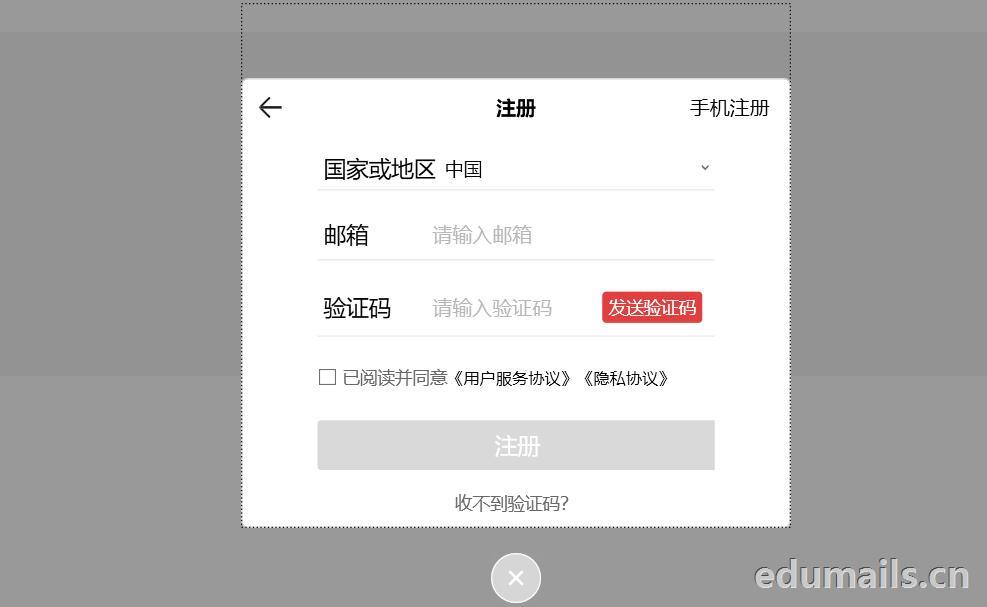
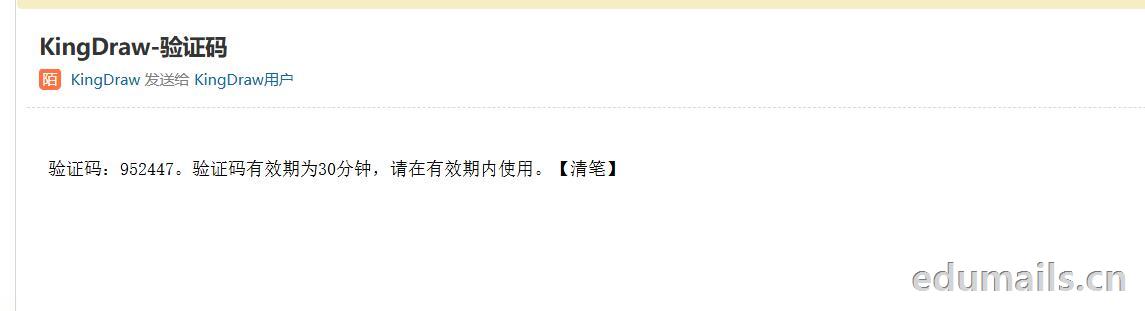
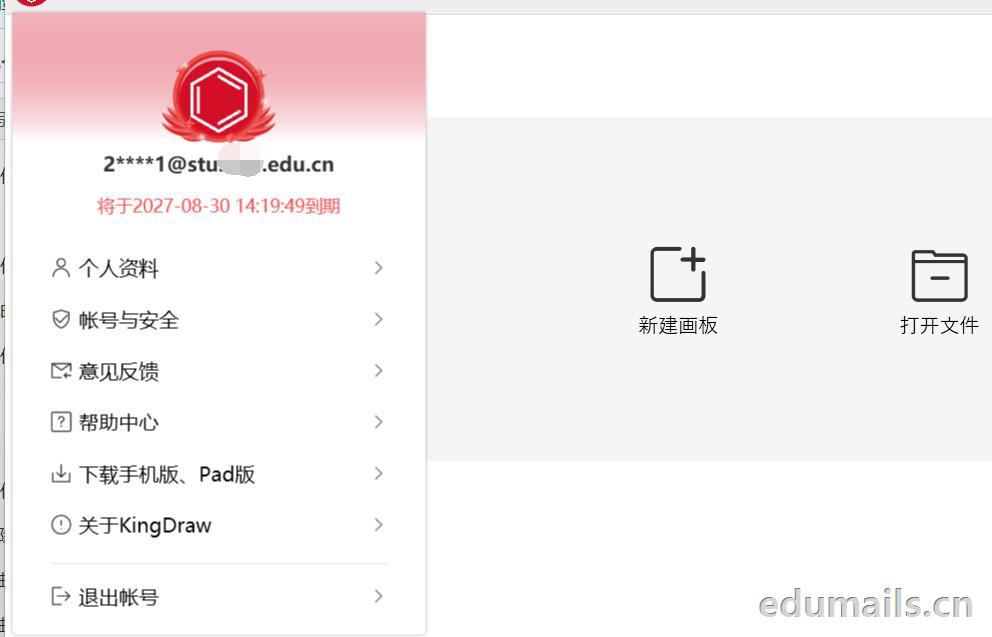
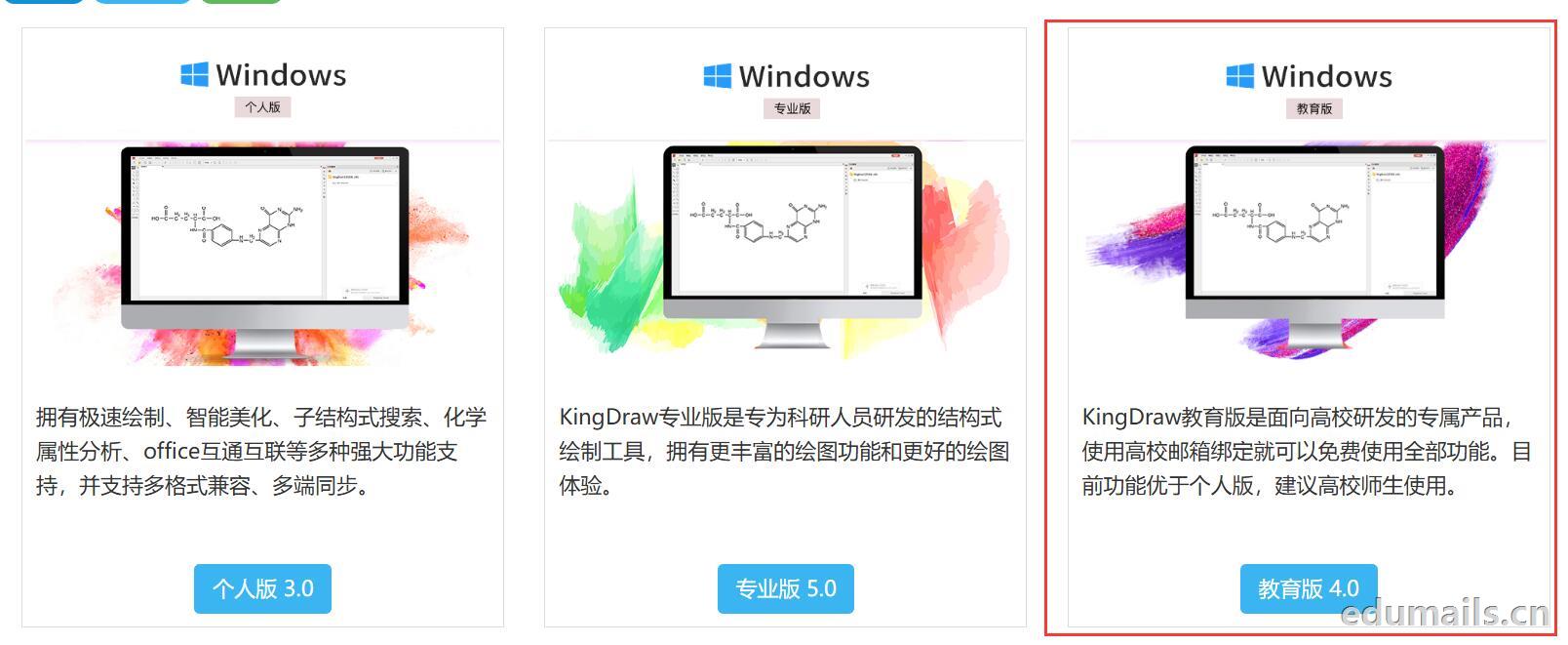 我们下载安装完成KingDraw教育版后,点击登陆提示如下图,我们选择邮箱方式注册,在这里我们可以用任何邮箱注册KingDraw账户。
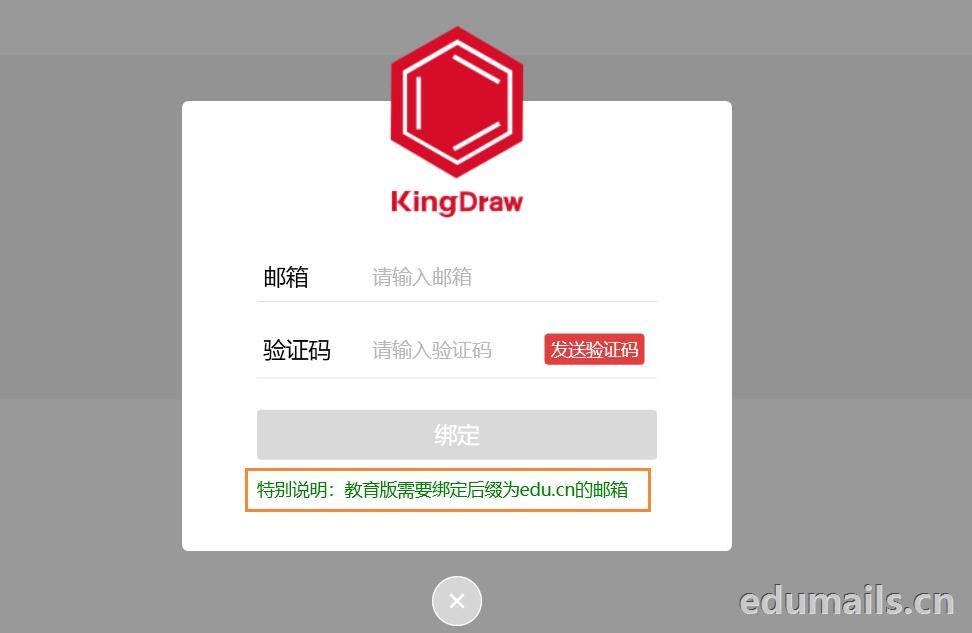
 我们用任意邮箱注册完KingDraw账户后,提示绑定educn邮箱,我们可以用代收服务进行educn代收邮件认证。
 https://www.edumails.cn/chemdraw.html

 ZH
 EN