
 EDU Education Network Email Registration Application

Introduction
在这个高颜值时代,一张精美配图会让大大提升论文表达能力和传播效率。 然而,当你使用PS、AI、PPT等绘图软件时,就会发现看似简单的图片,可能会需要数小时的埋头苦干,如果再加上复杂的模型构建,那就更是难上加难。 划重点!今天小编向你介绍一款科研绘图神器–科研绘图系统,比PPT画图还要简单好用100倍。BioRender官网地址:https://biorender.com
BioRender is the world's first tool to help scientists create and share beautiful, professional scientific characters. (It's also a drawing tool, similar to PS, AI and PPT. () This thing is suitable for scientific research.
The scientific mapping system encompasses12 categories, 93 subcategories, over 100,000Original vector icons with unified style, covering objects such as molecules, cells, tissues, organs, systems, individuals, etc., providing items such as experimental equipment, reagents and consumables, medical devices, etc., which can satisfy all of your scientific research mapping needs, and you can choose to draw at will!
BioRender Price

All in all, this site is very, very useful aspect and is used by many top research organizations. I hope it will be of more help to you! (Considering the copyright issue, it is recommended to use the student discount of $15 for 1 month, and when exporting images, you can choose to attach thePublication Premissions(the)
Registration Process
We offer an additional discount to all students; register using your .edu or academic email, upgrade yourSpecial student prices will appear in your accountThe
Here we are using the foreign U.S. edu education mailbox to apply for the operation, fill out the personal information:

Click Next, then select "Academic" on the right to fill in your academic information:

1、What type of organization do you belong to? Select "academic" Academic
2. Do you belong to a laboratory? No;
3. Your role? Undergraduate, college student.
4. Name of the institution? Fill in the full name of the university for your edu email.

Click on Start Experience and we're going to go to our education email to check the verification email!


Successful application
Let's click on the green update program tip in the previous image::You can create up to 5 figures on the BioRender Basic plan. as shown below.
2022 update, we use the US edu education email certified, other types of edu not tested.


Once logged in, you can choose to search for the desiredPathway templatesorExperimental procedure template. The various templates are reallyeverything that should be here is here (idiom); all one can think of is on handThe only thing you can't think of is what you can't search for.
Here are some explanations on how to do14 days free for membersas well asCancel subsequent subscriptionsThe
1. The first and most troublesome point is that foreign sitesVisa or master credit card required, I guess this is something that puts people off, but it's easy to apply for one. In making a membership applicationFree trial 14 days, then fill out credit card and Bill information.Name of card. Fill in the cardholder's name, first name before last name after, such as Xingxing Li, and then fill in the cardDate and security code(the last three digits of the reverse side of the credit card), continue to fill in the bill information, selecting theMonthly planClickcontinue planReady to go.
2. We then run the subscription after 14 days forabolish. Click on your avatar in the upper right corneruser IDSelect my accountClick on the left side Plan & BillingThe following is a selection of the Manage PlanIn the new screen that appears, select Pause your planScroll to the bottom of the new screen and select continueIt can be canceled. Then it's 14 days to draw pictures to your heart's content and make300DPIThe high quality images are exported.


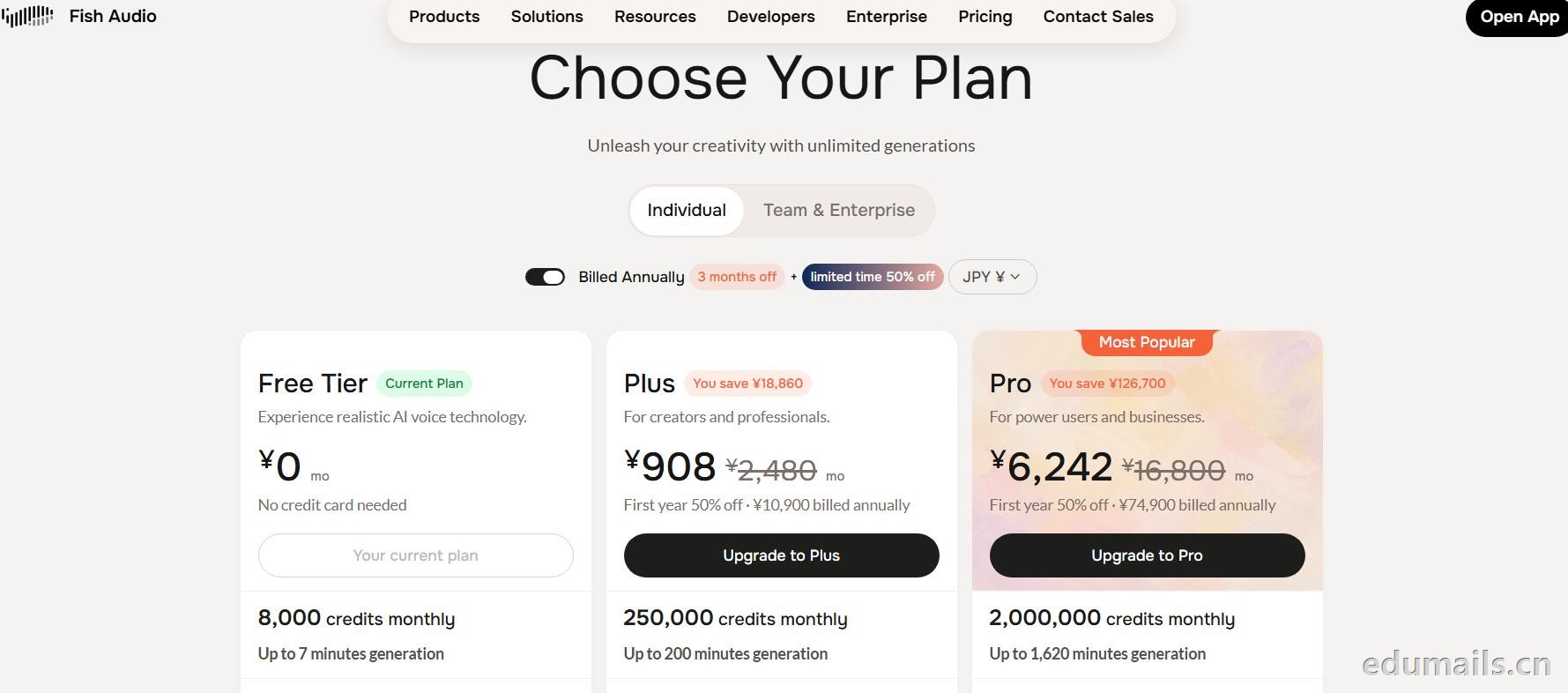
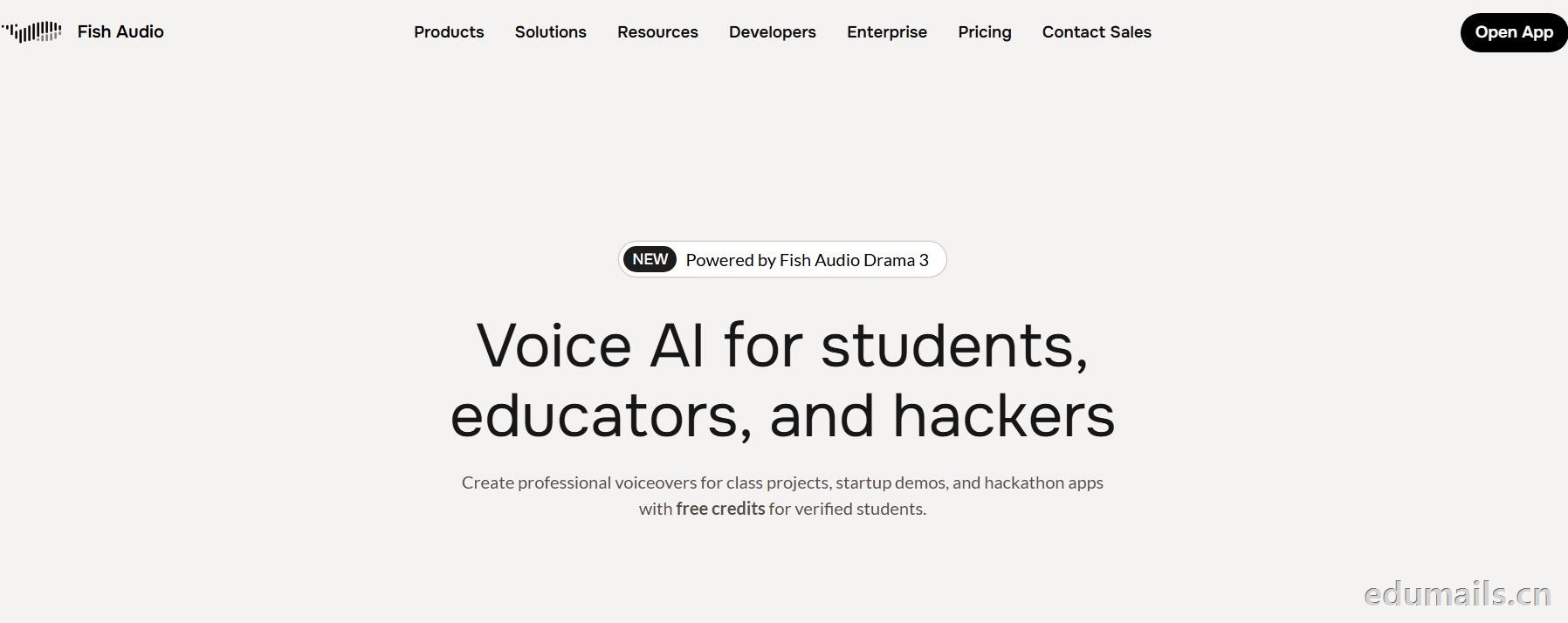 英文领取链接:https://fish.audio/app/claim/students/
中文领取链接: https://fish.audio/zh-CN/app/claim/students/
用 .edu 学生邮箱认证,领“免费积分”,做课堂/黑客松/毕设/校园项目配音和声音克隆,但不能商用。学生、教育工作者、黑客松选手都算目标人群。
免费积分(数额不公开,叫“generous credits”)可用全部语音模型、TTS、声音克隆(10 秒录音复刻音色)支持多语言(页面写 8 种/83 种说法不一,以账号内为准),含 完整 API 权限(接代码、做 Demo、黑客松 App 都能用),可申请当“校园大使”:每月额外积分 + 抢先体验新功能。
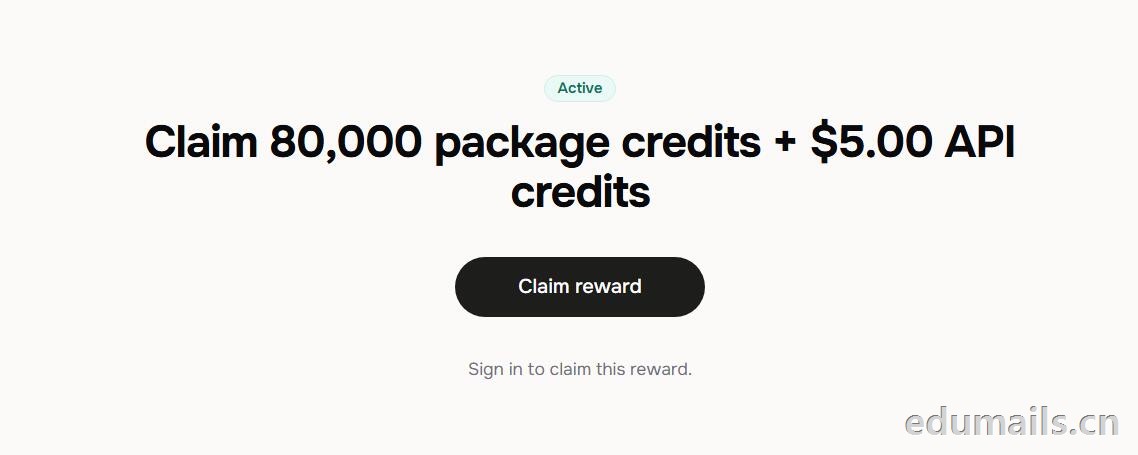 根据本站测试:额度为Claim 80,000 package credits + $5.00 API credits 领取 80,000套餐积分+$5.00 API 积分
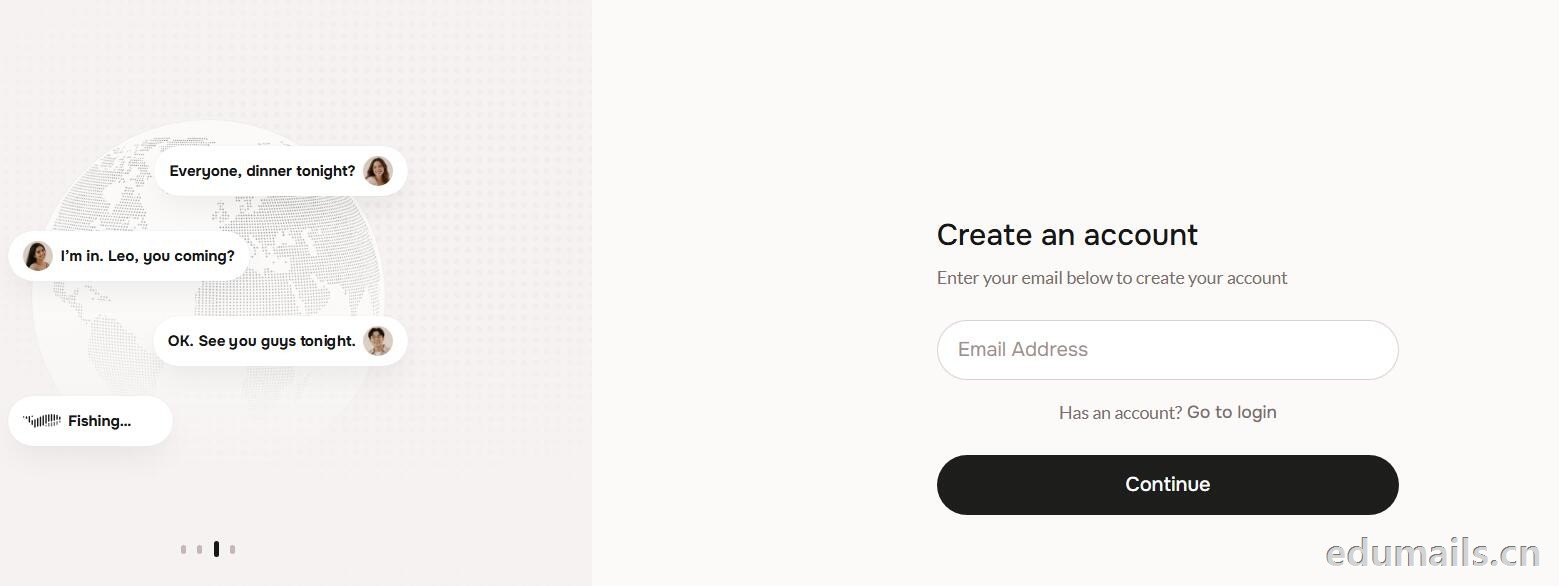
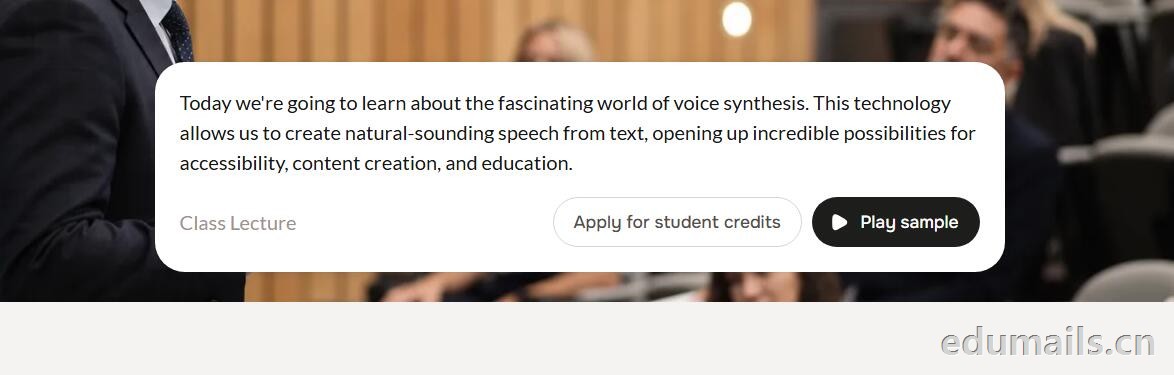 提示创建账户:https://fish.audio/auth/signup/ 我们直接用美国edu邮箱进行注册演示。
Ps:我们如果在其他地方购买美国edu邮箱,一定要问是否为正规的,因为很多邮箱都是盗用的扫号来的,无法修改密保,也无法保证邮箱使用时间,所以我们不要贪图便利在某鱼购买。
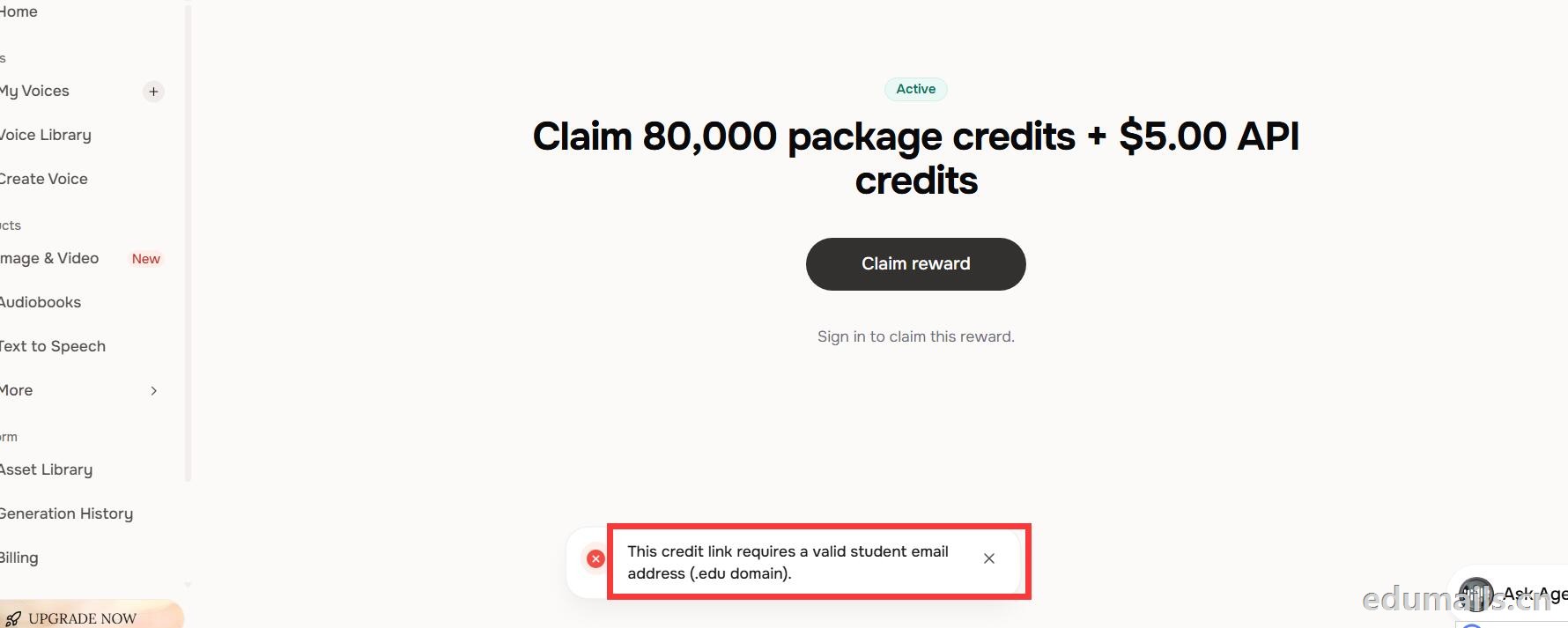 我们查看团队设置https://fish.audio/zh-CN/app/team/?tab=usage 里面是没有领取80,000积分的赠送额度。只有赠送的8000额度。
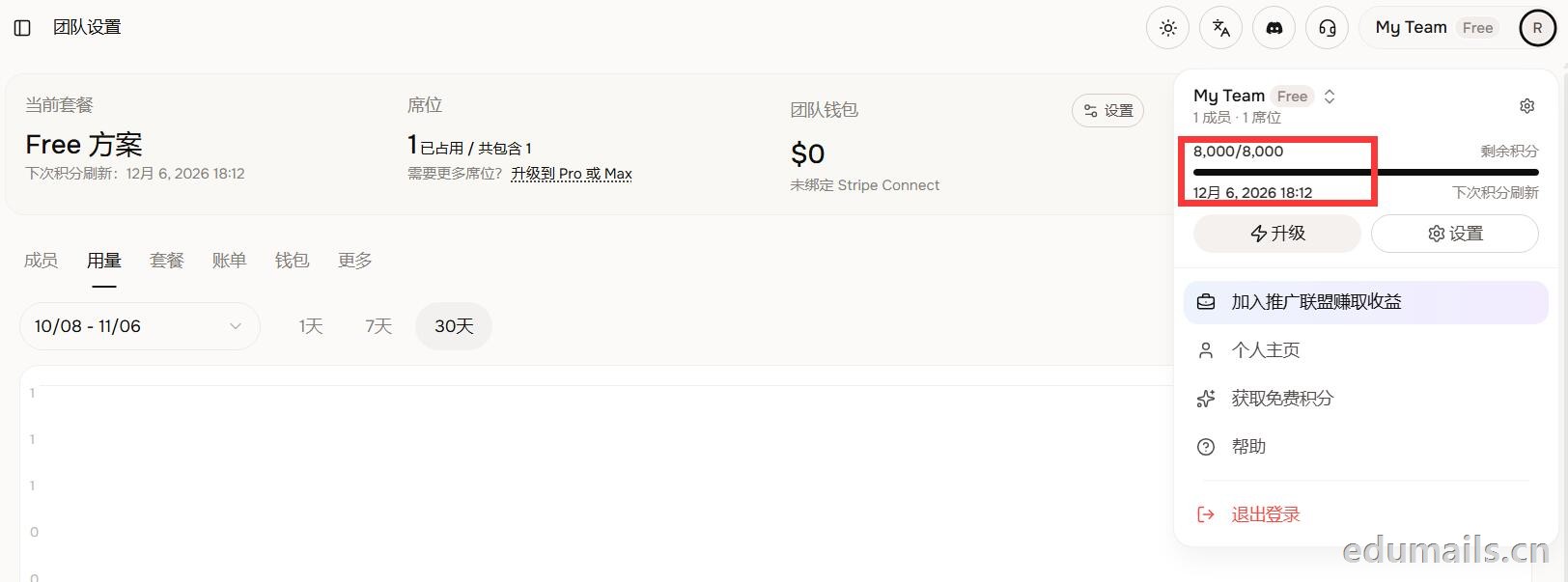 (失败)余额仍卡在8,000/8,000,无任何入账流水,只拿到普通免费版基础额度,属于典型的认证或链接未生效。
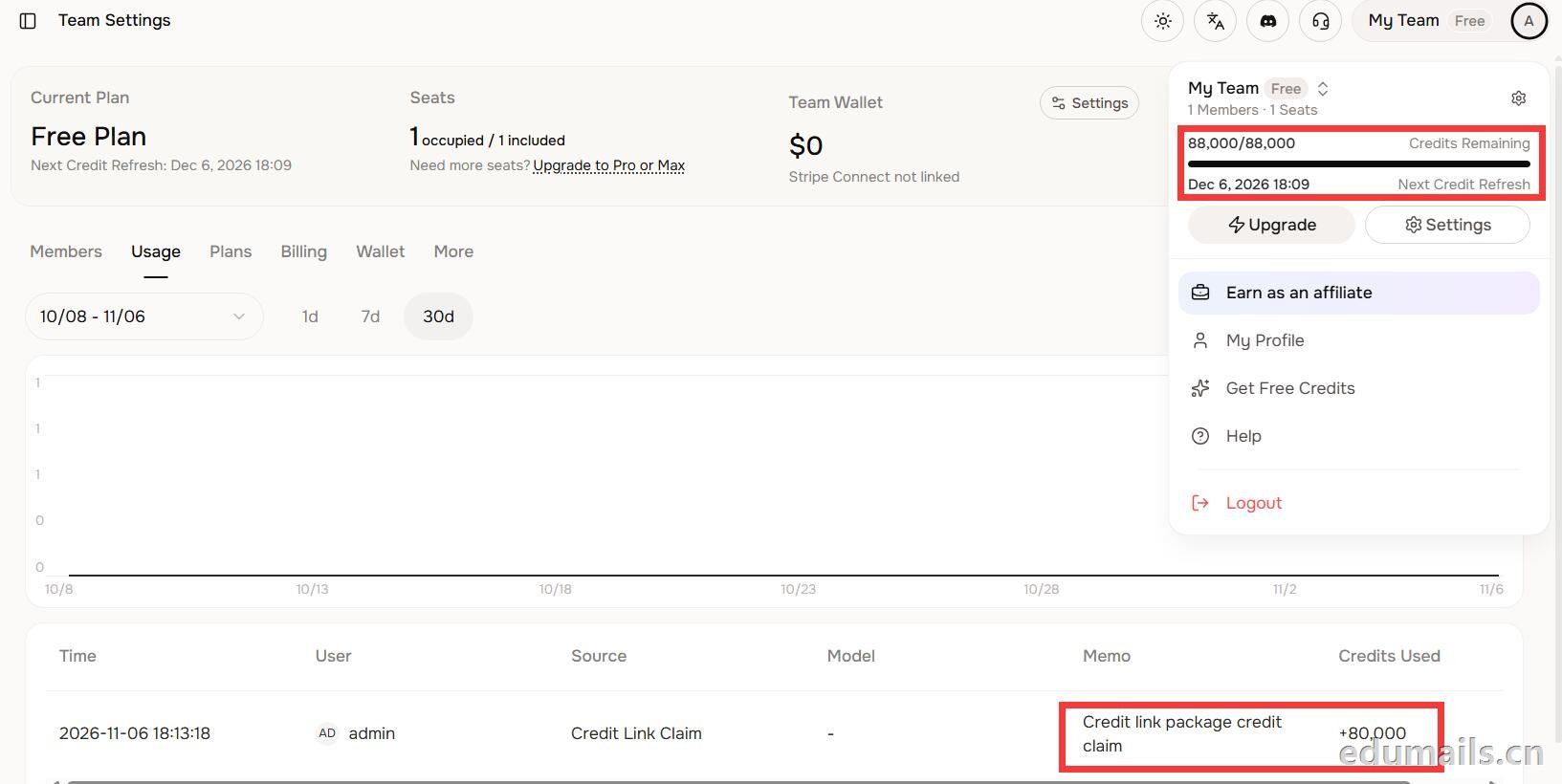 后台显示余额88,000/88,000,下方流水明确记录“Credit link package credit claim +80,000”,说明在基础免费额度(8,000)外,成功白嫖了8万教育包积分,这正好印证了上一轮说的“额外大额积分”,下次刷新在12月6日。
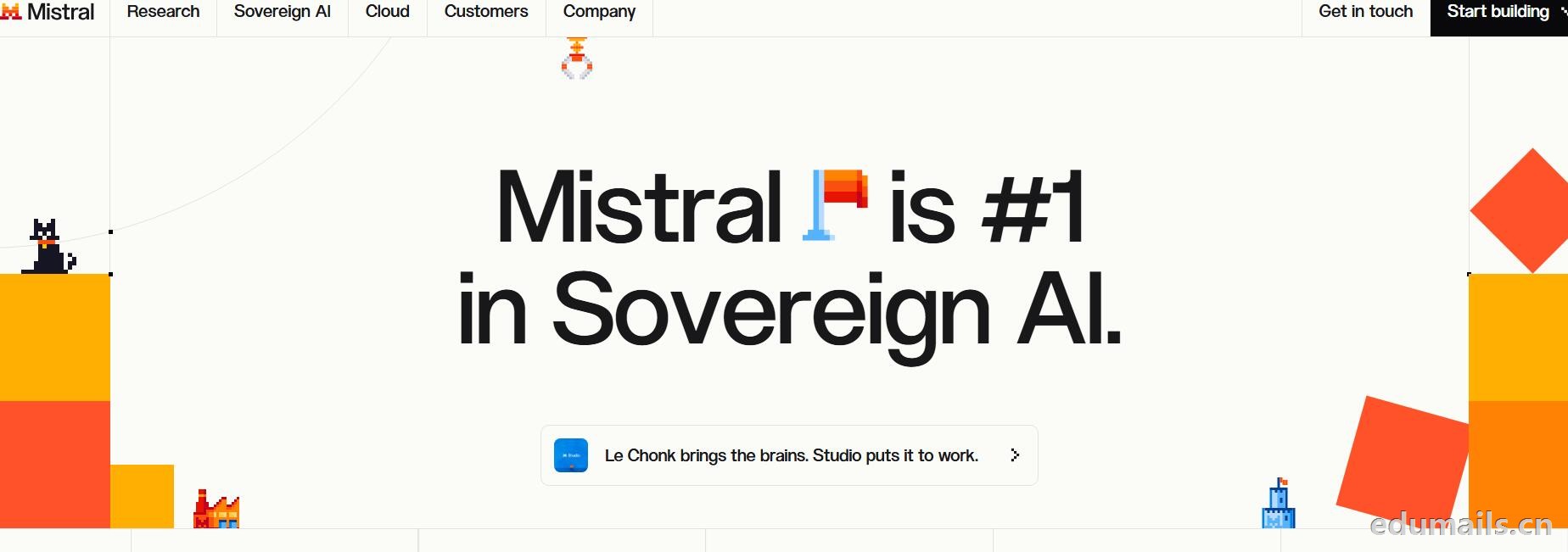
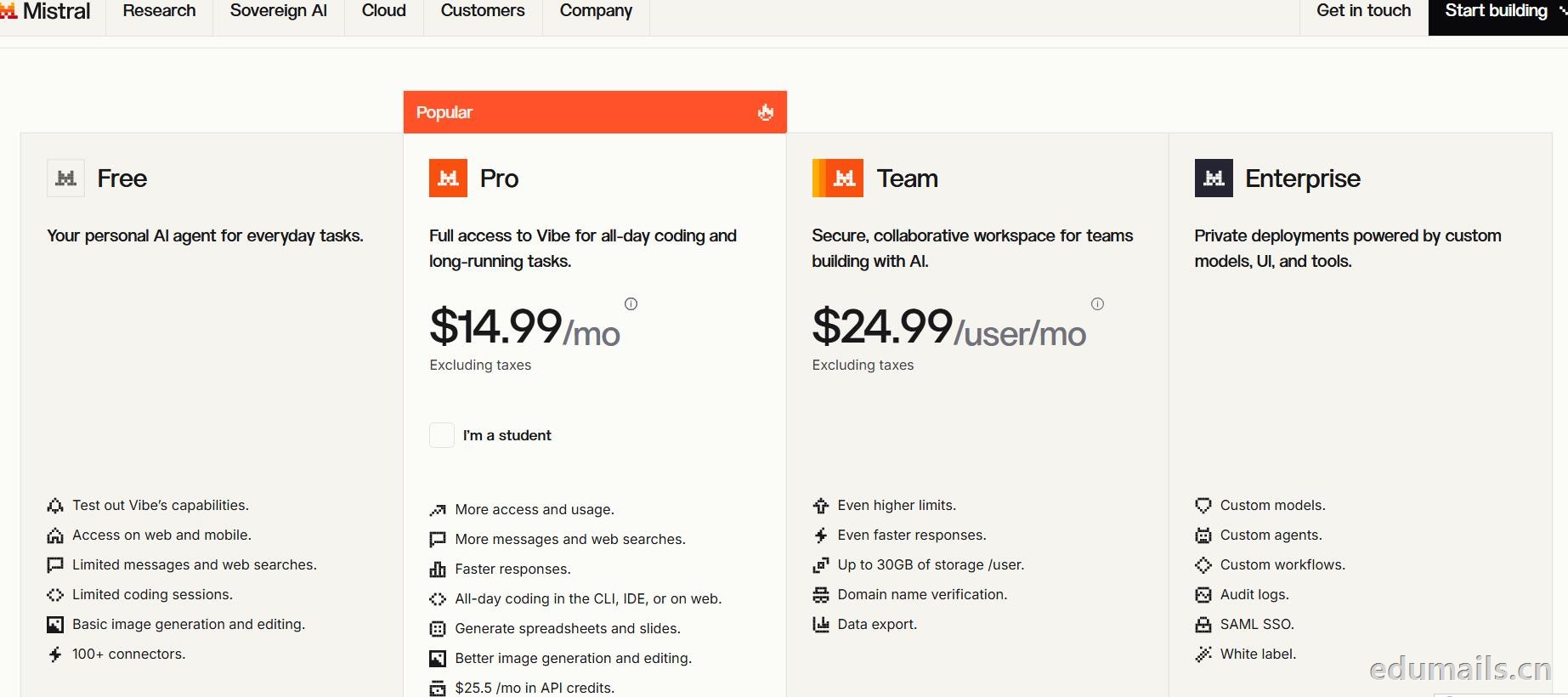
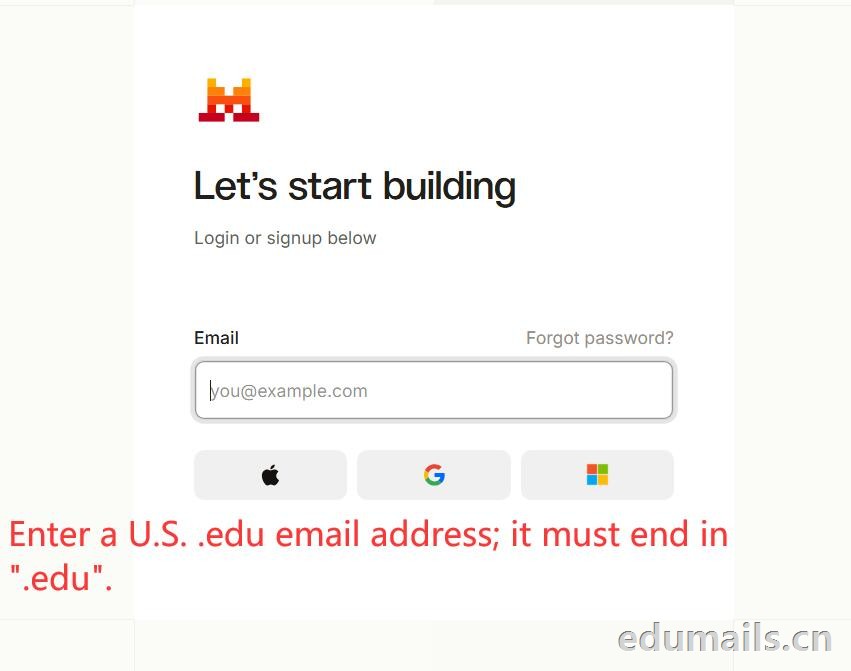
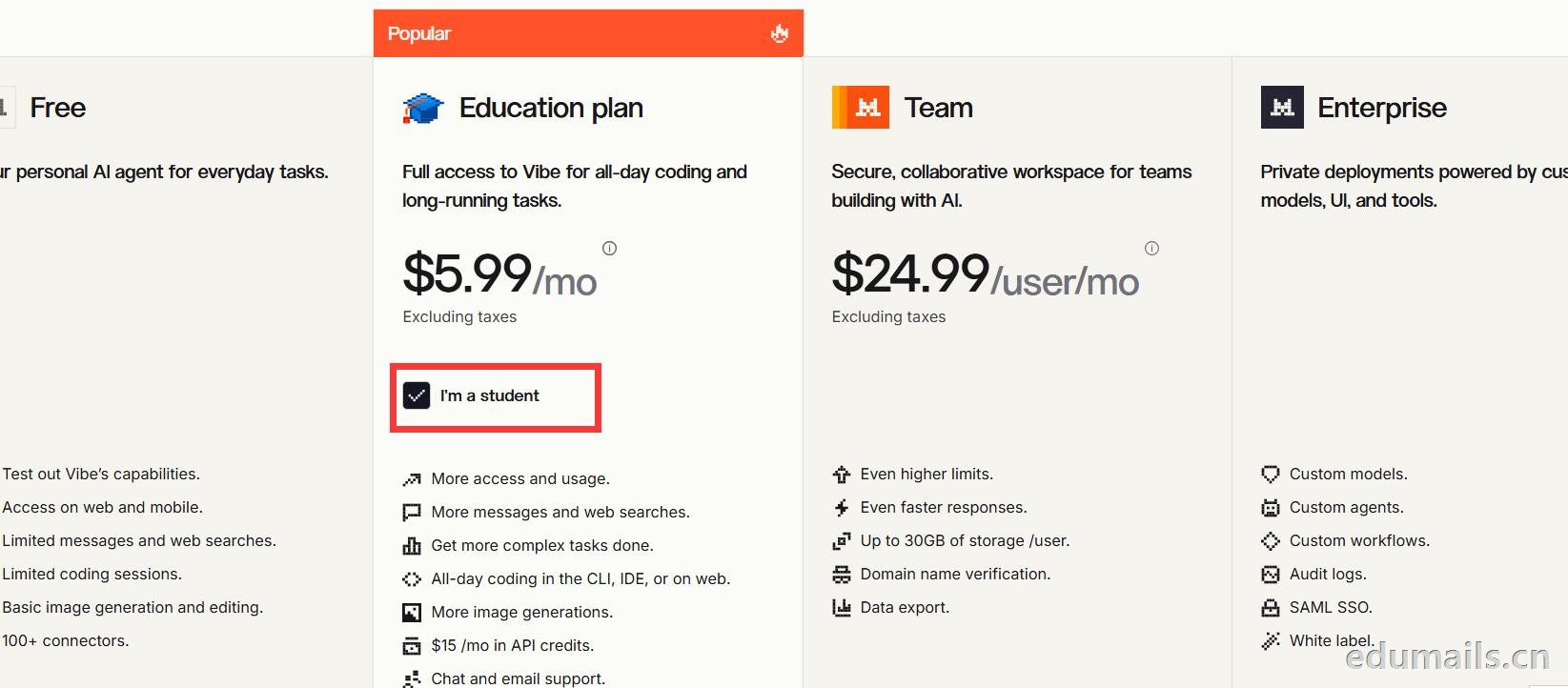 Mistral 的 Education 计划并不是一套独立套餐,而是面向符合条件的学生与教师提供的 Pro 折扣版本。获得优惠的唯一凭证,是由教育机构签发的机构邮箱;Gmail、iCloud、Outlook 等个人或通用域名邮箱无法通过核验,学生证、在读证明、确认信等书面材料也明确不被接受,不能作为替代。
订阅入口位于价格页的「I'm a student」按钮,也可直接打开 Education 计划页面完成流程:既可以用机构邮箱注册一个全新的 Mistral 账号,也可以在已有账号中先把绑定邮箱改为机构邮箱再订阅。
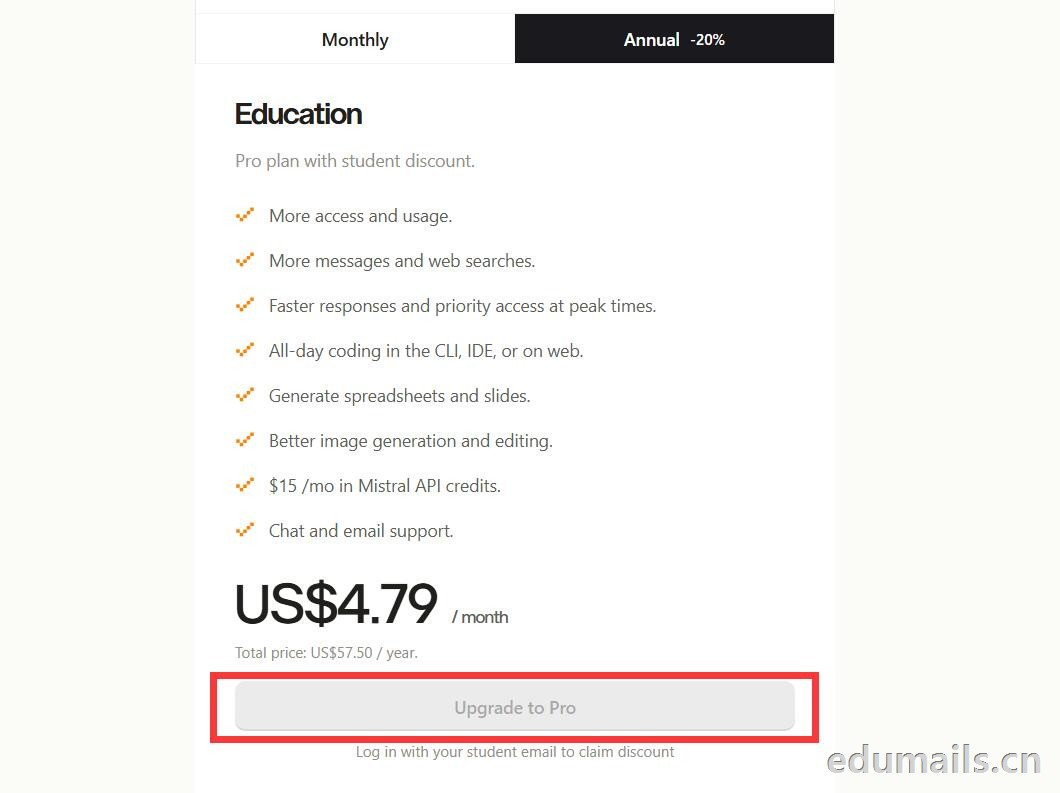
 如果我们的邮箱地址不符合官方学术资格要求,我们点击Upgrade to Pro 是无法点击,为灰色显示。
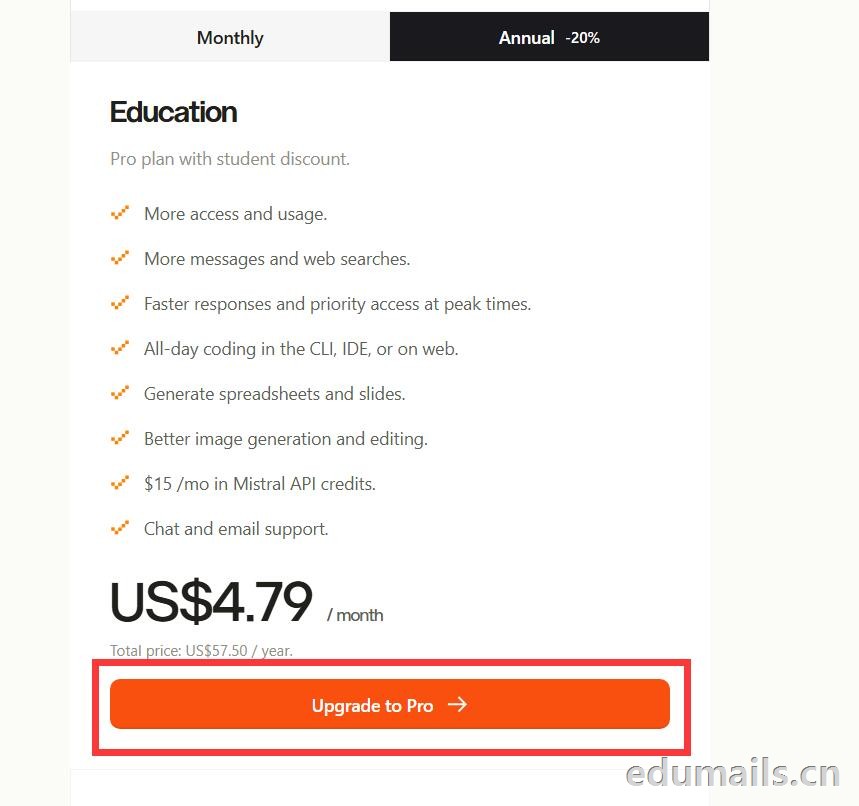
 如果我们的邮箱地址符合官方学术资格要求,我们点击Upgrade to Pro 是高亮黄色显示,是可以继续点击下一步。
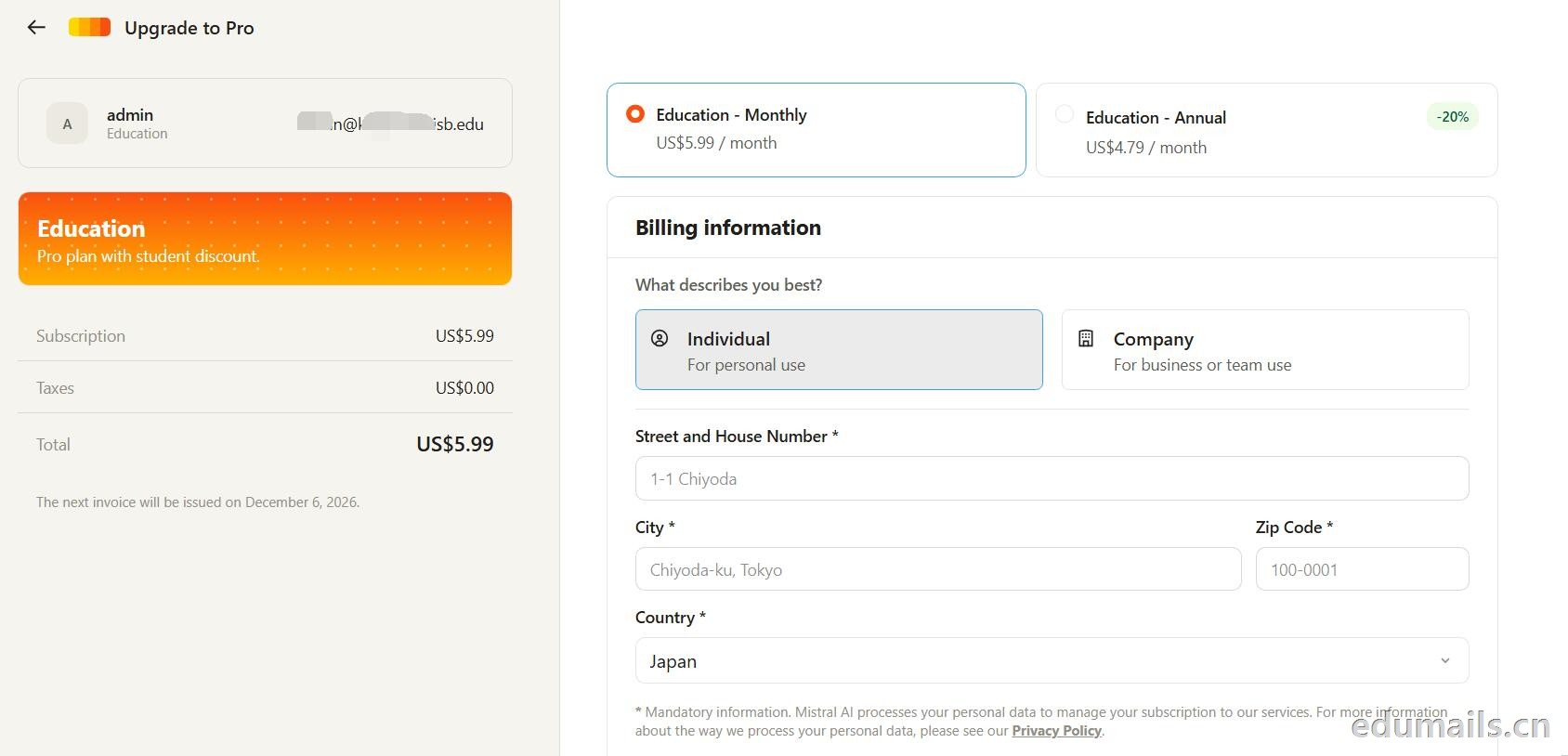 走到支付这一步,教育优惠的折扣感最直观:界面左侧会明确打出“Pro plan with student discount”,只要绑定了
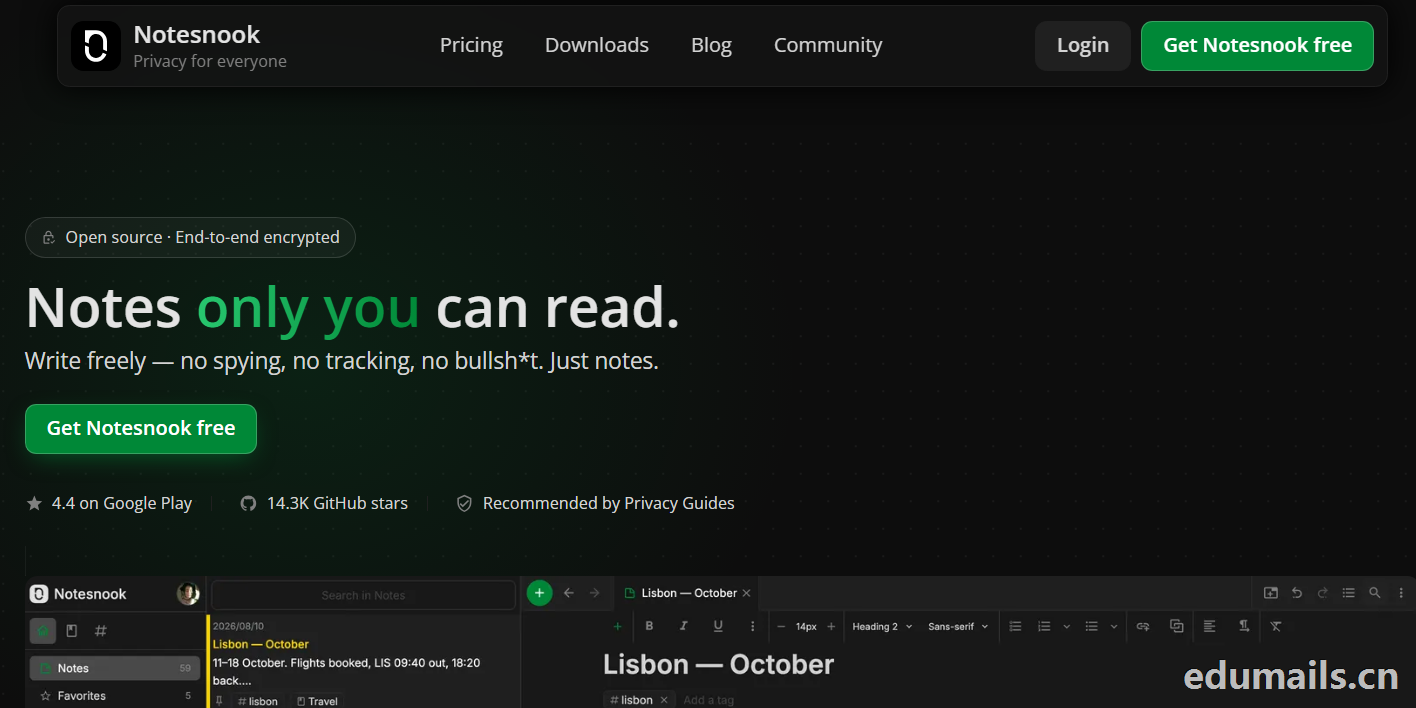


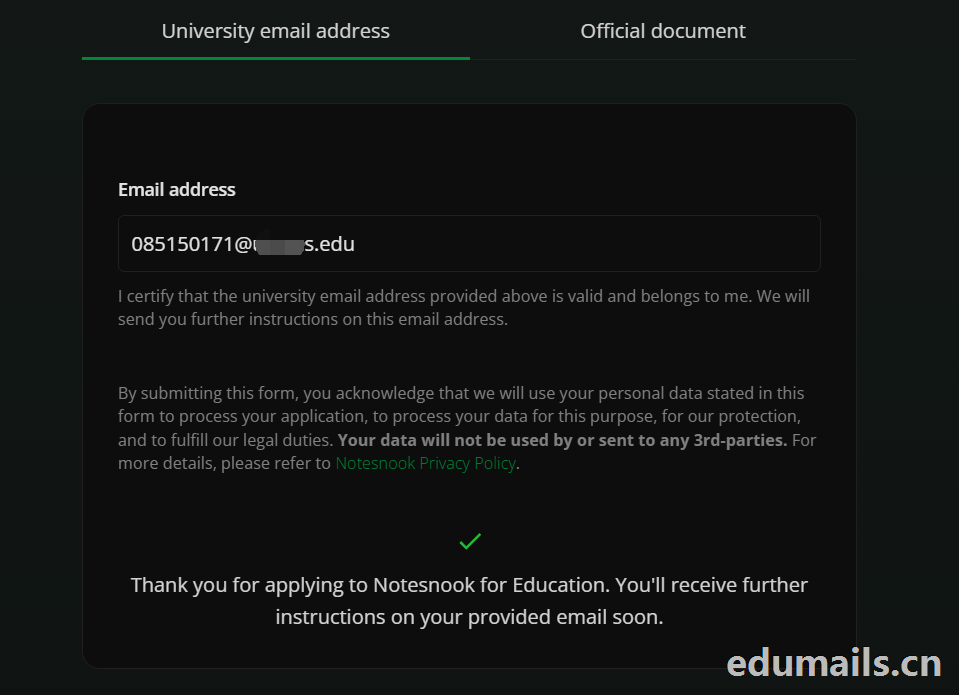 Thank you for applying to Notesnook for Education. You'll receive further instructions on your provided email soon.
如果我们的美国edu邮箱符合秒过要求,则如上图展示效果:感谢您申请 Notesnook 教育版。您很快就会在所提供的邮箱中收到后续指引。
我们打开edu邮箱提示收到
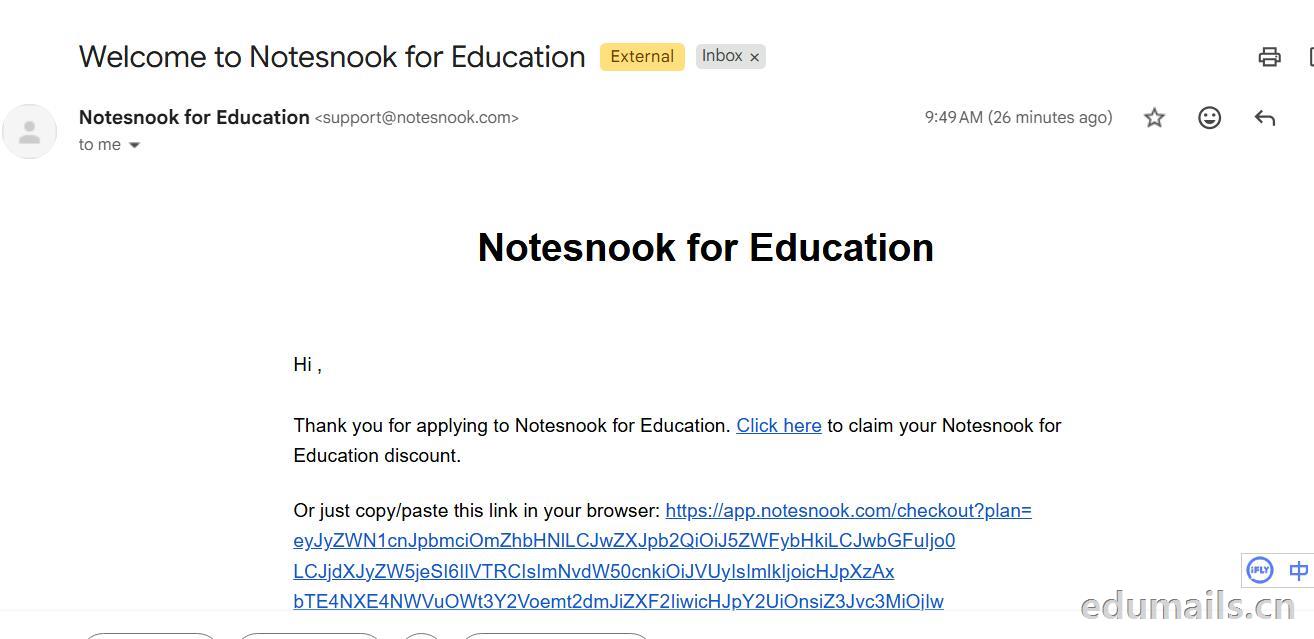 Thank you for applying to Notesnook for Education. Click here to claim your Notesnook for Education discount. 感谢您申请 Notesnook 教育版。点击此处领取您的 Notesnook 教育版折扣。

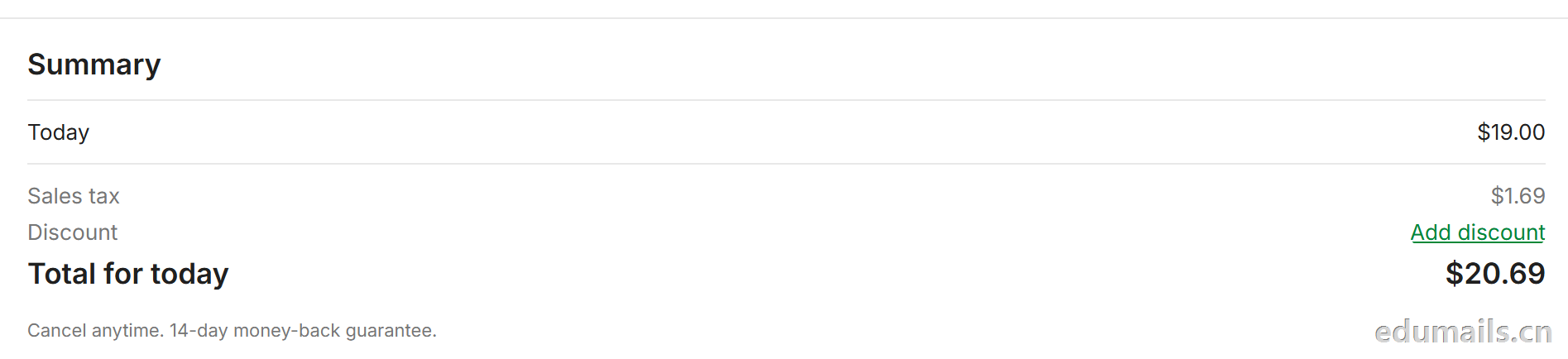 我们看到价格是20美金,官方支持paypal、信用卡支付,如果没有支付方式可以找代付解决。

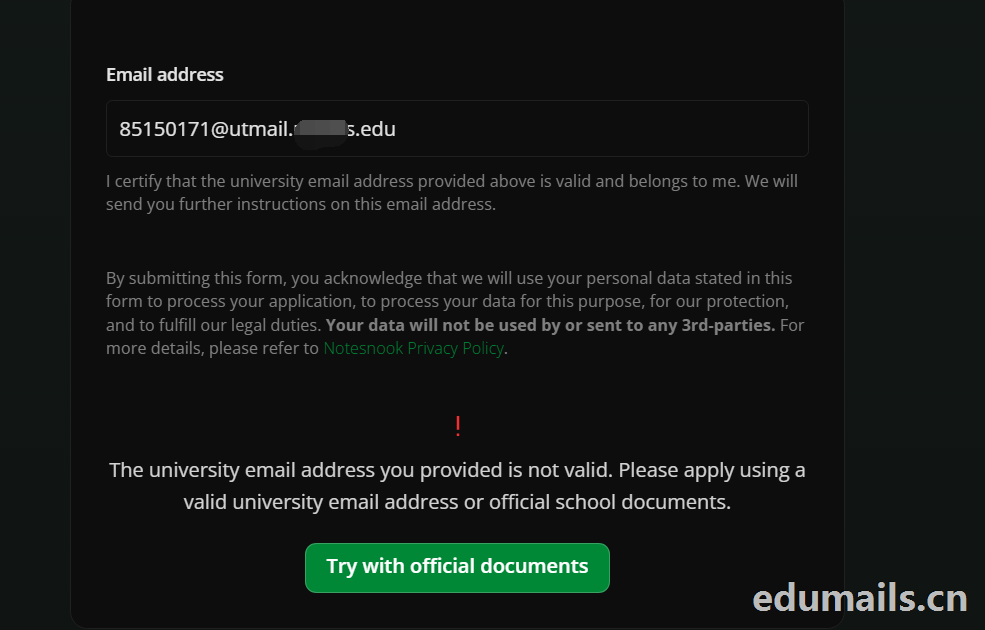 The university email address you provided is not valid. Please apply using a valid university email address or official school documents.
您提供的大学电子邮箱地址无效。请使用有效的大学电子邮箱地址或学校官方文件进行申请。我们点击Try with official documents,按照要求提供相关学校官方文件即可通过。
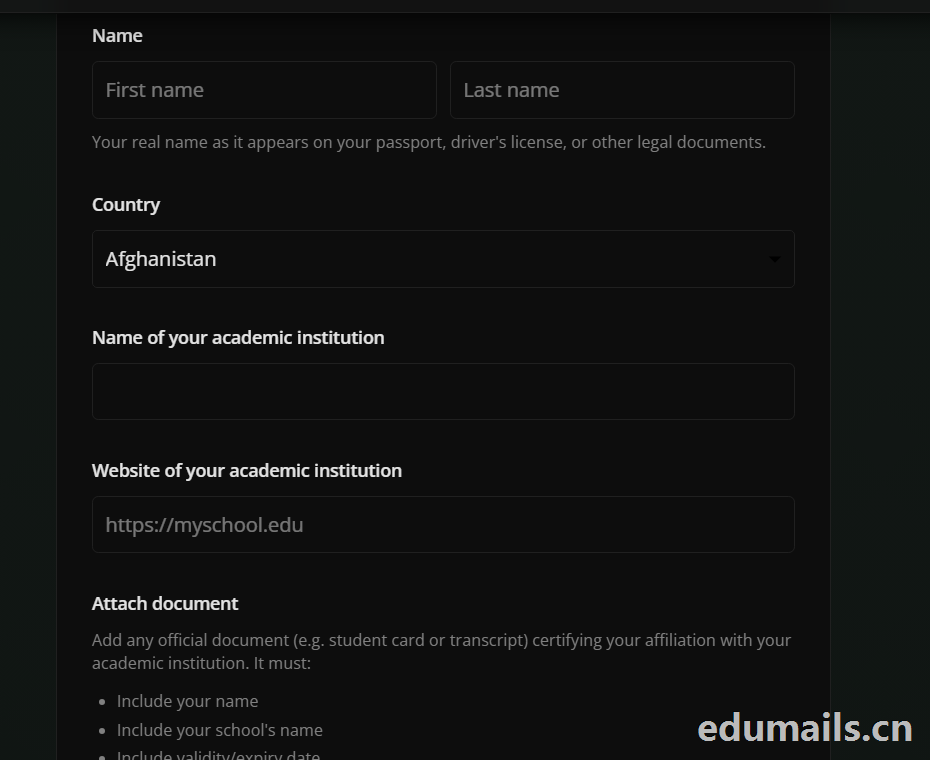
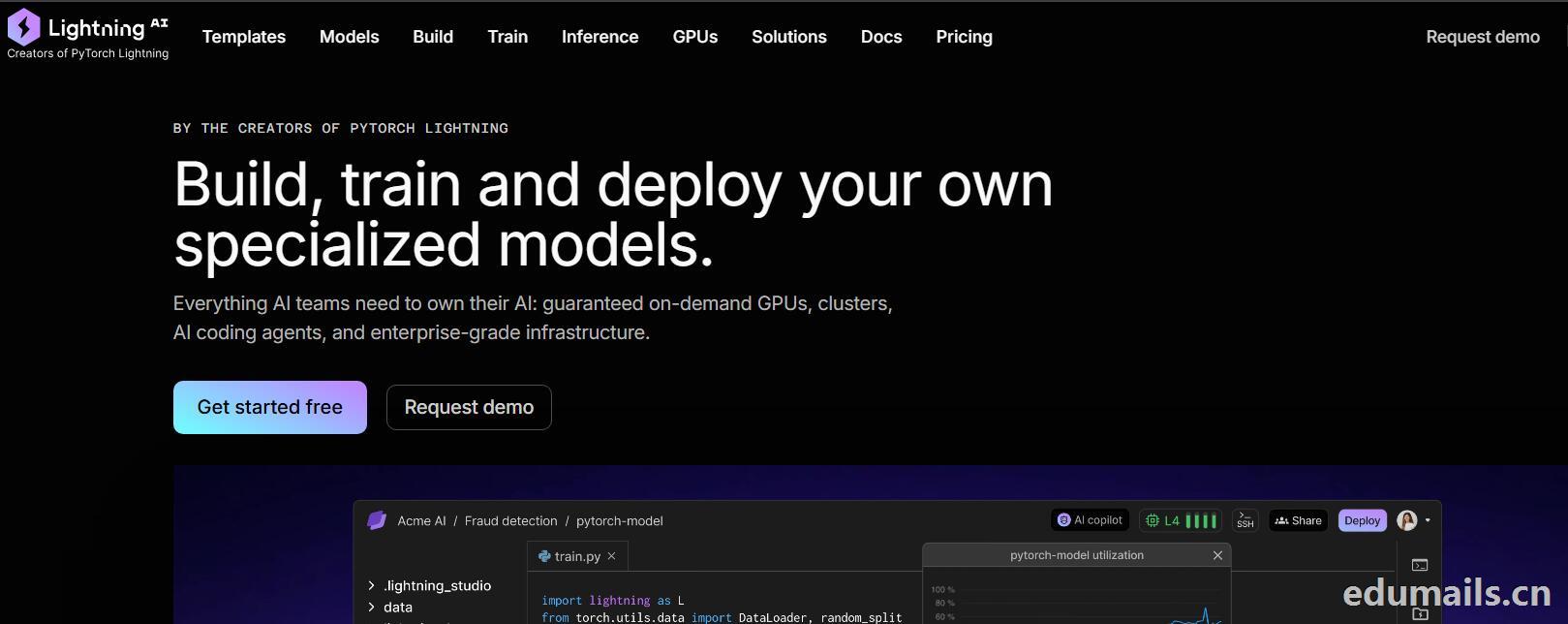

 我们再接着点击Choose Pro,弹出教育资格注册认证页面:如下图所示:Use a work or .edu email for faster verification,使用工作邮箱或 .edu 邮箱以加快验证速度,要求我们必须使用美国.edu结尾邮箱进行注册。
 我们的美国edu邮箱会收到来自no-reply@lightning.ai发送标题为“Confirm your email to finish creating your Lightning AI account”的邮箱验证邮件:
 我们点击完成认证,再次回到价格页面,点击学术价格,弹出如下图所示:
 Select organization to upgrade 我们默认选择即可,提示Upgrade to Academic,会弹出学术价格内容:
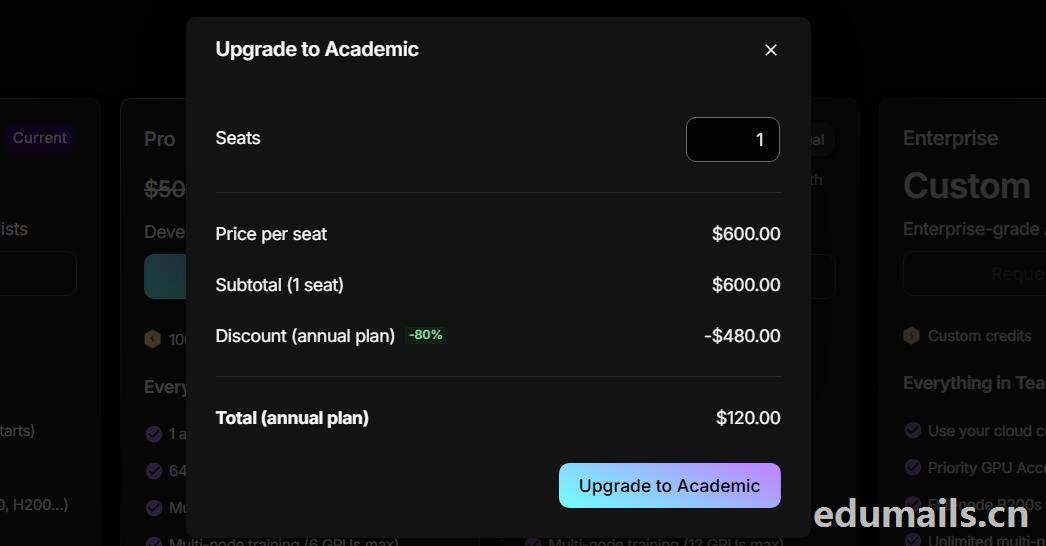 席位(Seats):1 个,每席位原价:$600.00/年,小计(1 个席位):$600.00,年付折扣:-80%,减免 $480.00
最终年付总价:$120.00
最后我们点击:Upgrade to Academic
也就是:学术版 Pro 年付原价 $600,打 2 折后 $120/年,折合 $10/月。需要用学术邮箱/学术身份开通。

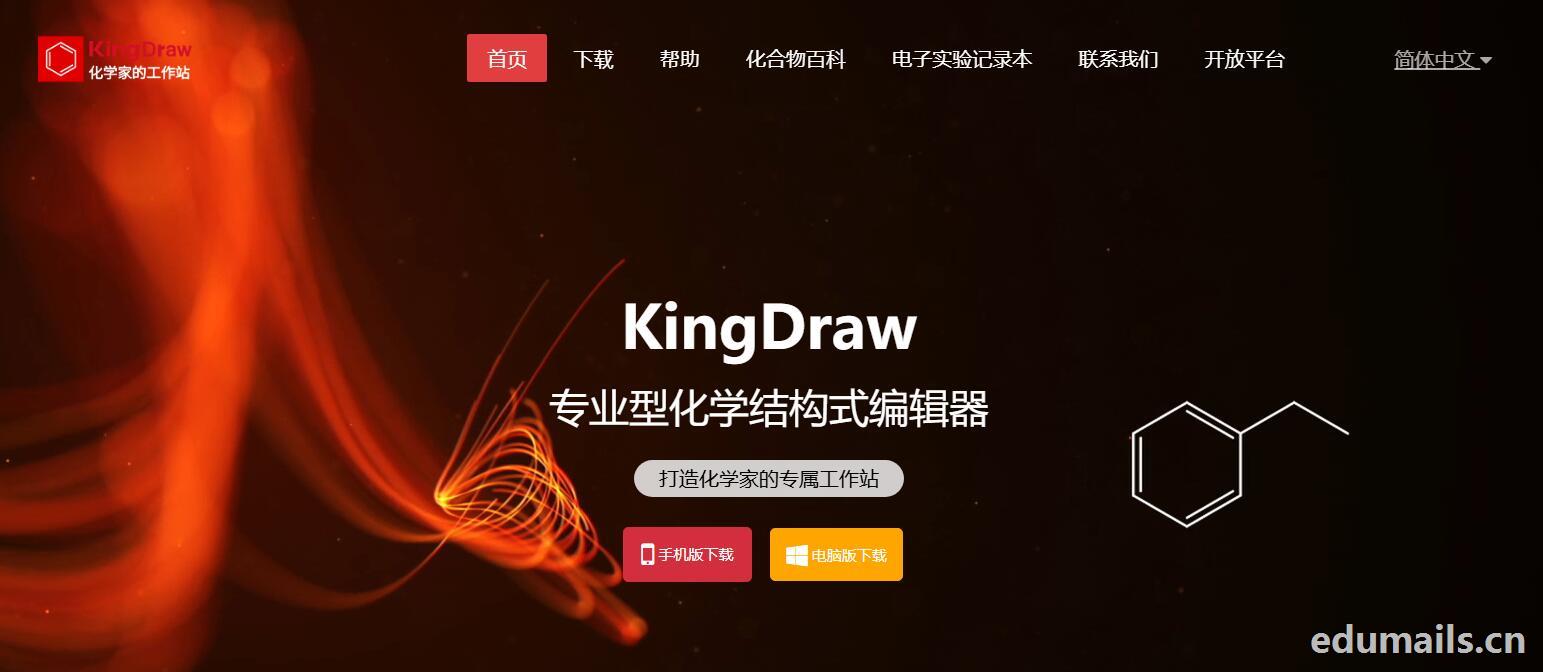
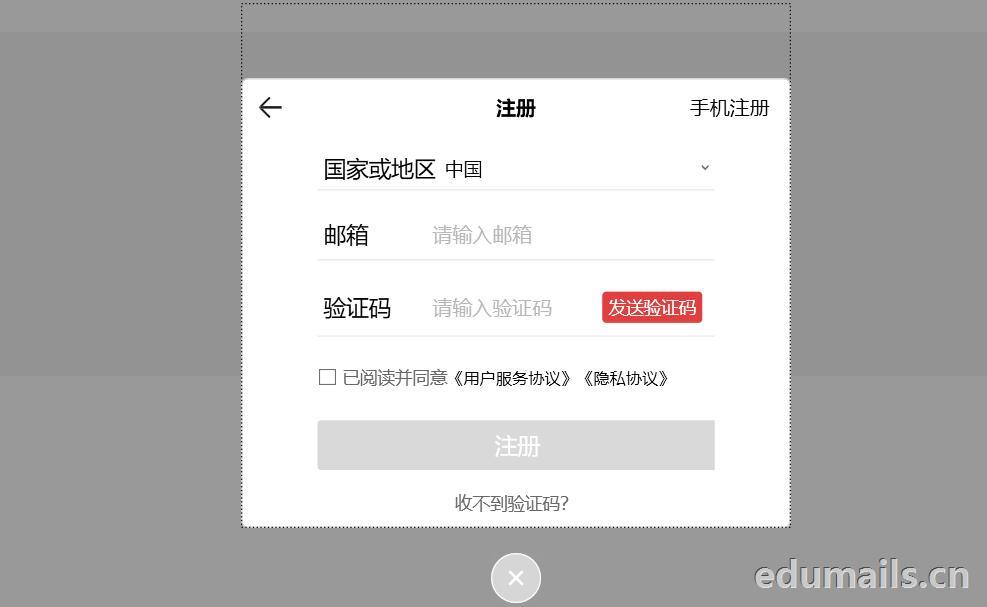
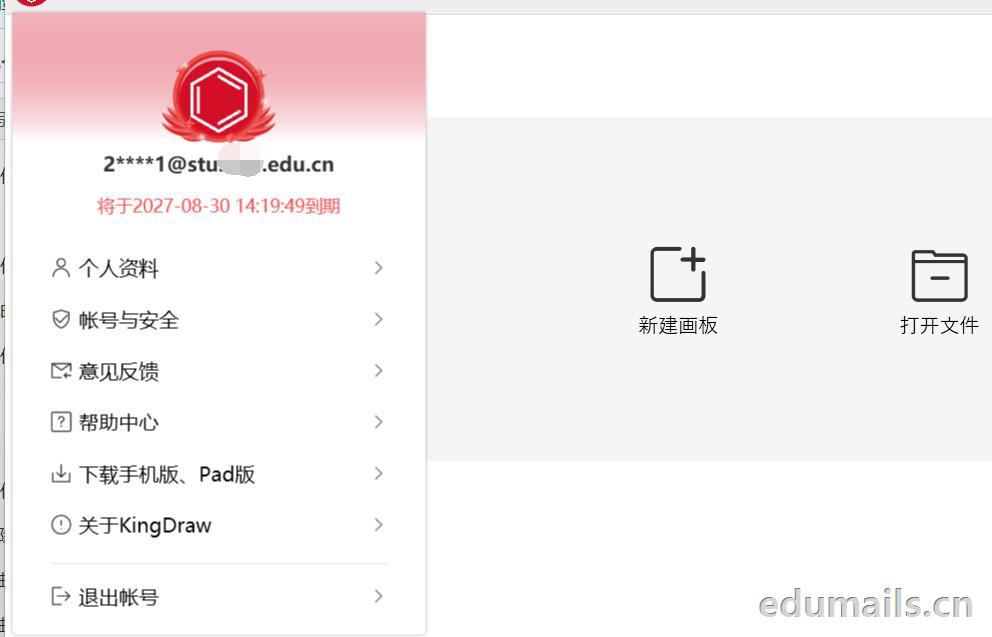
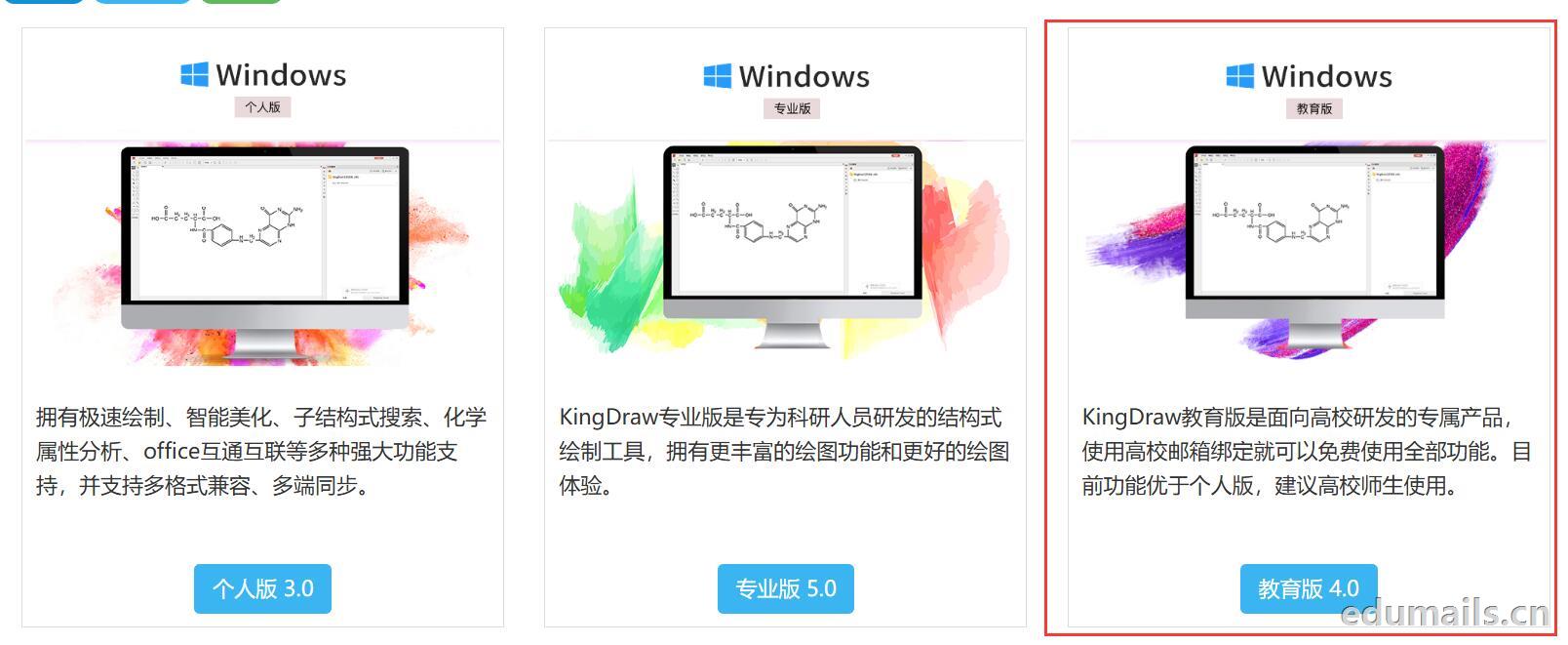 我们下载安装完成KingDraw教育版后,点击登陆提示如下图,我们选择邮箱方式注册,在这里我们可以用任何邮箱注册KingDraw账户。
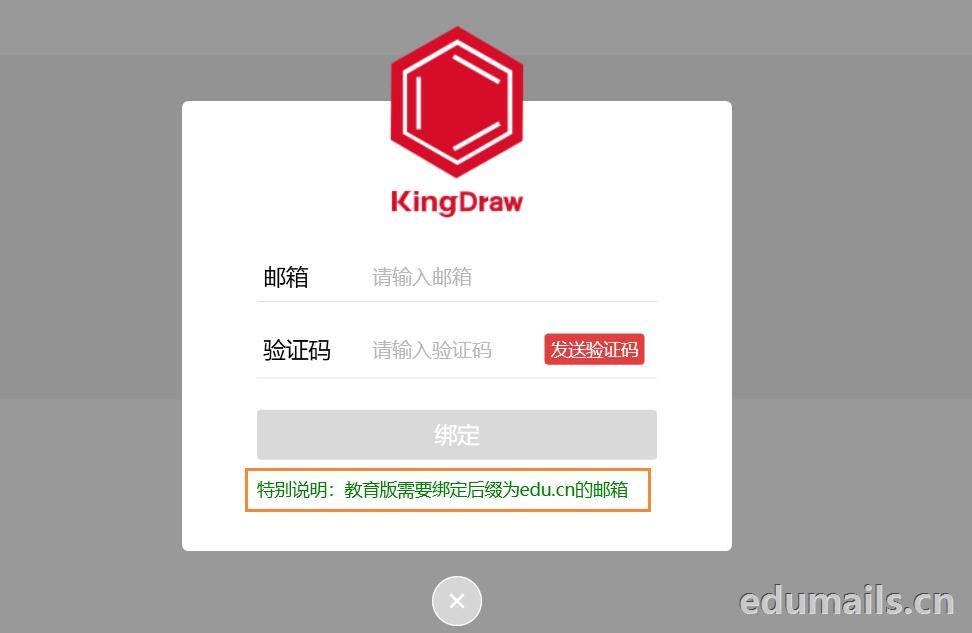
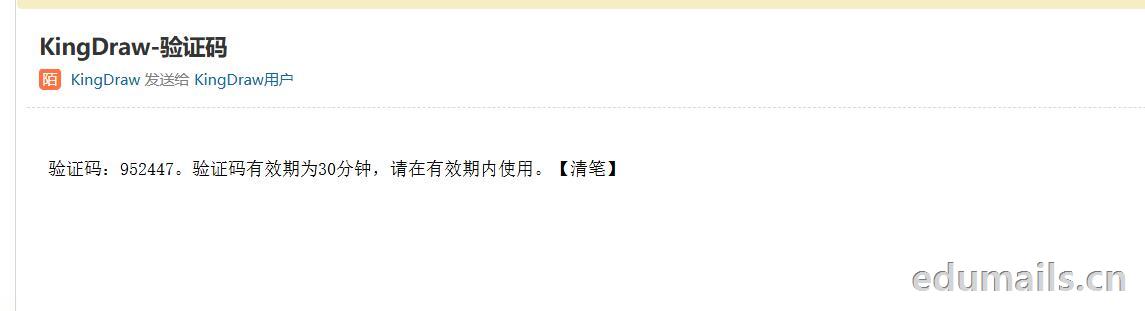
 我们用任意邮箱注册完KingDraw账户后,提示绑定educn邮箱,我们可以用代收服务进行educn代收邮件认证。
 https://www.edumails.cn/chemdraw.html

 ZH
 EN