
 EDU Education Network Email Registration Application

Introduction
The Economist positions itself as a comprehensive news and commentary publication covering a wide range of global political, economic, cultural, scientific and technological matters, and although the publication is in the form of a magazine, to this day The Economist still refers to itself as a newspaper. It was founded in September 1843 by James Wilson. Most of the magazine's articles are written with wit, humor, intensity, seriousness and wit, and focus on how to tell the reader the most information in the least amount of space. The magazine focuses primarily on politics and business, but each issue also includes one or two stories on technology and the arts, as well as a few book reviews. All the articles in the magazine are anonymous and often take a strong stance, but are always factual. Its editors believe that what is written is more important than who writes it. Beginning with the January 28, 2012 issue, The Economist opened a China section, providing more space for articles on China. economist.com
Subscription price
digital version
Annual Best Value $189.00/year Auto-Renewal; Quarterly 12-week $ $55.00 Auto-Renewal $55.00 per quarter. Current activity is $25
The Economist app and Economist.com digital newsletter Audio editions and podcasts Archives Unsubscribe anytime.
Student Subscription Prices::Annual subscription 1 year original price $189.00Student Subscription Price $94.50Auto-renewal.
Digital + Paper
Annual $225.00/year Auto-renewal. Quarterly 12-week $ $69.00 $ $29.00 Auto-renewal at $69.00 per quarter.
The Economist app and Economist.com digital newsletter Audio editions and podcasts Archives Unsubscribe anytime.
Student Subscription Prices::Annual Subscription 1 year original price $225.00Student Subscription Price $180Auto-renewal.
Educational Benefits
The only time a 50% is awarded is exemplary, and students receive a 50% reduction in their annual digital subscription. Independent and insightful global analysis and opinion with access to apps, audio versions, podcasts, and more.
Introduction of Education Offersaddress
Application Process
We are using the U.S. edu mailbox registration today, of course, but also for convenience so directly with edu mailbox registration Economist account as shown in the figure below, we open the previous step of the education offers page, look down the subscription price, directly click "Subscribe" subscription jumps to the Create Economist Account page, as shown below:


After creating an Economist account and clicking Next, we went straight to the most important part of the process, the student verification process.
Student Certification
We have reached the "Verify your student status" authentication process to confirm your student status.
Before you continue, we need to verify you're enrolled at an accredited college or university.
Before you proceed, we need to verify that you are enrolled in an accredited college or university.
Please enter your name as it appears on your school records. Please enter your name and date of birth as it appears on your school records along with the name of your school and country.
By checking this box and clicking 'Verify student status', you consent to use your information for verification purposes according to SheerID's
By checking this box and clicking "Verify Student Status", you are consenting to the use of your information for verification purposes in accordance with SheerID's regulations. We all know that SheerID requires proof of student status to be uploaded in order to pass, but if our email address is in compliance with SheerID policy it is exempt from being uploaded.
student certification
Upload your student documents We need a bit more information to verify your student status. How does verifying work? Please upload your university or college student documentation. You may upload up to 3 school-issued documents to prove you are currently enrolled in college. Your document must display : Your full name An issue date within the last 3 months The full name of the college/university you are currently attending Examples of acceptable documents are a class schedule, transcript, or a registration or tuition receipt. Only upload .jpg, .png, .pdf, .gif or .bmp files.
Upload your student file, we need more information to verify your student status. How does verification work?
Please upload yourUniversity or college student documents. You may upload up to 3 documents issued by your school to prove that you are currently attending college. Your documents must be displayed:
Your full name, the date of issue within the last 3 months, the full name of the college/university you are currently attending, Examples of acceptable documents include course schedules, transcripts, or registration or tuition receipts.
Upload only .jpg, .png, .pdf, .gif or .bmp files.
Certification Success
You've been verified
We've successfully verified your student status. You may now continue to checkout to complete your purchase. status if you wish to complete your purchase at a later time.
Congratulations! You have been verified.We have successfully verified your student status. You may now proceed to checkout to complete your purchase. If you wish to complete your purchase later.We will store your student status.

Our edu mailbox will also receive an official notification email titled "Congratulations: your Student status is confirmed", as shown in the picture below:
We've verified your student status.

welcome letter
Dear Patrick.
We're glad you signed up with us. Providing you with three free articles each month containing our unique blend of factual reporting and thought-stretching analysis, the
We can help you connect the dots between different topics. You'll also benefit from exclusive access to digital events as well as podcasts and videos. We've granted you access to This Week in the Economist - a newsletter delivered to your inbox every Thursday with unmissable highlights from our weekly magazine, handpicked by me. From politics to business and finance, from technology to culture and the arts, our audience turns to us for an unbiased view of the world and in-depth commentary on the stories behind the headlines. The pursuit of progress is our mission, and our writing helps our subscribers explore the world in different ways. The Economist attracts a wide variety of people - from global leaders to armchair explorers - to give our opinions on the issues that shape the world. Whether you come to us for work or to enjoy our leisure time, we're confident you'll benefit from our content.
E-mail access
This is the price and after-sales policy, please look at the product list:https://www.edumails.cn/pricemail.html
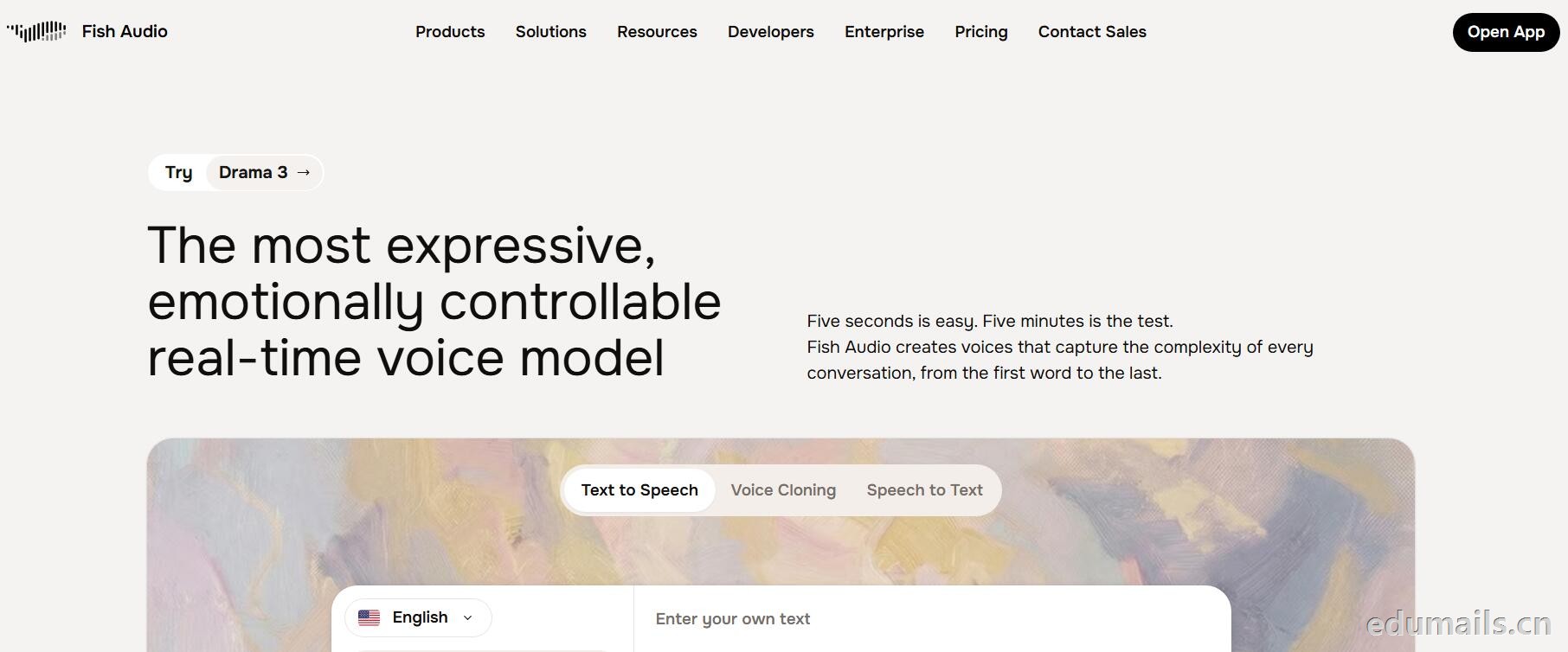
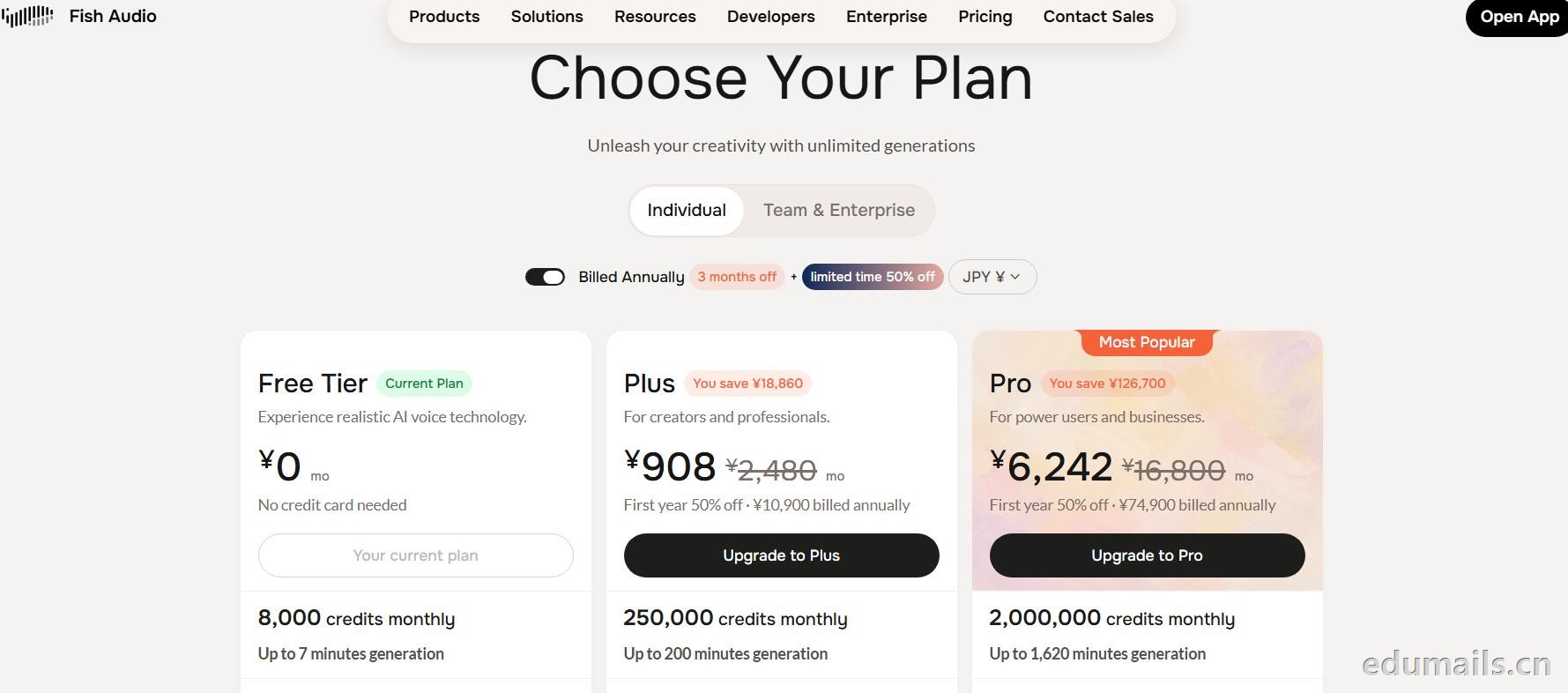
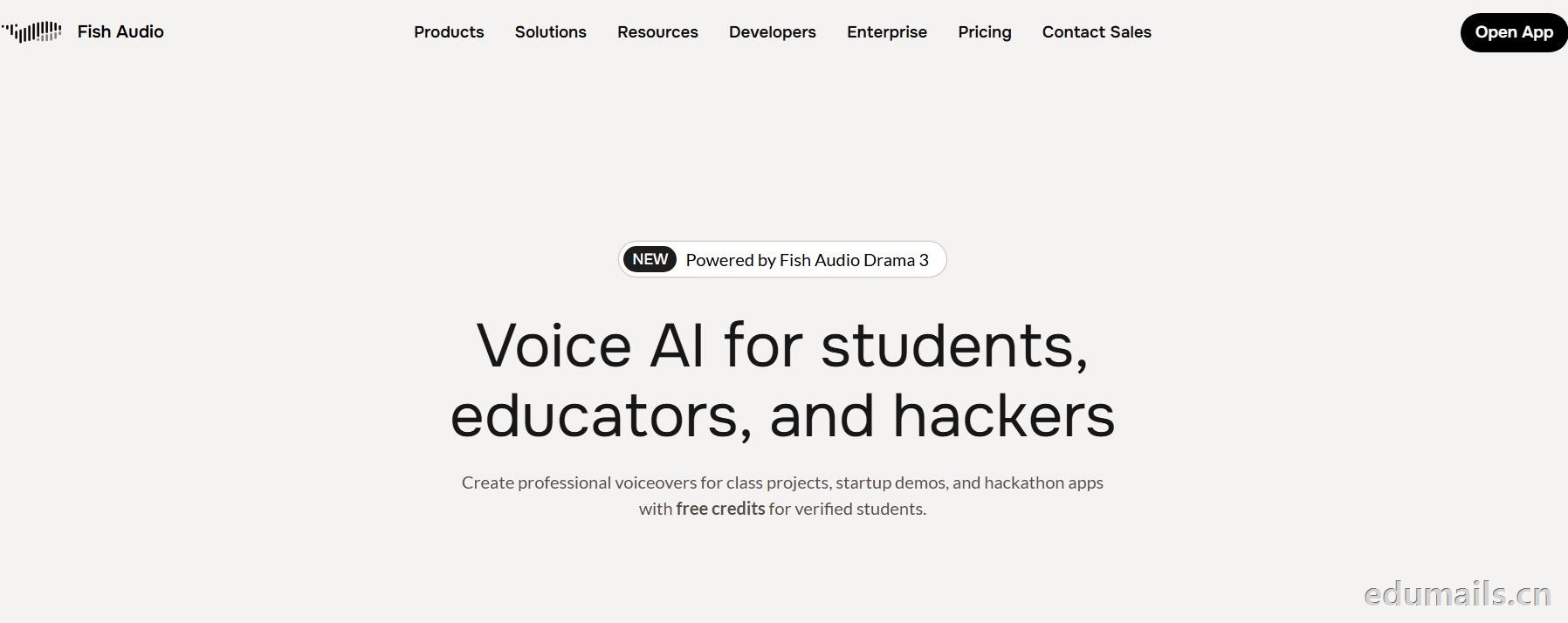 英文领取链接:https://fish.audio/app/claim/students/
中文领取链接: https://fish.audio/zh-CN/app/claim/students/
用 .edu 学生邮箱认证,领“免费积分”,做课堂/黑客松/毕设/校园项目配音和声音克隆,但不能商用。学生、教育工作者、黑客松选手都算目标人群。
免费积分(数额不公开,叫“generous credits”)可用全部语音模型、TTS、声音克隆(10 秒录音复刻音色)支持多语言(页面写 8 种/83 种说法不一,以账号内为准),含 完整 API 权限(接代码、做 Demo、黑客松 App 都能用),可申请当“校园大使”:每月额外积分 + 抢先体验新功能。
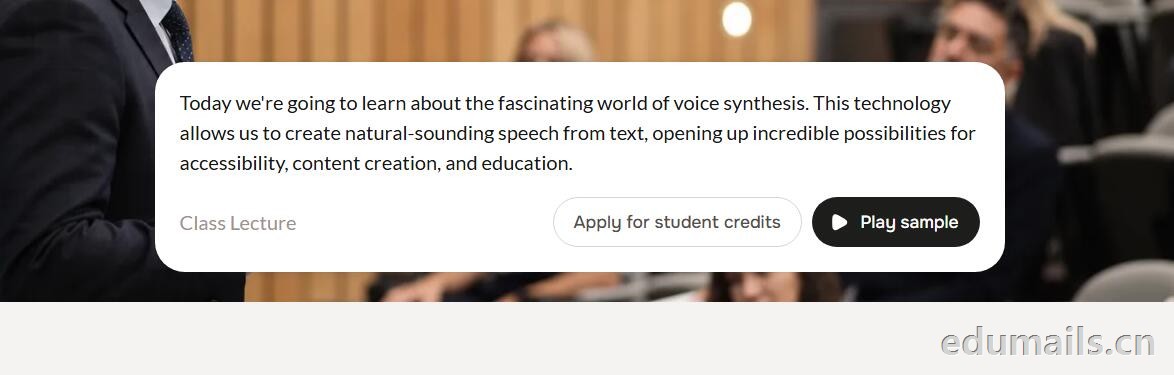
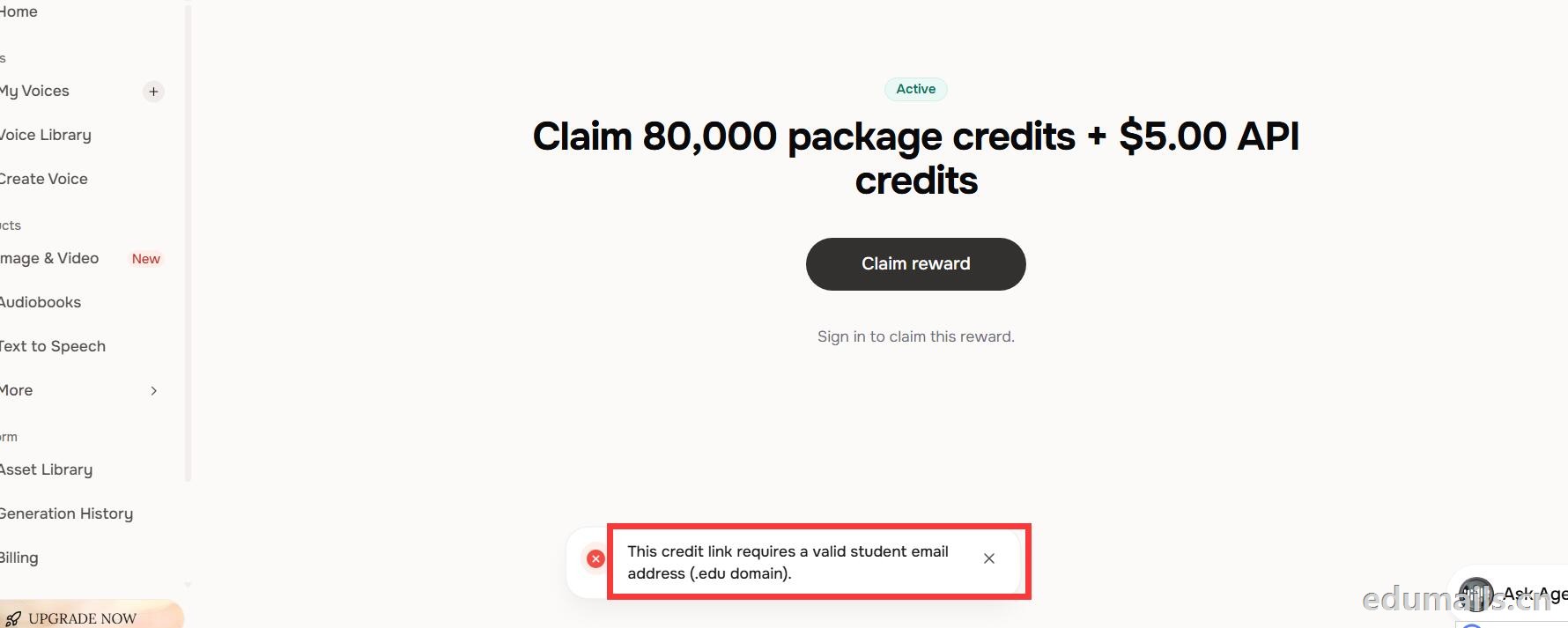
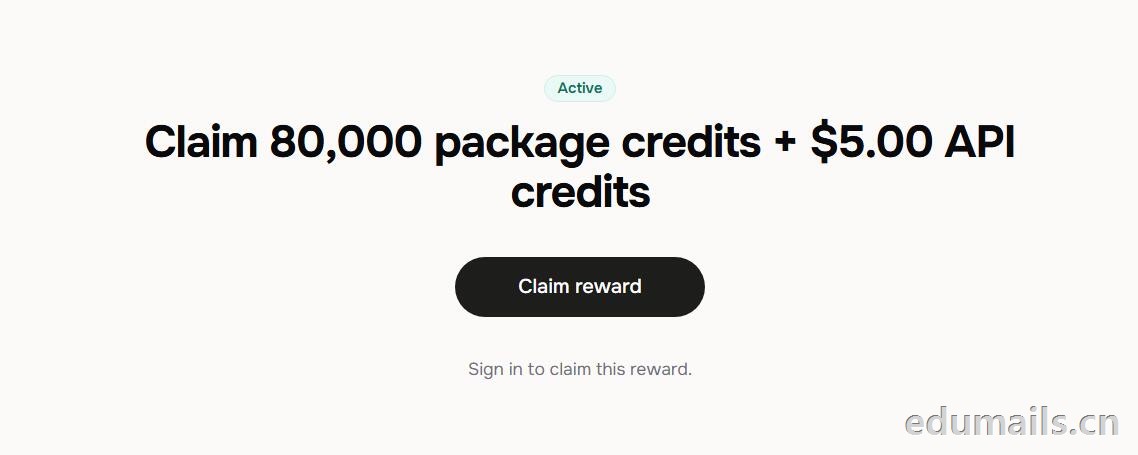 根据本站测试:额度为Claim 80,000 package credits + $5.00 API credits 领取 80,000套餐积分+$5.00 API 积分
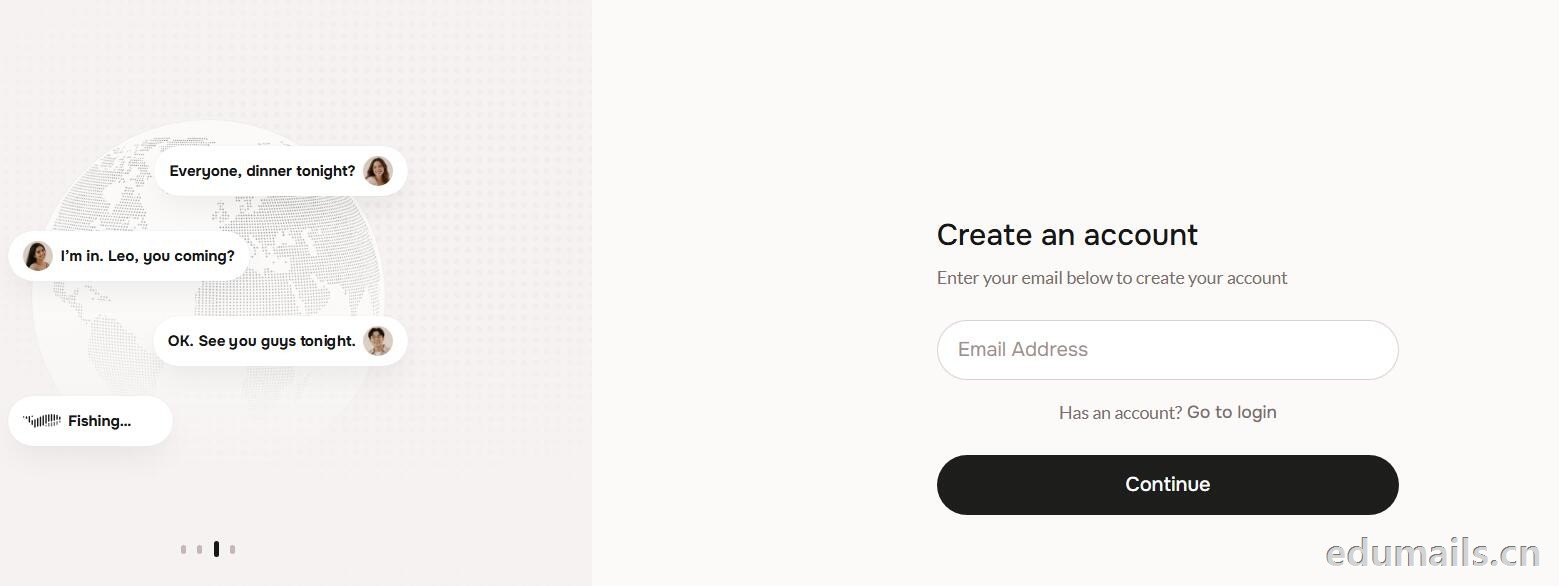
 提示创建账户:https://fish.audio/auth/signup/ 我们直接用美国edu邮箱进行注册演示。
Ps:我们如果在其他地方购买美国edu邮箱,一定要问是否为正规的,因为很多邮箱都是盗用的扫号来的,无法修改密保,也无法保证邮箱使用时间,所以我们不要贪图便利在某鱼购买。
 我们查看团队设置https://fish.audio/zh-CN/app/team/?tab=usage 里面是没有领取80,000积分的赠送额度。只有赠送的8000额度。
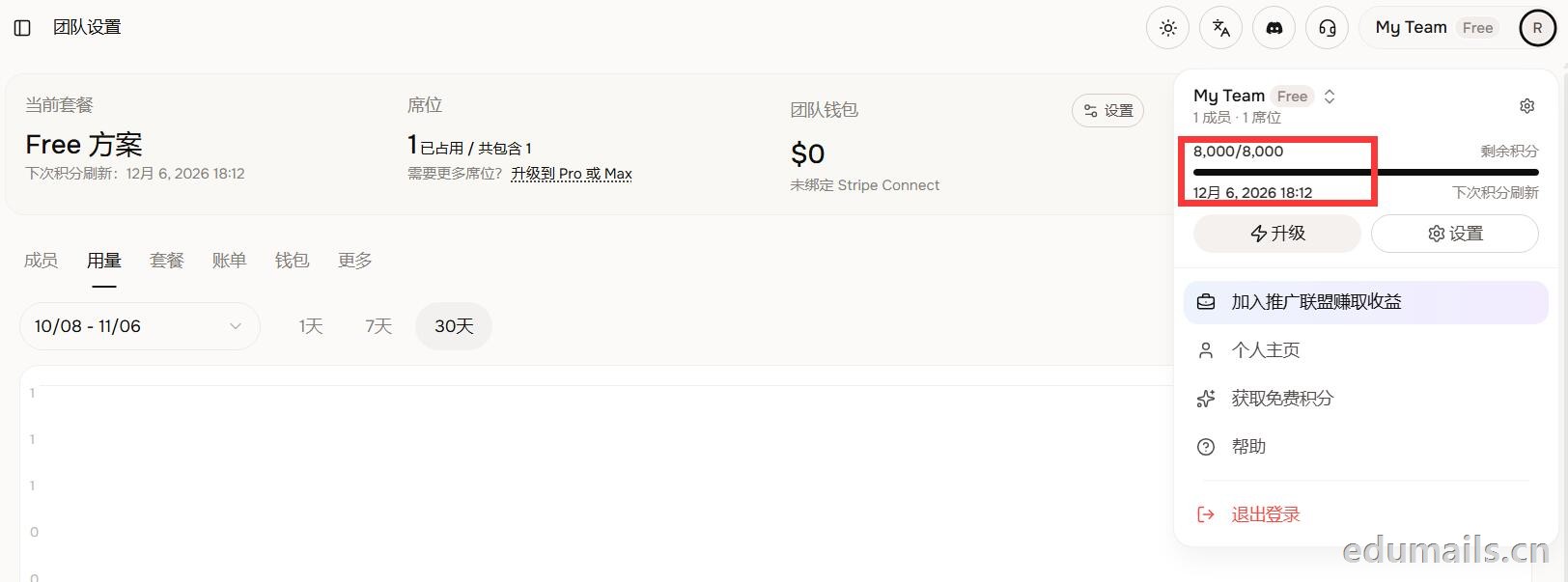 (失败)余额仍卡在8,000/8,000,无任何入账流水,只拿到普通免费版基础额度,属于典型的认证或链接未生效。
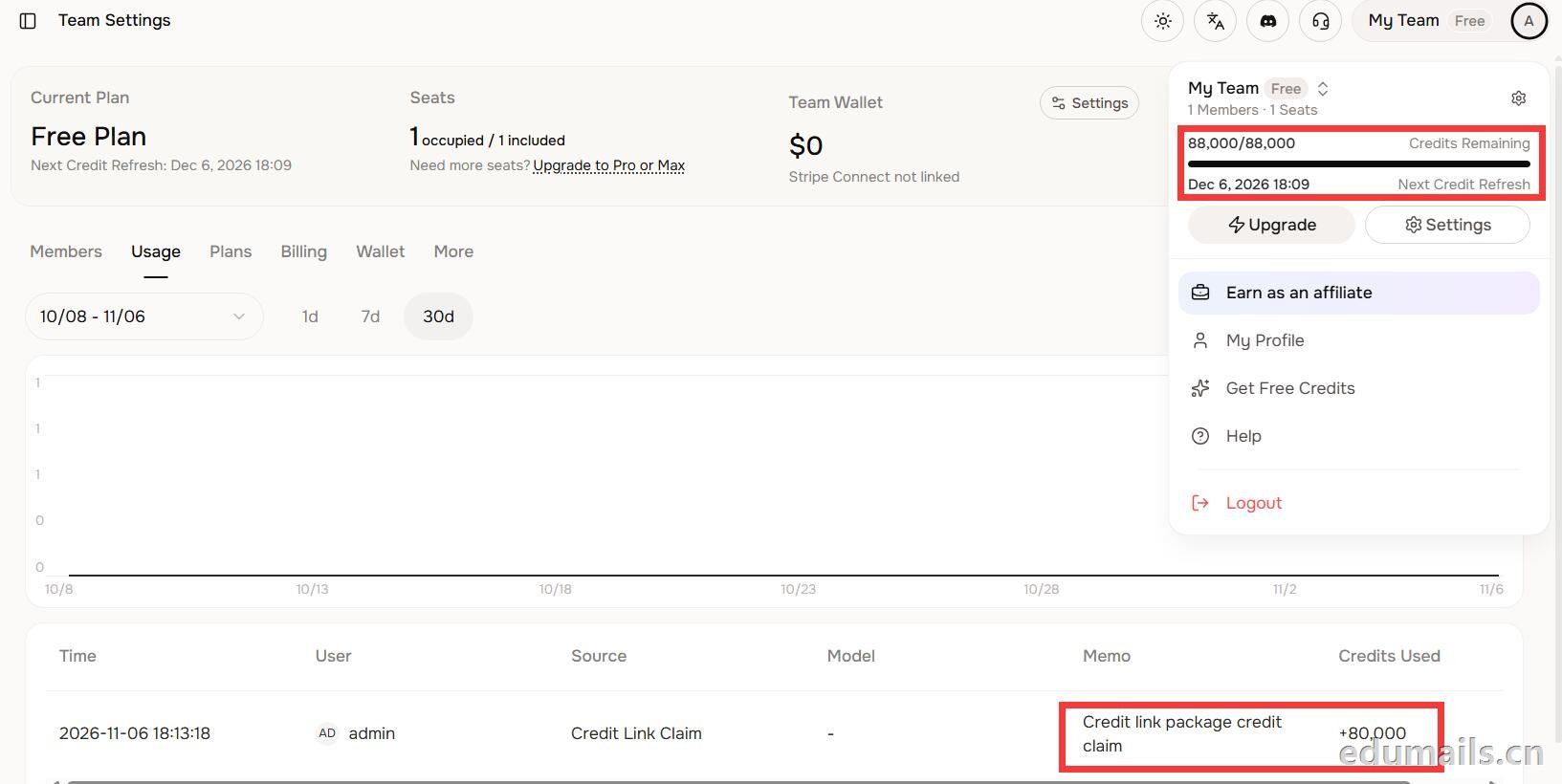 后台显示余额88,000/88,000,下方流水明确记录“Credit link package credit claim +80,000”,说明在基础免费额度(8,000)外,成功白嫖了8万教育包积分,这正好印证了上一轮说的“额外大额积分”,下次刷新在12月6日。
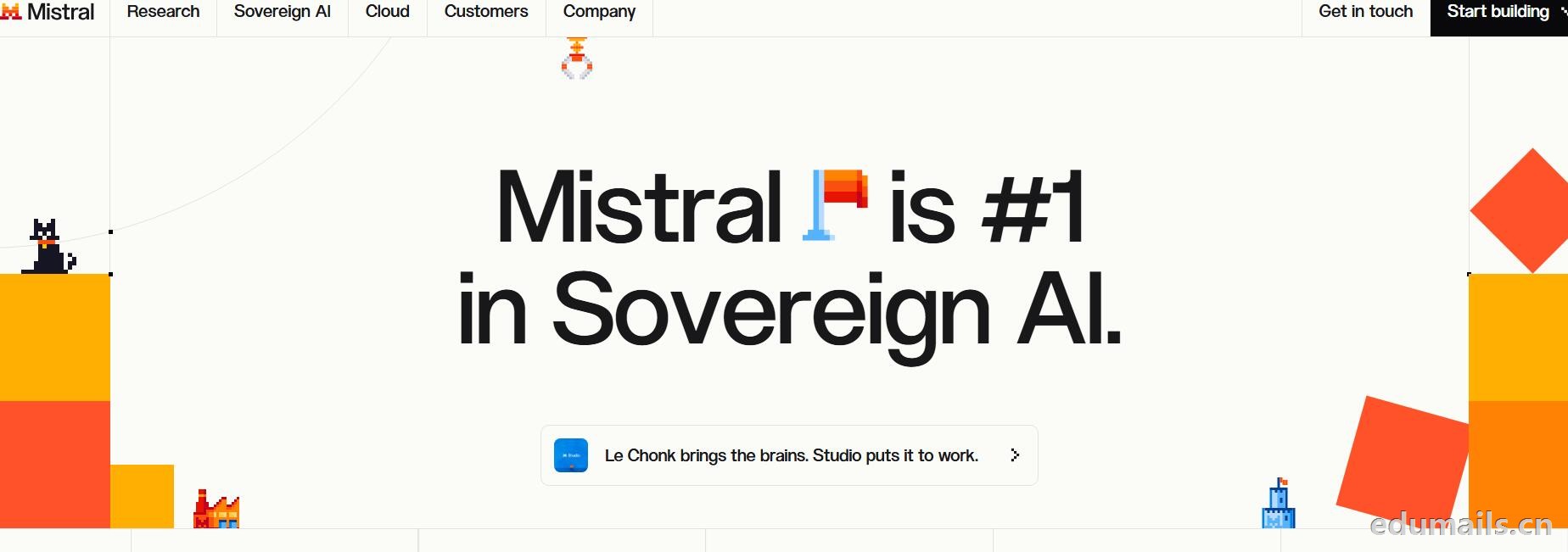
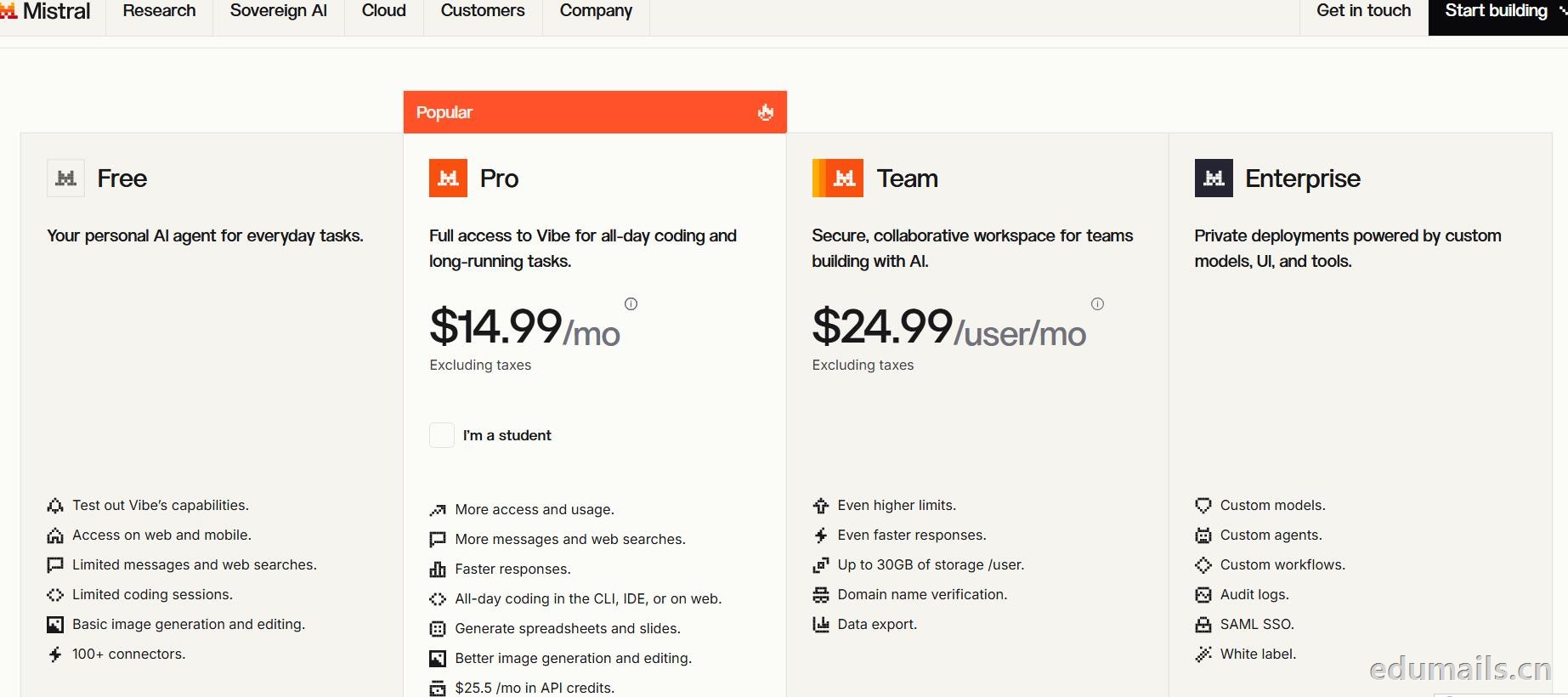
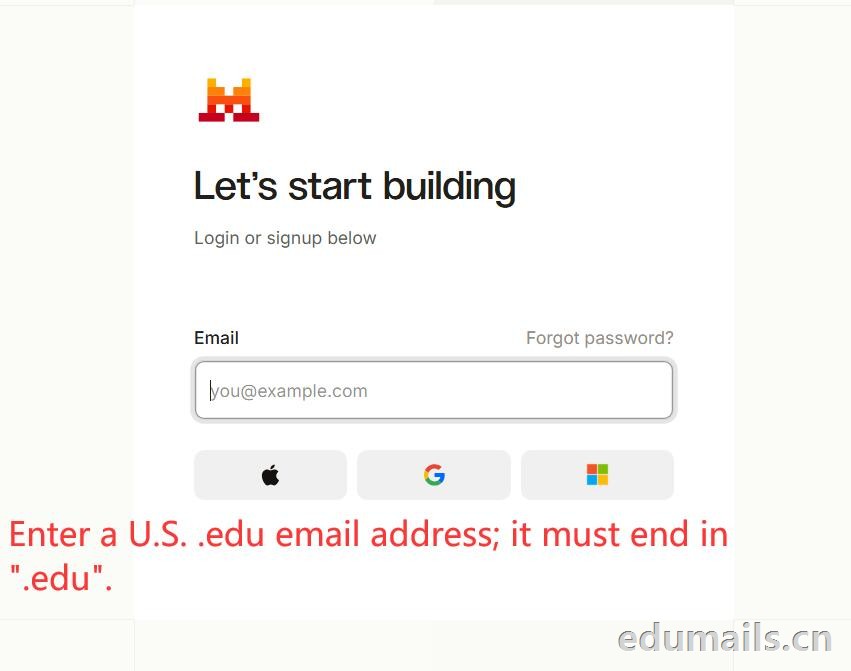
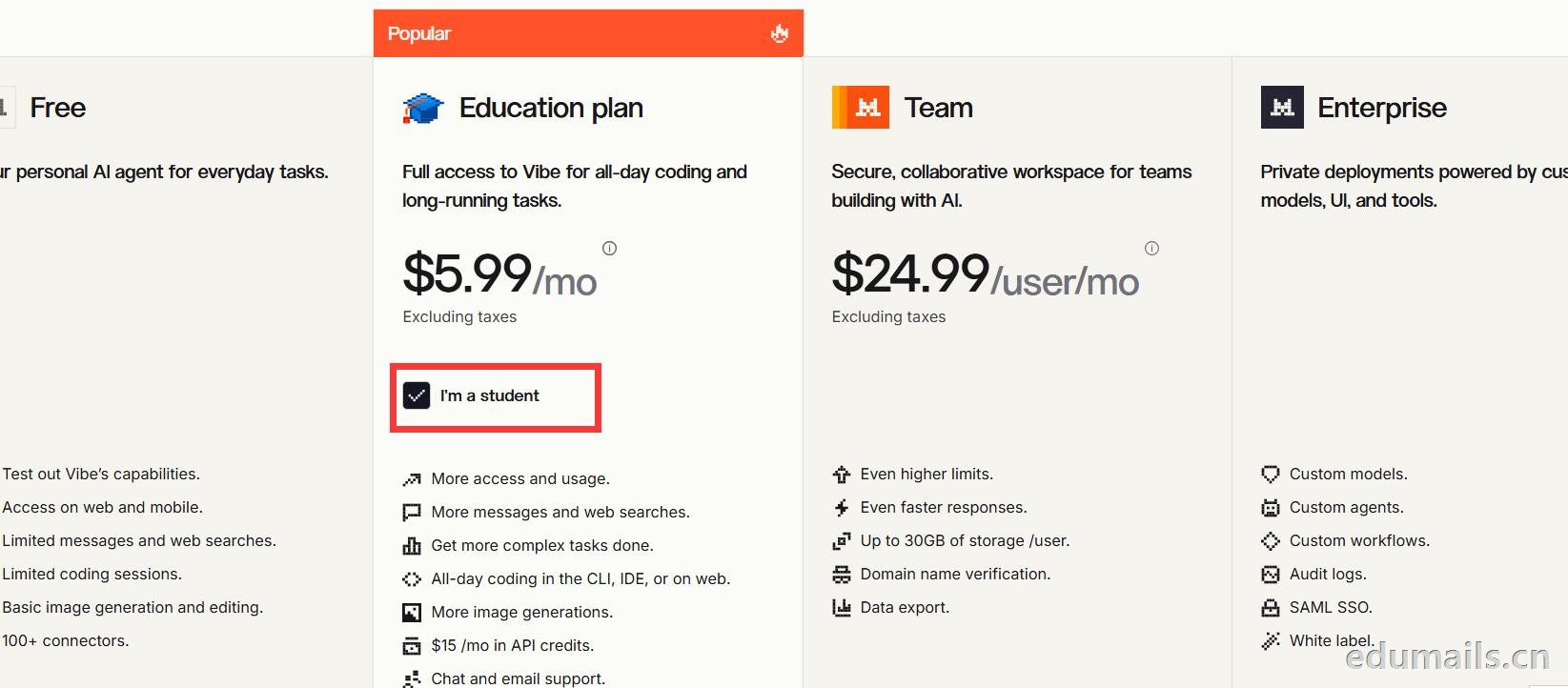 Mistral 的 Education 计划并不是一套独立套餐,而是面向符合条件的学生与教师提供的 Pro 折扣版本。获得优惠的唯一凭证,是由教育机构签发的机构邮箱;Gmail、iCloud、Outlook 等个人或通用域名邮箱无法通过核验,学生证、在读证明、确认信等书面材料也明确不被接受,不能作为替代。
订阅入口位于价格页的「I'm a student」按钮,也可直接打开 Education 计划页面完成流程:既可以用机构邮箱注册一个全新的 Mistral 账号,也可以在已有账号中先把绑定邮箱改为机构邮箱再订阅。
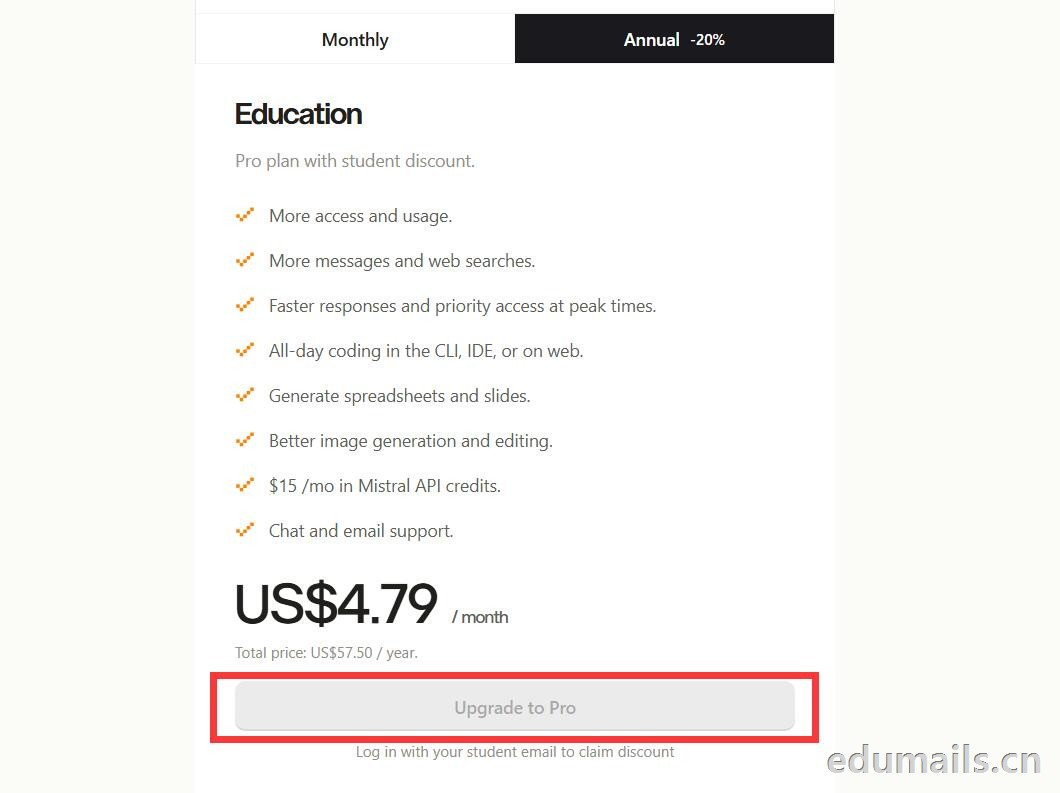
 如果我们的邮箱地址不符合官方学术资格要求,我们点击Upgrade to Pro 是无法点击,为灰色显示。
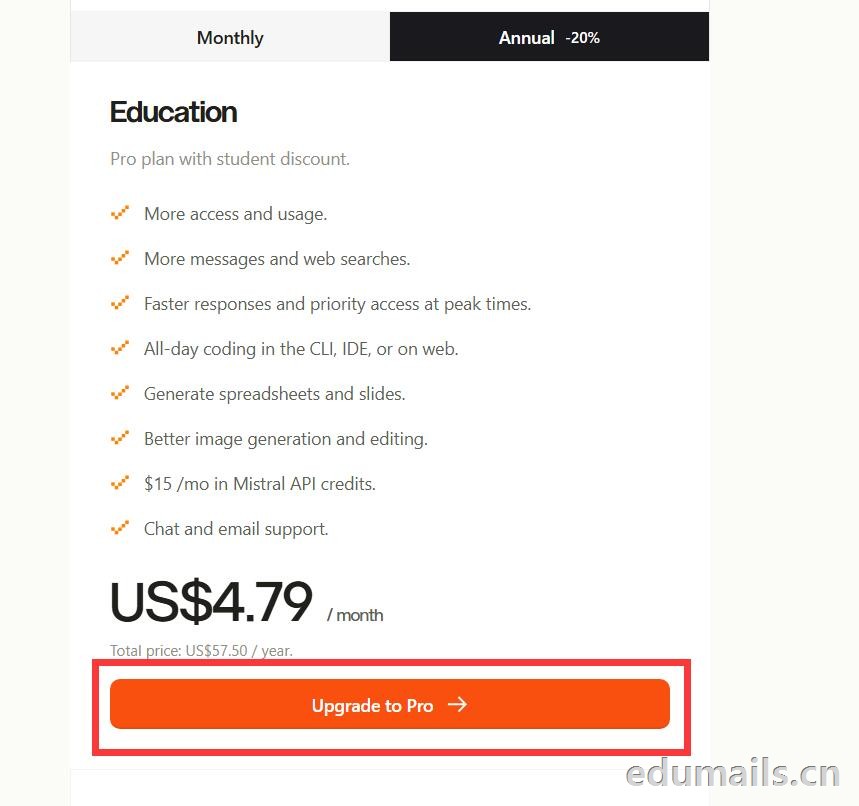
 如果我们的邮箱地址符合官方学术资格要求,我们点击Upgrade to Pro 是高亮黄色显示,是可以继续点击下一步。
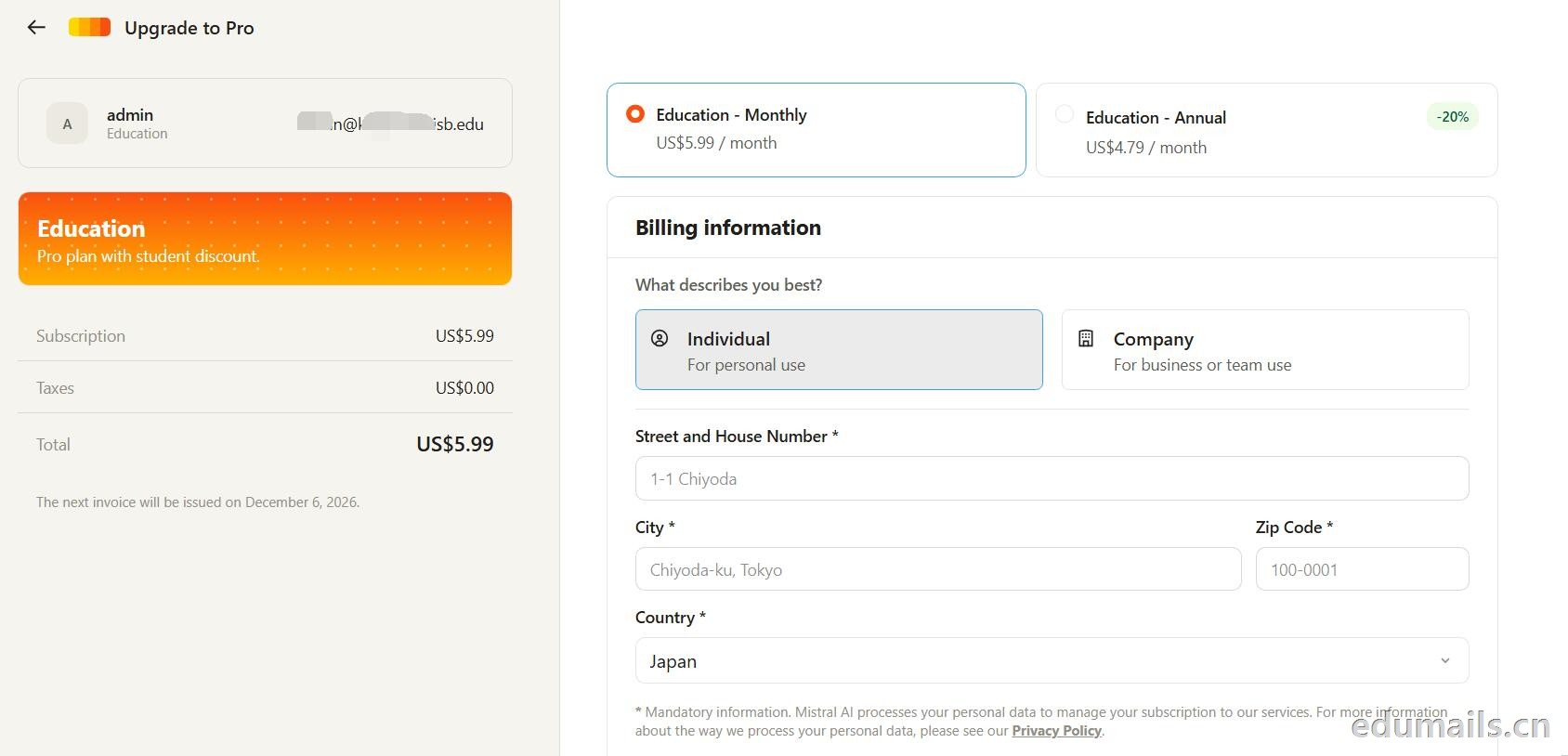 走到支付这一步,教育优惠的折扣感最直观:界面左侧会明确打出“Pro plan with student discount”,只要绑定了


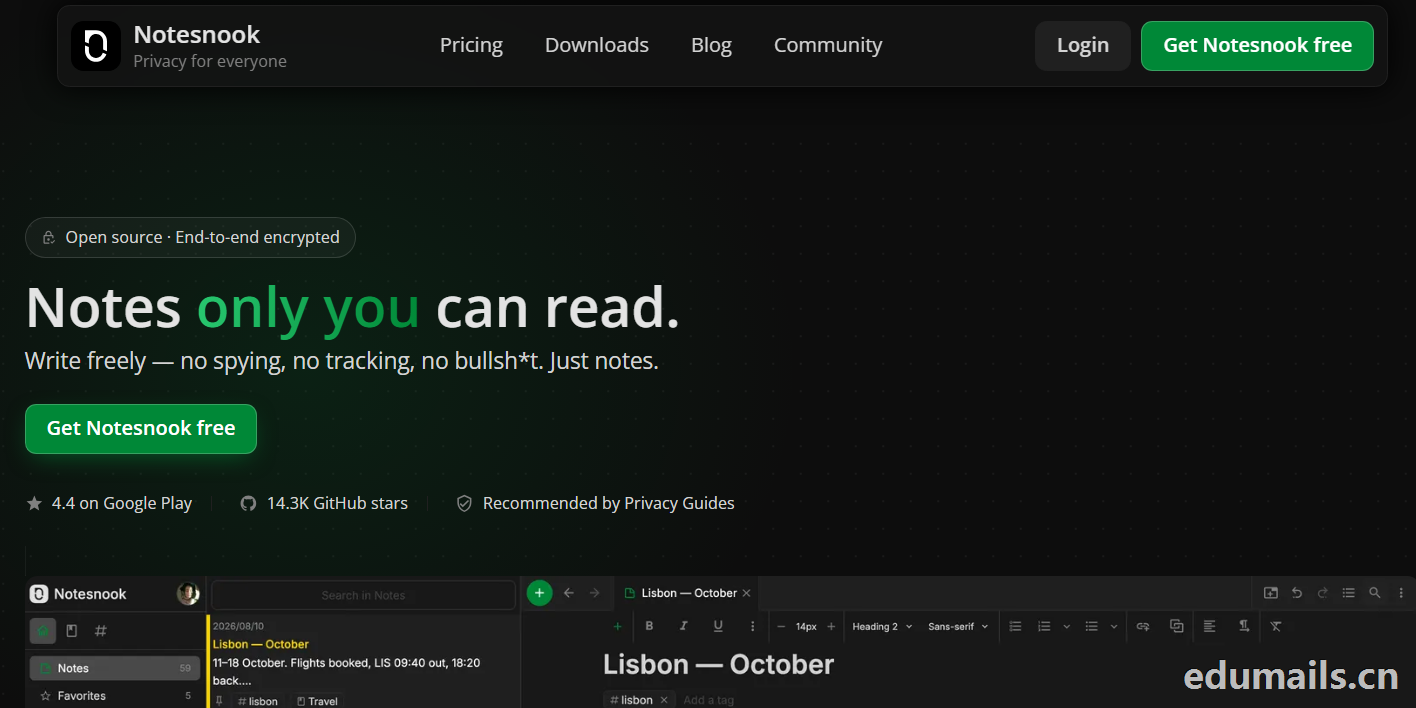
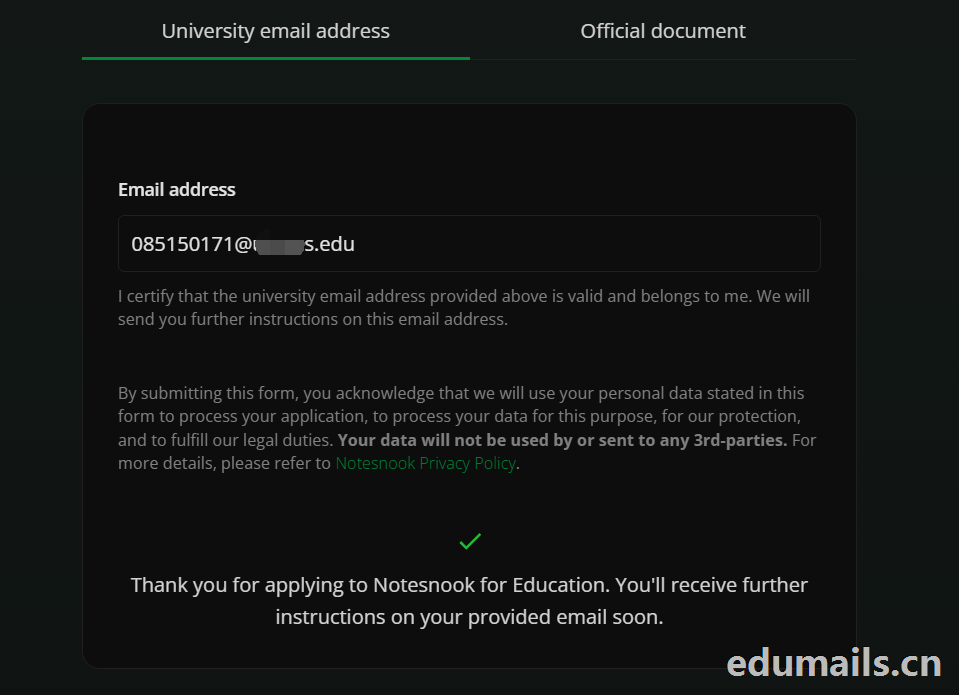 Thank you for applying to Notesnook for Education. You'll receive further instructions on your provided email soon.
如果我们的美国edu邮箱符合秒过要求,则如上图展示效果:感谢您申请 Notesnook 教育版。您很快就会在所提供的邮箱中收到后续指引。
我们打开edu邮箱提示收到
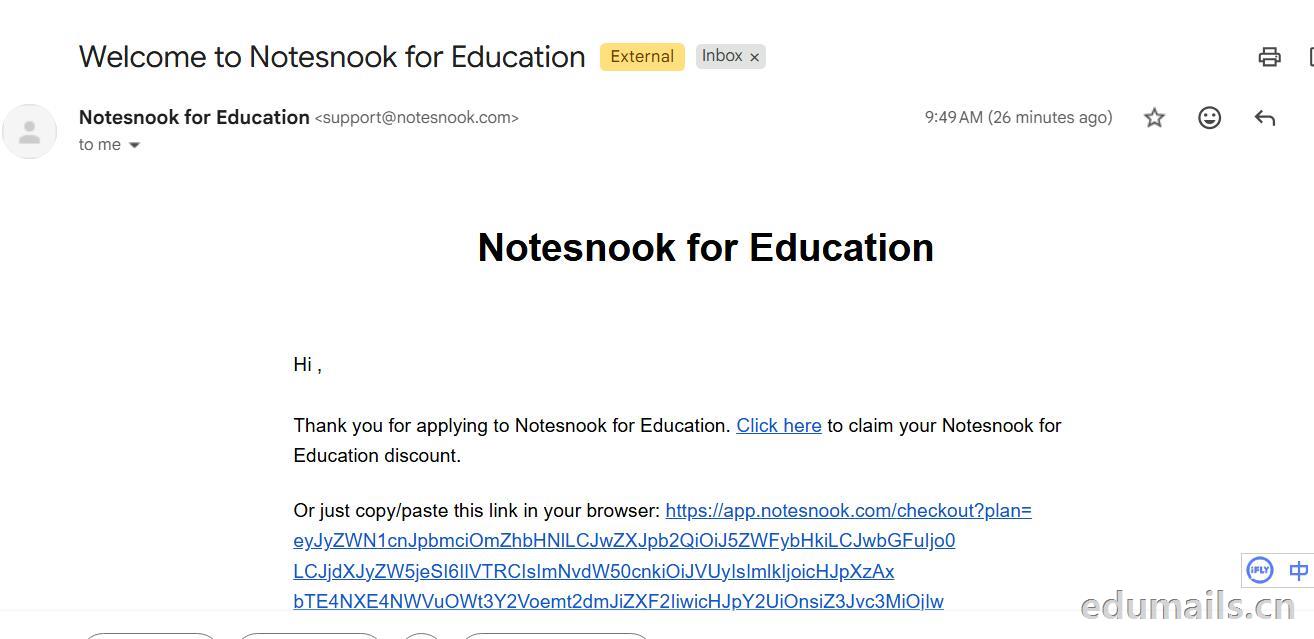 Thank you for applying to Notesnook for Education. Click here to claim your Notesnook for Education discount. 感谢您申请 Notesnook 教育版。点击此处领取您的 Notesnook 教育版折扣。

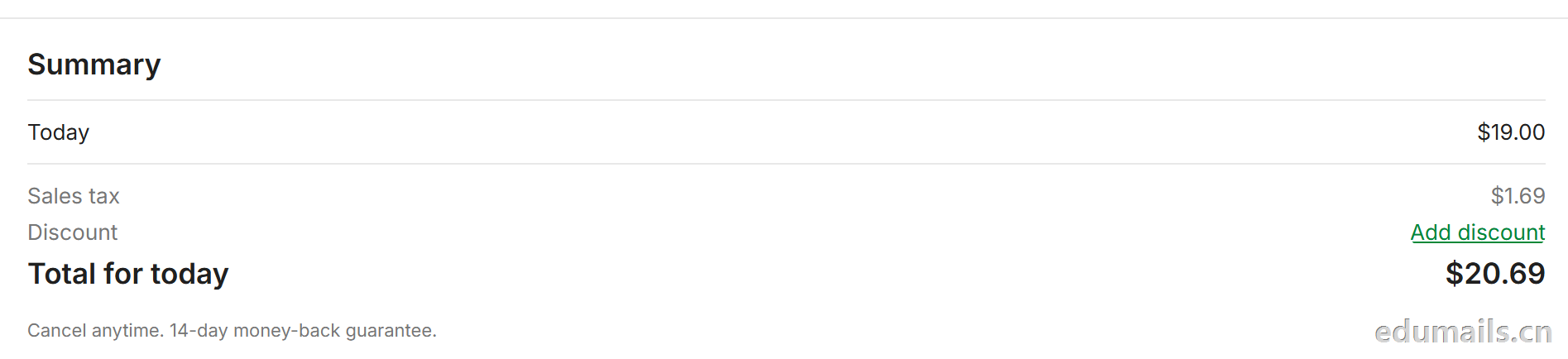 我们看到价格是20美金,官方支持paypal、信用卡支付,如果没有支付方式可以找代付解决。

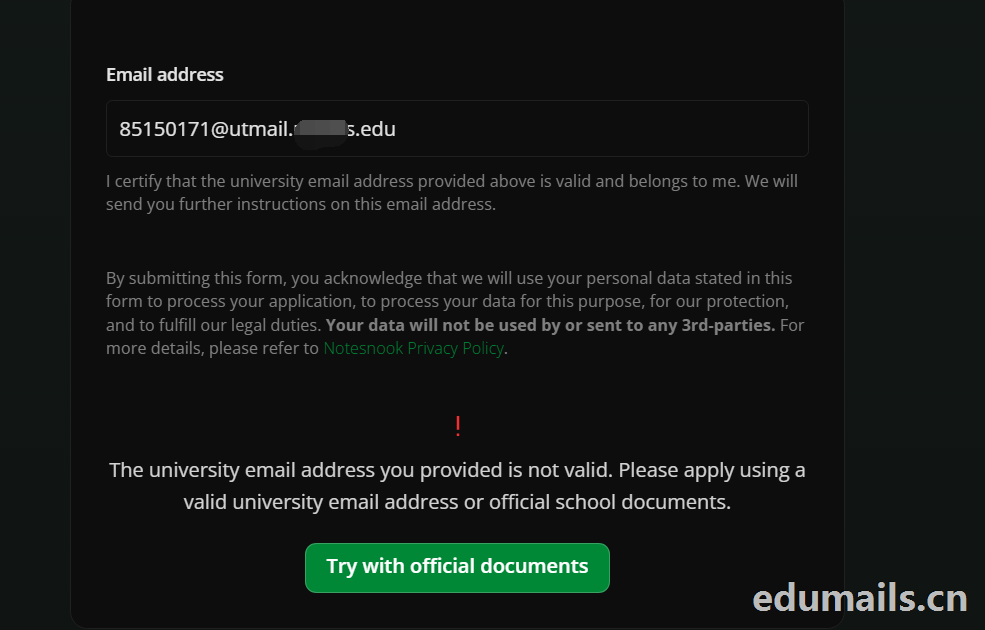 The university email address you provided is not valid. Please apply using a valid university email address or official school documents.
您提供的大学电子邮箱地址无效。请使用有效的大学电子邮箱地址或学校官方文件进行申请。我们点击Try with official documents,按照要求提供相关学校官方文件即可通过。
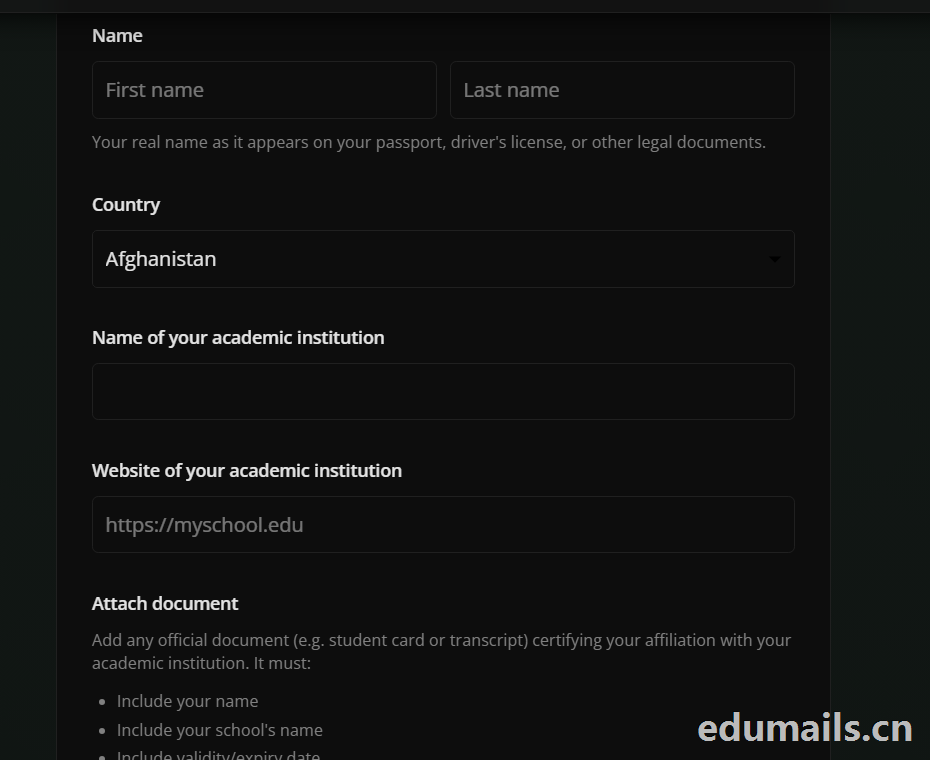

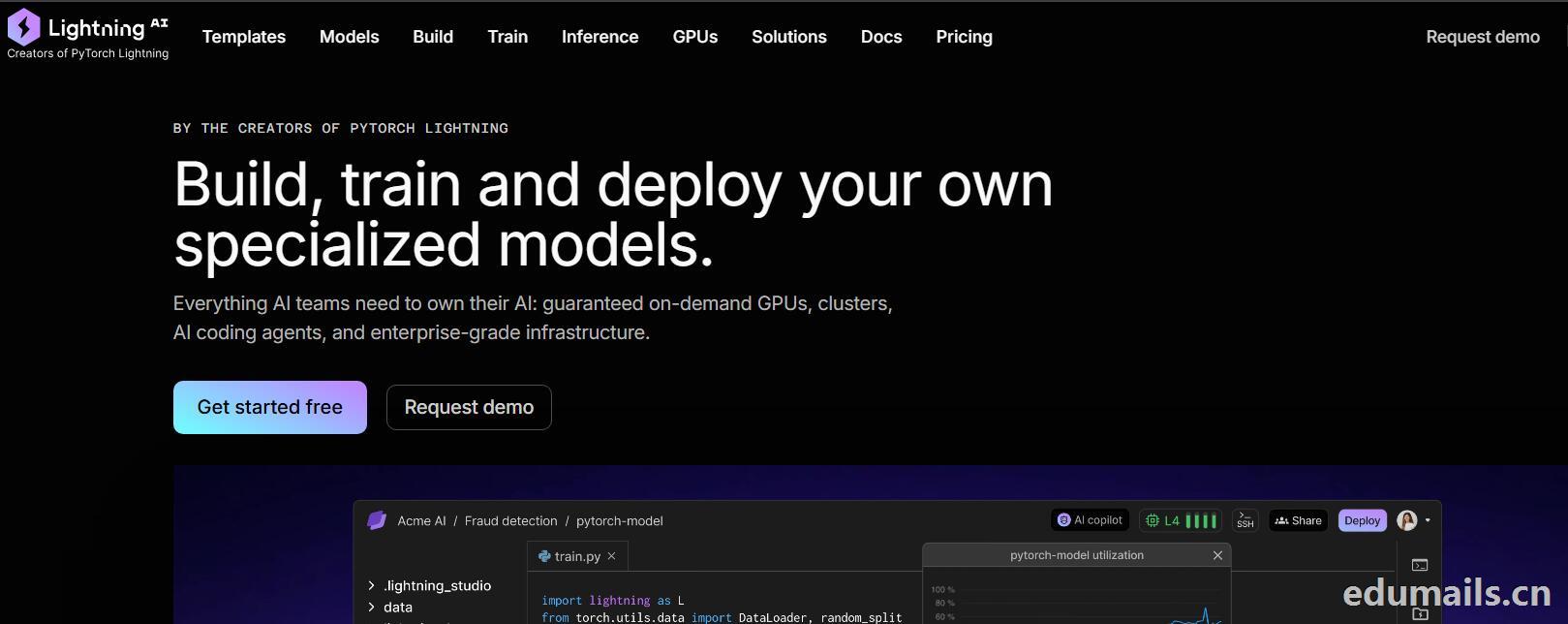
 我们再接着点击Choose Pro,弹出教育资格注册认证页面:如下图所示:Use a work or .edu email for faster verification,使用工作邮箱或 .edu 邮箱以加快验证速度,要求我们必须使用美国.edu结尾邮箱进行注册。
 我们的美国edu邮箱会收到来自no-reply@lightning.ai发送标题为“Confirm your email to finish creating your Lightning AI account”的邮箱验证邮件:
 我们点击完成认证,再次回到价格页面,点击学术价格,弹出如下图所示:
 Select organization to upgrade 我们默认选择即可,提示Upgrade to Academic,会弹出学术价格内容:
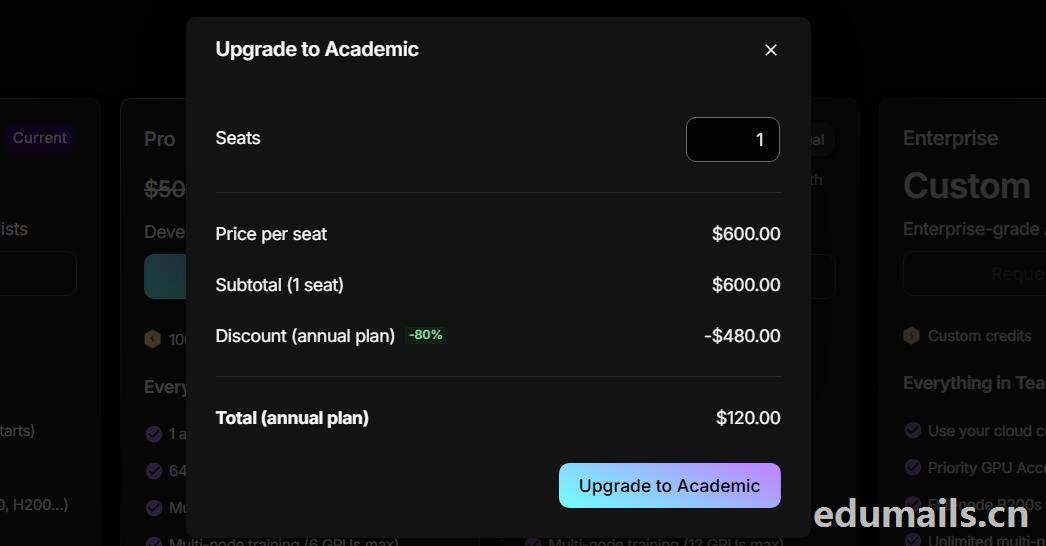 席位(Seats):1 个,每席位原价:$600.00/年,小计(1 个席位):$600.00,年付折扣:-80%,减免 $480.00
最终年付总价:$120.00
最后我们点击:Upgrade to Academic
也就是:学术版 Pro 年付原价 $600,打 2 折后 $120/年,折合 $10/月。需要用学术邮箱/学术身份开通。

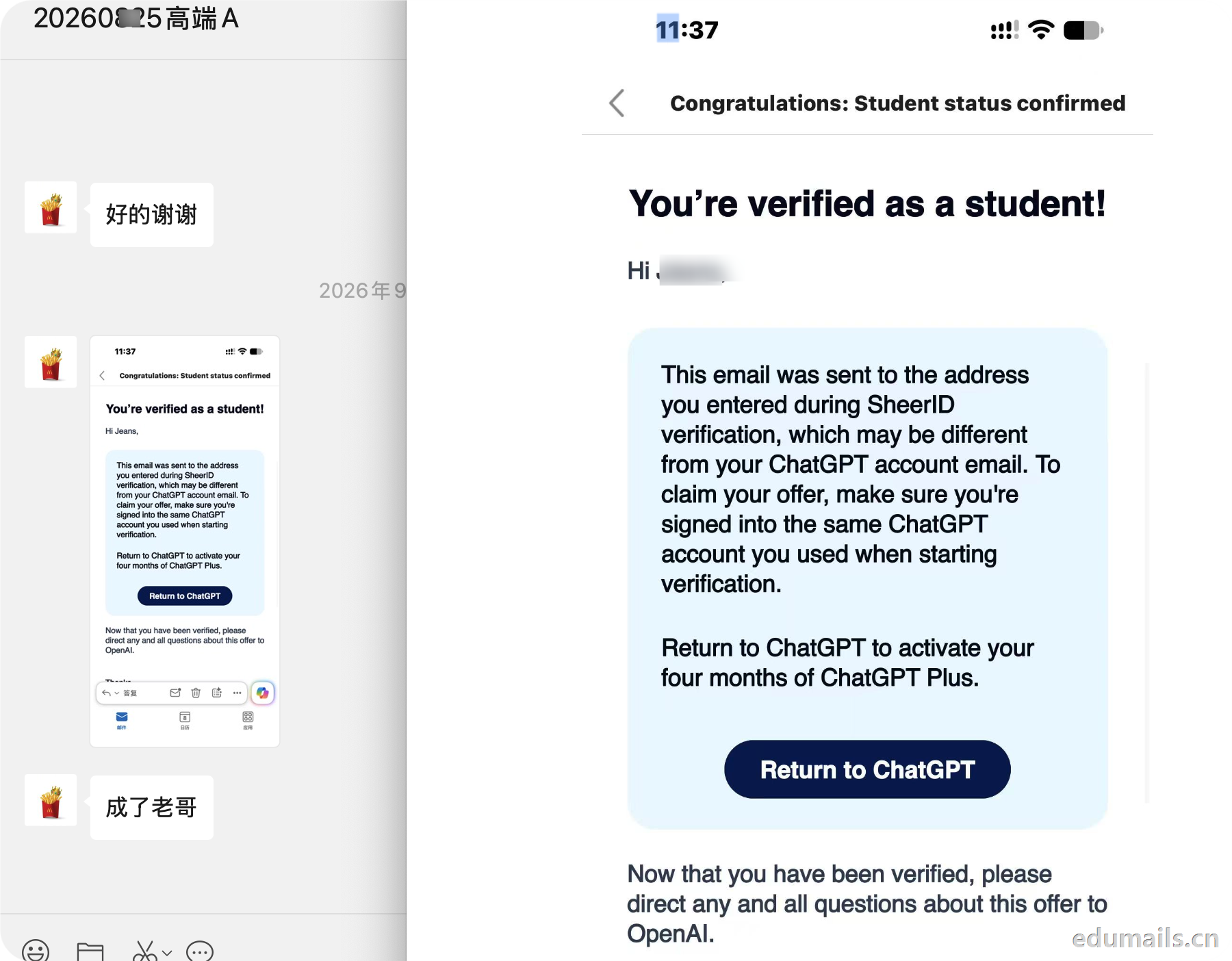
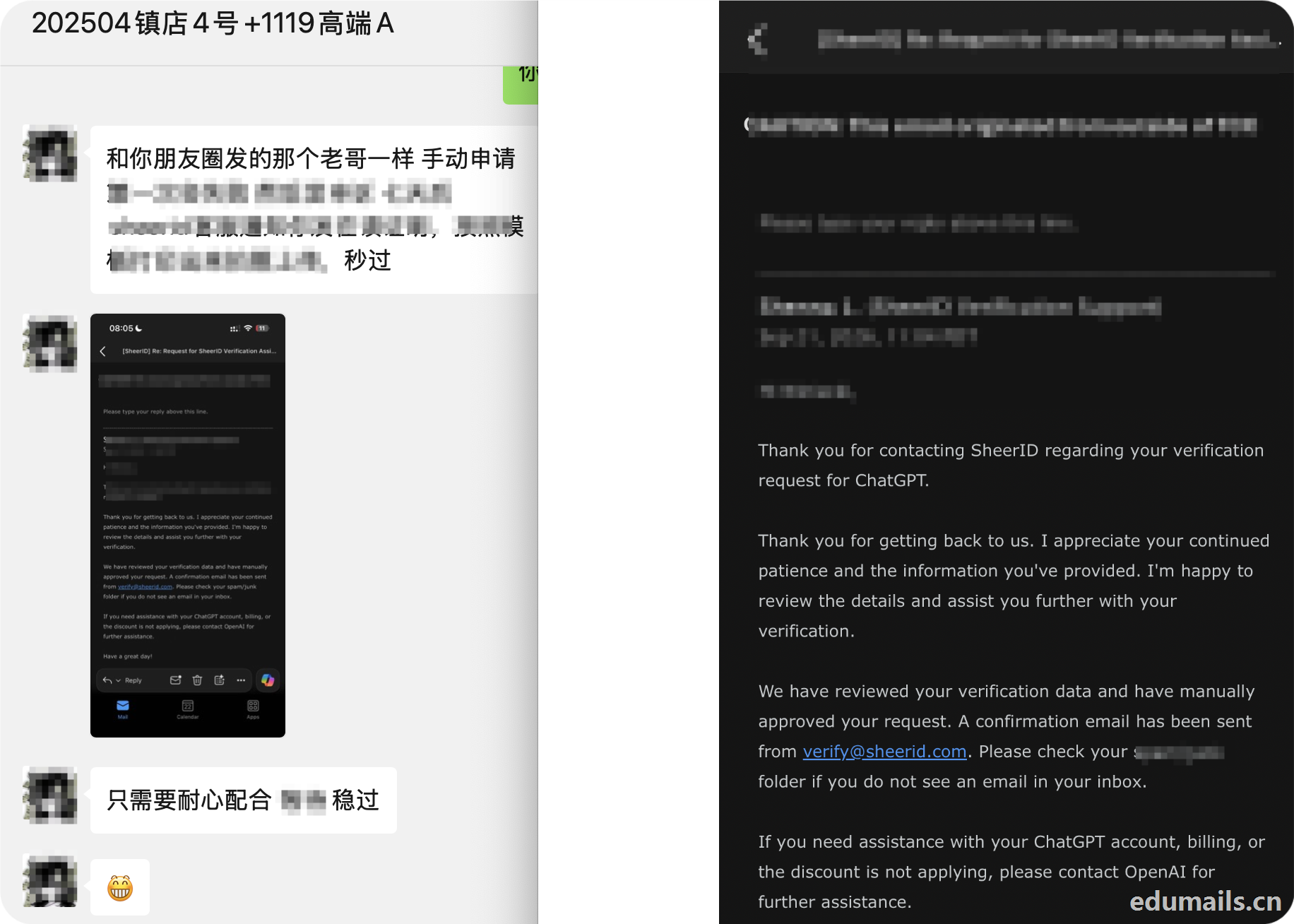
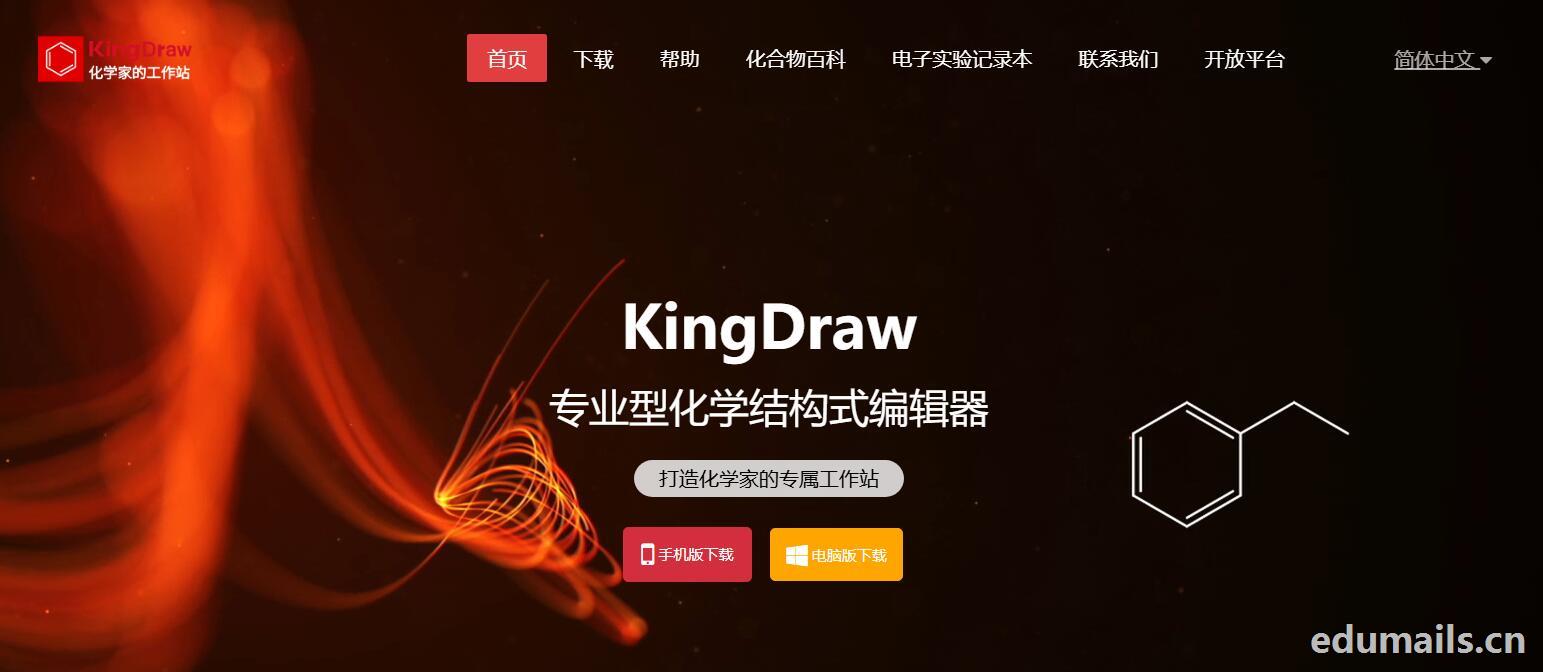
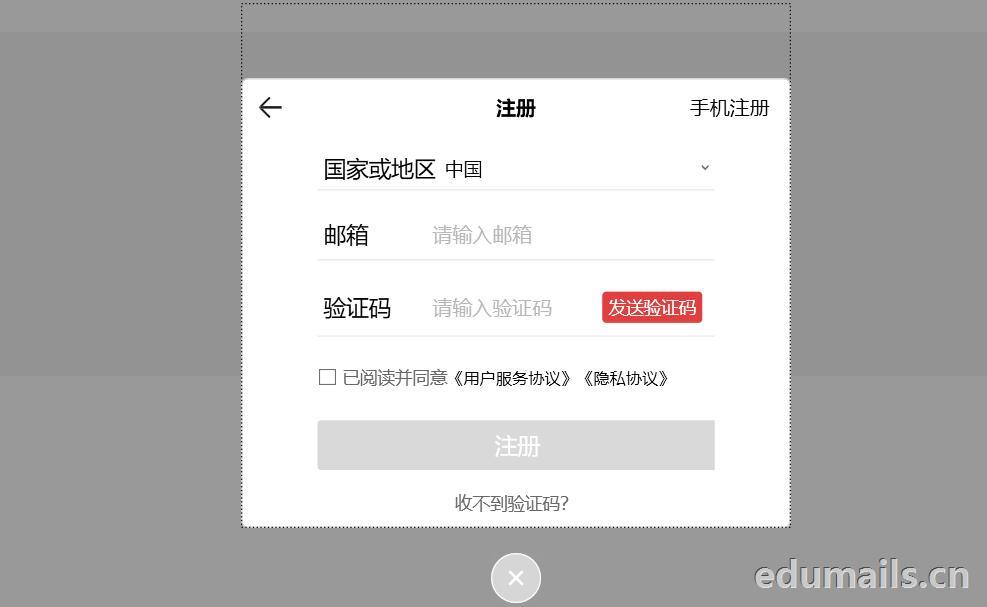
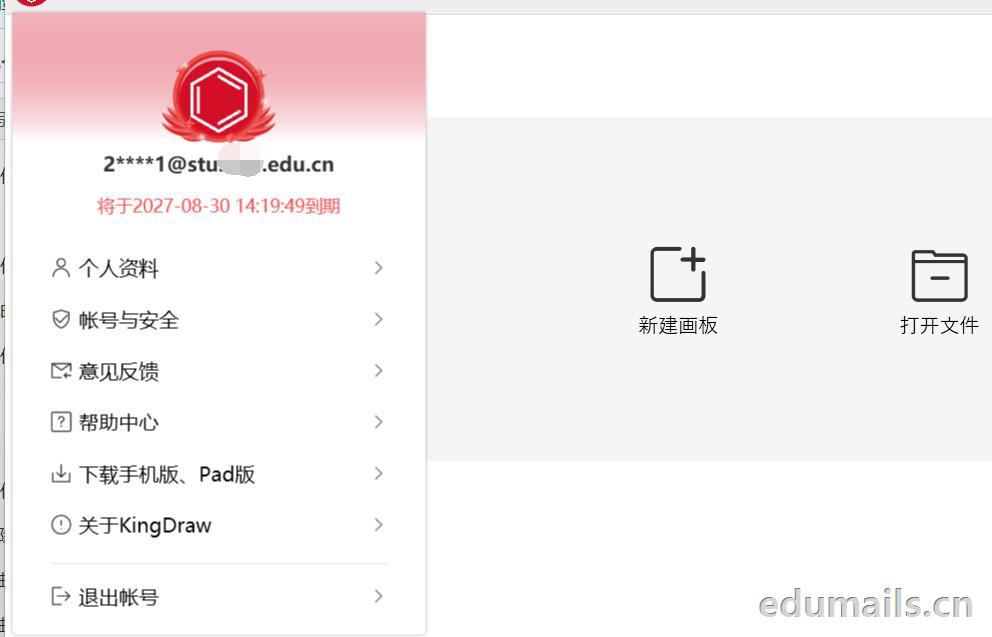
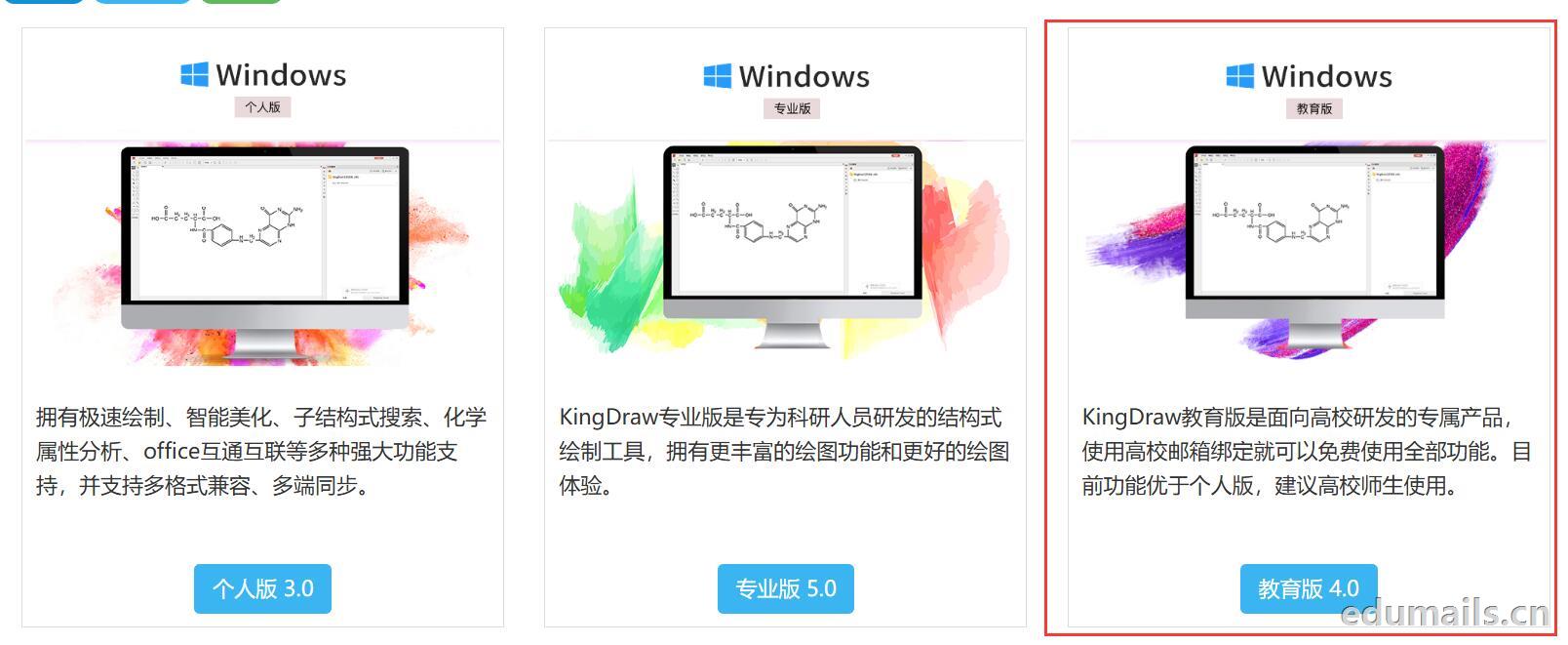 我们下载安装完成KingDraw教育版后,点击登陆提示如下图,我们选择邮箱方式注册,在这里我们可以用任何邮箱注册KingDraw账户。
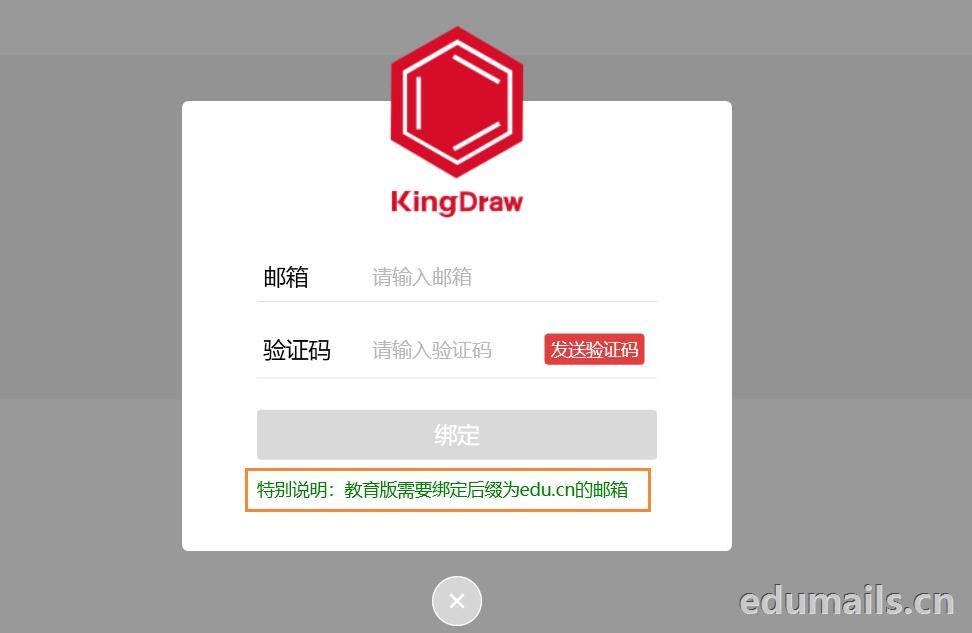
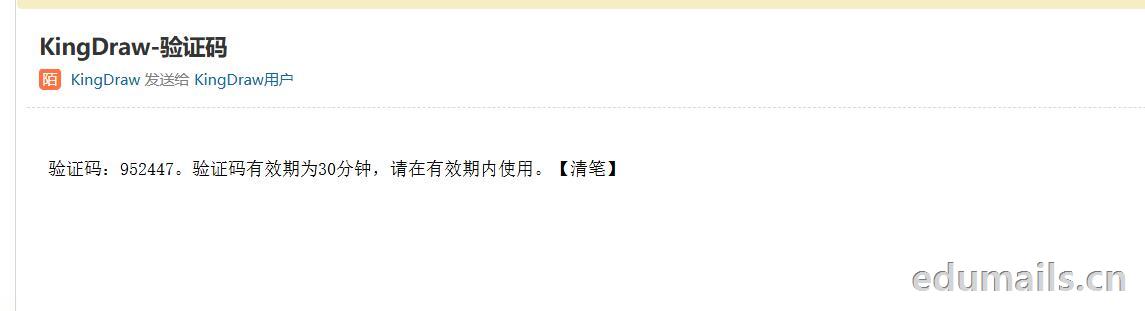
 我们用任意邮箱注册完KingDraw账户后,提示绑定educn邮箱,我们可以用代收服务进行educn代收邮件认证。
 https://www.edumails.cn/chemdraw.html

 ZH
 EN