
 EDU Education Network Email Registration Application
基本流程
登陆购买的教育邮箱,也就是收到的卡号卡密,登陆邮箱。然后打开figma官网注册fimga账号密码,申请教育版-完成,
如果不会申请,觉得下面步骤太麻烦了,请联系所在商家进行补差价5元代为付费申请。
我用夸克网盘给你分享了「figma教育版秒过申请教程」,点击链接或复制整段内容,打开「夸克APP」即可获取。
链接:https://pan.quark.cn/s/6ebaef68c711
登陆邮箱
电脑浏览器无痕模式打开:https://www.office.com/ 或者是https://outlook.office.com/mail/ 网页输入邮箱地址,This mailbox doesn't need a proxy to go over the wall. Some of them may need FQ, if you don't have a proxy to flip the wall, we recommend a cheap, good and stable airport for your own use:glados.space">机场链接1 机场链接2
https://ikuuu.nl/auth/register?code=Tua7 注册免费送50G海外流量
suggestionTrace-free mode for computer browsers.如果打开微软网站比较慢,有代理条件的话可以开代理,都不影响,如果显示Microsoft账户不存在,请用电脑浏览器无痕模式, 因为手机网页无法识别跳转高级别账号, 建议用电脑网页打开。如下图所示,

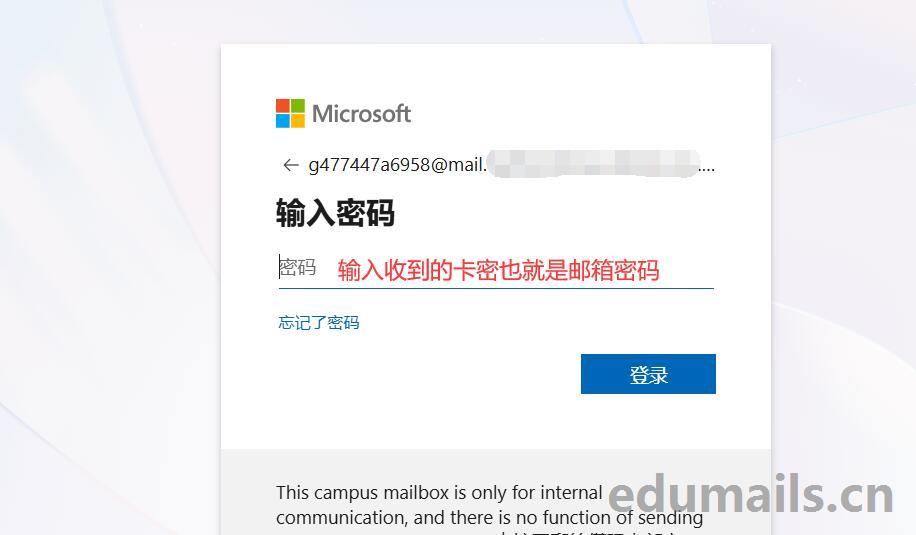
您需要更新密码,因为这是您第一次登录,所以需要修改一次密码。

Strong password change is required. Enter 8-256 characters. Do not include common words or names. Mix uppercase and lowercase letters, numbers and symbols.
我们直接点击beReady to go.

Change password webpage address: https://account.activedirectory.windowsazure.com/ChangePassword.aspx
接收邮件
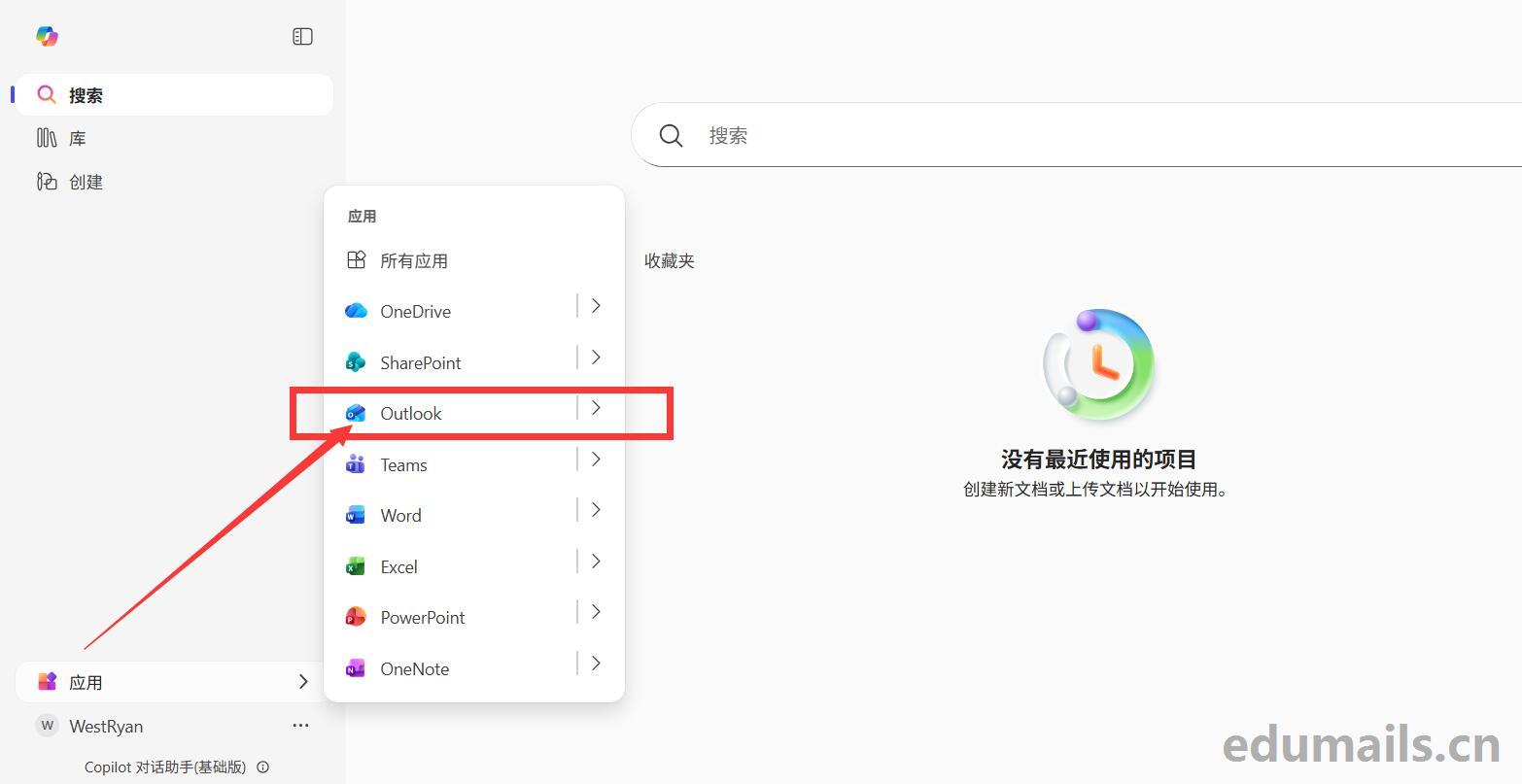
我们进去office.com就是左上角或者右下角找到应用,然后找到Outlook点击即可进入教育邮箱。
注册Figma
打开figma官网:https://www.figma.com/ 打开后我们要选择创建figma账号:No account? Create one
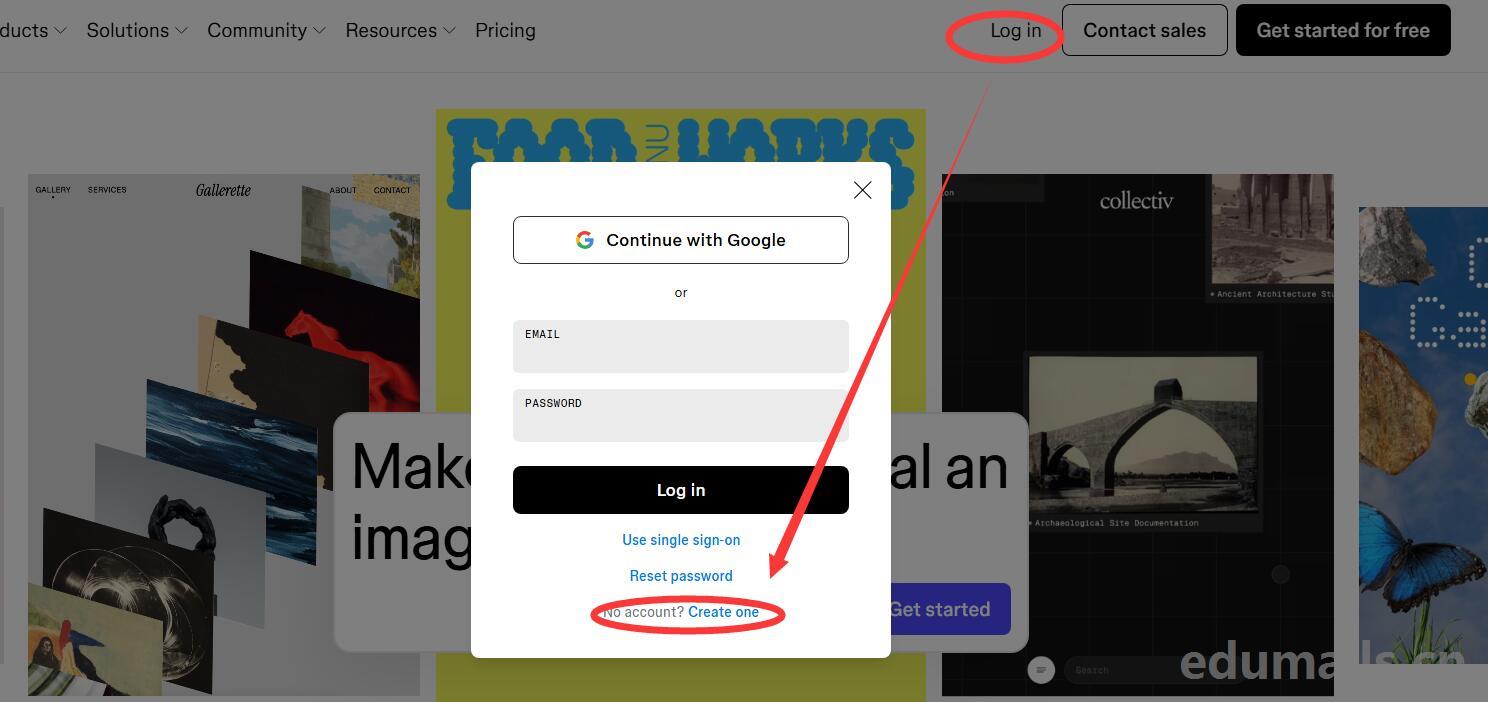
然后输入我们购买的教育邮箱地址,然后设置fimga网站密码,


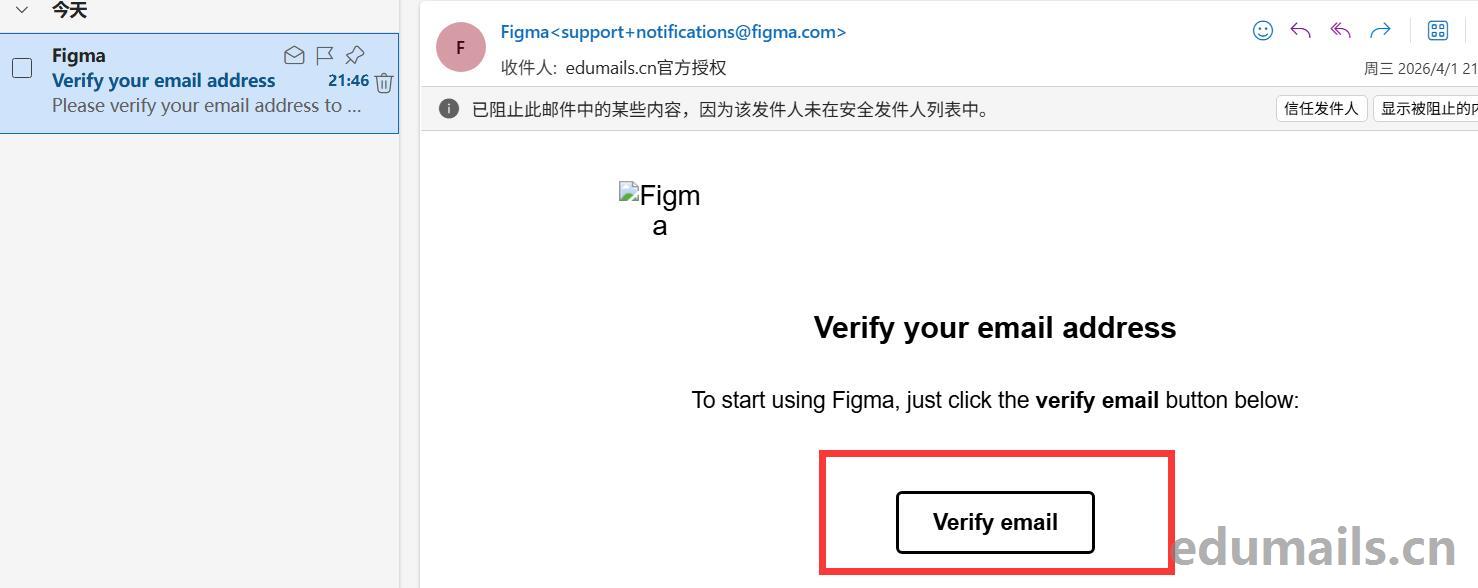
我们打开教育邮箱收到的Figma邮件,点击确认网站账号.
资格申请
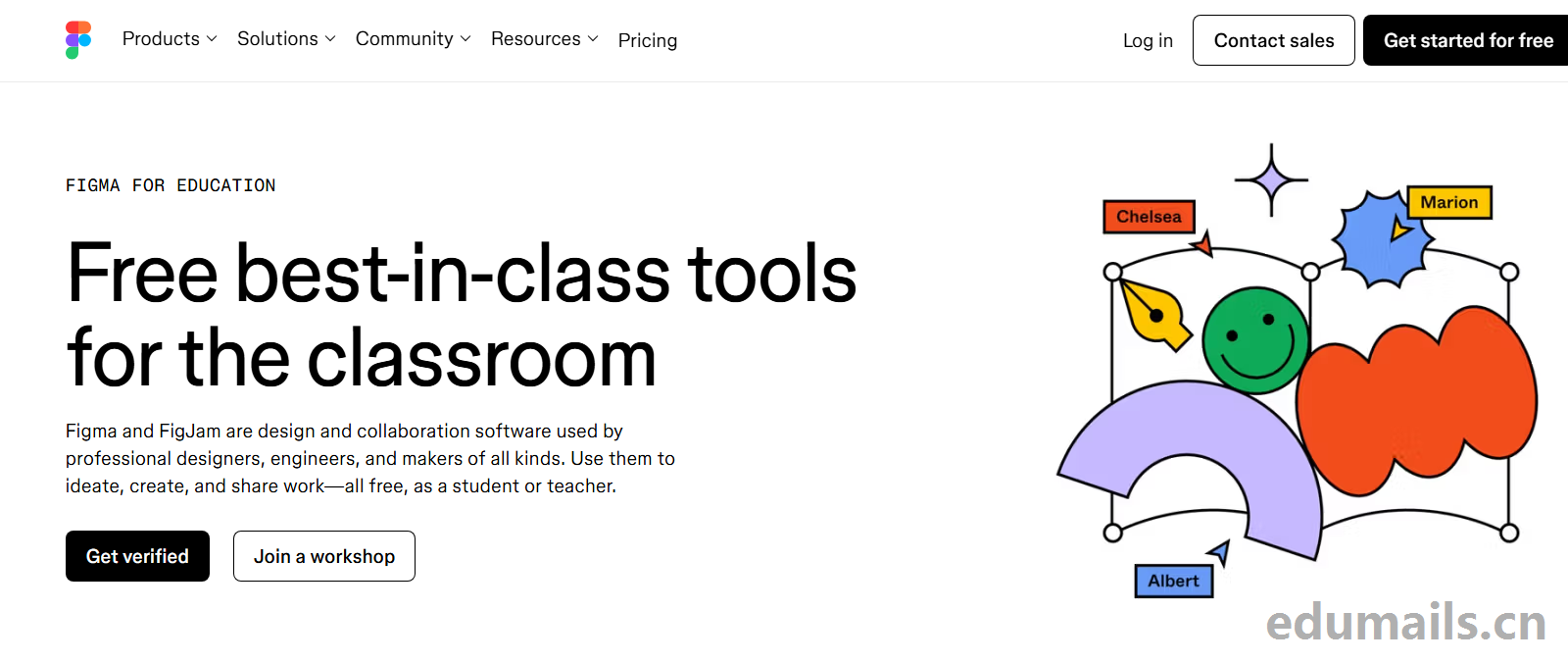
打开figma教育优惠申请地址:https://www.figma.com/education/ 我们点击Get Verified 进入教育认证步骤.
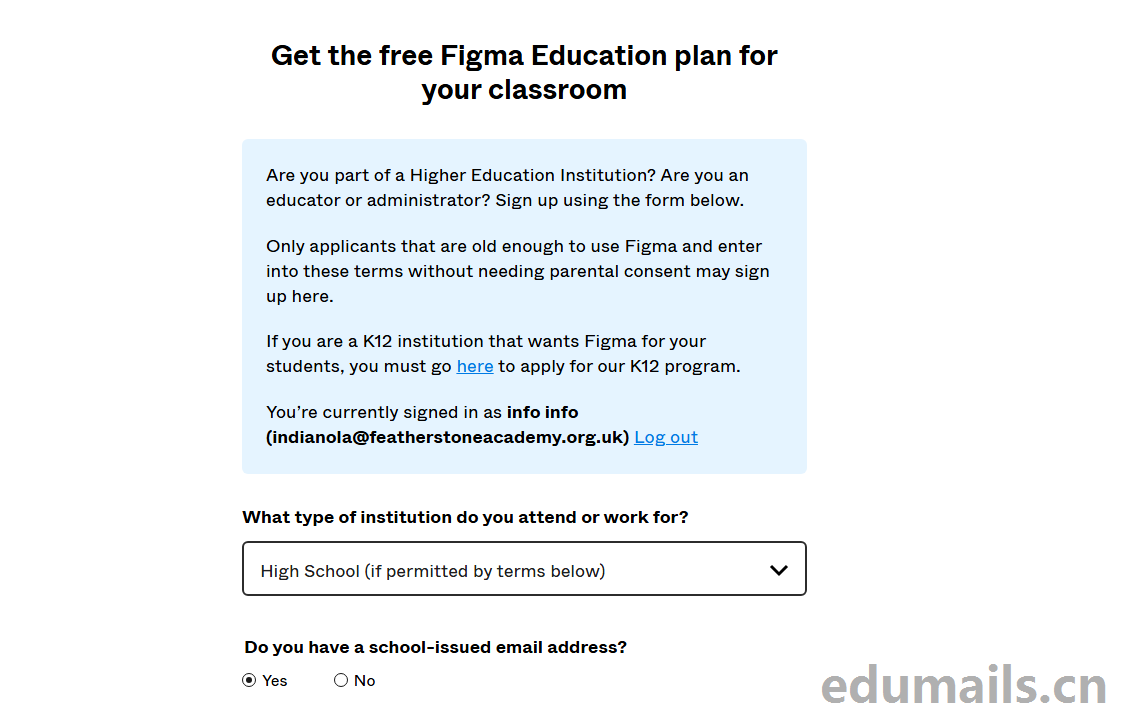
What type of institution do you attend or work for?你在哪种类型的机构就读或工作?
我们要选择:High School (if permitted by terms below)选择高中以下。
Do you have a school-issued email address? 你有学校发放的电子邮箱地址吗?Are you currently signed in with your school email?您目前是否已使用学校邮箱登录?
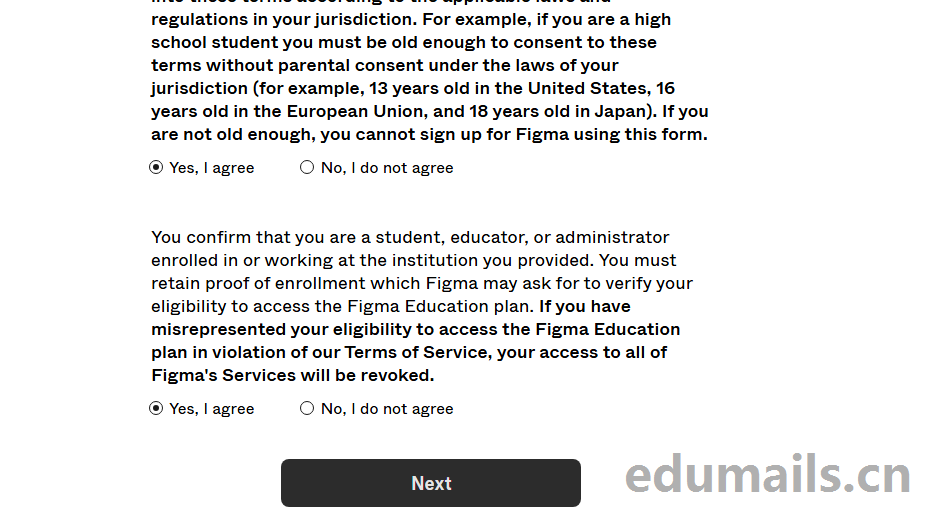
Application Confirmation
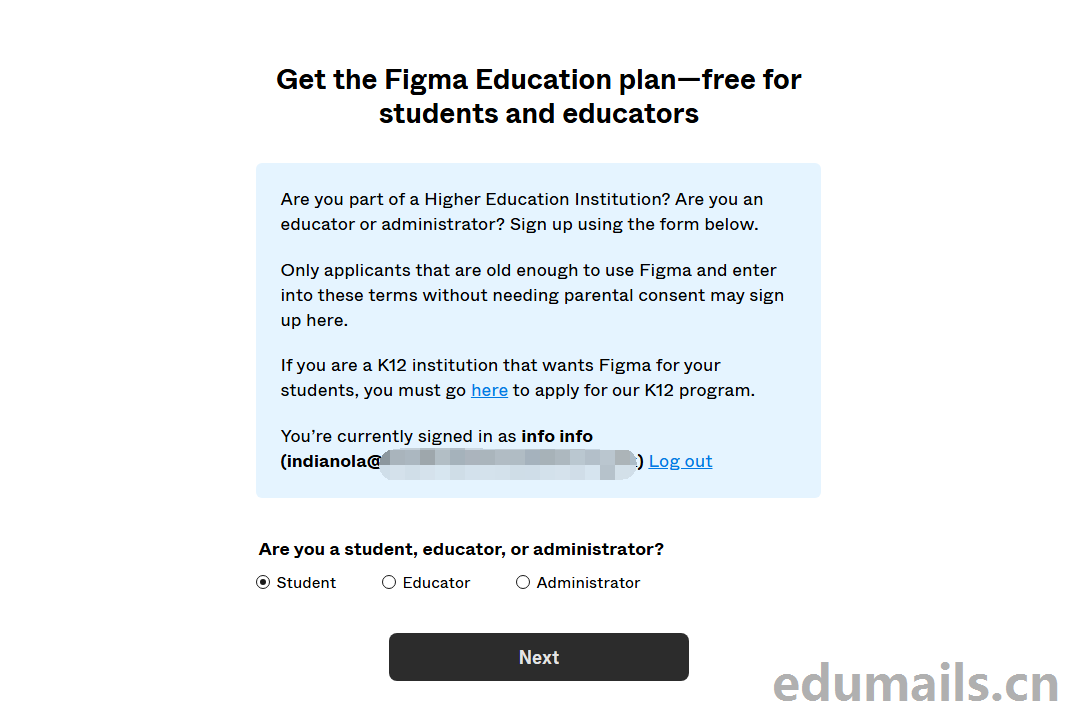
Are you a student, educator, or administrator? 您是学生、教师还是行政人员?我们在这里选择Student
Successful application
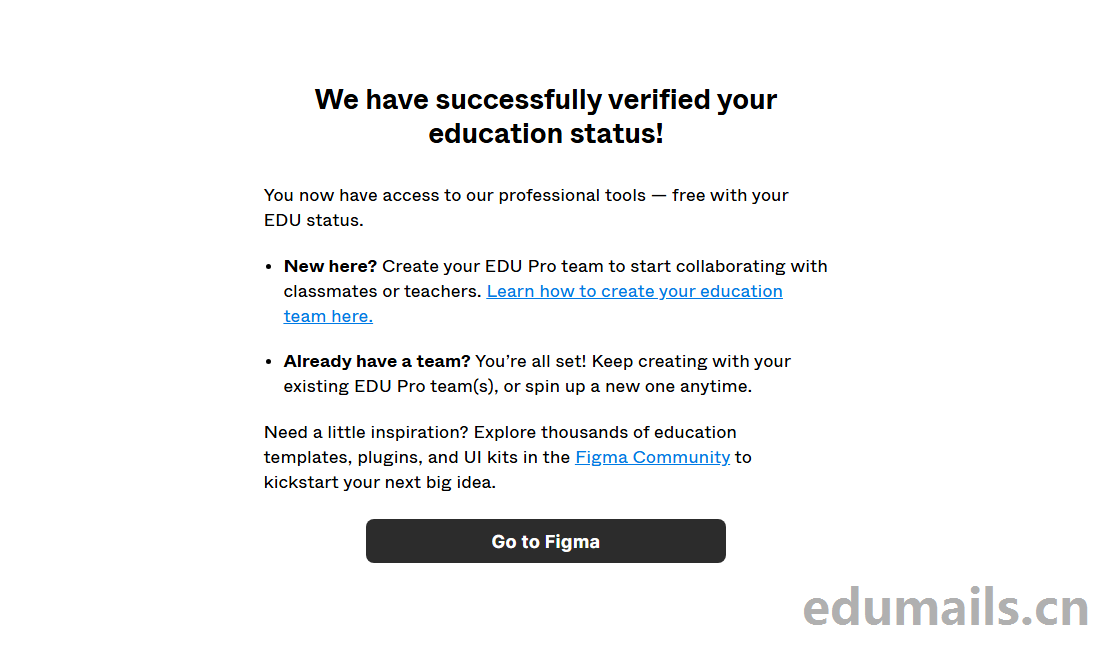
We have successfully verified your education status! 我们已成功验证您的教育身份!
我们按照上面图片接着点击Go to Figma 弹窗如下窗口,提示我们升级团队为教育版,我们接着点击next
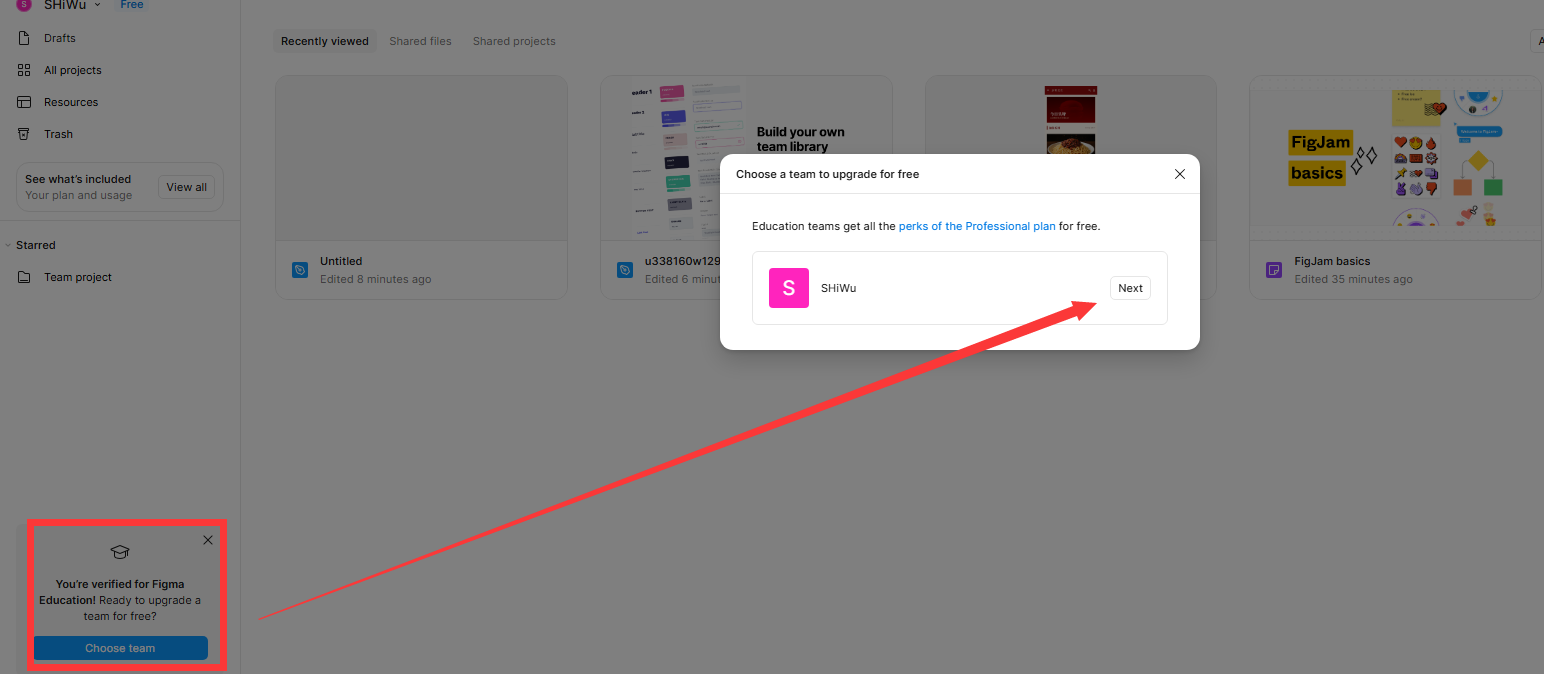
我们点击确认。
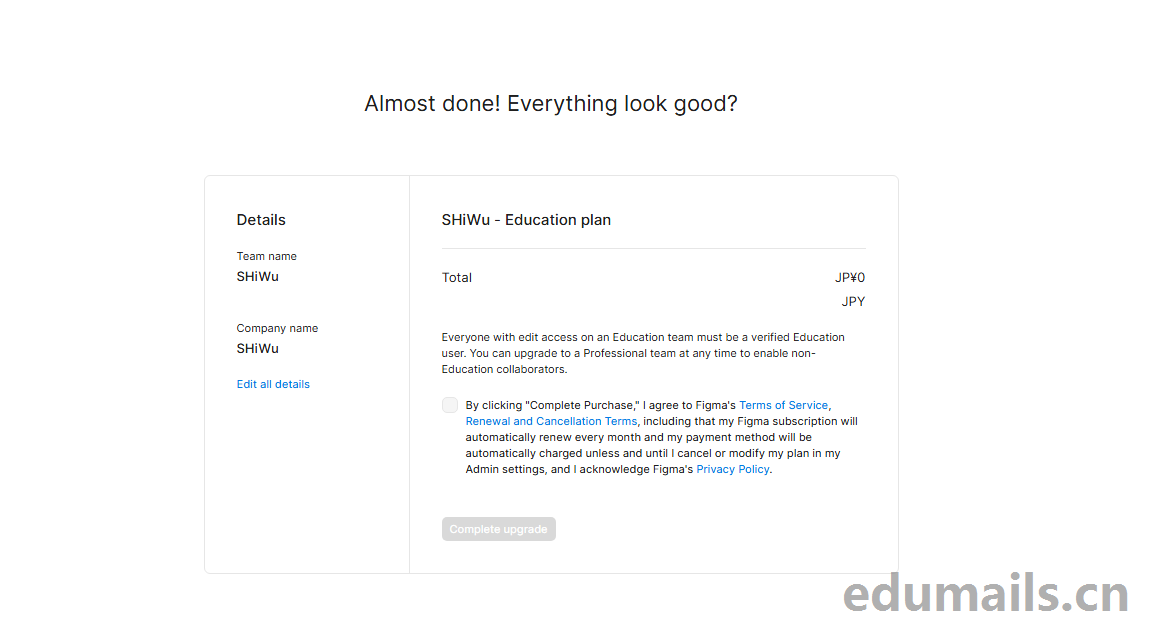
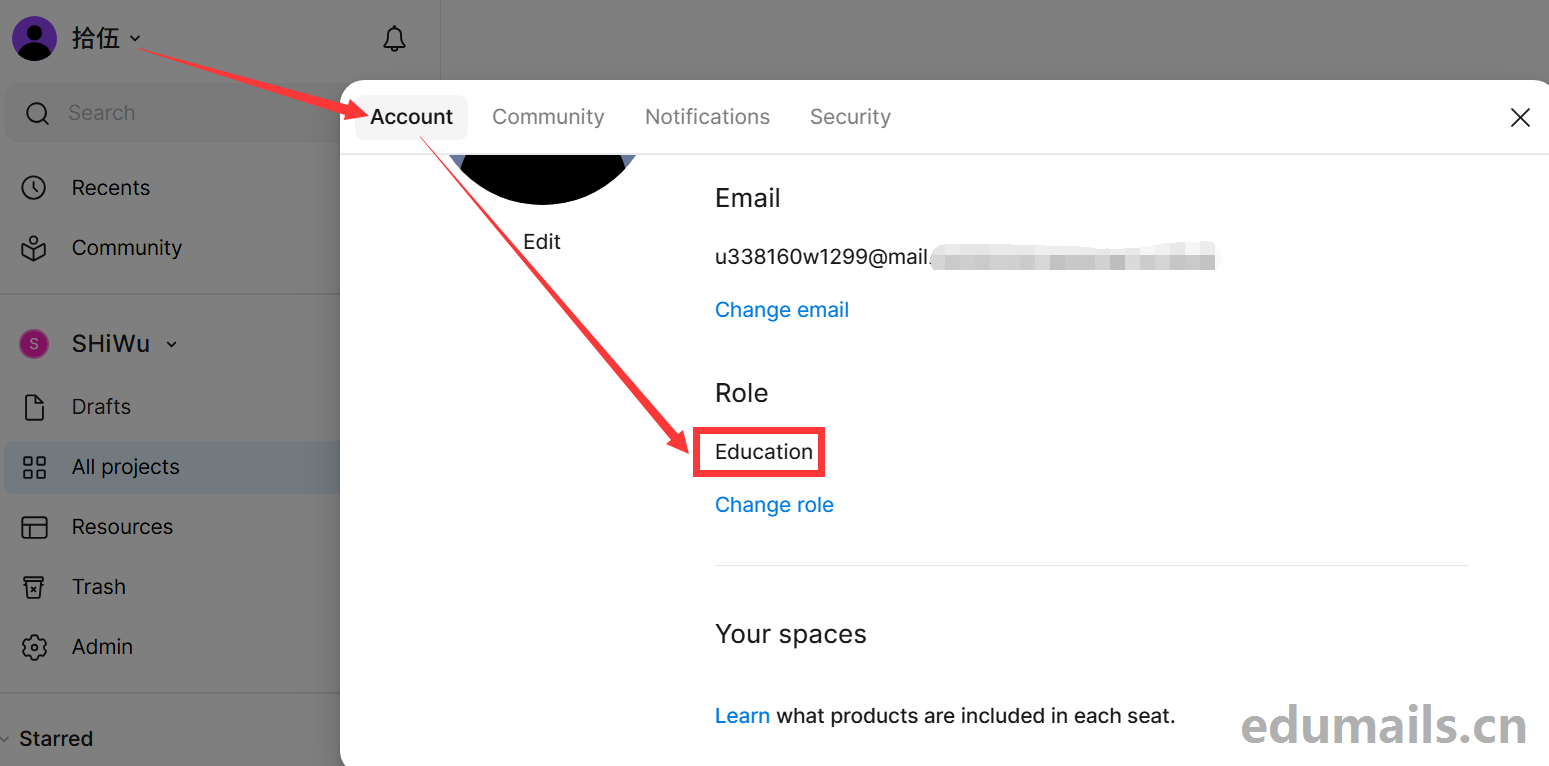
教程结束!
地区不可用处理方式
有的用户点击verify后显示education plan is not available 无法激活,如下图所示:
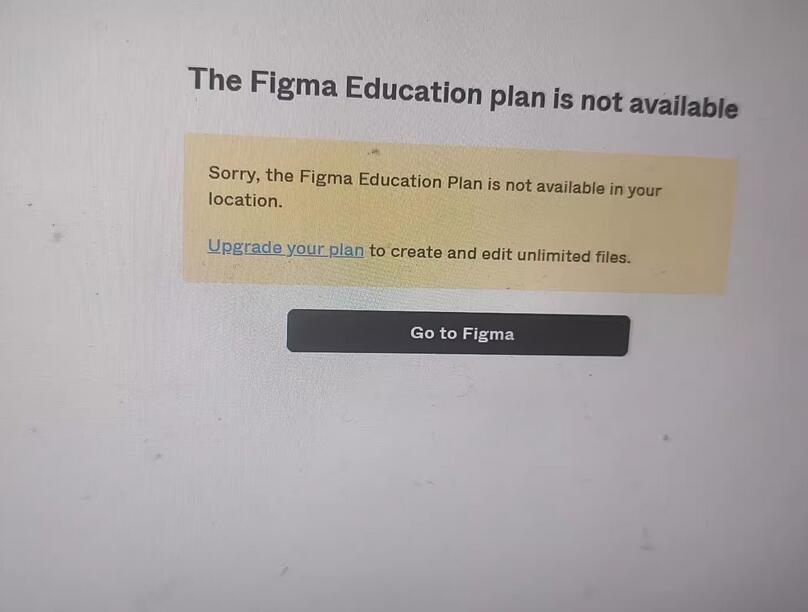

这类问题都是因为用户自身网络问题导致的,因为figma公司不对中国地区开放教育版申请,所以用户在申请教育版的时候提示所在地区figma教育计划不可用,请用户切换为海外节点即可解决,也就是俗称的翻墙,如果自己无法解决请联系商家付费5元协助激活The
国外海外线路推荐
第一种:https://jzelf-gsulr-g5lfs-bd1s4.glados.space
第二种:https://z1.jilianclou.com/#/?code=kdgiwQ7U
friendly reminder
目前figma市场鱼龙混杂,很多商家使用临时资格获得所谓的figma教育成品号,容易造成用户数据丢失账号无法登陆的情况,购买figma教育版的时候,一定询问商家索要资格认证的教育邮箱,如果卖家不提供教育邮箱,则实际没有成品号的所有权。
本教育版为K12版本,非高校教育版,没有AI功能,目前市面上的有AI版本的教育号不稳定,是商家通过P图造假提交材料方式认证,1年内频繁封号的次数达到十多次,体验很差。
我们强烈建议互联网用户购买教育邮箱,自助官方申请教育资格的形式获得教育资格使用权限,或者是登陆教育邮箱后会看到显示名称有edumails授权标识。
 ZH
ZH  EN
EN
online experience
群人数已满
人满了
群过期了
谁说的 还有的 刚弄好了
现在改了,只有一个月会员