
 EDU Education Network Email Registration Application

Products
Otter.ai是总部位于加利福尼亚州洛斯阿尔托斯的技术公司,该公司使用artificial intelligence (AI)和机器学习技术开发语音到文本转录应用程序。它的软件称为Otter,可显示现场演讲者的字幕,并生成演讲的书面录音。
Otter Voice Meeting NotesAn English voice recording software, Otter turns voice conversations into smart notes that you can easily search and share. You can use it to take notes in meetings and interviews, capture thoughts and ideas while driving, and transcribe existing recordings and podcasts. You can even take photos during recording (e.g., photos on a whiteboard, speaker slides, or presentation slides) that will be inserted with your transcript. The possibilities are endless.
personal experience
This is by far my favorite voice input app! I usually put my phone next to me when I'm in online classes and use this app to take notes. The best thing about this app is that it saves the recording itself, so when I look back at it, I can match the voice to the word, which is very convenient. The best thing about this app is that it saves the recording itself, so when you look back at it, you can match the voice to the word, and if more than one voice is speaking, it can distinguish different speakers, and there are also functions such as highlighting with a highlighter and extracting keywords.
Speech recognition software is called the efficiency of the gods, office, class essential software, used a lot of similar, and the web version of some transcription. Xunfei is very high in the country, the transcription is also very accurate, but too expensive. There are also a few very good use of otter and Notta, otter is for overseas, the main English is very powerful, many people abroad to use.
product plan
Use the freeOtter The Basic program doesn't.(manufacturing, production etc) costs-You can use theOtterRecordings can be made and synchronized from Zoom to a maximum of 600 minutes per month (up to 40 minutes per recording; other restrictions and limitations apply), and the Planwill not (act, happen etc)Expired. You canUpgrade to Pro or Business planand only 6,000 minutes of transcription time per month (up to 4 hours per recording).And low subscription fees!

Educational Benefits

Otter for Educationis a new version of Otter Voice Meeting Notes, which is designed for real-time transcription of notes for universities and other higher level educational institutions. It adds integrated account management, reporting and corporate billing through the award-winning Otter app.
For a separateOtter ProPrograms, we offer educational discounts for students, teachers, professors and staff of educational institutions at a discounted rate of $4.99 for monthly billing and USD 49.99 for annual charges.
Application Process
We first need to prepare a real university edu education email registration, this site demonstrates the United States edu education email. (Because some users do not know where to get edu.pl this kind of garbage edu, the result of registration is not successful, and finally seek help from this site.
Sign up for an otter.ai account directly with an edu education email address, and in the education offers chart above, click on the blue boxed content inside "Get Otter now, it's free"
edu email will receive an official confirmation email from Otter, please confirm your email address Click the button below 以验证ajones@xxxx.edu是您在注册过程中提供的电子邮件地址.

Log in to the homepage
Once we have successfully verified our email we will be taken to our Otter profile page, click on our name in the top left corner and then click on theUpgrade.We see 600 minutes of free usage. Since we're upgrading to an education discount, click on the bottom right corner of the page "Student & Teacher Discount"

pay for education
strike (on the keyboard)Student and Teacher Discounts. Enter your credit card information and clickComplete the purchaseThe


common problems
How do I start?
Download forAndroid (operating system)maybeiOSOtter Voice Meeting Notes, or viaotter.aiCreate an account. We currently support English only.
When do the minutes reset?
The monthly airtime quota is reset based on your join date. For example, if you created your Otter account on the 18th, then your monthly top-up date will be the 18th of each month.
Is there a student/teacher discount?
To be purchased at an educational discountOtter ProPlease follow the steps below:
1. Use your school e-mail address to register or log in to yourOtteraccount.2. Click on the name in the upper left corner, and then click on theescalate (in intensity)The
3. ClickStudent and Teacher Discounts. Enter your credit card information and clickComplete the purchaseThe
If you do not have a school e-mail address, pleaseContact with support staff, and provide the name of your school along with a valid school ID or current semester enrollment photo.
How long can I record?
There is a limit per recording. With the free Otter Basic plan, you can transcribe up to 40 minutes (up to 3 hours of recording, no transcription beyond 40 minutes). With the Otter Pro and Otter Business plans, you can record, import and transcribe up to 4 hours per recording. If you need to record and transcribe beyond these limits, you can stop and restart recording, orUpgrade to Pro or Business planThe
How do I cancel my Otter Pro subscription?
Canceling a subscription will only cancel the auto-renewal after the current cycle. If you have already paid for a month or year of Otter Pro, you will still retain the benefits of that month or year until the subscription is exhausted.
If you are inotter.aiIf you have purchased a subscription, you can cancel it by going to the Settings page and then to the Plans tab.
If the purchase was made through the Android app, you can go to the Settings screen and click on "Manage Subscriptions". You will then need toUnsubscribe via Google PlayThe
If purchasing through the iOS app, you will need toUnsubscribe via Apple's App StoreThe
What web browsers are supported?
Otter.aiWorks best on Google Chrome (version 67 or higher), but also supports Safari (version 11 or higher), Firefox (version 59 or higher) and Edge (version v80 or higher). We do not support Internet Explorer and Microsoft Edge legacy.
If you are using a Google or Microsoft email address in theotter.aiaccount created.imitateIt is possible to sign in on your phone using that email address. Simply click the Google or Microsoft Sign In button and select the appropriate account with the matching email address to sign in.
For more questions and answers go toOfficial Assistance Support Center



 英文领取链接:https://fish.audio/app/claim/students/
中文领取链接: https://fish.audio/zh-CN/app/claim/students/
官方积分赠送:https://fish.audio/?fpr=edu 点击后即可获取1W积分
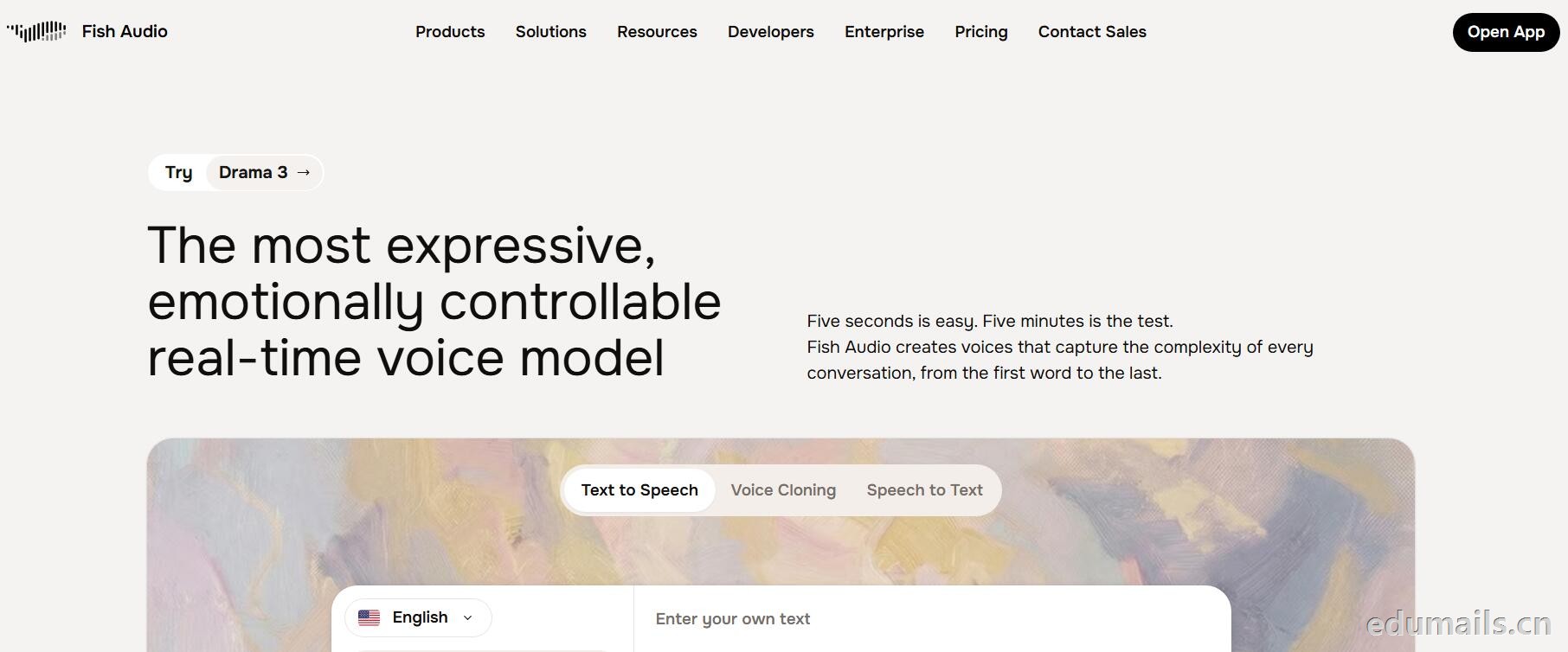
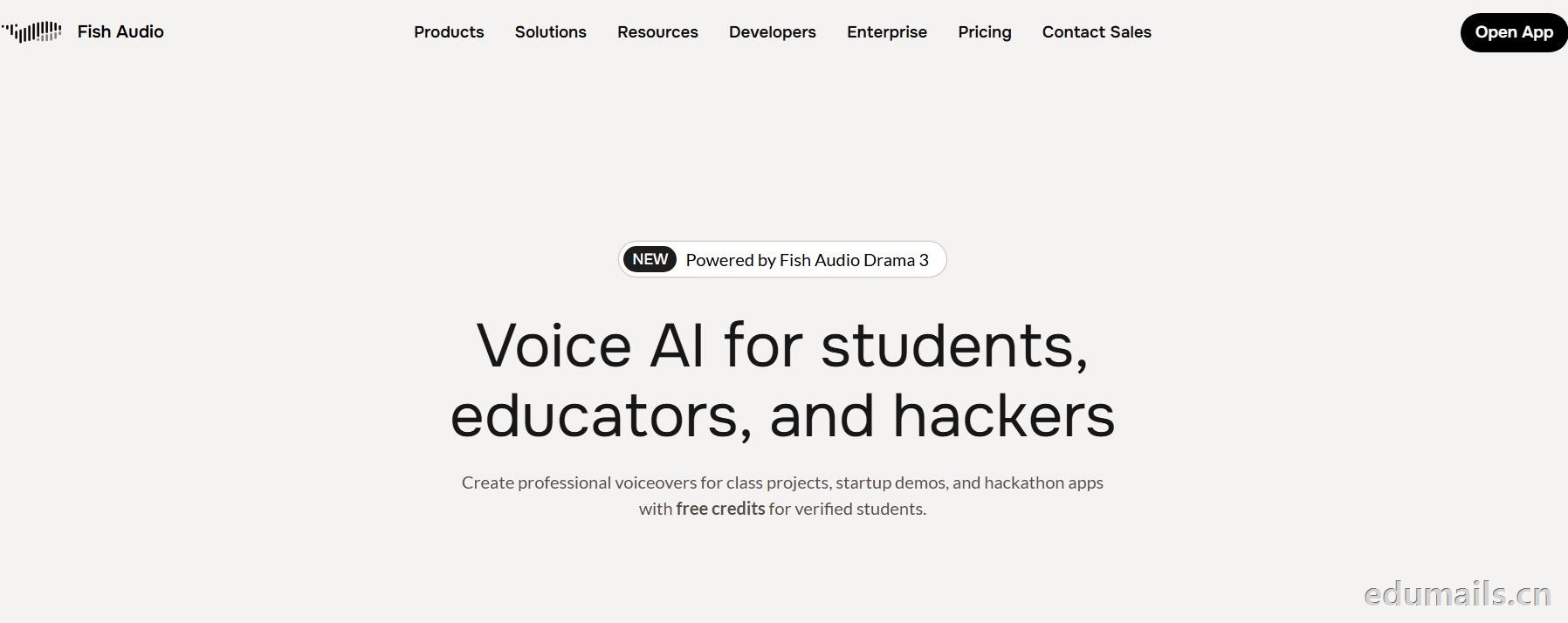
用 .edu 学生邮箱认证,领“免费积分”,做课堂/黑客松/毕设/校园项目配音和声音克隆,但不能商用。学生、教育工作者、黑客松选手都算目标人群。
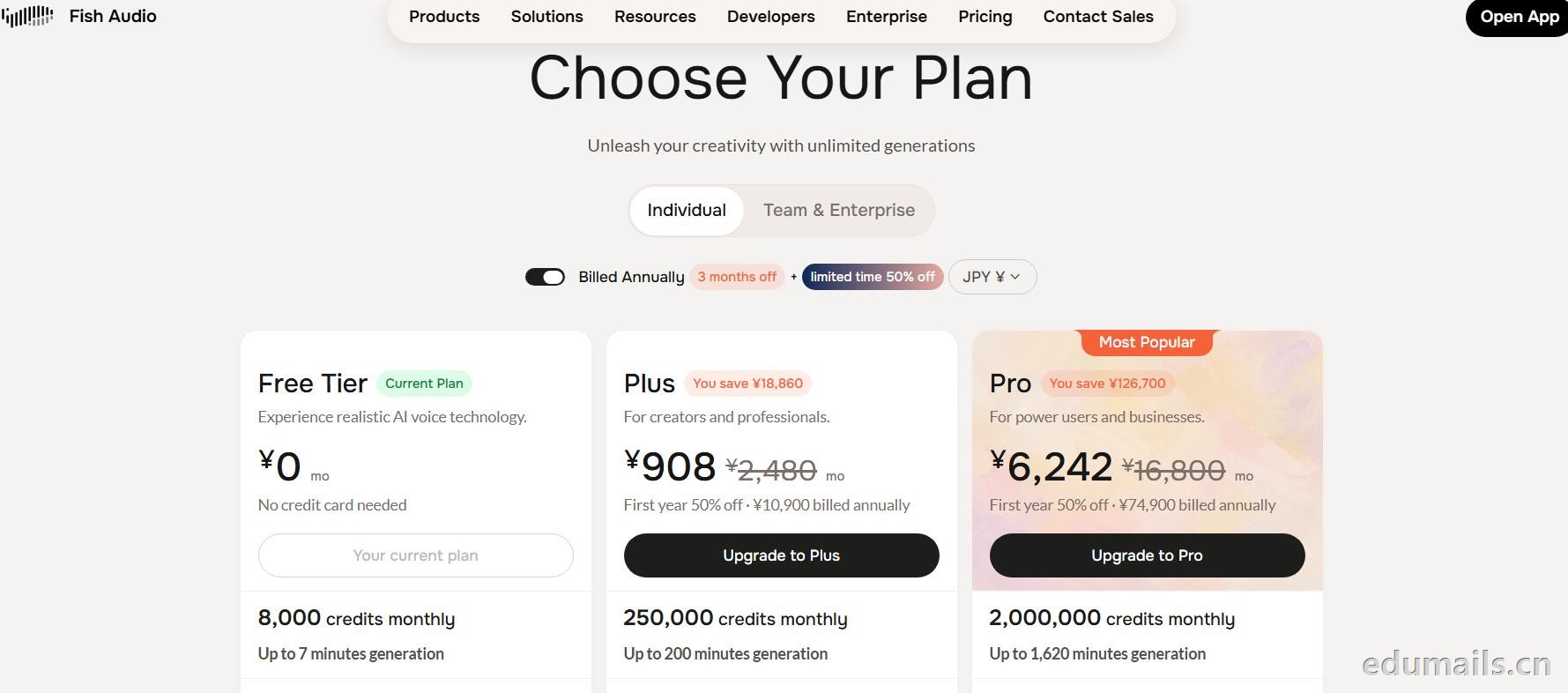
免费积分(数额不公开,叫“generous credits”)可用全部语音模型、TTS、声音克隆(10 秒录音复刻音色)支持多语言(页面写 8 种/83 种说法不一,以账号内为准),含 完整 API 权限(接代码、做 Demo、黑客松 App 都能用),可申请当“校园大使”:每月额外积分 + 抢先体验新功能。
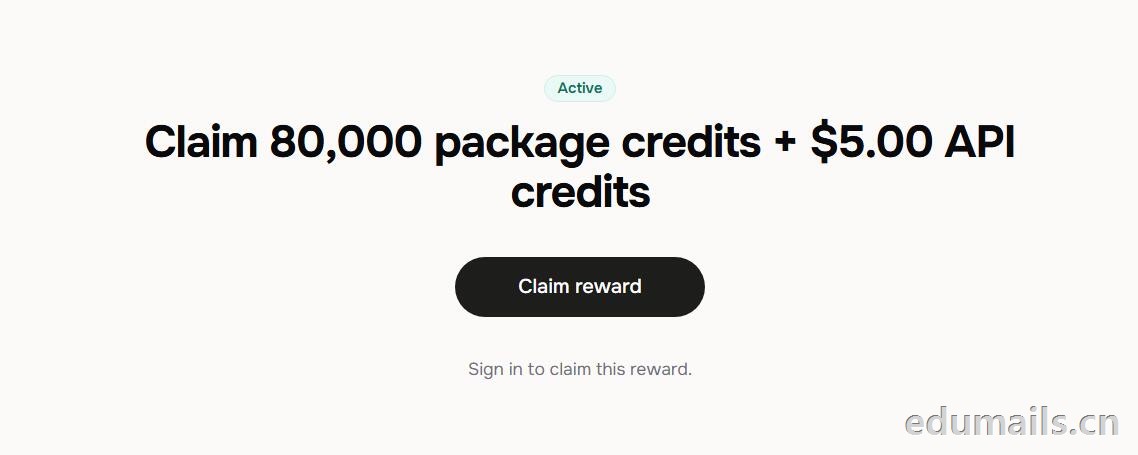 根据本站测试:额度为Claim 80,000 package credits + $5.00 API credits 领取 80,000套餐积分+$5.00 API 积分
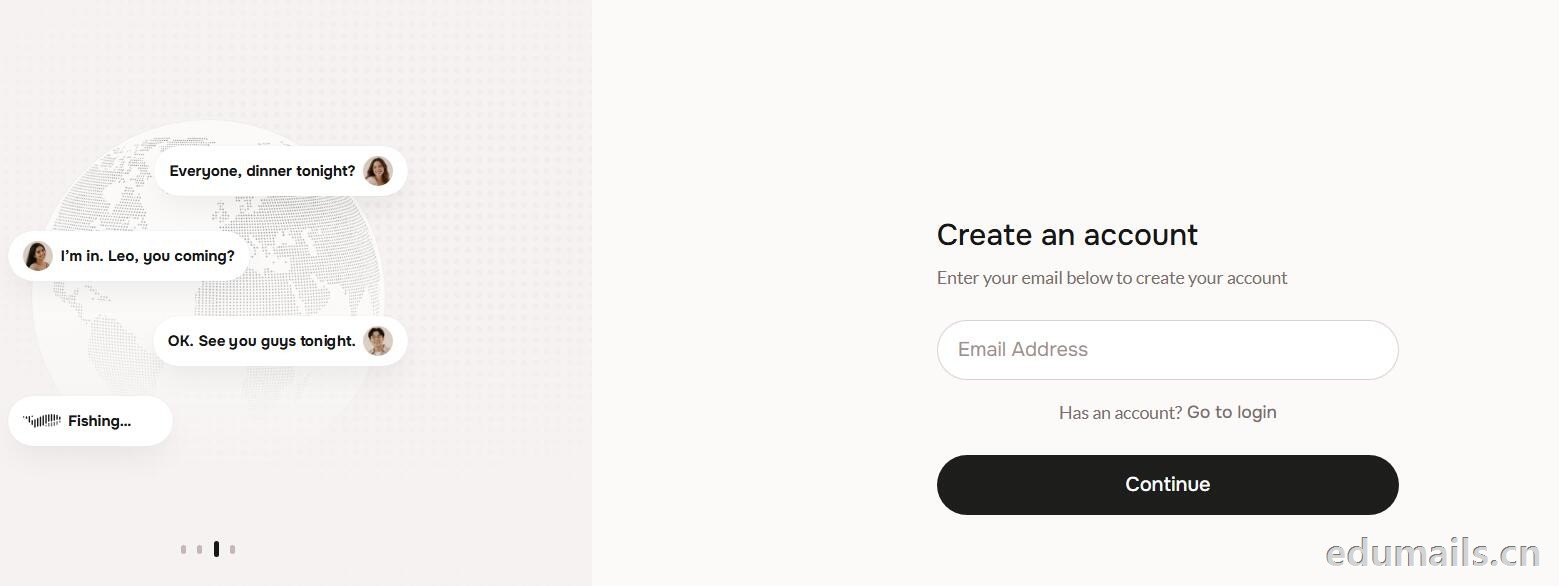
 提示创建账户:https://fish.audio/auth/signup/ 我们直接用edumailshop.com的美国edu邮箱进行注册演示。通过官方积分赠送活动:https://fish.audio/?fpr=edu 点击后即可获取1W积分.
Ps:我们如果在其他地方购买美国edu邮箱,一定要问是否为正规的,因为很多邮箱都是盗用的扫号来的,无法修改密保,也无法保证邮箱使用时间,所以我们不要贪图便利在某鱼购买。
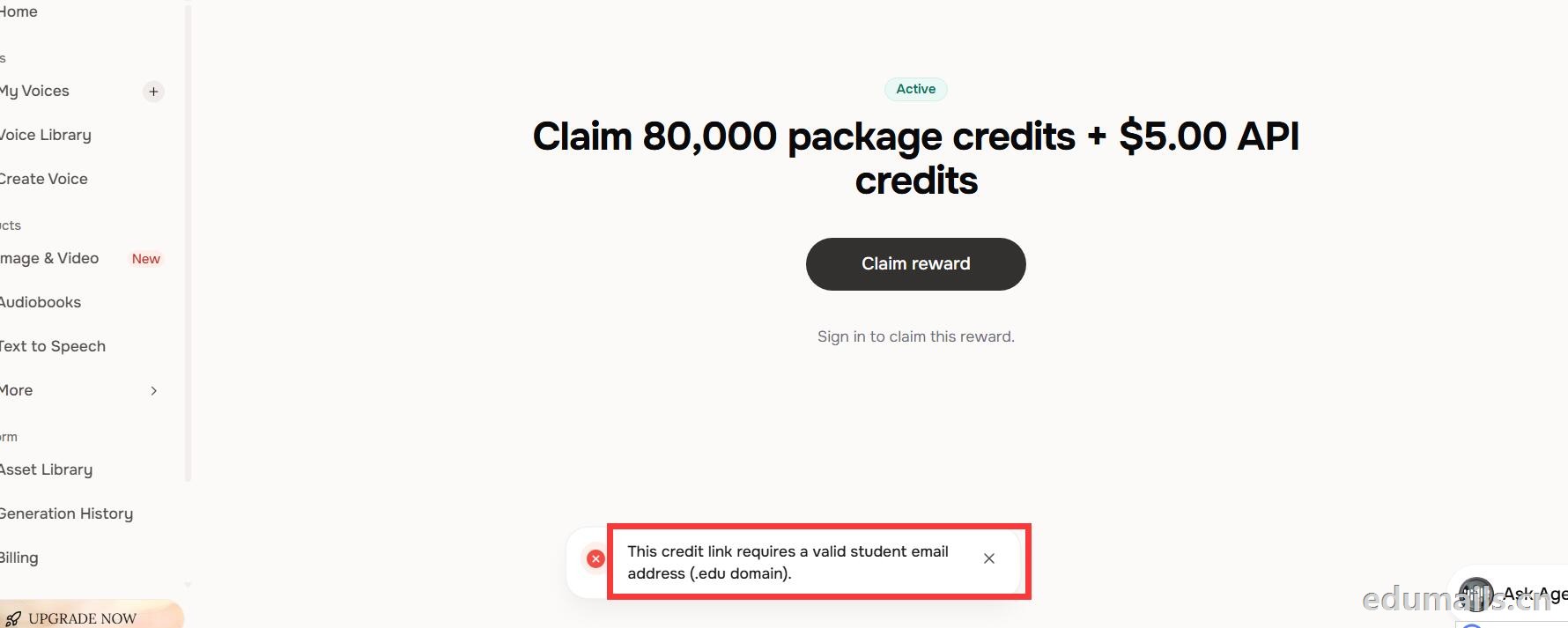 我们查看团队设置https://fish.audio/zh-CN/app/team/?tab=usage 里面是没有领取80,000积分的赠送额度。只有赠送的8000额度。
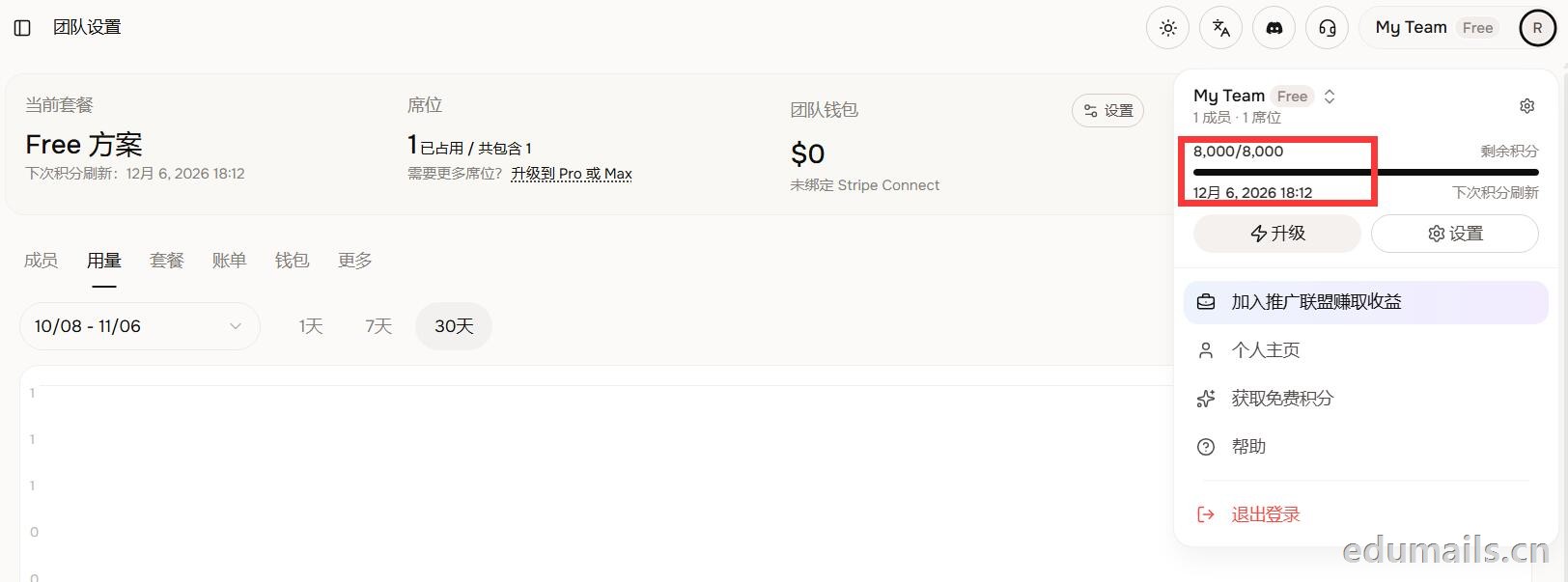 (失败)余额仍卡在8,000/8,000,无任何入账流水,只拿到普通免费版基础额度,属于典型的认证或链接未生效。
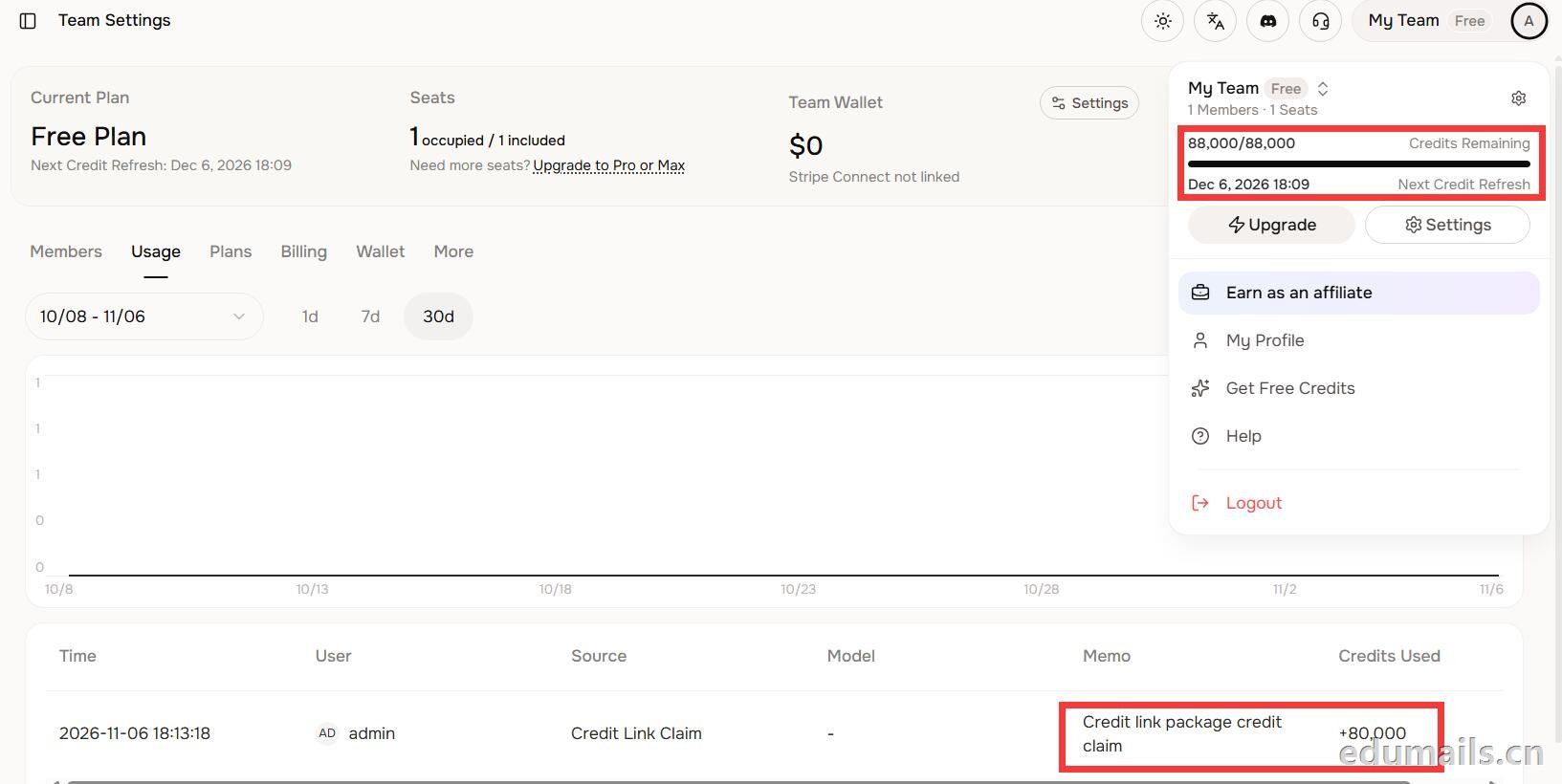 后台显示余额88,000/88,000,下方流水明确记录“Credit link package credit claim +80,000”,说明在基础免费额度(8,000)外,成功白嫖了8万教育包积分,这正好印证了上一轮说的“额外大额积分”,下次刷新在12月6日。
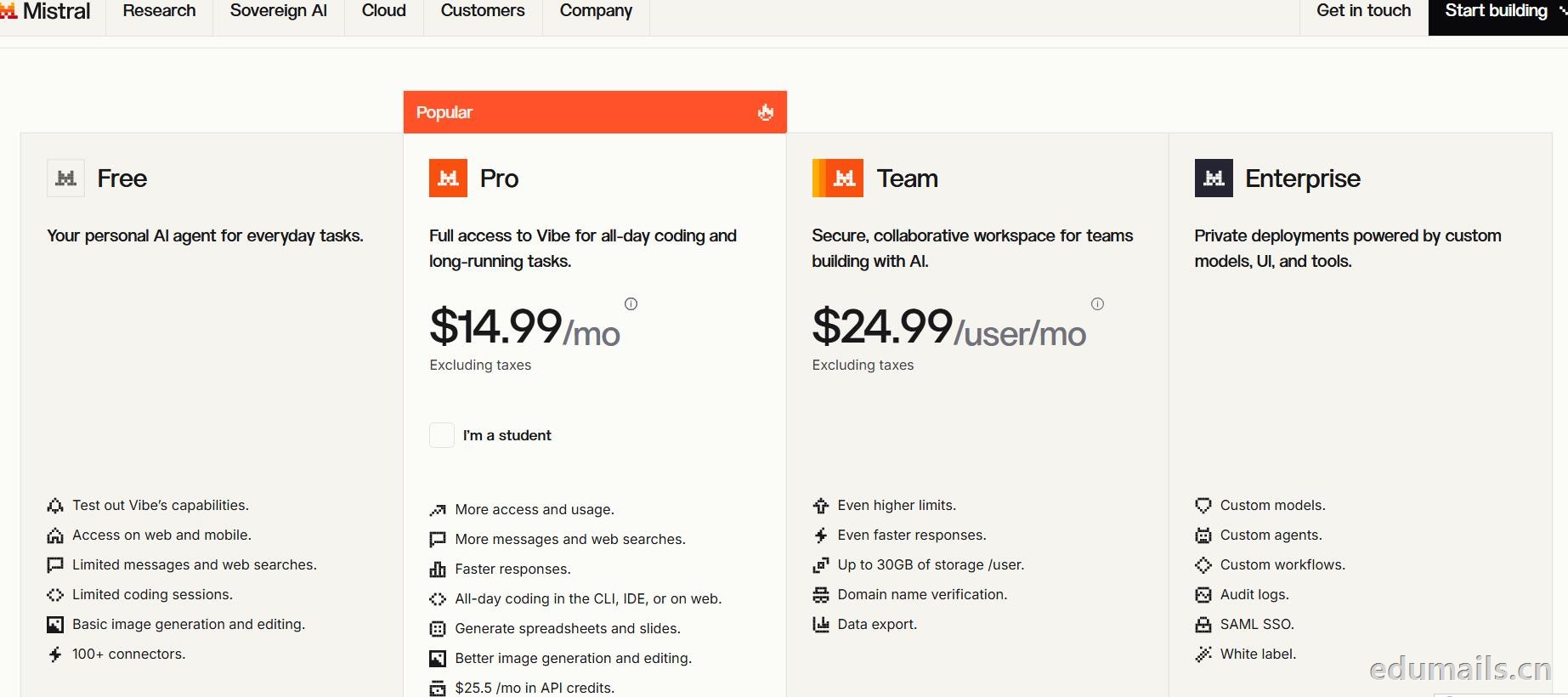
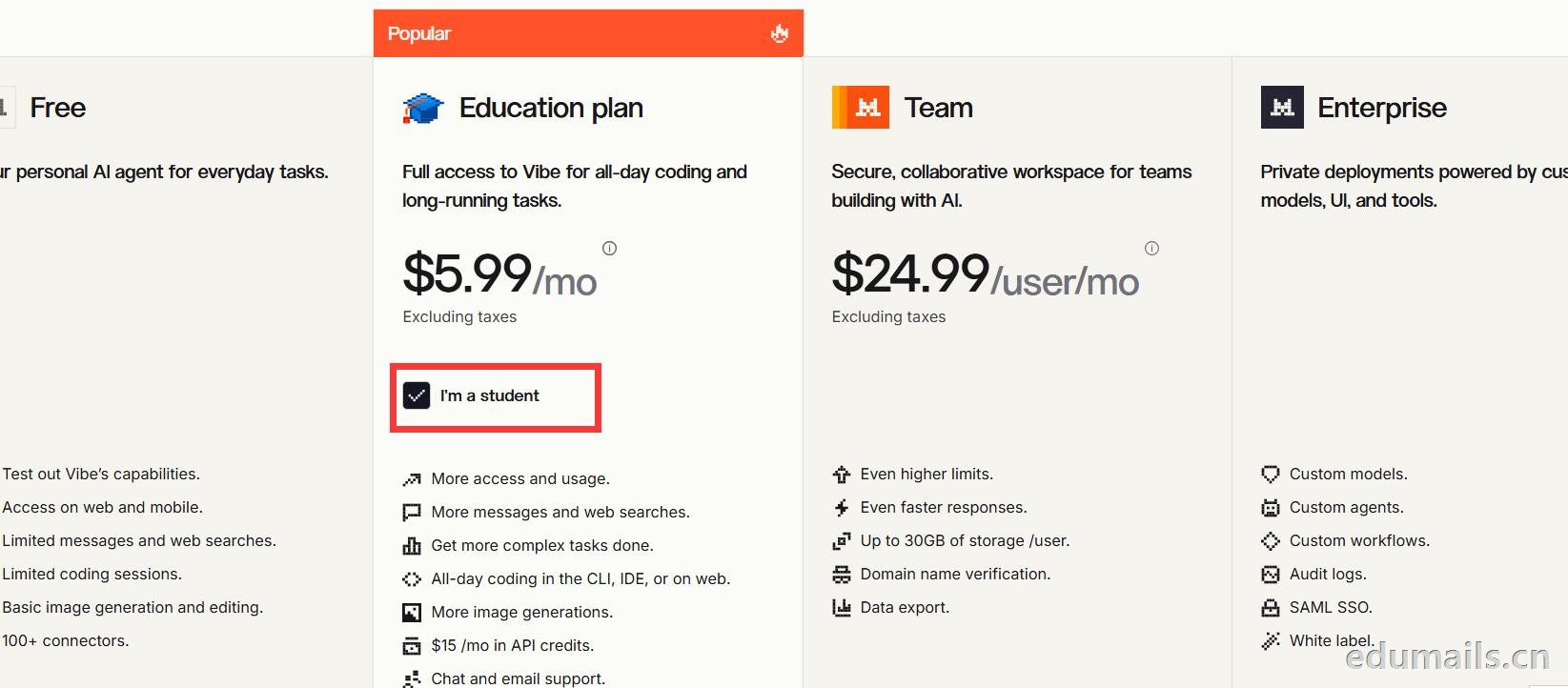 Mistral 的 Education 计划并不是一套独立套餐,而是面向符合条件的学生与教师提供的 Pro 折扣版本。获得优惠的唯一凭证,是由教育机构签发的机构邮箱;Gmail、iCloud、Outlook 等个人或通用域名邮箱无法通过核验,学生证、在读证明、确认信等书面材料也明确不被接受,不能作为替代。
订阅入口位于价格页的「I'm a student」按钮,也可直接打开 Education 计划页面完成流程:既可以用机构邮箱注册一个全新的 Mistral 账号,也可以在已有账号中先把绑定邮箱改为机构邮箱再订阅。
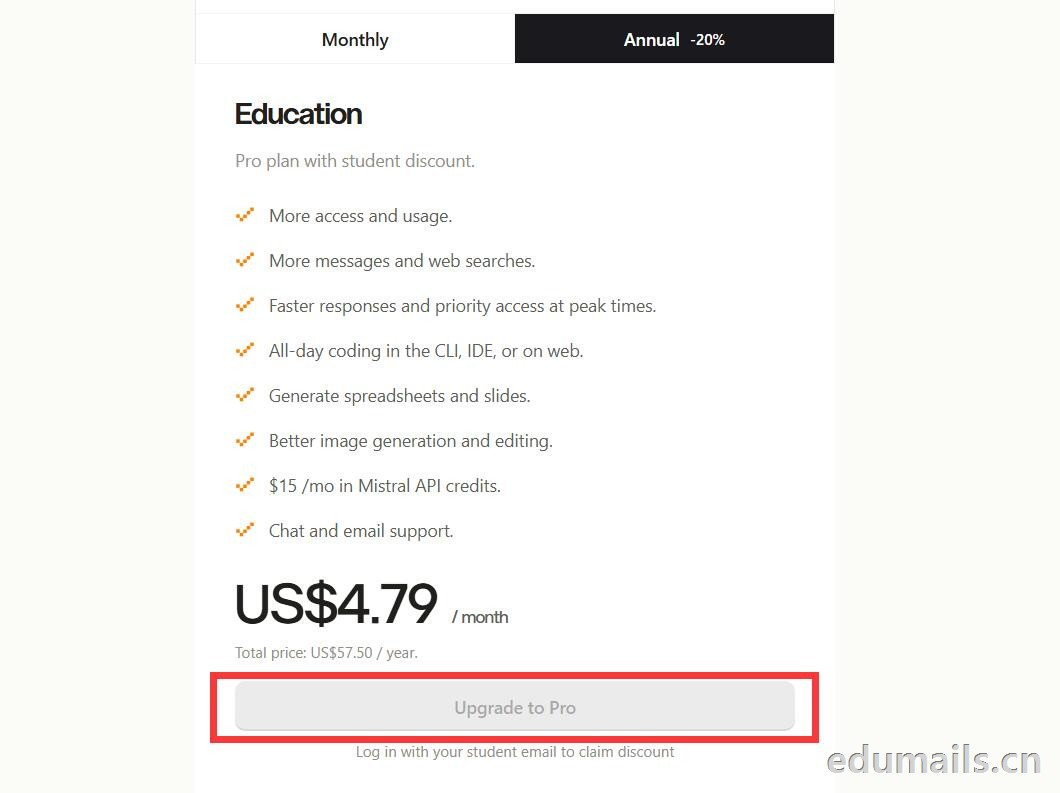
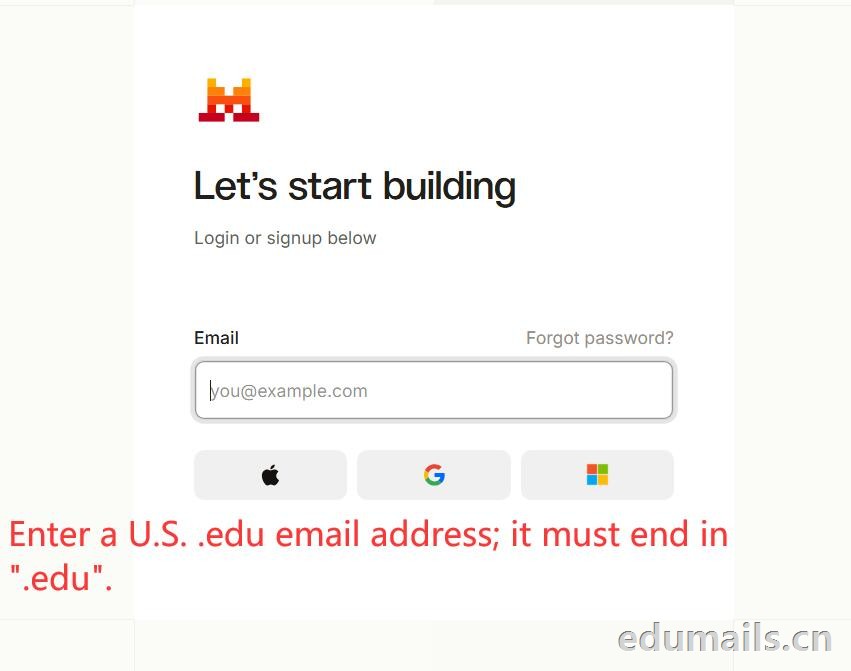 如果我们的邮箱地址不符合官方学术资格要求,我们点击Upgrade to Pro 是无法点击,为灰色显示。
 如果我们的邮箱地址符合官方学术资格要求,我们点击Upgrade to Pro 是高亮黄色显示,是可以继续点击下一步。
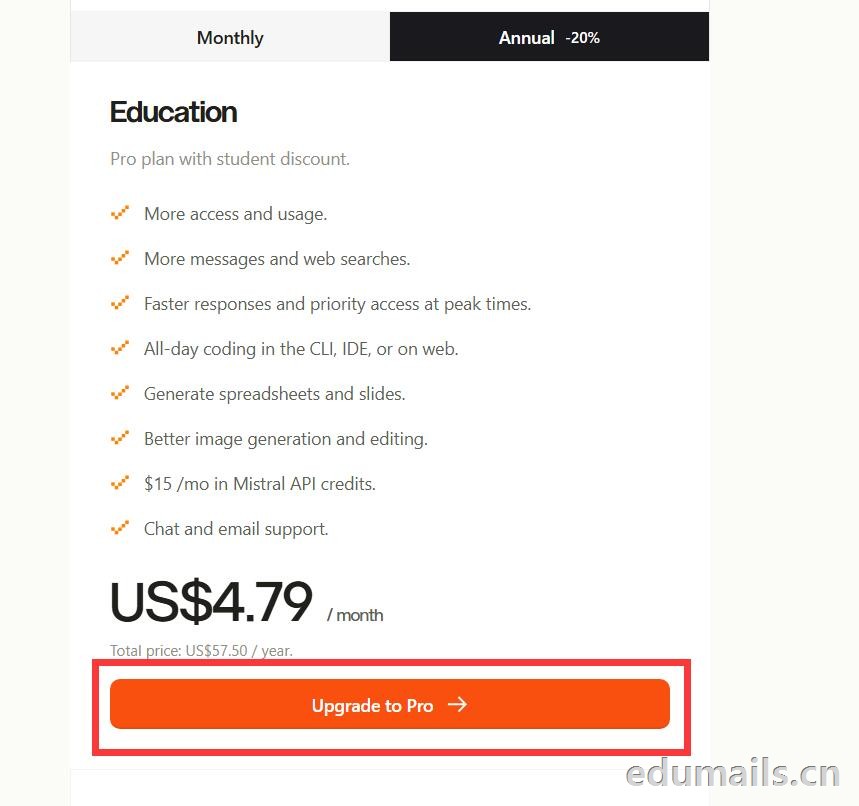
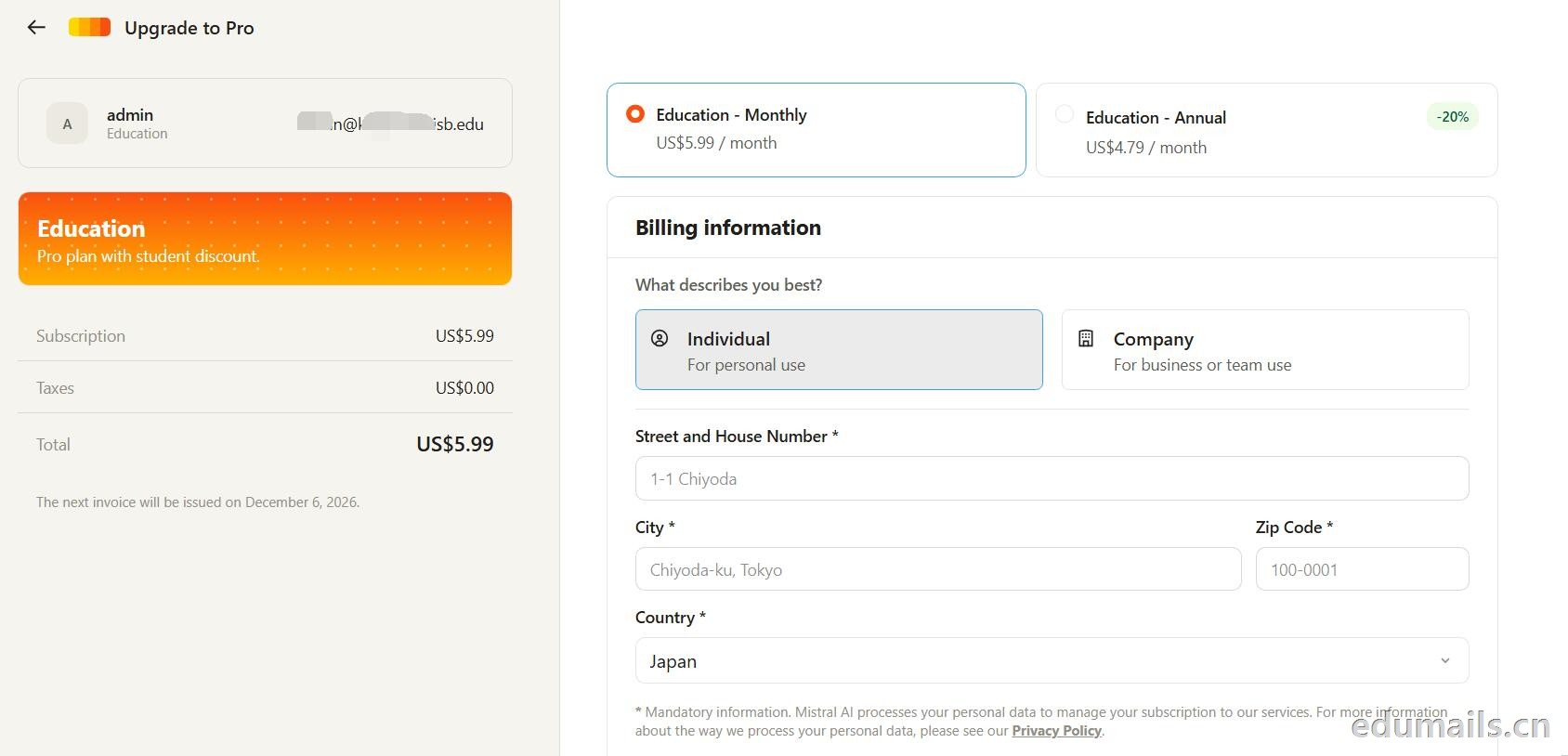 走到支付这一步,教育优惠的折扣感最直观:界面左侧会明确打出“Pro plan with student discount”,只要绑定了


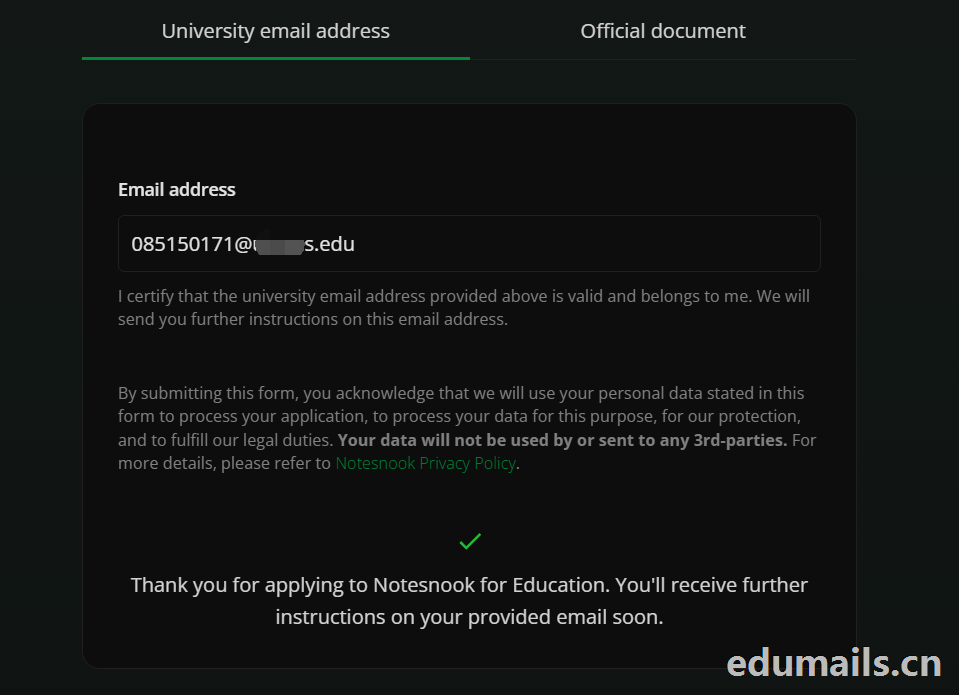 Thank you for applying to Notesnook for Education. You'll receive further instructions on your provided email soon.
如果我们的美国edu邮箱符合秒过要求,则如上图展示效果:感谢您申请 Notesnook 教育版。您很快就会在所提供的邮箱中收到后续指引。
我们打开edu邮箱提示收到
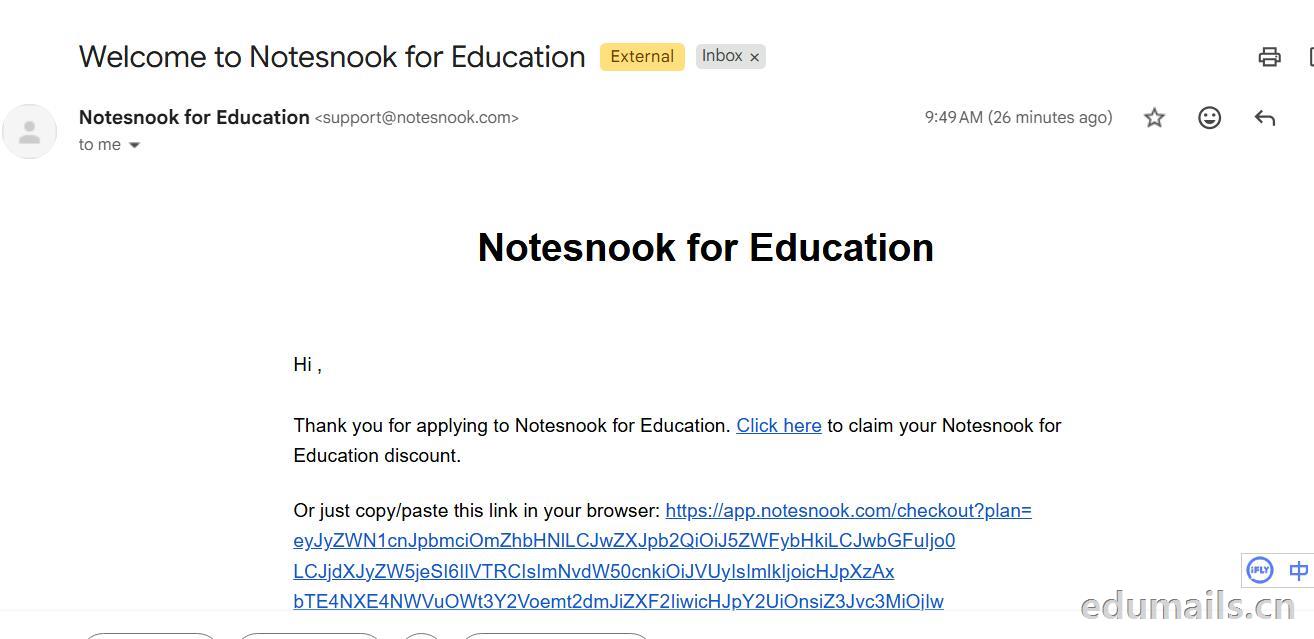 Thank you for applying to Notesnook for Education. Click here to claim your Notesnook for Education discount. 感谢您申请 Notesnook 教育版。点击此处领取您的 Notesnook 教育版折扣。

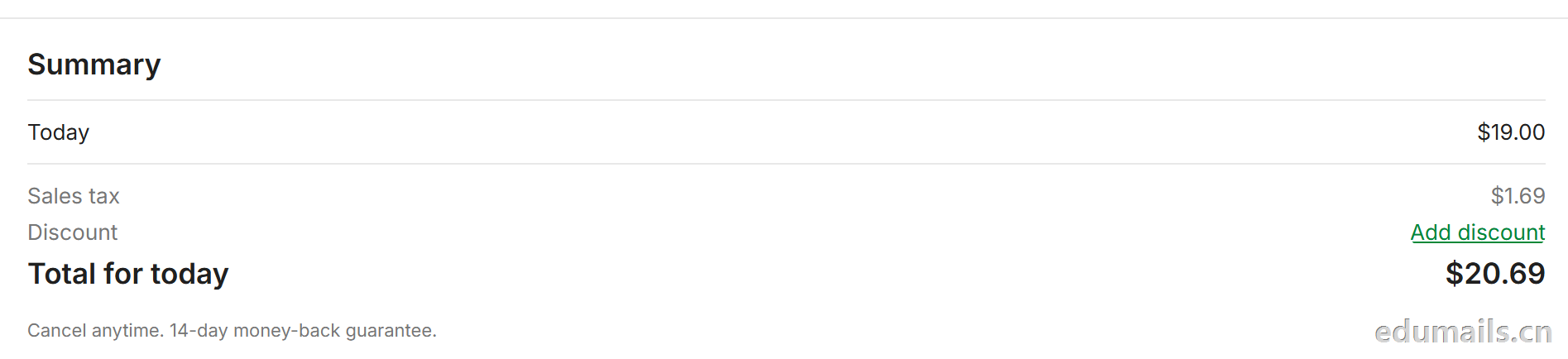 我们看到价格是20美金,官方支持paypal、信用卡支付,如果没有支付方式可以找代付解决。

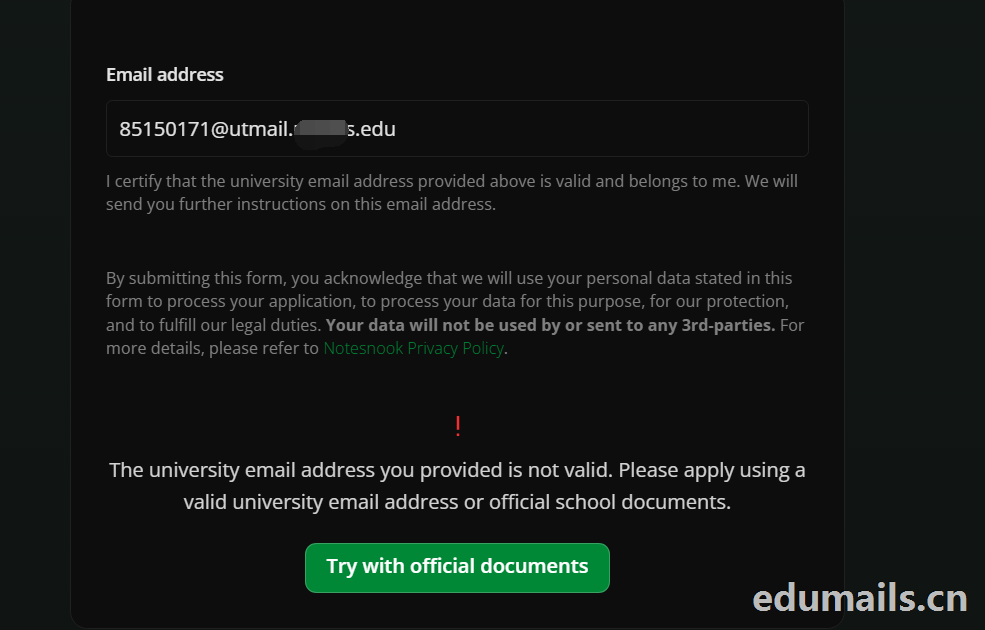 The university email address you provided is not valid. Please apply using a valid university email address or official school documents.
您提供的大学电子邮箱地址无效。请使用有效的大学电子邮箱地址或学校官方文件进行申请。我们点击Try with official documents,按照要求提供相关学校官方文件即可通过。
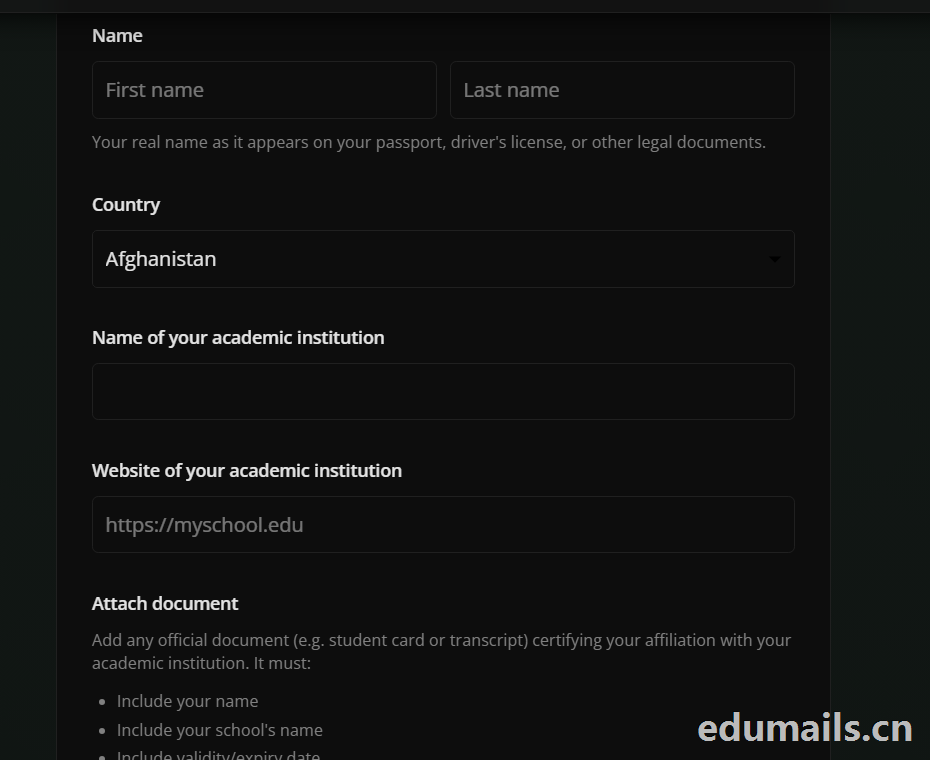
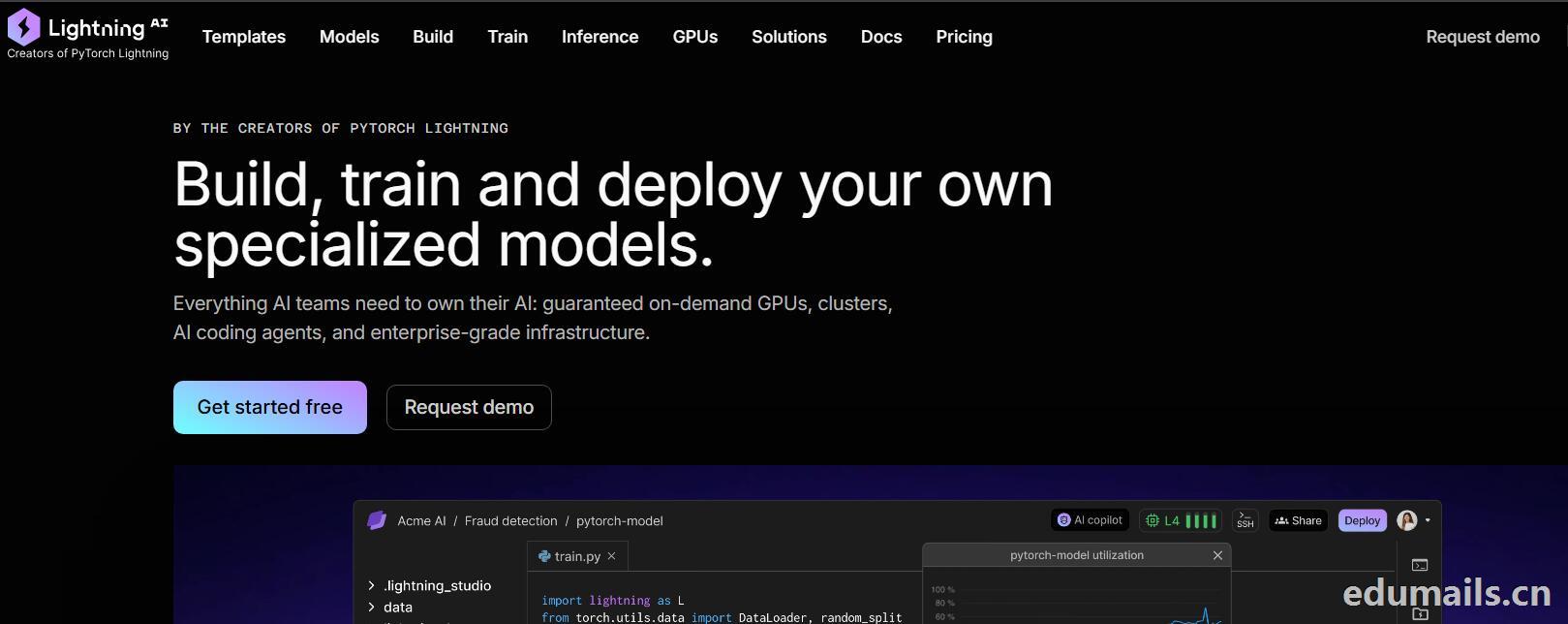

 我们再接着点击Choose Pro,弹出教育资格注册认证页面:如下图所示:Use a work or .edu email for faster verification,使用工作邮箱或 .edu 邮箱以加快验证速度,要求我们必须使用美国.edu结尾邮箱进行注册。
 我们的美国edu邮箱会收到来自no-reply@lightning.ai发送标题为“Confirm your email to finish creating your Lightning AI account”的邮箱验证邮件:
 我们点击完成认证,再次回到价格页面,点击学术价格,弹出如下图所示:
 Select organization to upgrade 我们默认选择即可,提示Upgrade to Academic,会弹出学术价格内容:
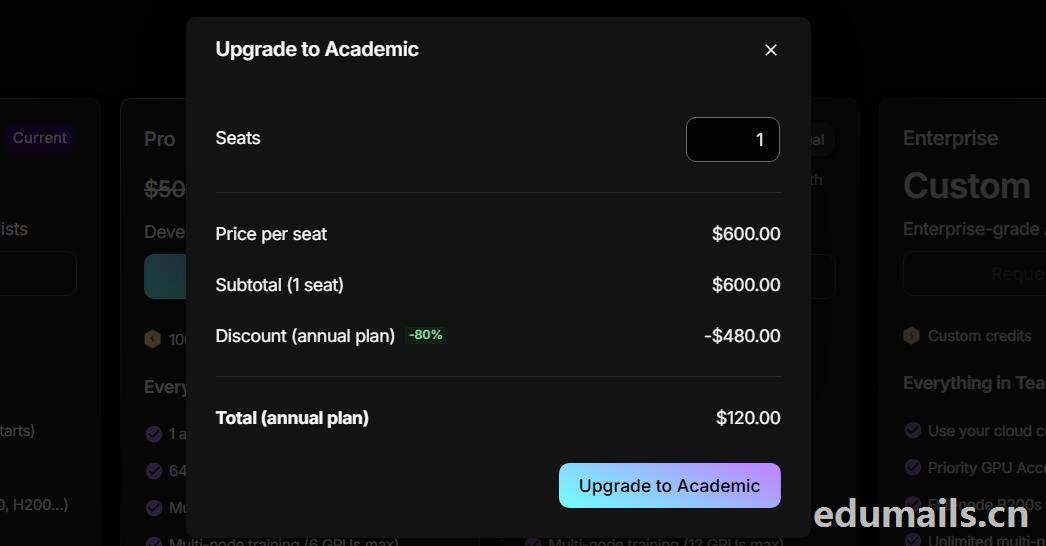 席位(Seats):1 个,每席位原价:$600.00/年,小计(1 个席位):$600.00,年付折扣:-80%,减免 $480.00
最终年付总价:$120.00
最后我们点击:Upgrade to Academic
也就是:学术版 Pro 年付原价 $600,打 2 折后 $120/年,折合 $10/月。需要用学术邮箱/学术身份开通。

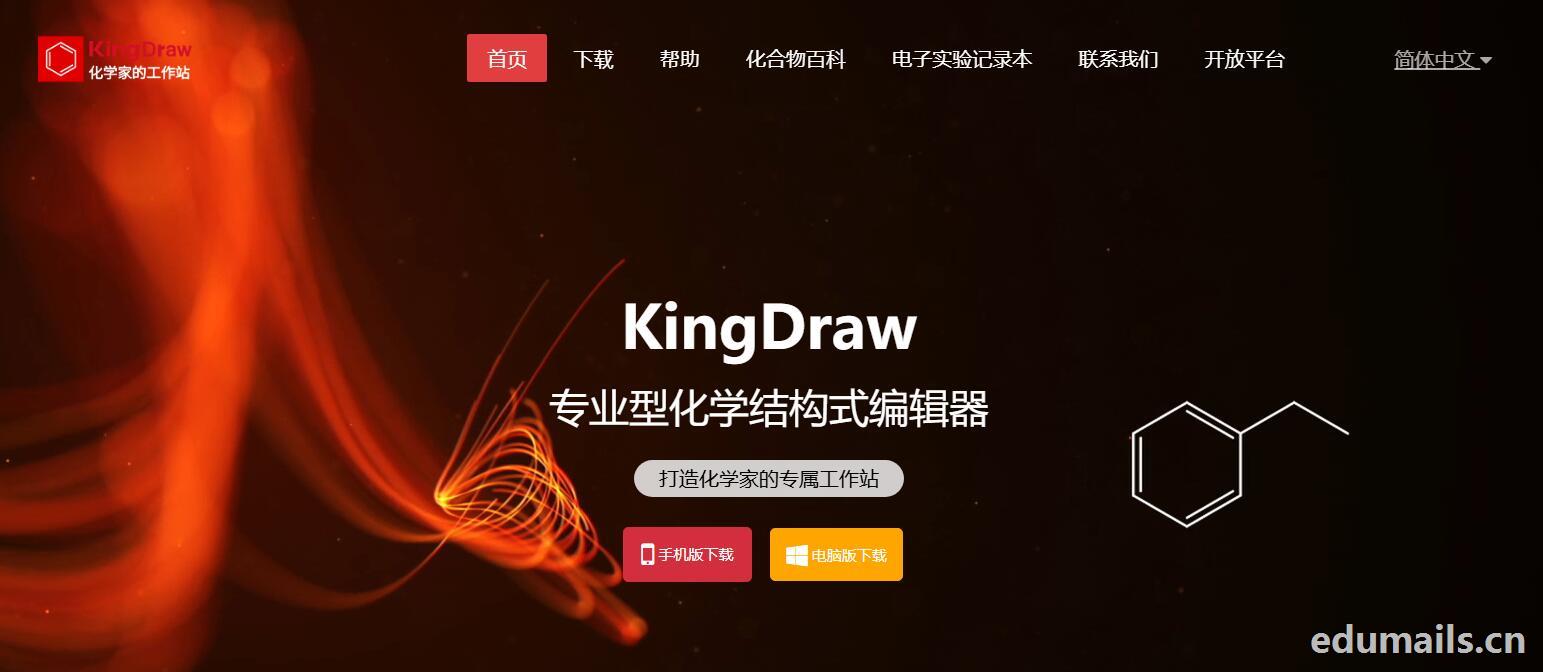
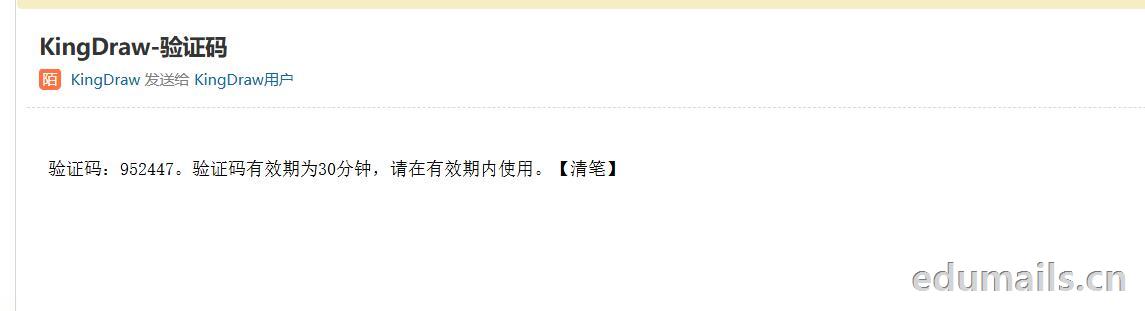
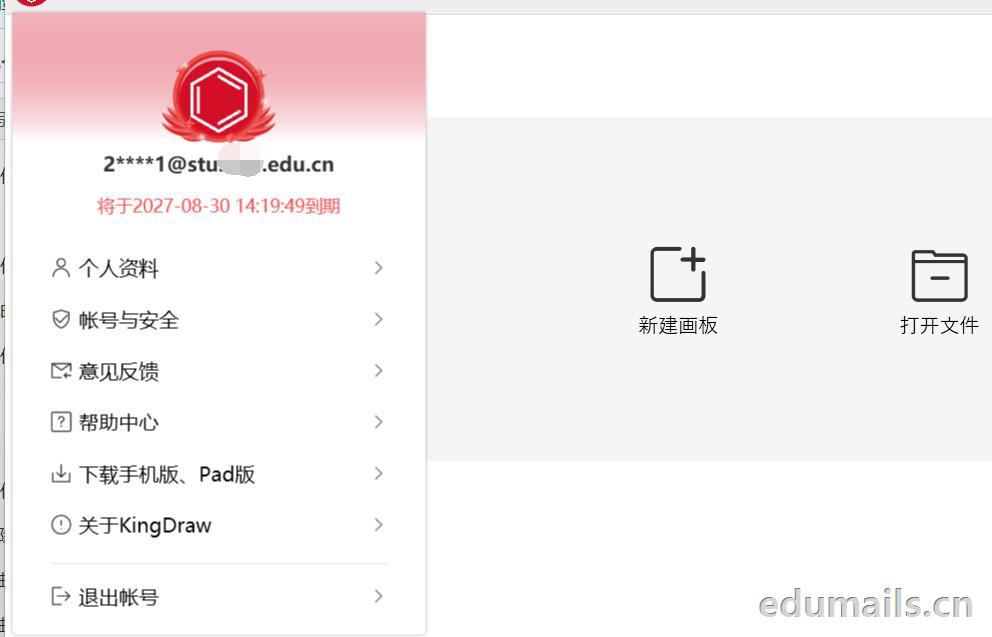
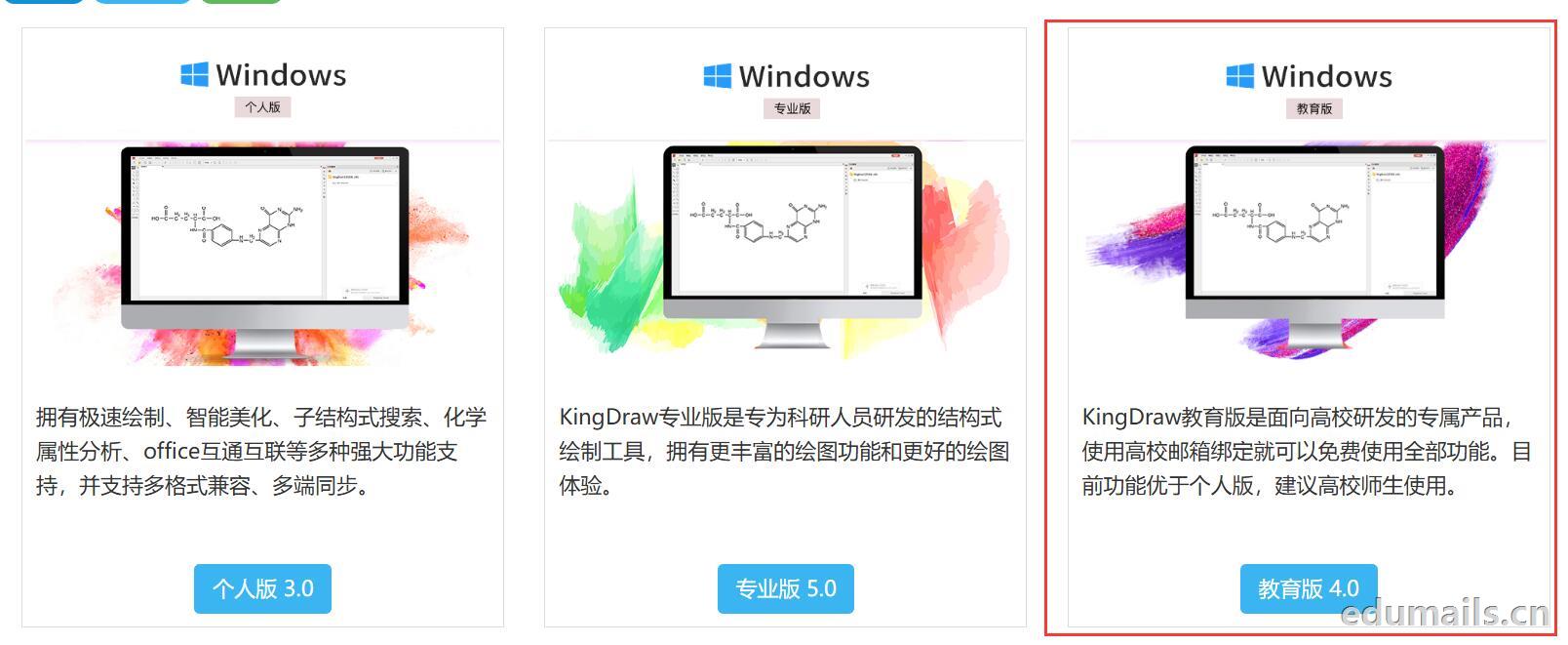 我们下载安装完成KingDraw教育版后,点击登陆提示如下图,我们选择邮箱方式注册,在这里我们可以用任何邮箱注册KingDraw账户。
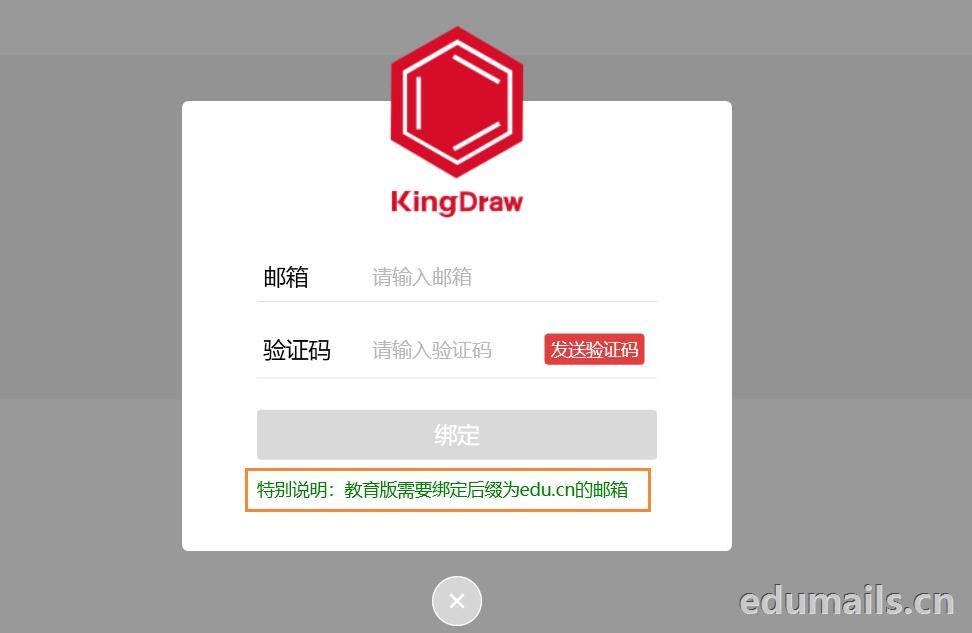
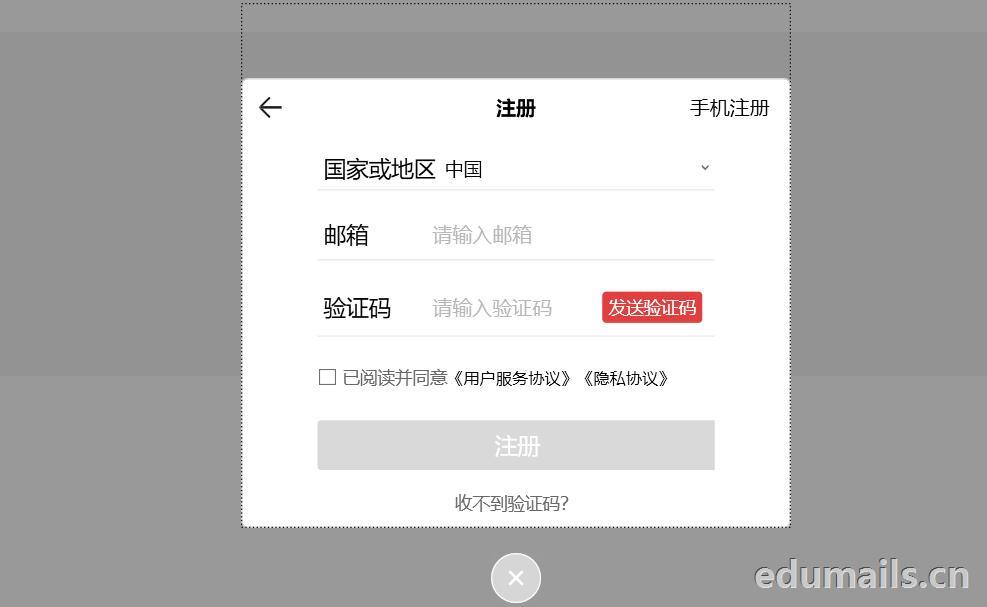 我们用任意邮箱注册完KingDraw账户后,提示绑定educn邮箱,我们可以用代收服务进行educn代收邮件认证。
 https://www.edumails.cn/chemdraw.html

 ZH
 EN