
 EDU Education Network Email Registration Application

School Introduction
San Joaquin Delta College - San Joaquin Delta College (SJDC) is a modern, comprehensive, two-year public community college founded in 1935 in Stockton, California.In 1963, San Joaquin Delta College was separated from the Stockton Unified School District by a 0.71-square-mile campus. Delta College was separated from the Stockton Unified School District and the campus covers 0.71 square miles. San Joaquin Delta College is one of 112 schools in the California Community College System and is accredited by the Western Association of Schools and Colleges (WASC).
San Joaquin Delta College has eight academic divisions including: Applied Science and Technology, Business, English Language Arts, Family Consumer Sciences, Fine Arts, Health Sciences, Mathematical Sciences, and Social Sciences. Five instructional centers, including: the Cunningham Center, the Holt Center, the Ishmael Center, the Boo Center, and the Rock Center. The Cunningham Center has a Cornwall Planetarium, which is the only planetarium at San Joaquin Delta College. The Holt Center has an electron microscopy lab. The gallery at the Stone Horse Center frequently hosts a variety of art exhibits.
San Joaquin Delta State College offers a 2-year Associate's Degree and a number of other diploma programs in majors such as Agriculture, Arts, Business Administration, Communications, Engineering, Humanities, Mathematics, Music, Natural Sciences, Radiologic Technology, Social Sciences, Higher Level Nursing, Accounting, Agribusiness, Computer Science, Culinary Arts, Engineering Technology, and Horticulture.
Application Process
Official website: https://www.deltacollege.edu
邮箱后缀:@students.deltacollege.edu
Apply online at https://www.opencccapply.net/cccapply-welcome?cccMisCode=551l
San Joaquin Delta College EDU mailboxes are still applied for through the OpenCCC Apply form. In order to apply using the California American Information Profile, you must have a new OpenCCC account before applying for a San Joaquin Delta College EDU mailbox. Log in and select "San Joaquin Delta College" to begin the application process.

After submitting your application, wait about 1 day or so, the exact length of the wait varies from person to person. You will receive an email from San Joaquin Delta State College with the subject line.Welcome to San Joaquin Delta College!!!!" email containing your student ID, EDU email address, login name, and initial password rules.
Dear Anita, Welcome to Delta College! We have worked hard to provide you with information through our "Virtual Campus" so that you can access information through our website at any time (www.deltacollege.edu) Delta College students have created an e-mail account for you: e-mail: gastudents.deltacollege.edu To access your new student e-mail, go to www.deltacollege.edu "Login Name". gastudents.deltacollege.eduTo access your new student email, go to https://students.deltacollege.edu/并在 and under "Login Name" enter aYour password is Sldc! Add your 6-digit birthday. For example, if your birthday is 06/04/1995, your password is SJdc!060495MyDelta is our official student information portal. To access MyDelta, visit the Delta College homepage and click on MyDelta in the upper right corner.

Login: https://students.deltacollege.edu

"Login Name" is the prefix of your mailbox, the initial password rule is: SJdc + MMDDYY. e.g. your date of birth is June 4, 1999, your password is: SJdc!060499
Request Office 365 Education Edition: https://www.microsoft.com/en-us/education/products/office/default.aspx?tab=students
San Joaquin Delta State College EDU Mailbox does not support the installation of Microsoft Office 365 Desktop Edition.
It can be verified through a Microsoft Imagine student account, and Microsoft Azure student account activation requires authentication through a physical U.S. phone card.
San Joaquin Delta State College EDU mailboxes are tested to be used for CollegeBuys online to get Windows 10 Education Edition Online Networking Activation KEY for free, please refer to "CollegeBuys free Windows 10 Education Edition Online Networking Activation KEY" for the specific method to get the KEY.
CollegeBuys Store offers Microsoft Windows 10 Upgrade Education for Students for $$0.00.
Frequently Asked Questions
How often should I check my email?
Because you will receive important notifications such as registration dates and financial aid payment schedules, it is highly recommended that you check your mail daily.
Will I still get snail mail?
Currently, you receive regular mail from some departments, as well as emails from others. In the future, Delta will be phasing out traditional paper mail and replacing it with email only.
Will Delta still use my old e-mail address?
No. Your Delta e-mail address will be the e-mail address we use to contact you.
Is Delta e-mail safe? Who will know my email address?
Yes, unless you give your address to an outside party, only Delta College faculty and staff will know.
Is my email account being victimized by spam?
Delta will take every precaution to detect and block unsolicited mail.
Will my account exist after I leave Delta?
After two consecutive semester absences, your account will be deleted.
I am an online student. Which e-mail address should I use? Will my teacher know my Delta address?
All online students must use their Delta email address. Your instructor knows how to contact you here. You should always check your email as online instructors often email login instructions.
What is my tutor's email address?
To obtain your teacher's contact information, call the department office where your class is held. To find out which department your class is in, you may call the Information Line at (209) 954-5151.
How do I log in? What is my login and password?
please visithttp://students.deltacollege.eduThe
- Login Name: Your assigned login name is the part of the email address that precedes the @ symbol, e.g. jsmith123.
- cryptographic: If this is your first time logging in, the password is SJdc! Plus your 6-digit birthday!
- typical example: If your birthday is June 4, 1995, the password is SJdc!060495
- Passwords are case sensitive. "S and J must be capitalized.
How do I find out what my assigned login name is?
log inMyDeltaEnter " Personal details">"Contact details"to see the new Delta College email address.
I have followed the instructions but still cannot log in!
If you are a new student, your account will be created 24 hours after your admission application is processed. If you are a continuing student, please make sure you enter your login and password without spaces or punctuation marks. It is also possible that your account has been disabled due to an absence from the previous semester.
======================================================================
edu education network mailbox registration on behalf of the application purchase price 2020
EDU Education Network Mailbox Offer Collection (2020 Long-Term Update)


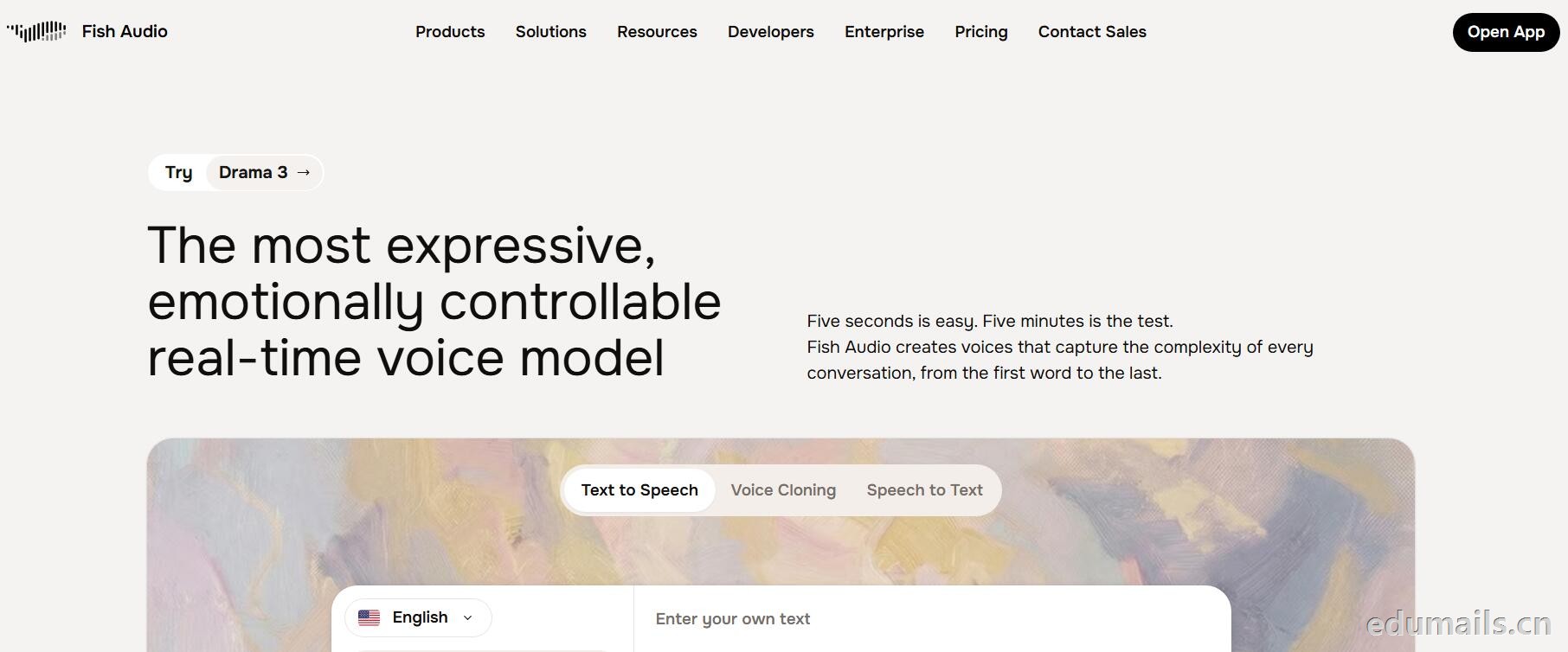
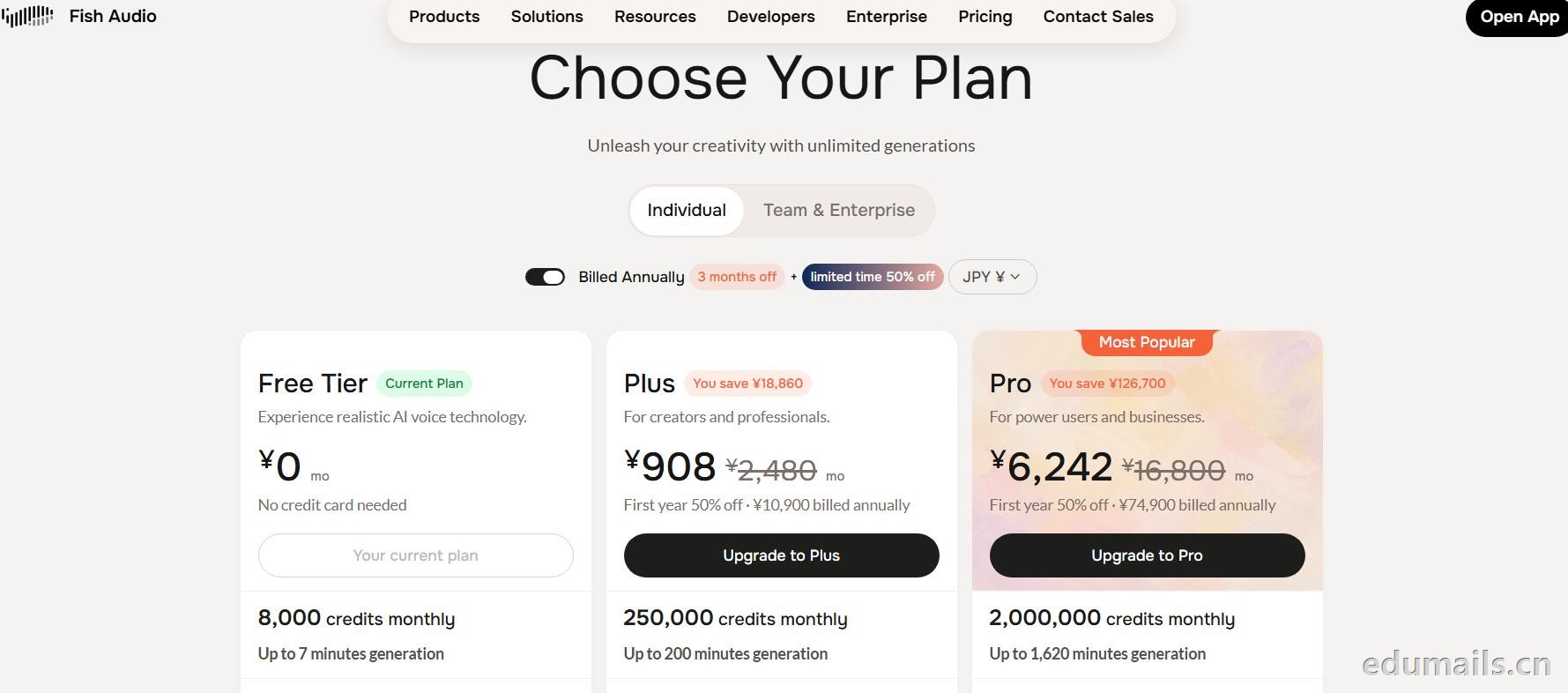
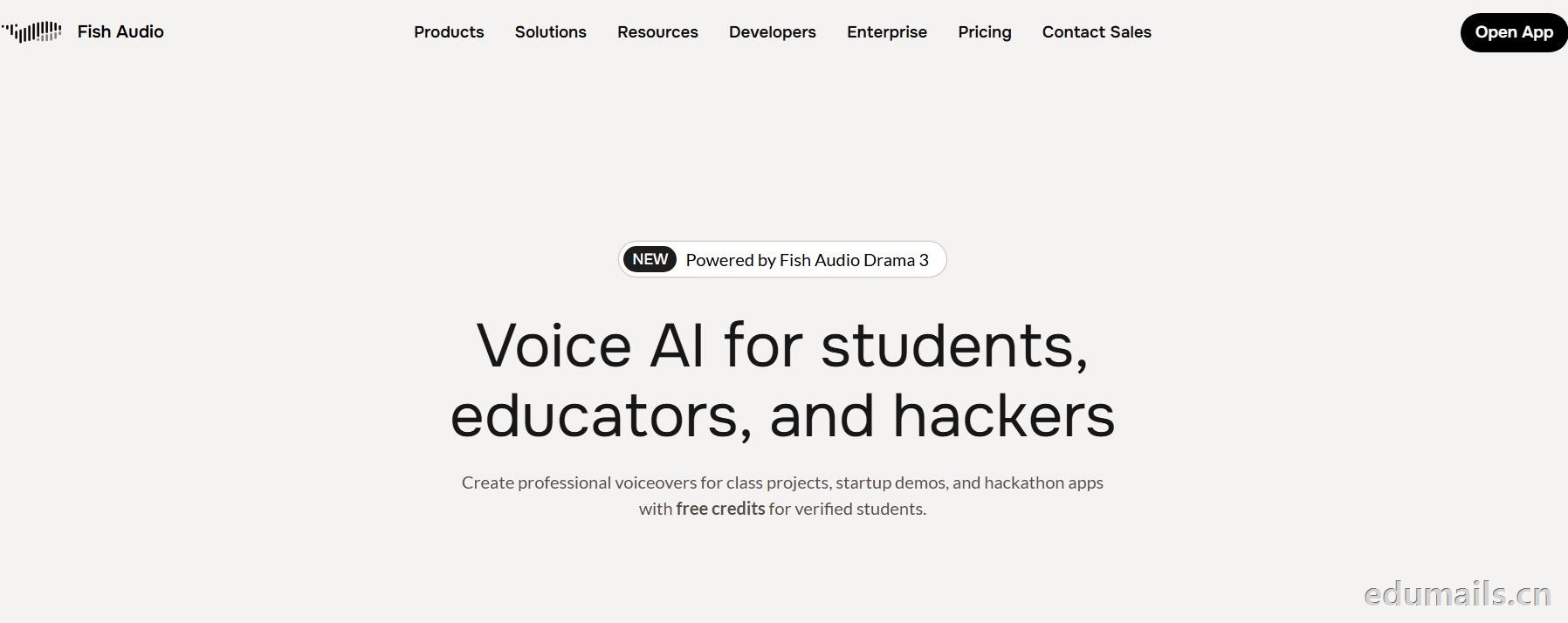 英文领取链接:https://fish.audio/app/claim/students/
中文领取链接: https://fish.audio/zh-CN/app/claim/students/
官方积分赠送:https://fish.audio/?fpr=edu 点击后即可获取1W积分
用 .edu 学生邮箱认证,领“免费积分”,做课堂/黑客松/毕设/校园项目配音和声音克隆,但不能商用。学生、教育工作者、黑客松选手都算目标人群。
免费积分(数额不公开,叫“generous credits”)可用全部语音模型、TTS、声音克隆(10 秒录音复刻音色)支持多语言(页面写 8 种/83 种说法不一,以账号内为准),含 完整 API 权限(接代码、做 Demo、黑客松 App 都能用),可申请当“校园大使”:每月额外积分 + 抢先体验新功能。
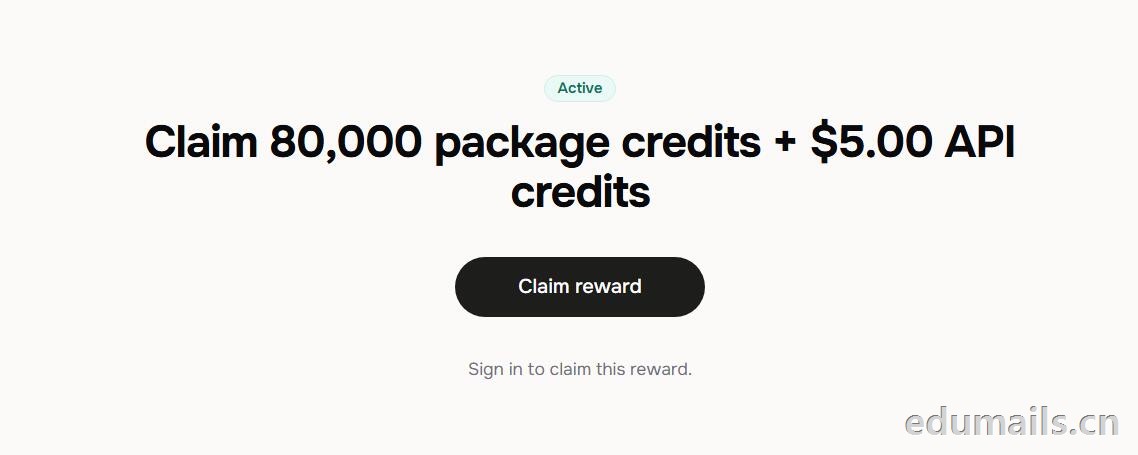 根据本站测试:额度为Claim 80,000 package credits + $5.00 API credits 领取 80,000套餐积分+$5.00 API 积分
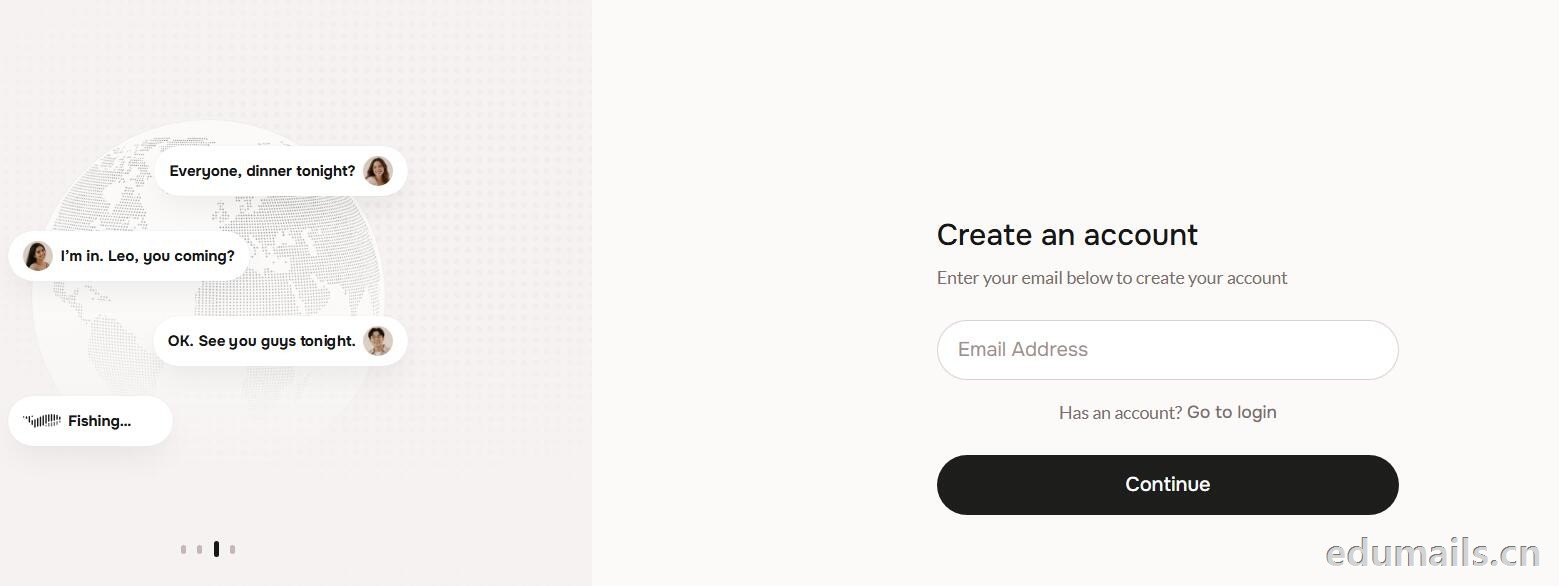
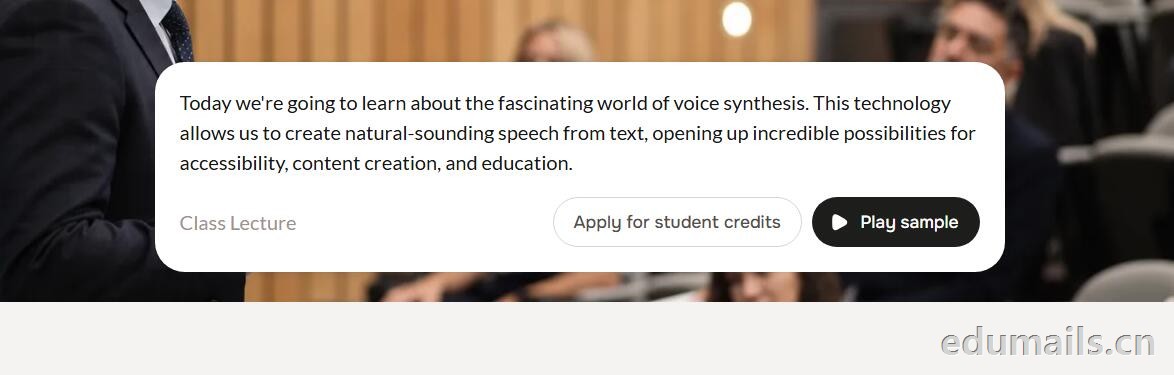 提示创建账户:https://fish.audio/auth/signup/ 我们直接用edumailshop.com的美国edu邮箱进行注册演示。通过官方积分赠送活动:https://fish.audio/?fpr=edu 点击后即可获取1W积分.
Ps:我们如果在其他地方购买美国edu邮箱,一定要问是否为正规的,因为很多邮箱都是盗用的扫号来的,无法修改密保,也无法保证邮箱使用时间,所以我们不要贪图便利在某鱼购买。
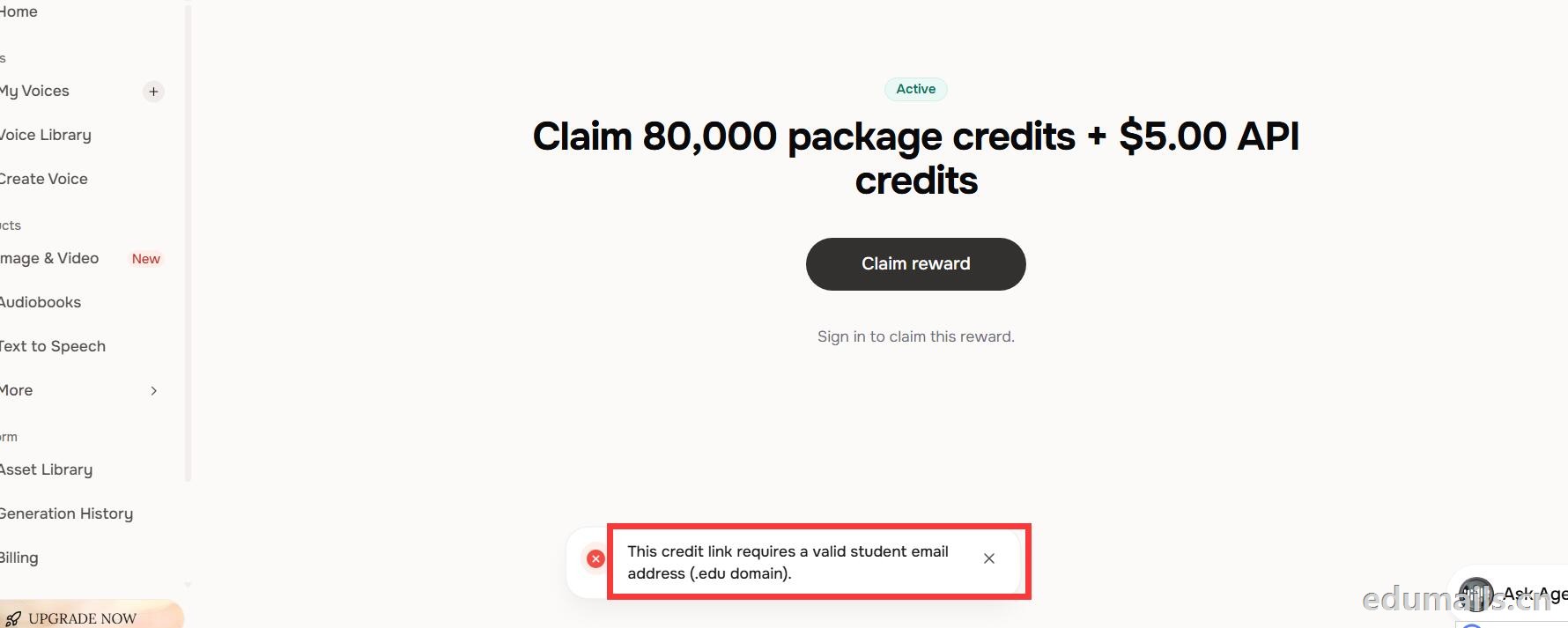 我们查看团队设置https://fish.audio/zh-CN/app/team/?tab=usage 里面是没有领取80,000积分的赠送额度。只有赠送的8000额度。
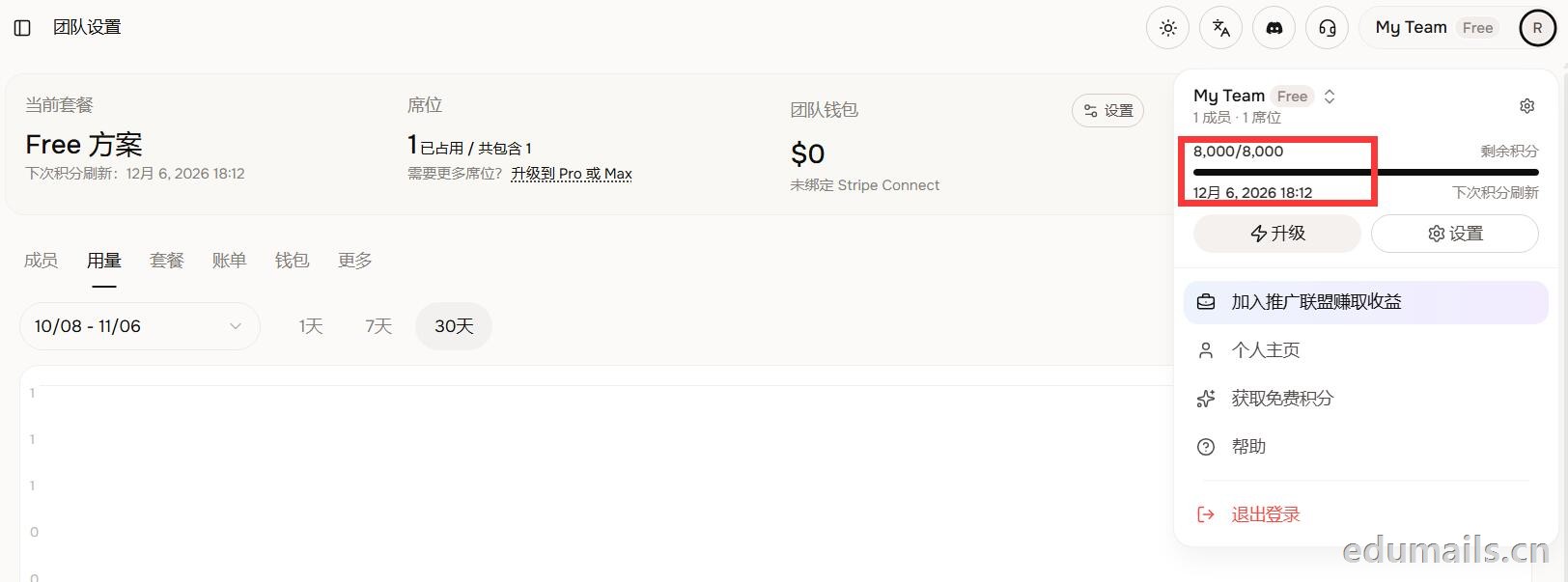 (失败)余额仍卡在8,000/8,000,无任何入账流水,只拿到普通免费版基础额度,属于典型的认证或链接未生效。
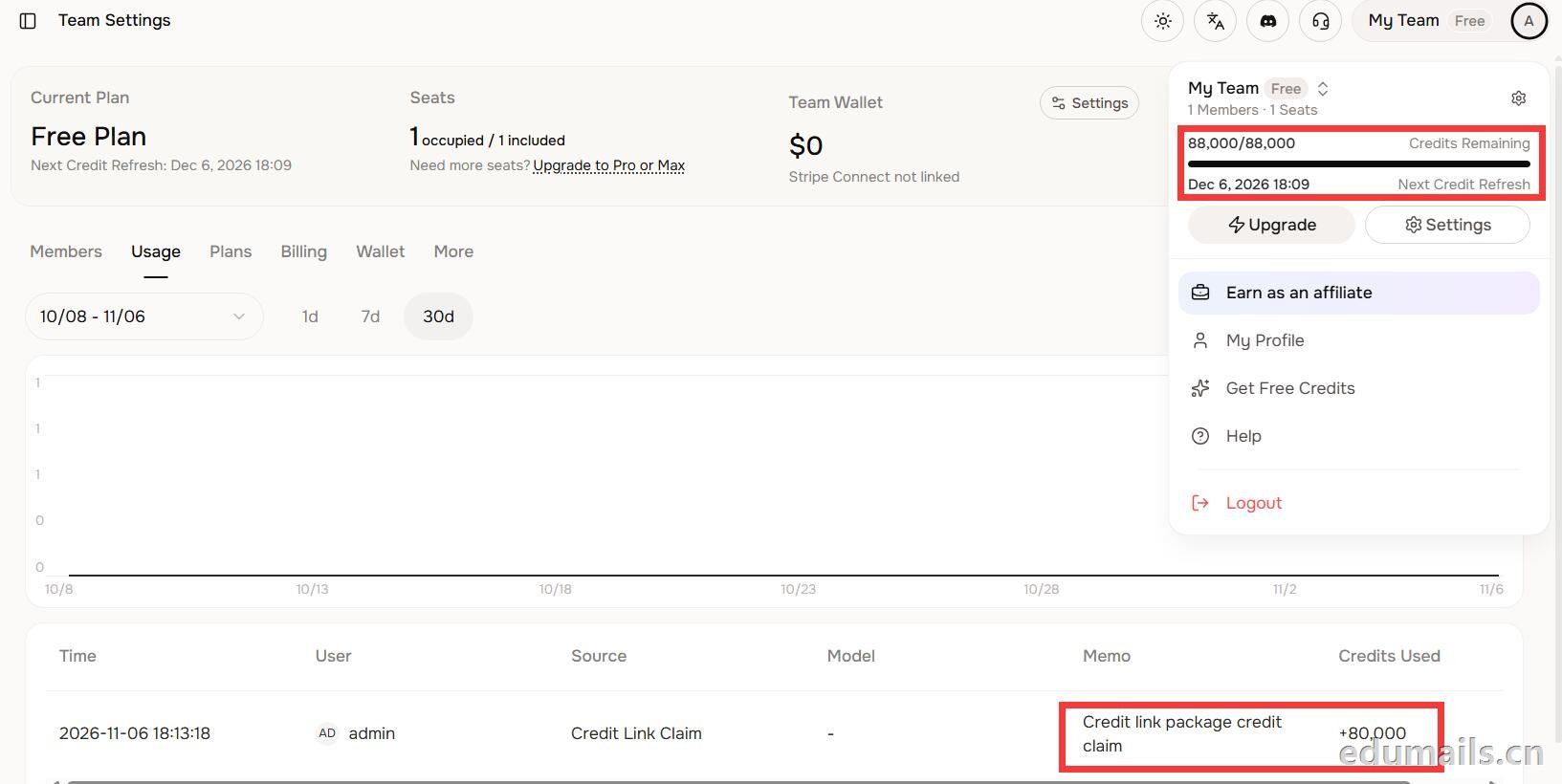 后台显示余额88,000/88,000,下方流水明确记录“Credit link package credit claim +80,000”,说明在基础免费额度(8,000)外,成功白嫖了8万教育包积分,这正好印证了上一轮说的“额外大额积分”,下次刷新在12月6日。

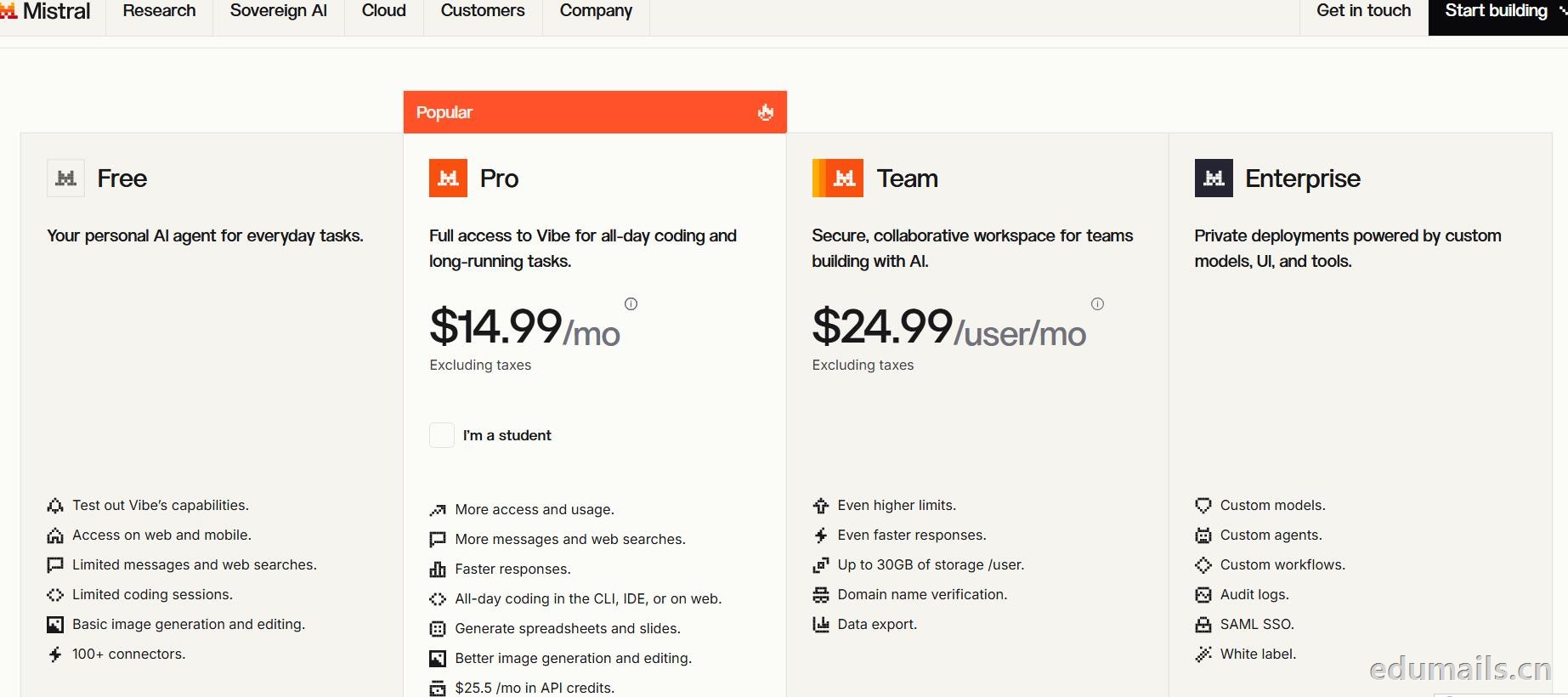
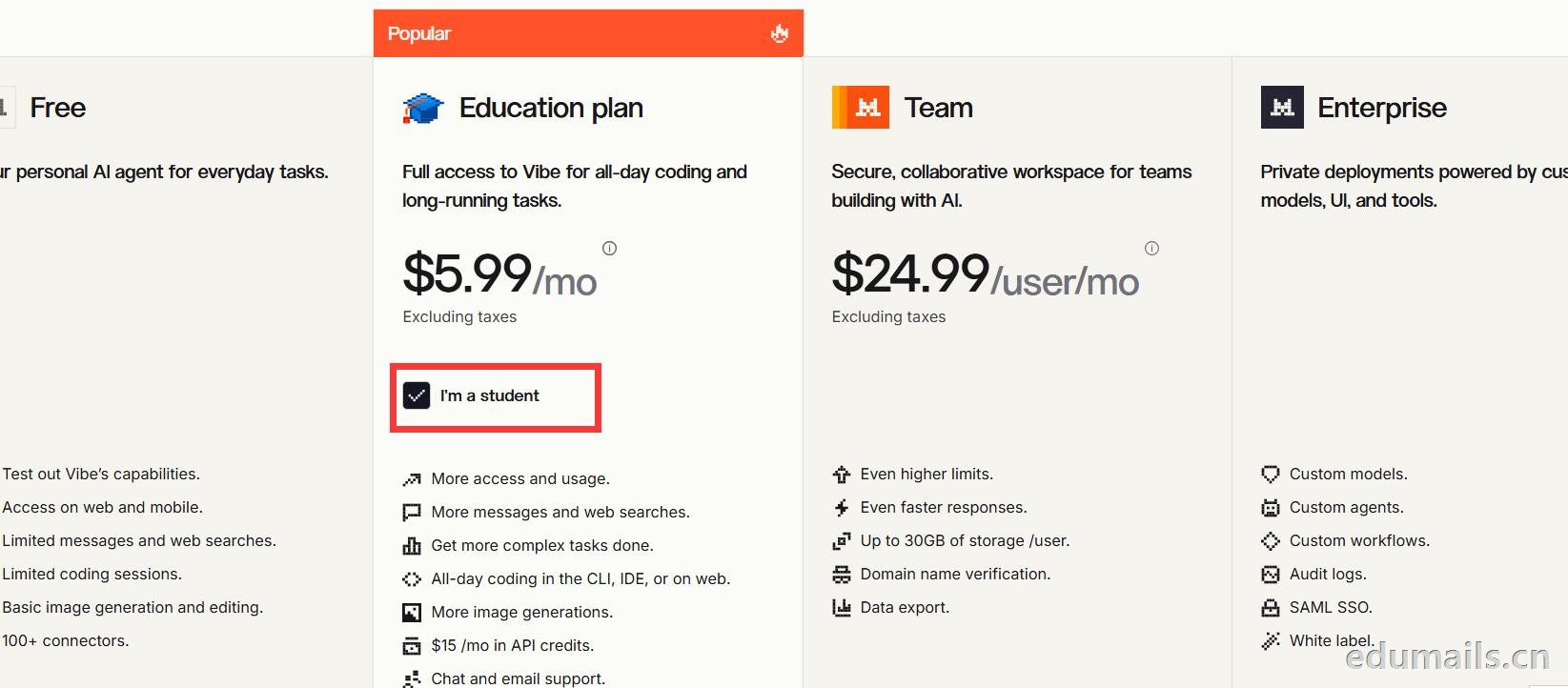 Mistral 的 Education 计划并不是一套独立套餐,而是面向符合条件的学生与教师提供的 Pro 折扣版本。获得优惠的唯一凭证,是由教育机构签发的机构邮箱;Gmail、iCloud、Outlook 等个人或通用域名邮箱无法通过核验,学生证、在读证明、确认信等书面材料也明确不被接受,不能作为替代。
订阅入口位于价格页的「I'm a student」按钮,也可直接打开 Education 计划页面完成流程:既可以用机构邮箱注册一个全新的 Mistral 账号,也可以在已有账号中先把绑定邮箱改为机构邮箱再订阅。
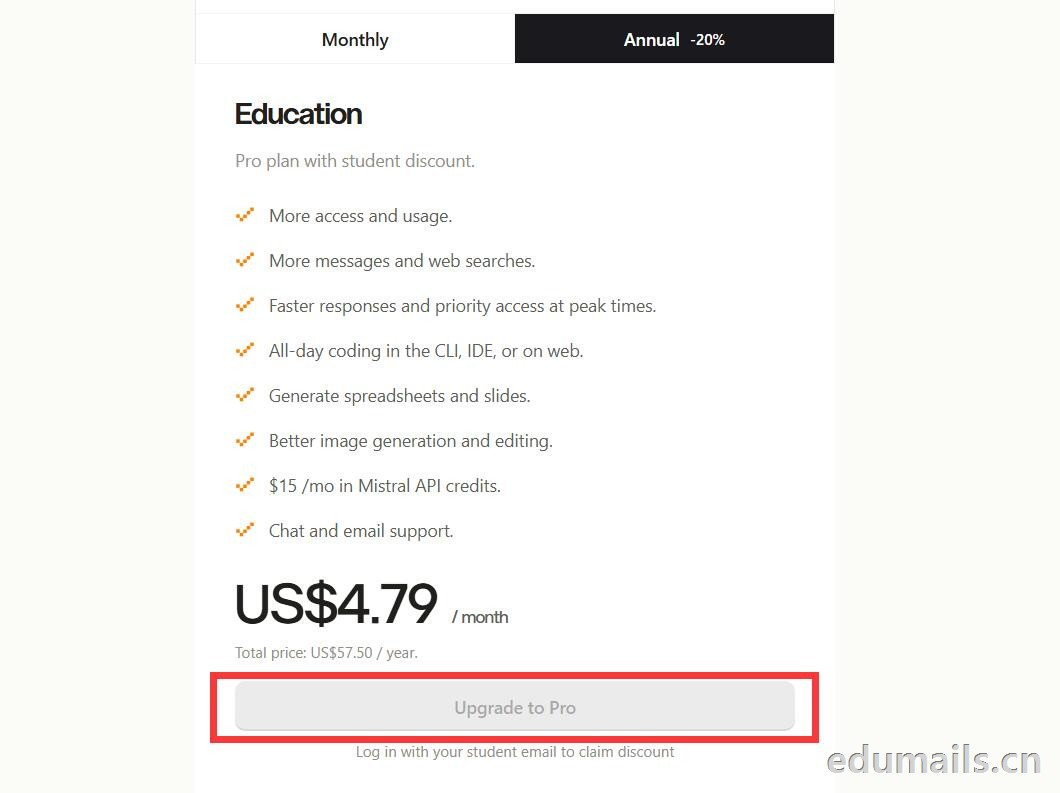
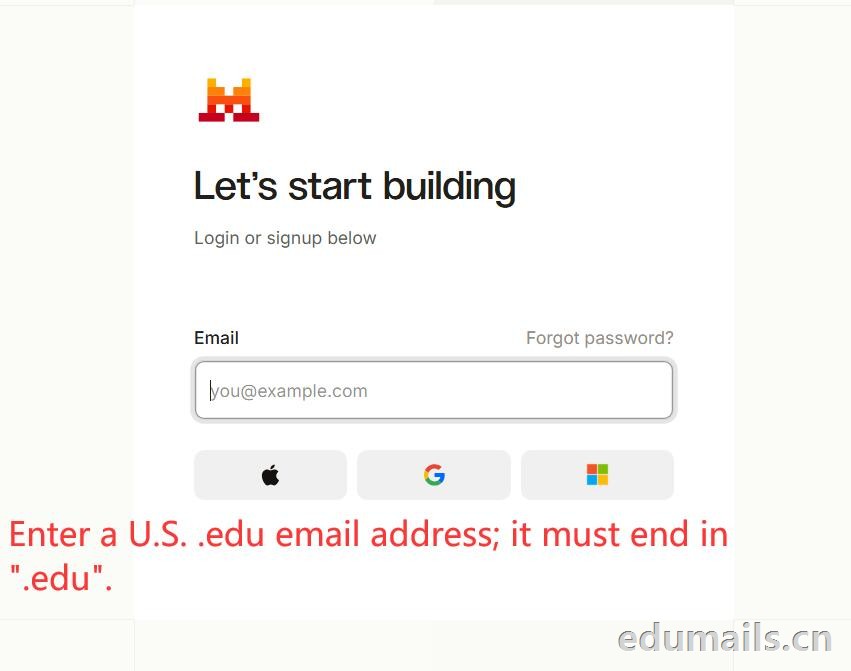 如果我们的邮箱地址不符合官方学术资格要求,我们点击Upgrade to Pro 是无法点击,为灰色显示。
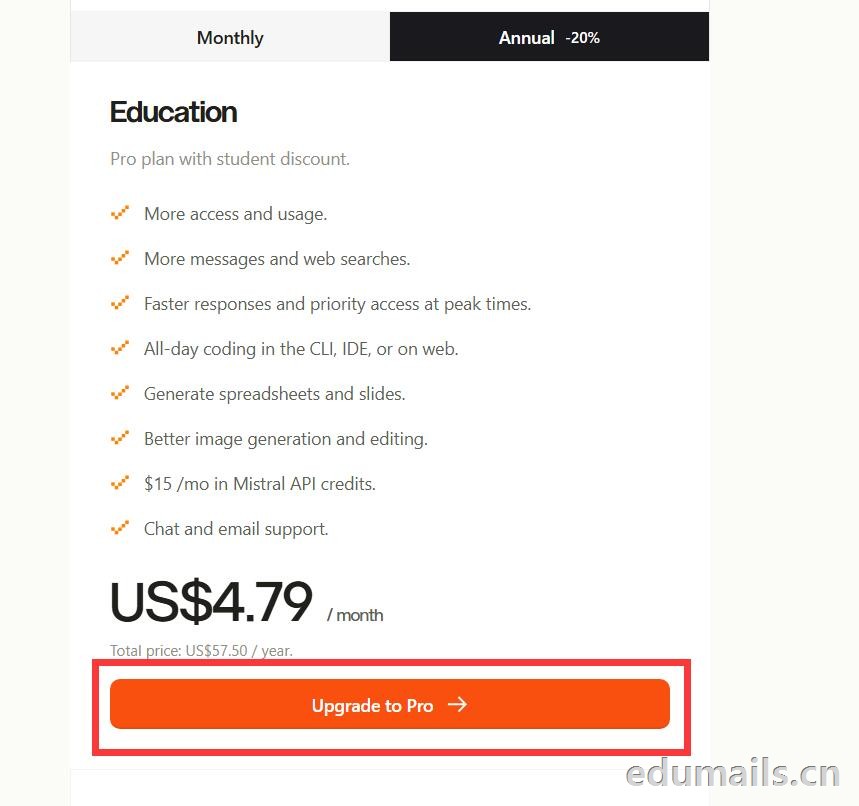
 如果我们的邮箱地址符合官方学术资格要求,我们点击Upgrade to Pro 是高亮黄色显示,是可以继续点击下一步。
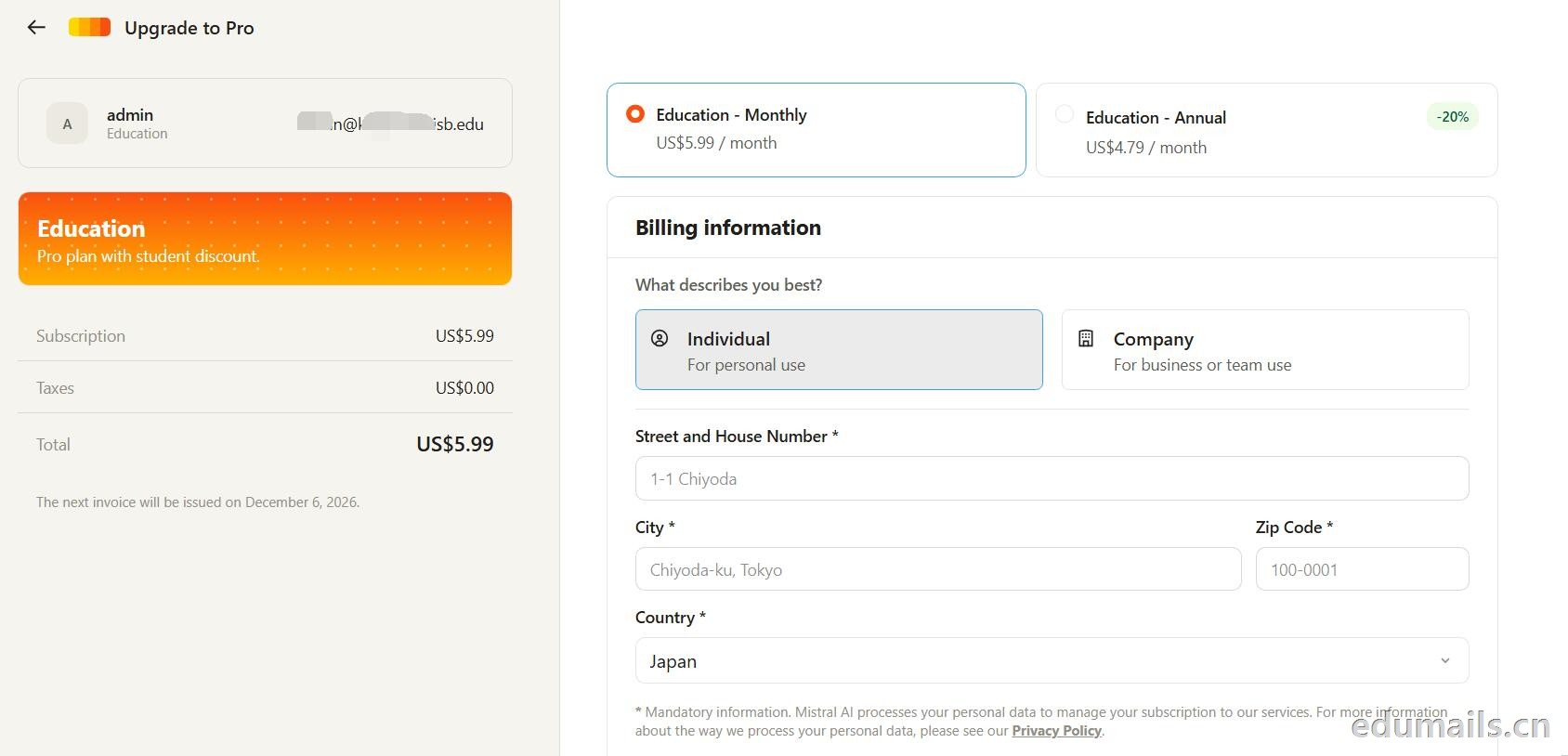 走到支付这一步,教育优惠的折扣感最直观:界面左侧会明确打出“Pro plan with student discount”,只要绑定了
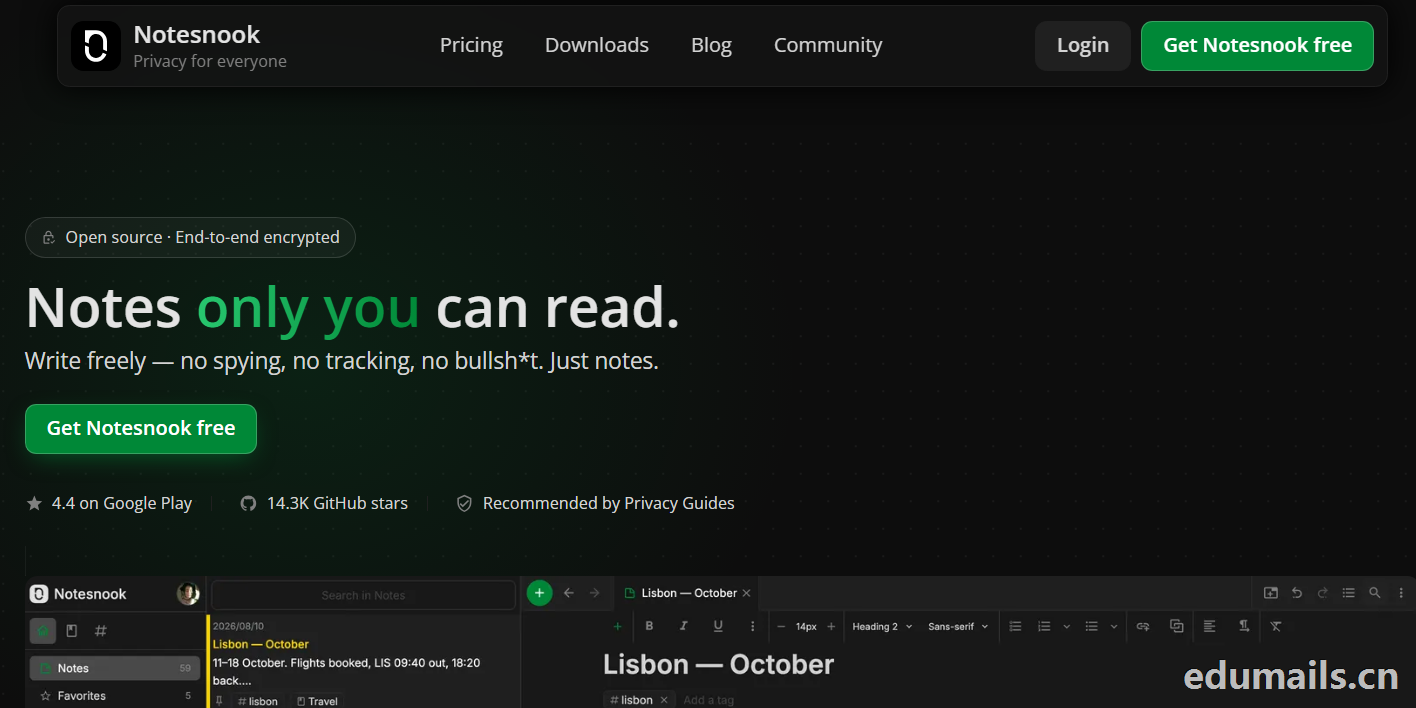


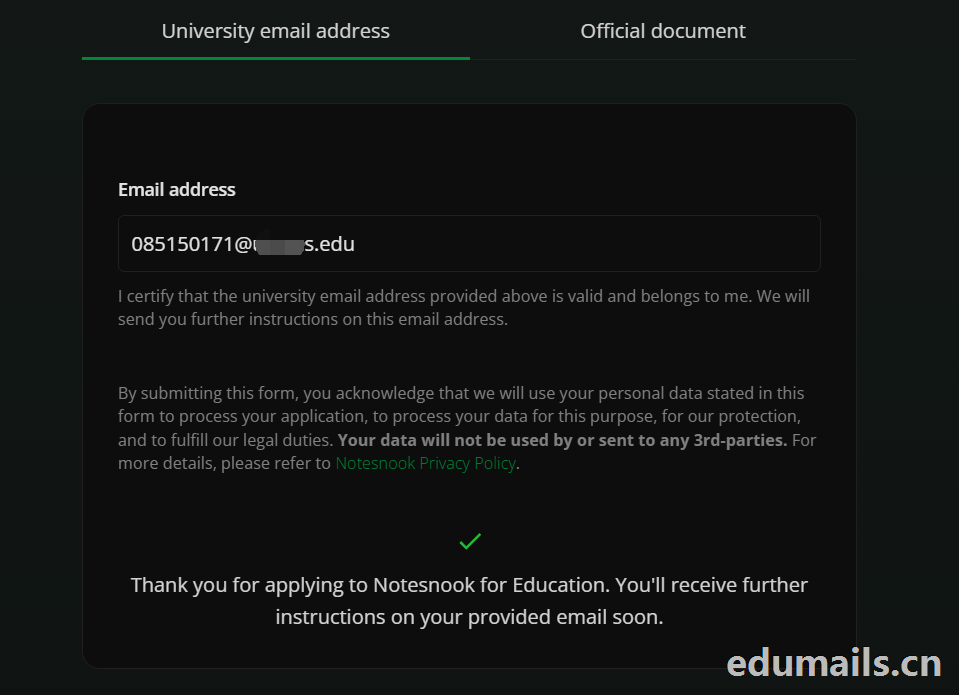 Thank you for applying to Notesnook for Education. You'll receive further instructions on your provided email soon.
如果我们的美国edu邮箱符合秒过要求,则如上图展示效果:感谢您申请 Notesnook 教育版。您很快就会在所提供的邮箱中收到后续指引。
我们打开edu邮箱提示收到
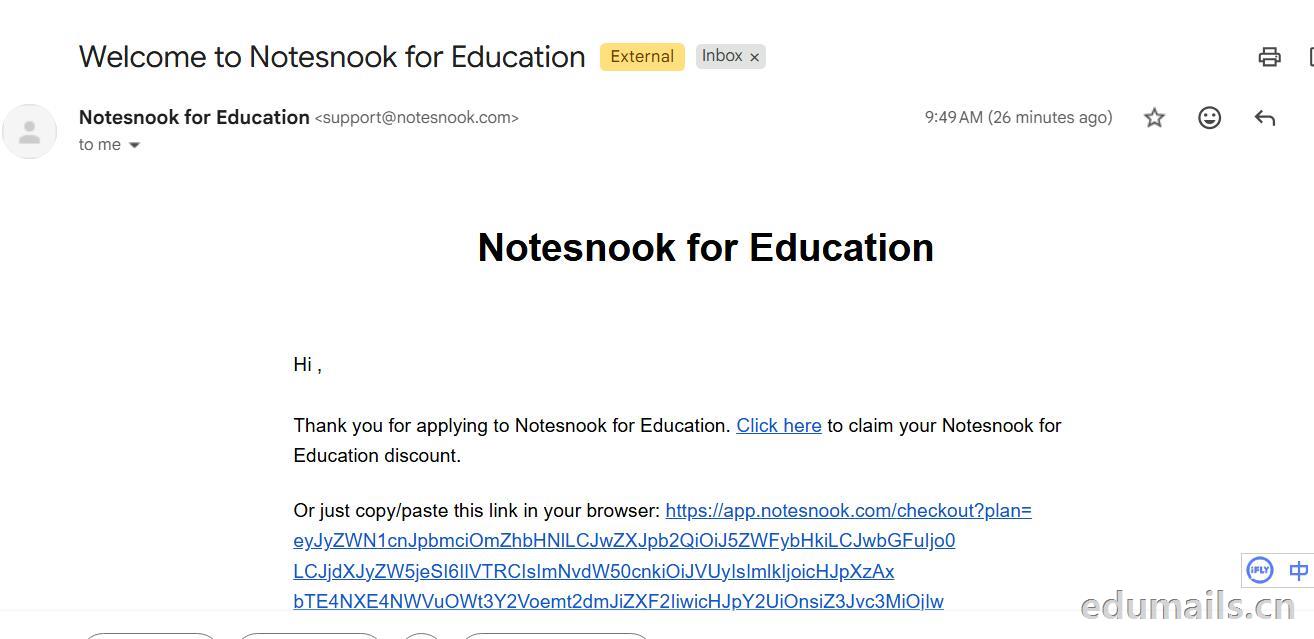 Thank you for applying to Notesnook for Education. Click here to claim your Notesnook for Education discount. 感谢您申请 Notesnook 教育版。点击此处领取您的 Notesnook 教育版折扣。

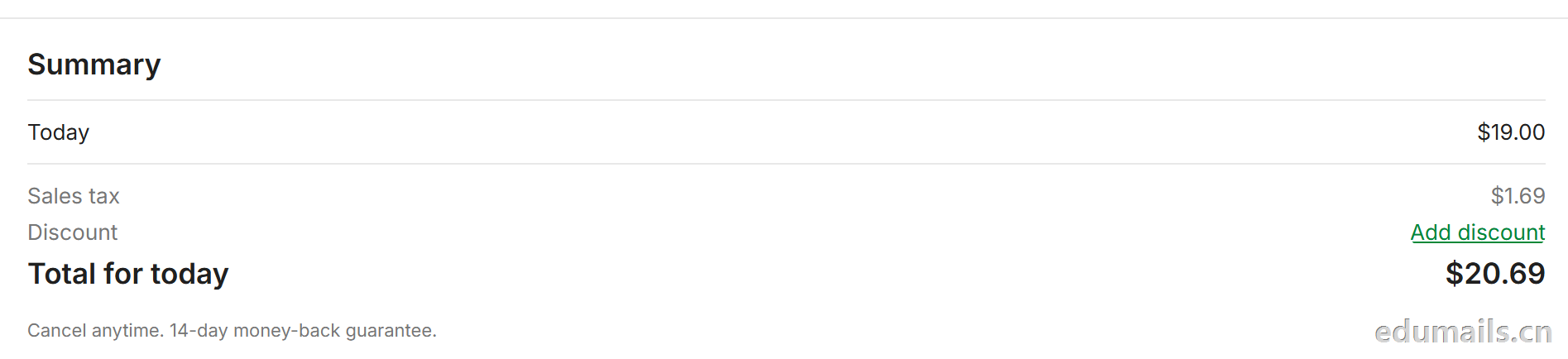 我们看到价格是20美金,官方支持paypal、信用卡支付,如果没有支付方式可以找代付解决。

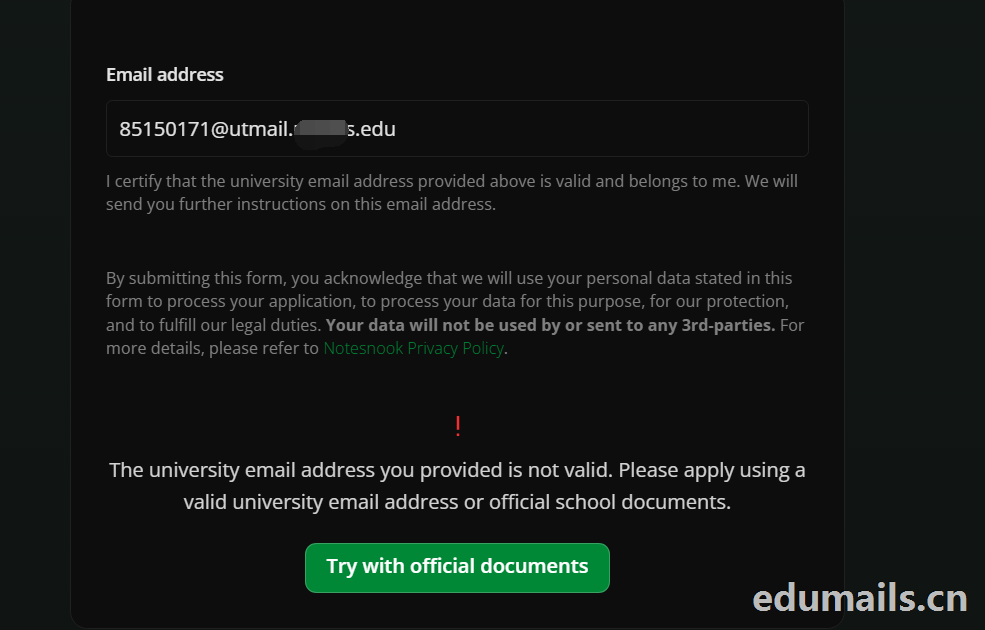 The university email address you provided is not valid. Please apply using a valid university email address or official school documents.
您提供的大学电子邮箱地址无效。请使用有效的大学电子邮箱地址或学校官方文件进行申请。我们点击Try with official documents,按照要求提供相关学校官方文件即可通过。
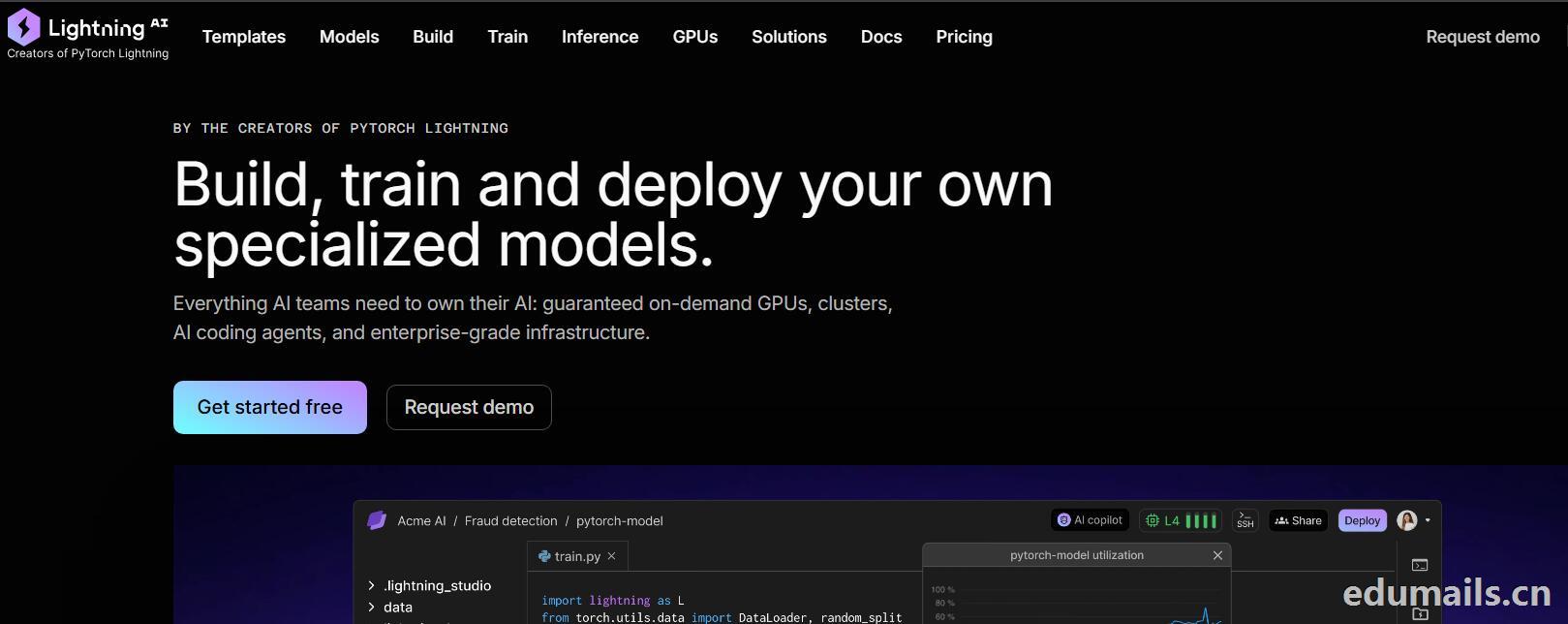

 我们再接着点击Choose Pro,弹出教育资格注册认证页面:如下图所示:Use a work or .edu email for faster verification,使用工作邮箱或 .edu 邮箱以加快验证速度,要求我们必须使用美国.edu结尾邮箱进行注册。
 我们的美国edu邮箱会收到来自no-reply@lightning.ai发送标题为“Confirm your email to finish creating your Lightning AI account”的邮箱验证邮件:
 我们点击完成认证,再次回到价格页面,点击学术价格,弹出如下图所示:
 Select organization to upgrade 我们默认选择即可,提示Upgrade to Academic,会弹出学术价格内容:
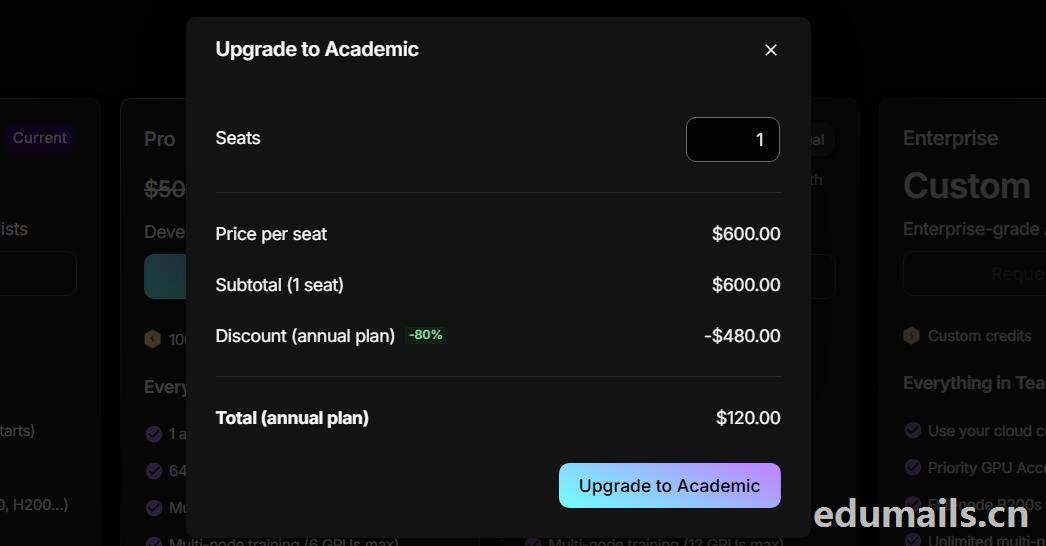 席位(Seats):1 个,每席位原价:$600.00/年,小计(1 个席位):$600.00,年付折扣:-80%,减免 $480.00
最终年付总价:$120.00
最后我们点击:Upgrade to Academic
也就是:学术版 Pro 年付原价 $600,打 2 折后 $120/年,折合 $10/月。需要用学术邮箱/学术身份开通。

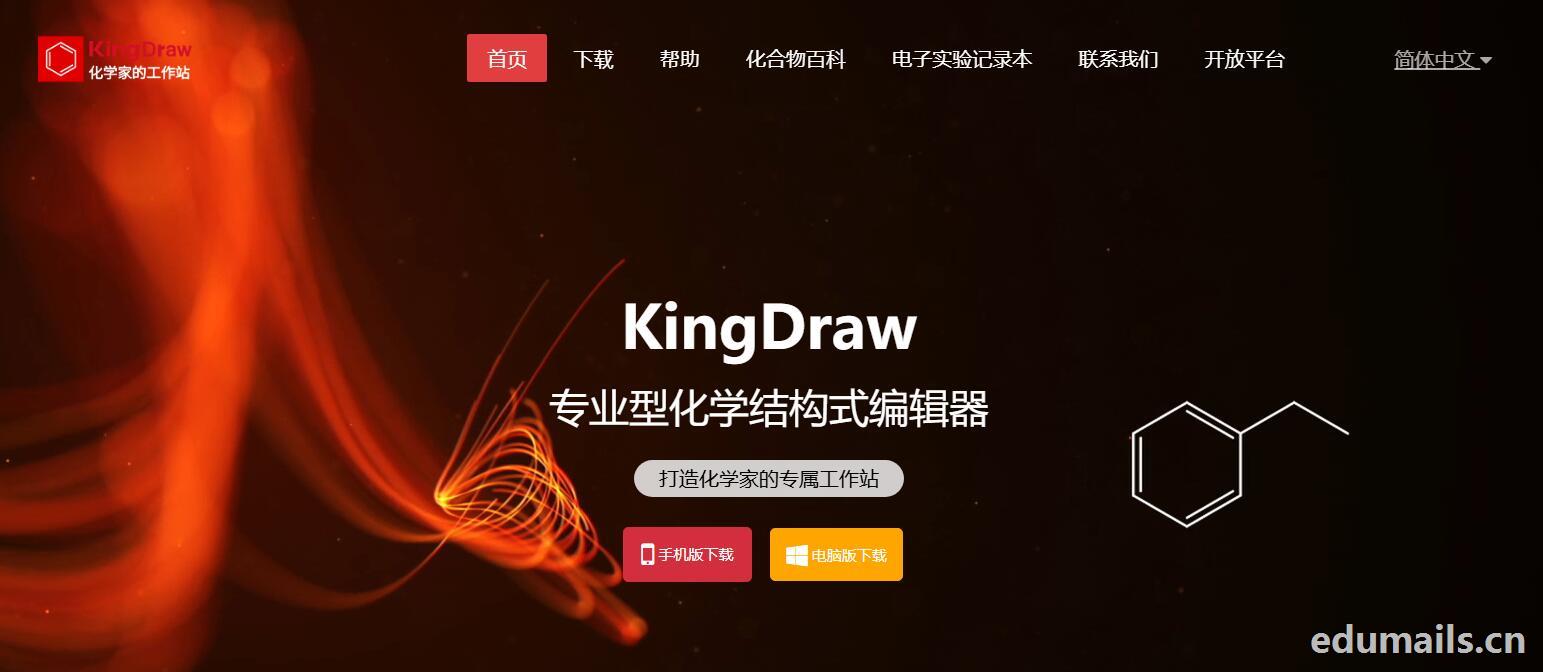
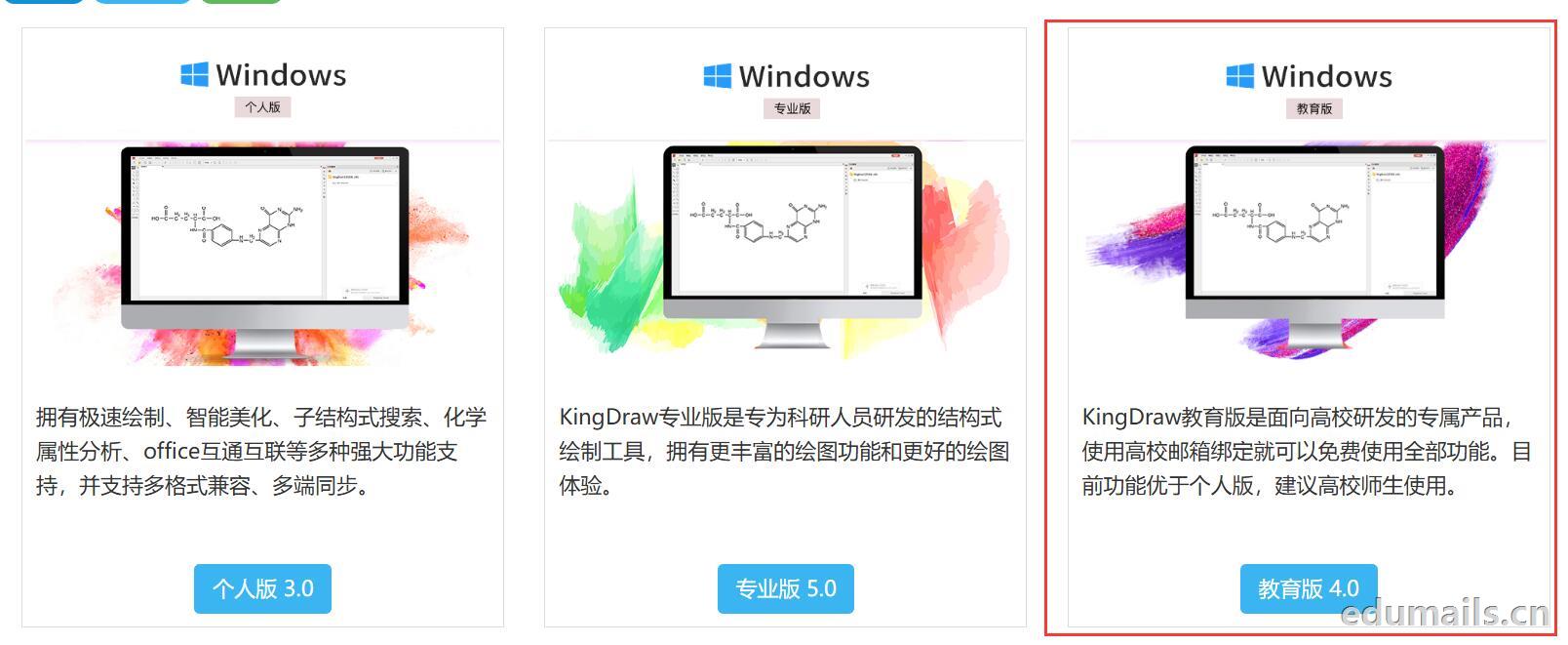 我们下载安装完成KingDraw教育版后,点击登陆提示如下图,我们选择邮箱方式注册,在这里我们可以用任何邮箱注册KingDraw账户。
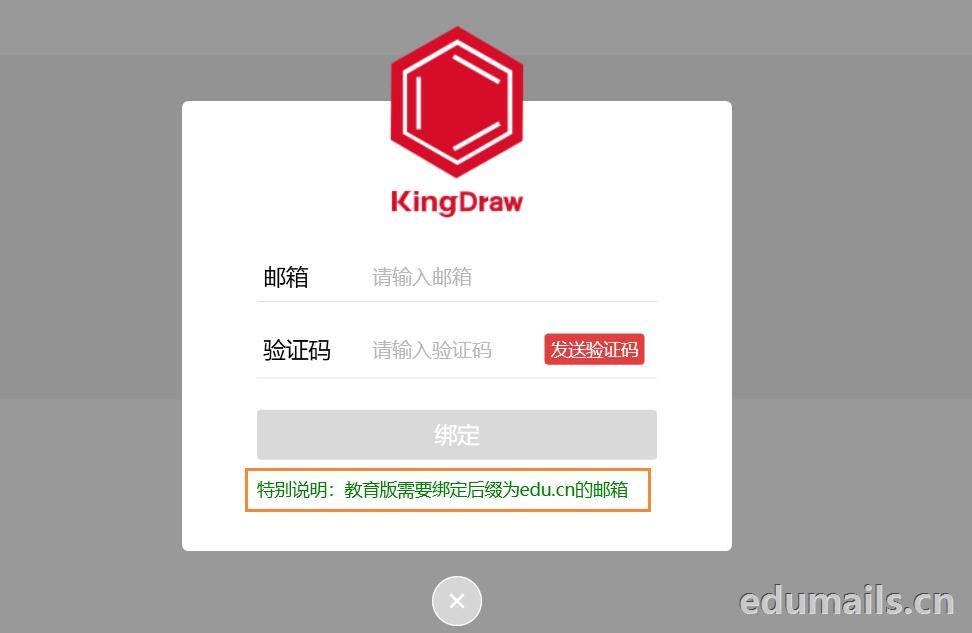
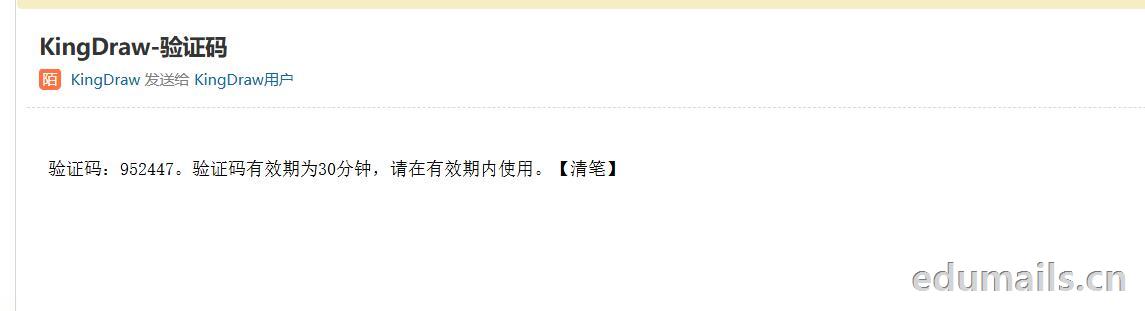
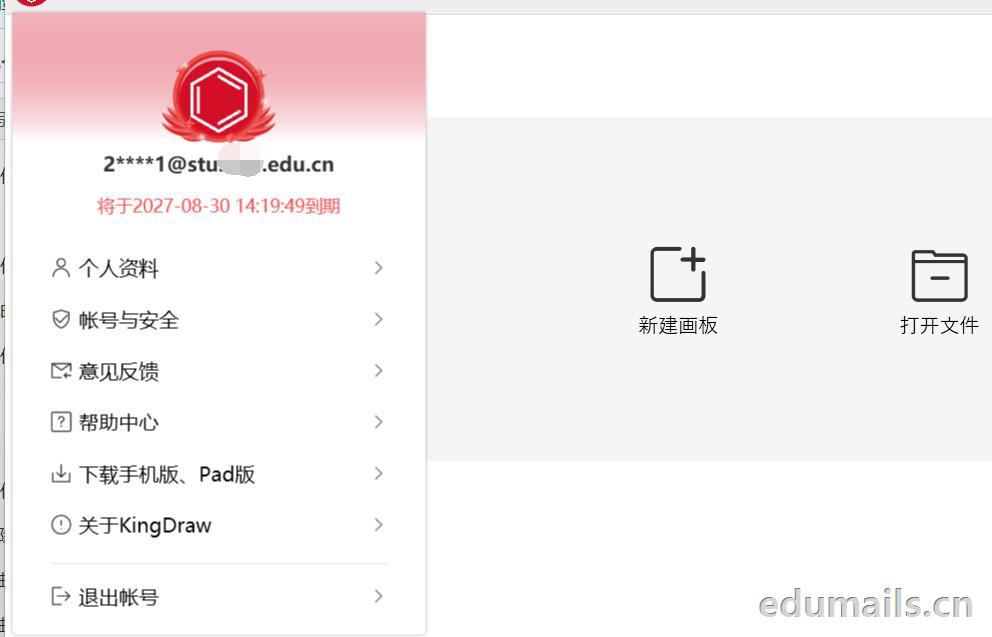
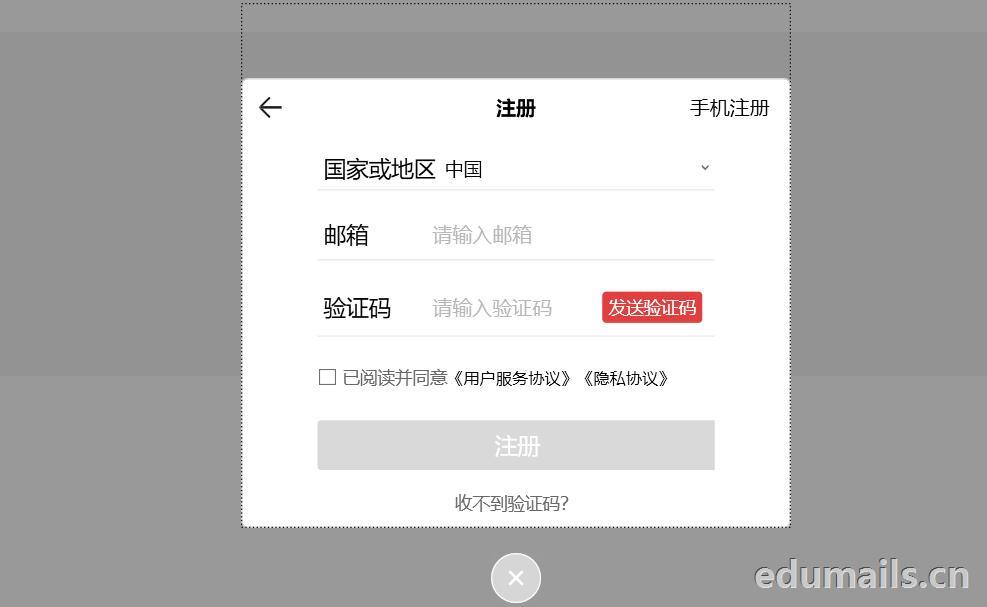 我们用任意邮箱注册完KingDraw账户后,提示绑定educn邮箱,我们可以用代收服务进行educn代收邮件认证。
 https://www.edumails.cn/chemdraw.html

 ZH
 EN